Read the statement by Michael Teeuw here.
MMM-GoogleAssistant not running
-
-
@wirdman no. the raspotify system extension
https://pimylifeup.com/raspberry-pi-spotify/it is outside mm
it is required to play Spotify on pi. with or without mm -
@sdetweil oh no i didn t know i gonna do that
-
if you want to use MMM-Spotify:
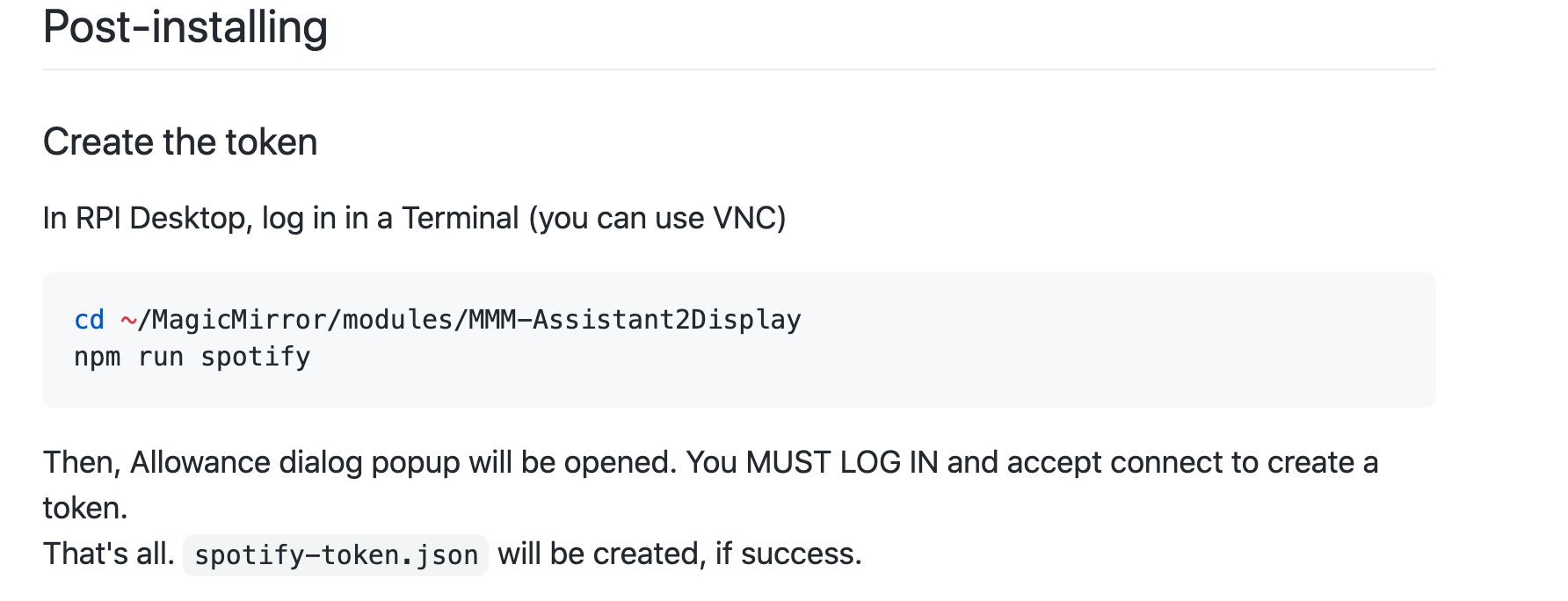
npm run spotifystep is not needed (only if you want visual)
npm run librespotis needed only if you want to listen music in mirrorspotify A2D config should be :
spotify: {
  useSpotify: true, // because you use and love this sub-module
  useIntegred: false, // if you use MMM-Spotify
  useLibrespot: true, // if you use librespot
  connectTo: "A2D", // set your device name to librespot
  username: "MyUsername", // Spotify username for librespot
  password: "MyPassword, // Spotify password for librespot
}
better it’s clear with that ;)
-
I also have a problem, I installed everything according to the documentation and it was done correctly, but when I run the application an error appears and the screen goes black. I need help please, thanks.


-
It’s meens that snowboy module is not builded correctly
I think when you did
npm installyou should have some errors, right ?
or maybe you did have no error but you try to do annpm fixcommandwhat OS do you use ?
-
@Bugsounet this post
https://forum.magicmirror.builders/topic/13383/mmm-googleassistant-doesn-t-runsays running Ubuntu, and note that mm is in a subfolder from the users home folder
/home/mauro/Escritorio/MagicMirrorone error posted shows
cannot find module ./lib/node/index.js error -
I have some know issue with ubuntu
Snowboy don’t want to build
I have not ubuntu installed to debug it but maybe some package is missing ?
If someone have a working version in ubuntu, simply contact me for updating script/dependenciesin all case, It’s ouside the requirement of GA (for this moment)
-
@sdetweil said in MMM-GoogleAssistant not running:
cannot find module ./lib/node/index.js error
it’s meens
node_modules/@bugsounet/snowboy/lib/node/index.jsdon’t exist so ? -
you can use free VMware player to create a single virtual machine of some other os.
download the os iso boot disk image, and use VMware player to launch it -
humm, yes, I have virtualbox installed on my debian machine, i will try
-
@Bugsounet or on windows as host machine
-
I’m not an windows user ;(
-
@Bugsounet not a problem. just adding for others, don’t need a Linux host to make a Virtual Machine
-
I’m making you walk;) I’m installing it!
-
@Bugsounet lol. only the drugs ‘make’ me walk!! another month doc says, will feel mostly better!
-
mouahahah ;)
I think it will not be long too me!
Hello! It looks like you're interested in this conversation, but you don't have an account yet.
Getting fed up of having to scroll through the same posts each visit? When you register for an account, you'll always come back to exactly where you were before, and choose to be notified of new replies (either via email, or push notification). You'll also be able to save bookmarks and upvote posts to show your appreciation to other community members.
With your input, this post could be even better 💗
Register Login