MagicMirror Forum
    • Recent
    • Tags
    • Unsolved
    • Solved
    • MagicMirror² Repository
    • Documentation
    • 3rd-Party-Modules
    • Donate
    • Discord
    • Register
    • Login
    A New Chapter for MagicMirror: The Community Takes the Lead
    Read the statement by Michael Teeuw here.

    installation of modules

    Scheduled Pinned Locked Moved Solved Troubleshooting
    20 Posts 3 Posters 4.2k Views 3 Watching
    Loading More Posts
    • Oldest to Newest
    • Newest to Oldest
    • Most Votes
    Reply
    • Reply as topic
    Log in to reply
    This topic has been deleted. Only users with topic management privileges can see it.
    • BKeyportB Offline
      BKeyport Module Developer @sdetweil
      last edited by

      @sdetweil indeed it does that, but I believe this may be the wrong approach.

      No matter what, MM should start, IMO. In the case of config error, could we get an error screen like above, except for have it show the output of config checker?

      This would help in server/client environments like mine, or PM2 or any number of scenarios where the logs may not be in the right spot.

      The "E" in "Javascript" stands for "Easy"

      S 1 Reply Last reply Reply Quote 0
      • S Do not disturb
        sdetweil @BKeyport
        last edited by sdetweil

        @BKeyport we decided that starting with the wrong config is not helpful,

        and best practice says you would use manual start, after making changes, to validate the change, before restarting w pm2

        Sam

        How to add modules

        learning how to use browser developers window for css changes

        S 1 Reply Last reply Reply Quote 0
        • S Do not disturb
          sdetweil @sdetweil
          last edited by

          @BKeyport unfortunately because the config is broken, we cannot use any ok it

          Sam

          How to add modules

          learning how to use browser developers window for css changes

          1 Reply Last reply Reply Quote 0
          • P Offline
            pat59
            last edited by

            Good morning
            I don’t really understand what I should do?

            S 1 Reply Last reply Reply Quote 0
            • S Do not disturb
              sdetweil @pat59
              last edited by

              @pat59
              cd ~/MagicMirror
              npm run config:check

              find the line number and look at the lines of config.js
              around there for the error

              Sam

              How to add modules

              learning how to use browser developers window for css changes

              1 Reply Last reply Reply Quote 0
              • P Offline
                pat59
                last edited by

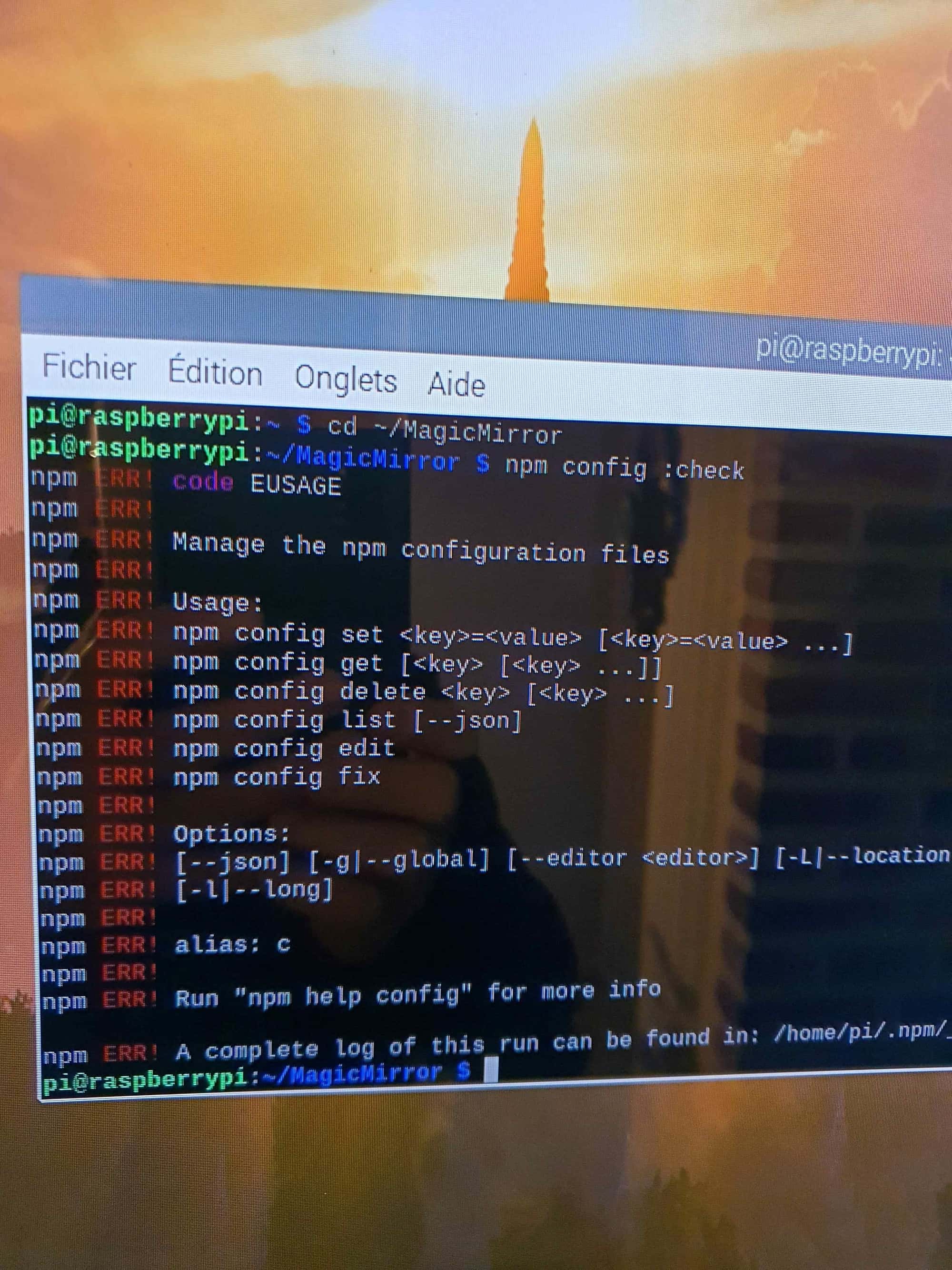
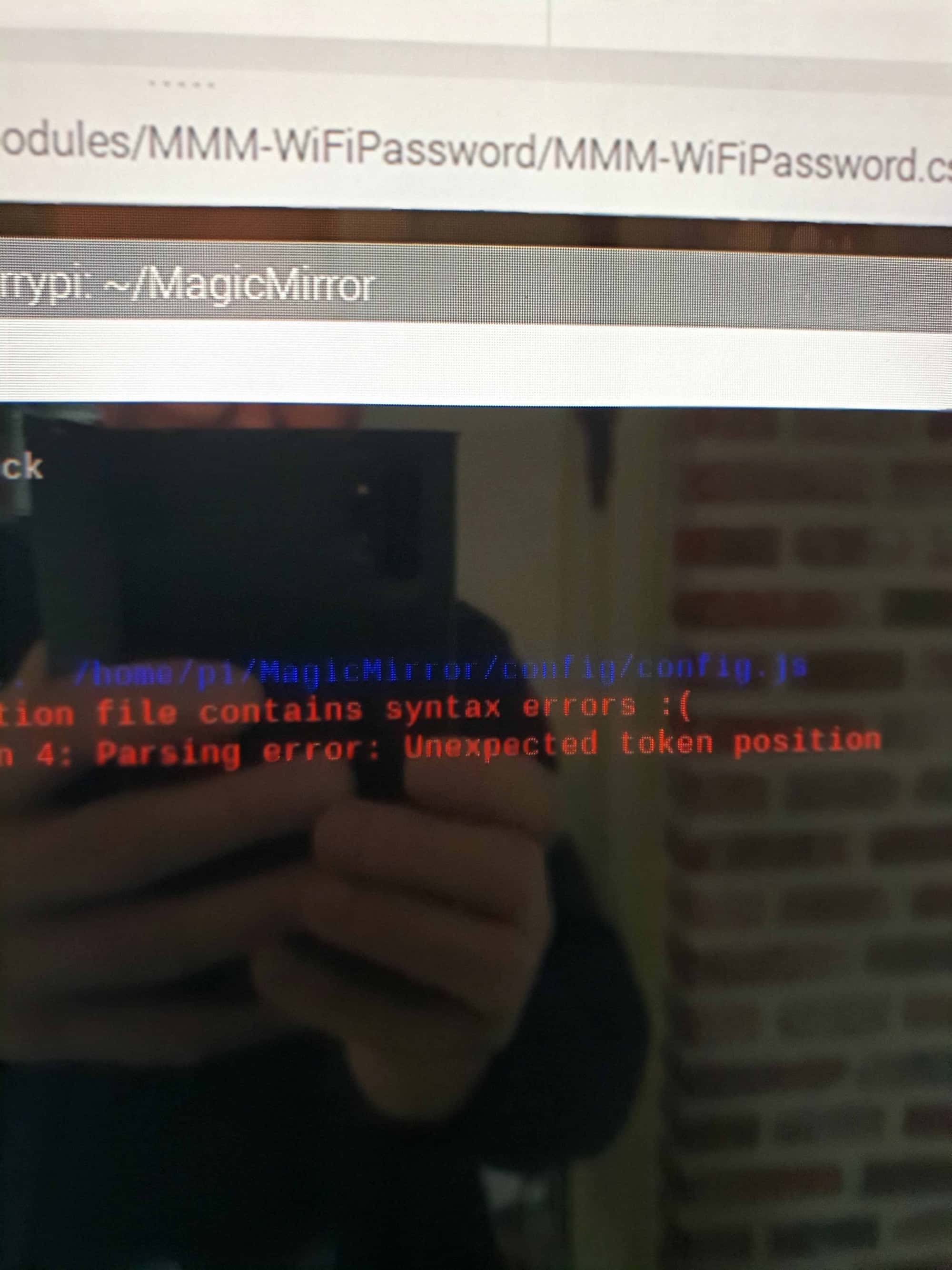
                thank you, this is what it gives cordially
                20250211_073515.jpg 20250211_073504.jpg

                S 1 Reply Last reply Reply Quote 0
                • S Do not disturb
                  sdetweil @pat59
                  last edited by

                  @pat59 youve got a space between config and check

                  config:check

                  in package.json script section are all the npm commands MagicMirror suppports

                  Sam

                  How to add modules

                  learning how to use browser developers window for css changes

                  1 Reply Last reply Reply Quote 0
                  • P Offline
                    pat59
                    last edited by

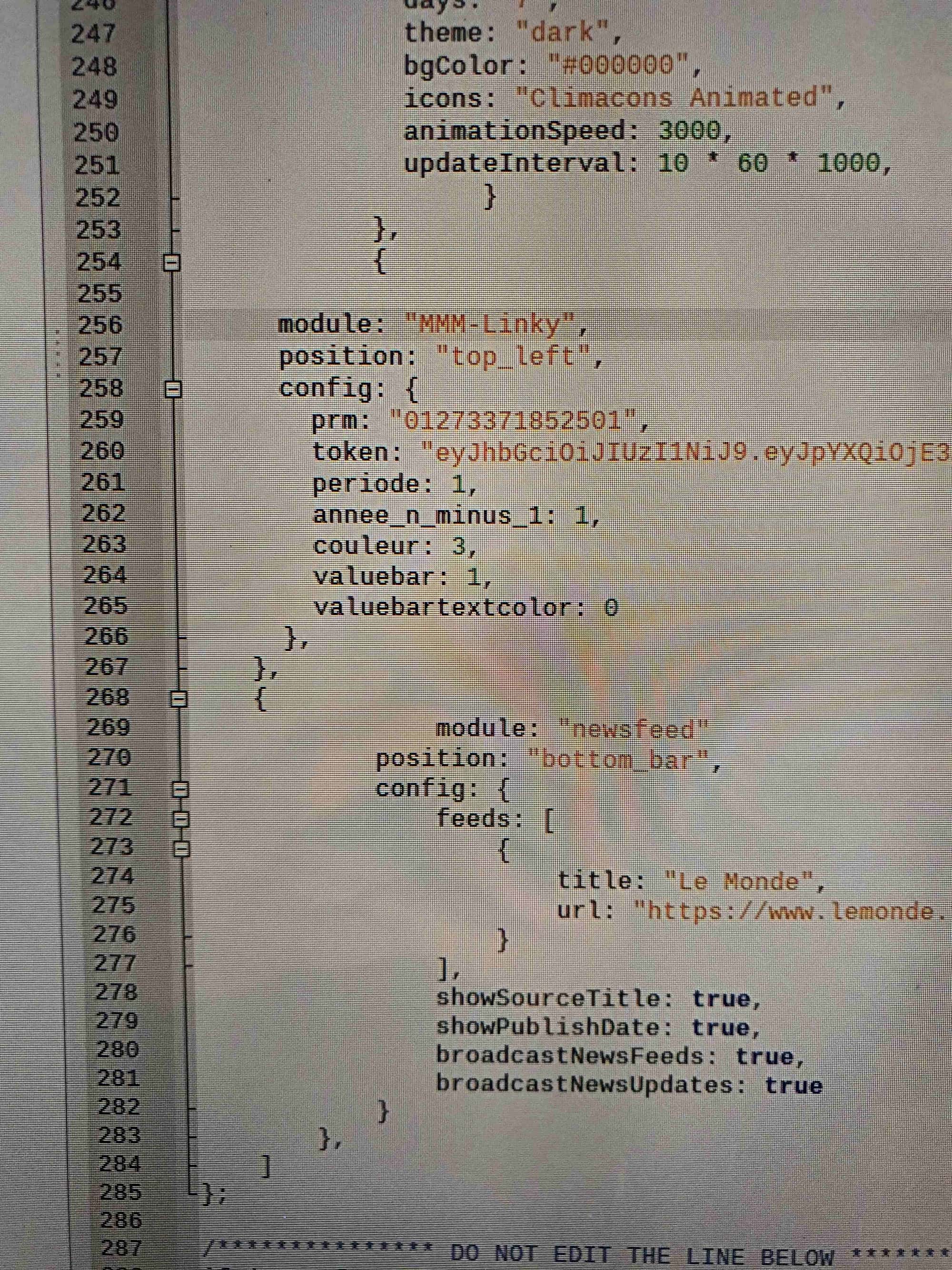
                    merci if I understand I have to look at line 270 and a syntax error20250211_163840.jpg image.jpg

                    S 1 Reply Last reply Reply Quote 0
                    • S Do not disturb
                      sdetweil @pat59
                      last edited by

                      @pat59 correct, if you do all this over ssh instead of vnc you can copy the text, instead of screen shot. very hard to read

                      Sam

                      How to add modules

                      learning how to use browser developers window for css changes

                      1 Reply Last reply Reply Quote 0
                      • P Offline
                        pat59
                        last edited by

                        pi@raspberrypi:~ $ cd ~MagicMirror
                        bash: cd: ~MagicMirror: Aucun fichier ou dossier de ce type
                        pi@raspberrypi:~ $ cd ~/MagicMirror
                        pi@raspberrypi:~/MagicMirror $ npm run config:check

                        magicmirror@2.27.0 config:check
                        node js/check_config.js

                        [2025-02-11 17:59:29.192] [INFO] Checking file… /home/pi/MagicMirror/config/config.js
                        [2025-02-11 17:59:29.324] [ERROR] Your configuration file contains syntax errors :(
                        [2025-02-11 17:59:29.329] [ERROR] Line 270 column 4: Parsing error: Unexpected token position
                        pi@raspberrypi:~/MagicMirror $

                        S 1 Reply Last reply Reply Quote 0
                        • S Do not disturb
                          sdetweil @pat59
                          last edited by sdetweil

                          @pat59 yes, go to line 270, should say
                          position
                          as first thing
                          look at the end of line 269
                          does it have a trailing comma, means more to follow

                          Sam

                          How to add modules

                          learning how to use browser developers window for css changes

                          S 1 Reply Last reply Reply Quote 0
                          • S Do not disturb
                            sdetweil @sdetweil
                            last edited by

                            @pat59 have you tried my MMM-Config, so you dont have to edit config.js, after one last time

                            https://github.com/sdetweil/MMM-Config

                            Sam

                            How to add modules

                            learning how to use browser developers window for css changes

                            1 Reply Last reply Reply Quote 0
                            • P Offline
                              pat59
                              last edited by

                              non j ai pas essayé MMM-Config
                              j y regarde....jpg
                              1 Reply Last reply Reply Quote 0
                              • P Offline
                                pat59
                                last edited by

                                Bonsoir merci a vous ca fonctionne effectivement il manquait une virgule au module
                                encore merci merci bonne soirée

                                S 1 Reply Last reply Reply Quote 0
                                • S Do not disturb
                                  sdetweil @pat59
                                  last edited by

                                  @pat59 vous êtes les bienvenus. content que tu l’aies réparé

                                  Sam

                                  How to add modules

                                  learning how to use browser developers window for css changes

                                  1 Reply Last reply Reply Quote 0
                                  • S sdetweil has marked this topic as solved on
                                  • P Offline
                                    pat59
                                    last edited by

                                    Good morning .
                                    after having made my MagicMirror work again thanks to you.
                                    I get this error message after installing MMM-Linky. My mirror works but not the MMM

                                    unfortunately, this module is not compatible with your os try to update your os to the latest version raspbian .
                                    what is the risk of updating to the latest raspbian version?
                                    I definitely don’t want to break my mirror.
                                    Sincerely

                                    S 1 Reply Last reply Reply Quote 0
                                    • S Do not disturb
                                      sdetweil @pat59
                                      last edited by sdetweil

                                      @pat59

                                      there is no simple way to upgrade your os, or without impacts

                                      best method is to make a new sd card

                                      use my backup/restore scripts to save your MagicMirror environment, make sure you copy off the backup folder or use the github storage approach
                                      https://github.com/sdetweil/MagicMirror-backup-restore

                                      then create a new sd card, and install MagicMirror using my install script,
                                      https://github.com/sdetweil/MagicMirror_scripts

                                      Make sure it runs as basic install
                                      then use my restore script to put back your MagicMirror environment

                                      but this is not perfect as OS changes impact some modules

                                      Sam

                                      How to add modules

                                      learning how to use browser developers window for css changes

                                      1 Reply Last reply Reply Quote 0
                                      • P Offline
                                        pat59
                                        last edited by

                                        Thank you again I will leave it like this
                                        thanking you too afraid of hurting

                                        1 Reply Last reply Reply Quote 1

                                        Hello! It looks like you're interested in this conversation, but you don't have an account yet.

                                        Getting fed up of having to scroll through the same posts each visit? When you register for an account, you'll always come back to exactly where you were before, and choose to be notified of new replies (either via email, or push notification). You'll also be able to save bookmarks and upvote posts to show your appreciation to other community members.

                                        With your input, this post could be even better 💗

                                        Register Login

                                        • 1 / 1
                                        • First post
                                          Last post
                                        Enjoying MagicMirror? Please consider a donation!
                                        MagicMirror created by Michael Teeuw.
                                        Forum managed by Sam, technical setup by Karsten.
                                        This forum is using NodeBB as its core | Contributors
                                        Contact | Privacy Policy