Read the statement by Michael Teeuw here.
Apply color to future events in CalendarExt3
-
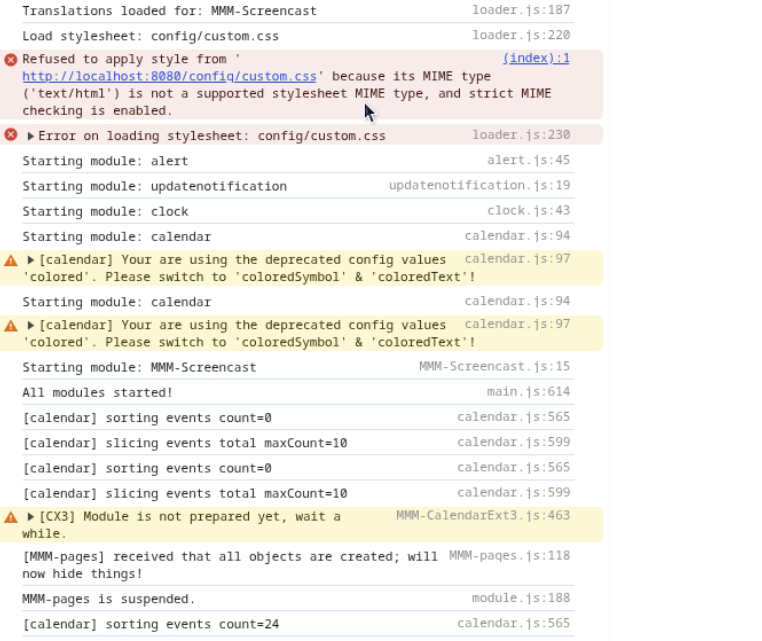
@sdetweil I’ll keep messing with coloredText, so far everything is staying white when I use that. Here is the errors I’m seeing
-
@kkmirr04 custom.css not loaded just means there isn’t one. (The default as MagicMirror installed)
If you had used the scripted install it would have created an empty one so this error wouldn’t be thereThere is the colored vs coloredText, coloredSymbol warning
No Obvious other errors in that part
Calendar sorting events=0, means there weren’t any?
Just for testing, if you disable pages and ext3
( add disabled:true, after the module:line)
Do both instances of calendar draw and with color?If yes, then set disabled false on ext3
-
@sdetweil with both disabled it did draw both instances with color
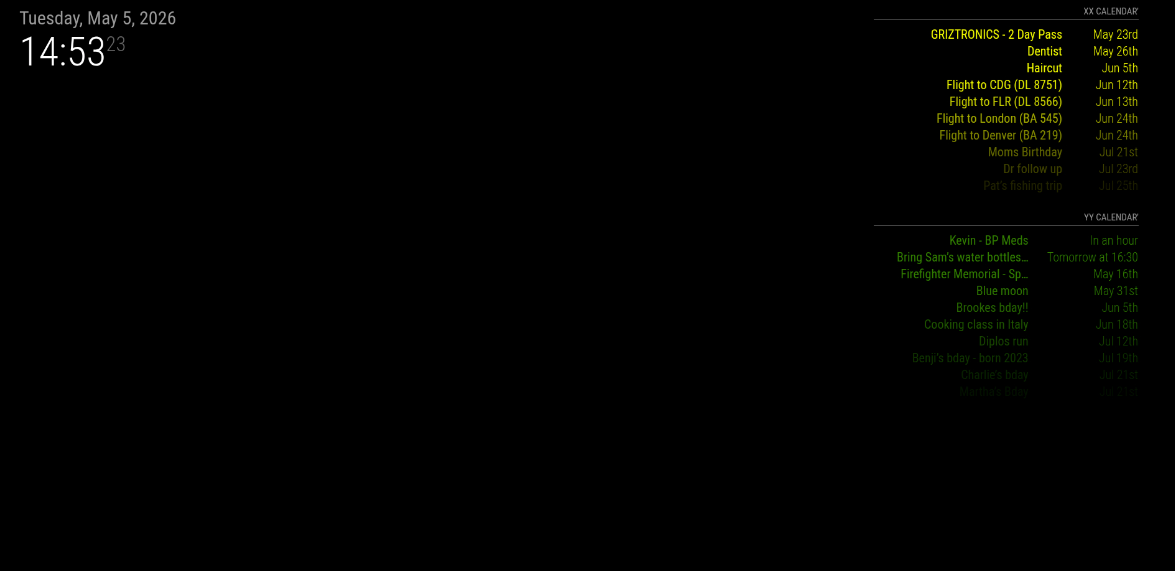
Then turning EXT3 back on I’ve got no color on any events again
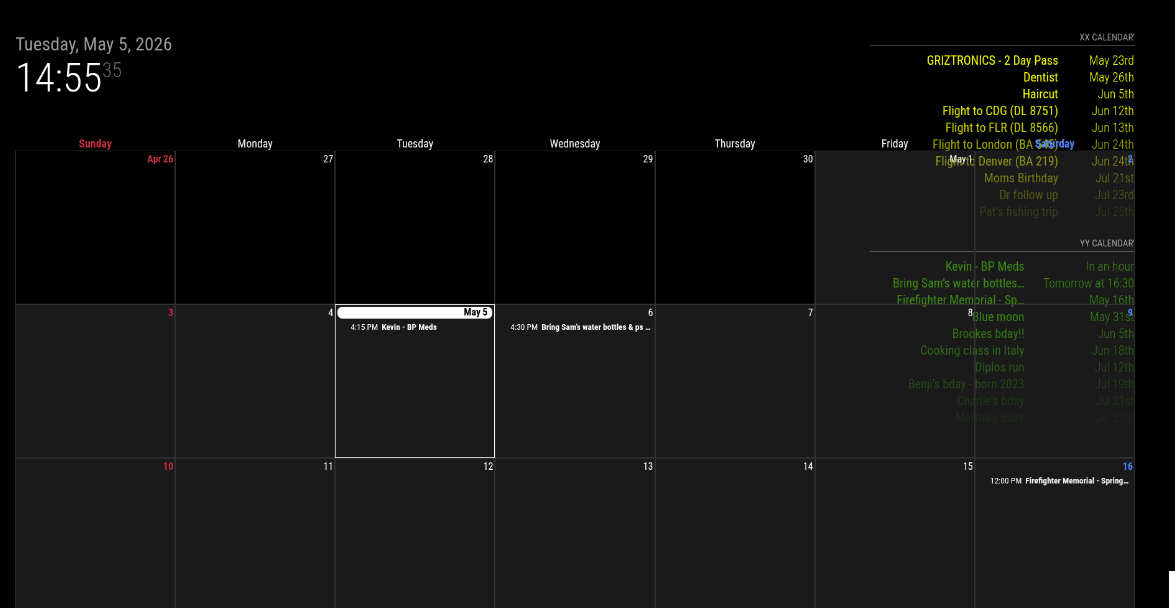
-
@kkmirr04 that’s ext3 not showing color
In the off chance of some module install fluke
Delete the Mmm-CalendarExt3 folder
Then git clone
And npm install in the folder created by cloneThen restart MagicMirror
-
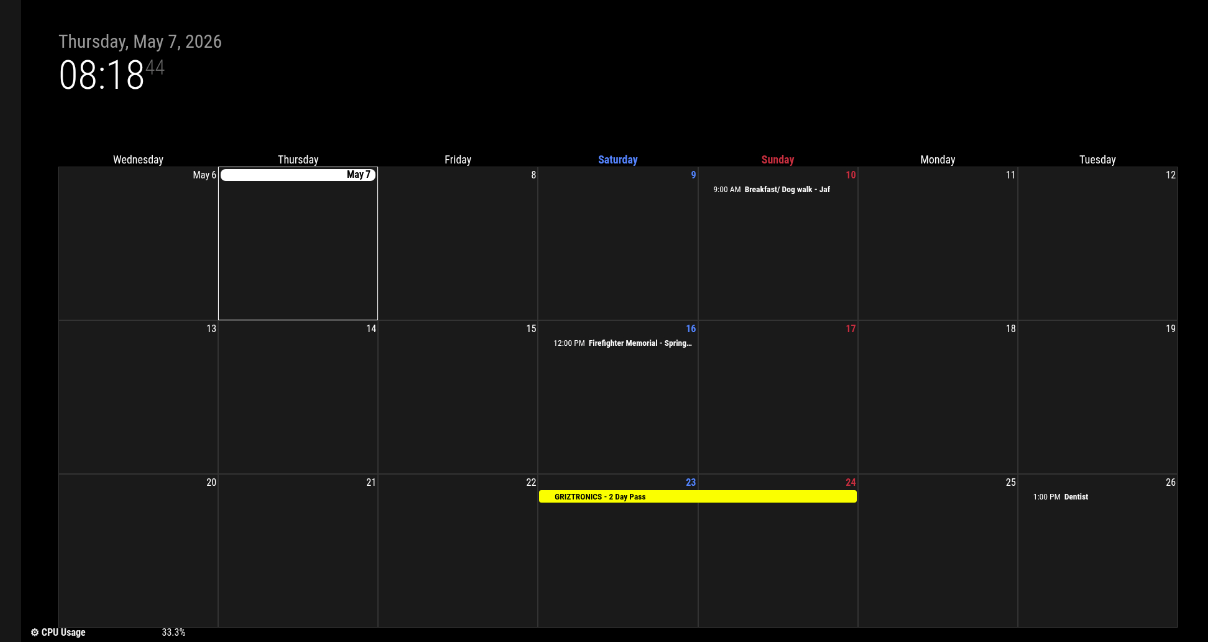
@sdetweil No change unfortunately. Both event streams load fine and with color, but the calendar still is displaying everything just white, except for one event that did come with color
-
@kkmirr04 just for testing, if you have a mouse on that system
Mouse over the event without color and click. This will show a new view of that event with the rest in blur behind,Does the text appear in the proper color?
Escape key to exit that viewCould you also add
coloredSymbol:true,To the base calendar module config.
Next tocoloredText:true -
@sdetweil clicking on the event did bring the color in on that new view
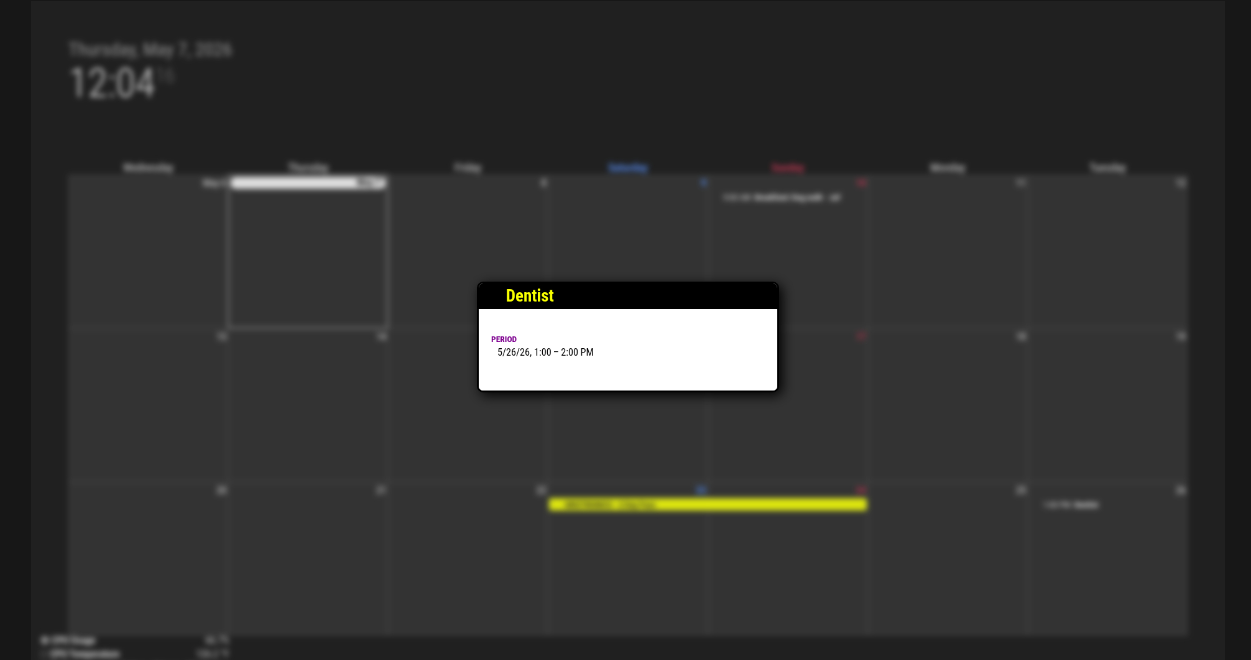
It didn’t seem like the coloredSymbol and coloredText had an effect, but not sure if I put them in the right spot? Should I remove the old colored:true, value?
{ module: "calendar", disabled:false, coloredSymbol:true, coloredText:true, classes: "page0", header: "XX Calendar'", position: "top_right", config: { colored: true, calendars: [ { name: "xx_cal", color: 'yellow', fetchInterval: 7 * 24 * 60 * 60 * 1000, symbol: "calendar-check-o", url: "https:basic.ics" module: "calendar", classes: "page0", coloredSymbol:true, coloredText:true, header: "YY Calendar'", position: "top_right", config: { colored: true, calendars: [ { name: "yy_cal", color: 'green', fetchInterval: 7 * 24 * 60 * 60 * 1000, symbol: "calendar-check-o", url: "webcal: -
@kkmirr04 they replace the colored:true which did everything,
Now you can control each separatelyInside the config: { section
Before the calendars: [ list -
@sdetweil Still the same results with the coloredSymbol and coloredText unfortunately
-
@kristjanesperanto can you help here? Seems ext3 is having trouble with color….
-
@kkmirr04 Does it work when you add this to your custom.css?
.CX3 .event.singleday .headline .title, .CX3 .event.singleday .headline .time { color: var(--calendarColor); } -
@KristjanESPERANTO So I really don’t know anything about modifying CSS , I can’t locate a custom.css file . Would that be in /magicmirror/CSS or MagicMirror/modules/MMM-CalendarExt3 folders? And where in those respective files should it be placed - just at the top or bottom?
Sorry, I’m not a programmer by any stretch, just a hobbyist trying to figure it out
-
@kkmirr04 in 2.36 custom.css would be located in the config folder. Before that in the css folder
If you had used my installer script it would have created an empty file for you.
Editing custom.css is just like editing config.js
Just a file of text
-
@KristjanESPERANTO that changed the results for me… now have color
-
@KristjanESPERANTO but how does that work for multiple calendars with different colors with events on the same month display
-
@sdetweil CX3 should use each event’s source-calendar color even when multiple calendars are shown together in the same month view. Does it work with multiple calendars?
-
@KristjanESPERANTO it does work with multiple cals with different colors…
this used to be default behavior, did the module css get changed?
-
@sdetweil This fixed it for me, both calendar event streams are pulling in colors and even across all ‘modes’ of EXT3 now. (month, week, day) and its extending out to all events I can see on the calendar.
Thank you both so much for all of the help on this, my two way glass just arrived so timing couldn’t be better!
Thanks!!!
-
-
@KristjanESPERANTO I don’t run ext3 all the time, just to test. But this is such a core value. I think because of the ext modules color and symbol were added to the broadcast data
Lots of features are turned on by default, week number, blah blah, and use css to turn them off.
This seems simple to be default and hard for others to do ( witness wasted time here and another

Hello! It looks like you're interested in this conversation, but you don't have an account yet.
Getting fed up of having to scroll through the same posts each visit? When you register for an account, you'll always come back to exactly where you were before, and choose to be notified of new replies (either via email, or push notification). You'll also be able to save bookmarks and upvote posts to show your appreciation to other community members.
With your input, this post could be even better 💗
Register Login