MagicMirror Forum
    • Recent
    • Tags
    • Unsolved
    • Solved
    • MagicMirror² Repository
    • Documentation
    • 3rd-Party-Modules
    • Donate
    • Discord
    • Register
    • Login
    1. Home
    2. kkmirr04
    A New Chapter for MagicMirror: The Community Takes the Lead
    Read the statement by Michael Teeuw here.
    K Offline
    • Profile
    • Following 0
    • Followers 0
    • Topics 2
    • Posts 18
    • Groups 0

    kkmirr04

    @kkmirr04

    1
    Reputation
    1
    Profile views
    18
    Posts
    0
    Followers
    0
    Following
    Joined
    Last Online

    kkmirr04 Unfollow Follow

    Best posts made by kkmirr04

    • RE: Apply color to future events in CalendarExt3

      @sdetweil This fixed it for me, both calendar event streams are pulling in colors and even across all ‘modes’ of EXT3 now. (month, week, day) and its extending out to all events I can see on the calendar.

      Thank you both so much for all of the help on this, my two way glass just arrived so timing couldn’t be better!

      Thanks!!!

      posted in Custom CSS
      K
      kkmirr04

    Latest posts made by kkmirr04

    • RE: CalEXT3 not showing events after adding a new page

      I figured this out - I’m an idiot.

      I forgot I added a space after my calendar name under the default calendar module so that the displayLegend option would look a little cleaner formatting wise. I never added that space after my calendar name where EXT3 calls for the calendars you want to display. Once I added that space back in, everything worked.

      Thanks again @sdetweil for the quick responses!!!

      posted in Troubleshooting
      K
      kkmirr04
    • RE: CalEXT3 not showing events after adding a new page

      Its been running for the last ~ 3.5 hours and still no events have displayed on EXT3

      posted in Troubleshooting
      K
      kkmirr04
    • RE: CalEXT3 not showing events after adding a new page

      @sdetweil I had left it running for a few days after making the change last weekend. I’ll restart it again now and give it ~ 30 min before checking again

      posted in Troubleshooting
      K
      kkmirr04
    • CalEXT3 not showing events after adding a new page

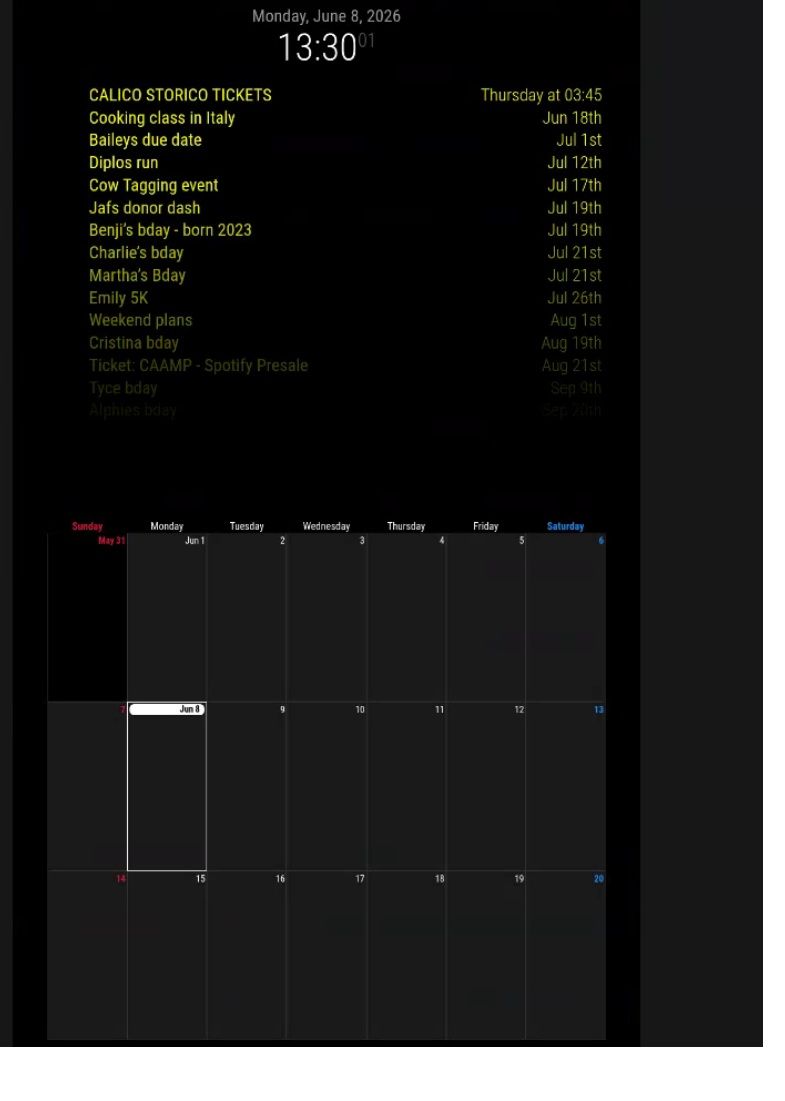
      I added a couple of ‘blank’ pages in between my pages with content and since doing that, none of my calendar events are displaying on the calEXT3 module.

      Previously, I had two pages both with content and it was working fine.

      I now have a blank page, content page, blank page again, and the final content page with calEXT3. Since adding those blank pages, the calEXT3 module is empty but all others are reporting ok. The default calendar module is still loading the event stream fine, but nothing makes it to the calendar display. I tried reducing to just a single calendar, no help. I also tried going back to the ‘old’ setup with only 2 pages and it still didnt display anything.

      I followed these steps from another post, and it didn’t have an effect either:
      https://forum.magicmirror.builders/topic/20189/default-calendar-not-loading-events-after-new-mm-update/10?page=1

      cd ~/MagicMirror
      # restore calendar.js 
      git checkout defaultmodules/calendar/calendar.js
      git fetch origin pull/4180/head:_fix_304
      rm package-lock.json
      git switch _fix_304
      npm run install-mm
      restart MM
      

      cal3.jpg

      Here is my config:

      modules: [
      		
      		{
      			module: "MMM-pages",
      			disabled:false,
      			config: {
      			    timings: {
      				default: 20000,      // rotate every 20 seconds
      				//2: 30000,            // page 2 rotates every 30 seconds
      				"admin": 30000       // admin hidden page auto-returns after 30 seconds
      			    },
      			    modules: [
      				["page0"],           // class name for page 0
      				["page1"],           // class name for page 1
      			        ["page2"],           // class name for page 2
      				["page3"],
      			    ],
      			    fixed: ["clock","alert","MMM-GlobalPositioner","MMM-BurnIn","MMM-MySystem"],
      			    hiddenPages: {
      				"screenSaver": ["screensaver_page"],
      				"admin": ["admin_page"],
      			    }
      			}
      		    },
      		{
                  		module: 'MMM-GoogleMapsTraffic',
      			classes: "page0",
                  		position: 'middle_center',
                  		header: "Traffic",
                  		disabled: false,
                  		config: {
                     		key: '',
                      		lat: ,
                      		lng: -,
                      		height: '450px',
                      		width: '960px',
                      		styledMapType: "night",
                      		disableDefaultUI: true,
      				updateInterval: 300000,
                    			backgroundColor: 'hsla(0, 0%, 0%, 0)',
                      		markers: [
                         				 {
                            				  lat: ,
                              			  lng: -,
                              			  fillColor: '#9966ff'
                         				  }
                     					 ]
                  					}
              		},


      		{
      			module: "compliments",
      			classes: "page0",
      			position: "bottom_bar"
      		},
      		
      		
      		{
         			 module:     'MMM-3Day-Forecast',
      			classes: "page0",
          			 position:   'top_left',
      			 config: {
      				api_key:    '',
      				lat:        ,
      				lon:        -,
      				units:      'I',
      				lang:       'en',
      				interval:   300000
      		}
      		},
      
      		{
      			module: "calendar",
      			disabled:false,
      			classes: "page2",
      			//header: "Our Calendar",
      			position: "top_center",
      			config: {
      			   coloredSymbol:true,
      			coloredText:true,
      			maximumEntries:15,
      			showLocation:true,
      			maxTitleLength:50,
      			maxLocationTitleLength:50,
      			fontSize:40,
      			tableClass: "medium",
      			//wrapEvents:true,
      			
      				calendars: [
      					
      					{
      					name: "Hh ",
      						color: 'yellow',
      						fetchInterval: 7 * 24 * 60 * 60 * 1000,
      						symbol: "calendar-check-o",
      						url: "webcal:/"
      					},
      
      					],
      				}
      			},
      
      		{
      			module: "MMM-MoonPhase",
      			position: "top_right",
      			classes: "page0",
      			config: {
      				updateInterval: 4320000,
      				hemisphere: "N",
      				resolution: "detailed",
      				basicColor: "white",
      				title: true,
      				phase: true,
      				nextFull: true,		
      				size: 200,
      				moonAlign: "center",
      				textAlign: "center",
      				alpha: 0.7,
      				riseAndSet: {
      					display: false,
      					
      				}
      			}
      		},


      		{
        			module: "MMM-GlobalPositioner",
        			config: {
          			debug: false,
          			delay: 1000,
          			maxAttempts: 5,
          			modules: [
            			{
              			name: "MMM-MySystem",
              			position: { bottom: -30, left: 15 }
            			},
      			
            
            			//add as much modules as you like
          			]
        			}
      		},	
      		
      		{
      		  module: "MMM-MySystem",
      		  position: "bottom_bar",
      		  header: "",
      		  disabled: false,
      		  config: {
      		    showHeader: false,
      		    showCpuUsage: true,
      		    showCpuTemp: true,
      		    showMemory: false,
      		    showDisk: false,
      		    showUptime: true,
      		    showIPeth: false,
      		    showIPwifi: false,
      		    tempUnit: "F",
      		    updateInterval: 10000
      		  }
      		},
      		 
      		
      		{
      		    module: "MMM-BurnIn",
      		    position: "bottom_bar", // whatever, doesn't render anything
      		    config: {
      		       updateInterval: 15, // in Minutes
      		       invertDuration: 5 // in Seconds
      		    }
      
      		},
      
      		  {
      		      module: "MMM-CalendarExt3",
      			disabled:false,
      			//waitFetch:20000,
      		      classes: "page2",
      		      position: "bottom_bar",
      		      title: "",
      		      config: {
      			mode: "week",
      			instanceId: "main",
      			showWeekNumber: false, 
      			waitFetch:5000,
      			useSymbol: true,
      			displayLegend: true,
      			maxEventLines: 12,
      			useWeather: true,
      			firstDayOfWeek: 0,
      			calendarSet: ['', 'Hh'],
      			
      		      }
      		    },


             	      {
      		module: 'MMM-Screencast',
      		position: 'bottom_right', // This position is for a hidden <div /> and not the screencast window
      		config: {
      			position: 'bottomRight',
      			castName: 'MagicMirror',
      			height: 300,
      			width: 500,
      		}
              	},


      	]
      };
      
      
      posted in Troubleshooting
      K
      kkmirr04
    • RE: Apply color to future events in CalendarExt3

      @sdetweil This fixed it for me, both calendar event streams are pulling in colors and even across all ‘modes’ of EXT3 now. (month, week, day) and its extending out to all events I can see on the calendar.

      Thank you both so much for all of the help on this, my two way glass just arrived so timing couldn’t be better!

      Thanks!!!

      posted in Custom CSS
      K
      kkmirr04
    • RE: Apply color to future events in CalendarExt3

      @KristjanESPERANTO So I really don’t know anything about modifying CSS , I can’t locate a custom.css file . Would that be in /magicmirror/CSS or MagicMirror/modules/MMM-CalendarExt3 folders? And where in those respective files should it be placed - just at the top or bottom?

      Sorry, I’m not a programmer by any stretch, just a hobbyist trying to figure it out

      posted in Custom CSS
      K
      kkmirr04
    • RE: Apply color to future events in CalendarExt3

      @sdetweil Still the same results with the coloredSymbol and coloredText unfortunately

      posted in Custom CSS
      K
      kkmirr04
    • RE: Apply color to future events in CalendarExt3

      @sdetweil clicking on the event did bring the color in on that new view
      11.png

      It didn’t seem like the coloredSymbol and coloredText had an effect, but not sure if I put them in the right spot? Should I remove the old colored:true, value?

      {
      			module: "calendar",
      			disabled:false,
      			coloredSymbol:true,
      			coloredText:true,
      			classes: "page0",
      			header: "XX Calendar'",
      			position: "top_right",
      			config: {
      			   colored: true,
      				calendars: [
      					{
      						name: "xx_cal",
      						color: 'yellow',
      						fetchInterval: 7 * 24 * 60 * 60 * 1000,
      						symbol: "calendar-check-o",
      						url: "https:basic.ics"


      			module: "calendar",
      			classes: "page0",
      			coloredSymbol:true,
      			coloredText:true,
      			header: "YY Calendar'",
      			position: "top_right",
      			config: {
      			   colored: true,
      				calendars: [
      					{
      					name: "yy_cal",
      						color: 'green',
      						fetchInterval: 7 * 24 * 60 * 60 * 1000,
      						symbol: "calendar-check-o",
      						url: "webcal:
      			
      
      posted in Custom CSS
      K
      kkmirr04
    • RE: Apply color to future events in CalendarExt3

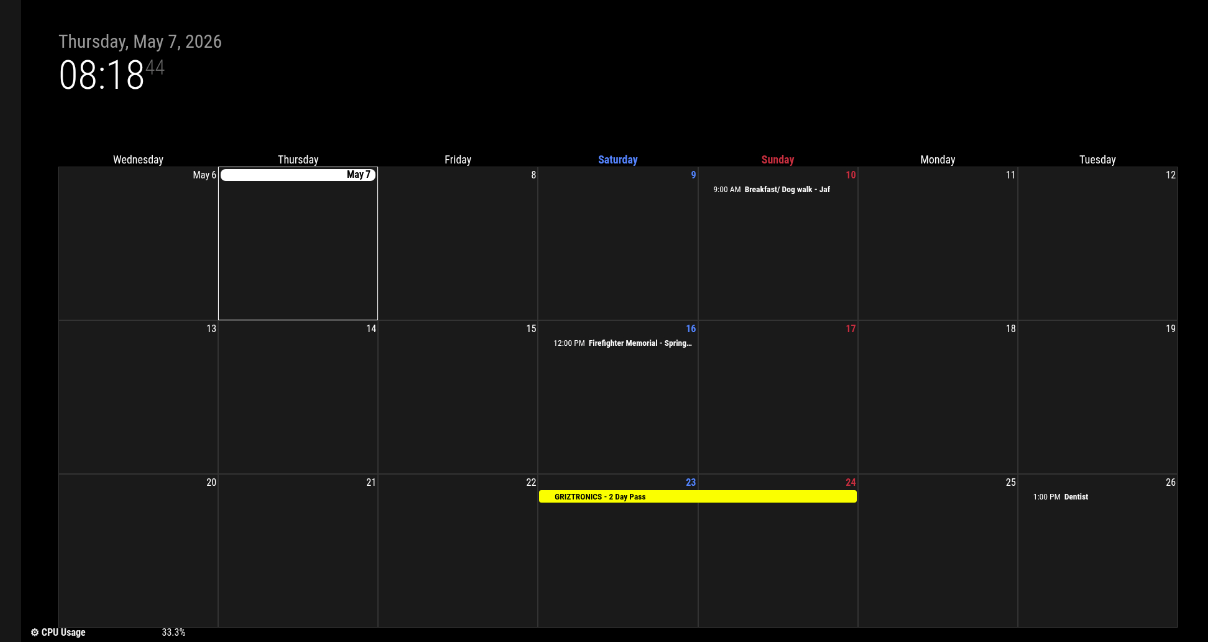
      @sdetweil No change unfortunately. Both event streams load fine and with color, but the calendar still is displaying everything just white, except for one event that did come with color 10.png

      posted in Custom CSS
      K
      kkmirr04
    • RE: Apply color to future events in CalendarExt3

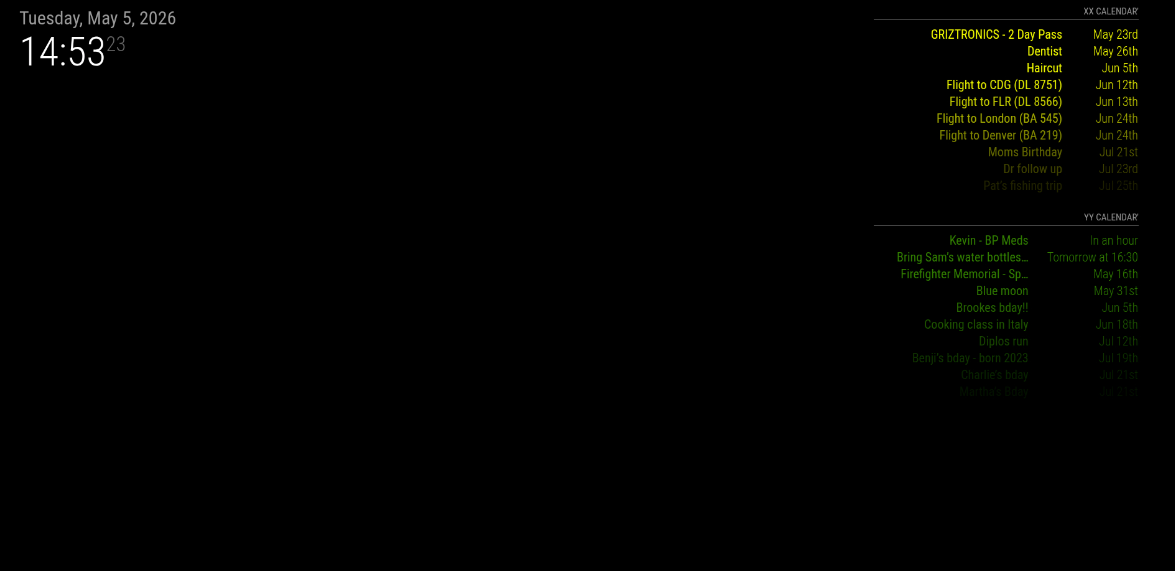
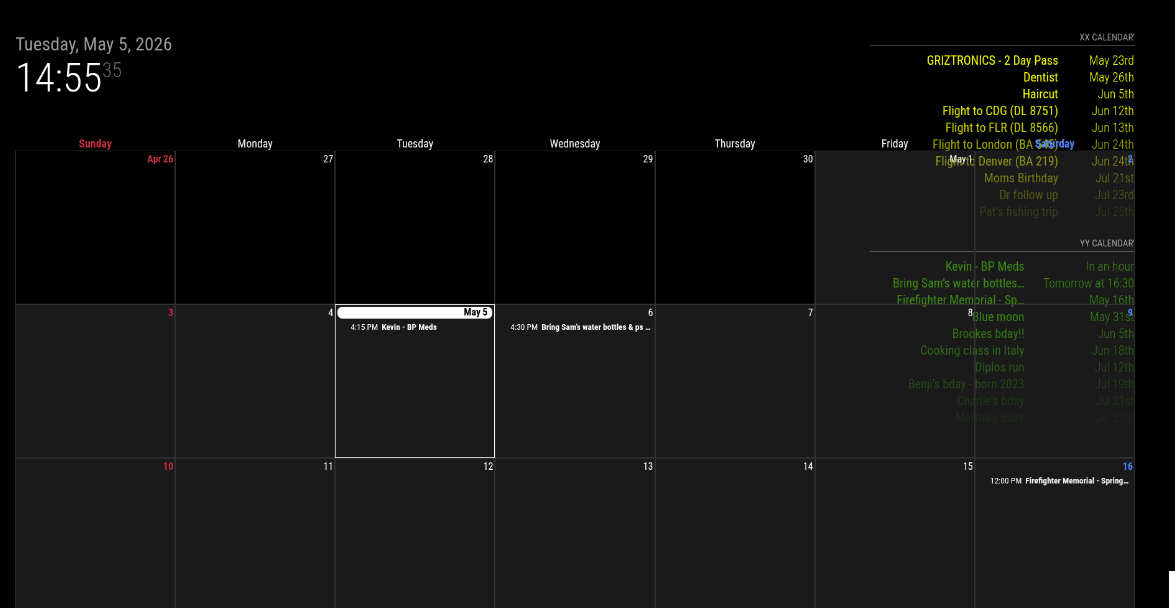
      @sdetweil with both disabled it did draw both instances with color
      8.png

      Then turning EXT3 back on I’ve got no color on any events again
      9.png

      posted in Custom CSS
      K
      kkmirr04