MagicMirror Forum
    • Recent
    • Tags
    • Unsolved
    • Solved
    • MagicMirror² Repository
    • Documentation
    • 3rd-Party-Modules
    • Donate
    • Discord
    • Register
    • Login
    A New Chapter for MagicMirror: The Community Takes the Lead
    Read the statement by Michael Teeuw here.

    MMM-awesome-alexa

    Scheduled Pinned Locked Moved Utilities
    241 Posts 43 Posters 391.7k Views 47 Watching
    Loading More Posts
    • Oldest to Newest
    • Newest to Oldest
    • Most Votes
    Reply
    • Reply as topic
    Log in to reply
    This topic has been deleted. Only users with topic management privileges can see it.
    • U Offline
      uok825 @sdetweil
      last edited by

      @sdetweil I used yourse
      268c0391-fce7-4e90-b570-0872489778e8-image.png

      S 1 Reply Last reply Reply Quote 0
      • S Offline
        sdetweil @uok825
        last edited by sdetweil

        @uok825 yep, so server is running on port 8080…

        sudo kill -9 1308

        but pm2 stop
        should have stopped that, does on my pi0

        Sam

        How to add modules

        learning how to use browser developers window for css changes

        U 1 Reply Last reply Reply Quote 0
        • U Offline
          uok825 @sdetweil
          last edited by

          @sdetweil 4483d3b5-de87-4cef-9893-c08267933deb-image.png
          What is that error?

          S 1 Reply Last reply Reply Quote 0
          • S Offline
            sdetweil @uok825
            last edited by

            @uok825 no idea… not my module… his code is impossible to understand, typescript compiled to js, then minified…

            Sam

            How to add modules

            learning how to use browser developers window for css changes

            U 1 Reply Last reply Reply Quote 0
            • U Offline
              uok825 @sdetweil
              last edited by

              @sdetweil I killed -9 1308, what is next? changing port to 8080 again?

              S 1 Reply Last reply Reply Quote 0
              • S Offline
                sdetweil @uok825
                last edited by

                @uok825 yeh i guess… then npm start to verify runs, then ctrl-c and make sure it stops (ps -ef | grep node
                the pm2 start and pm2 stop

                Sam

                How to add modules

                learning how to use browser developers window for css changes

                U 1 Reply Last reply Reply Quote 0
                • U Offline
                  uok825 @sdetweil
                  last edited by

                  @sdetweil sure, i doing. I need to fix this alexa problem

                  1 Reply Last reply Reply Quote 0
                  • N Offline
                    nkchokshi
                    last edited by

                    Anyone can help me please how do i get an authentication number for Alexa? I have tried to add
                    https://192.168.0.10:1234
                    https://192.168.0.10:3000/authresponse
                    https://magic-mirror-avs.github.io/Alexa-Web-Helper/authresponse

                    none of these pages are giving me code after when i click agree, to consent screen. i just end up with

                    Amazon Error page with no number on address bar. Screenshot 2020-07-28 at 12.20.46 PM.png
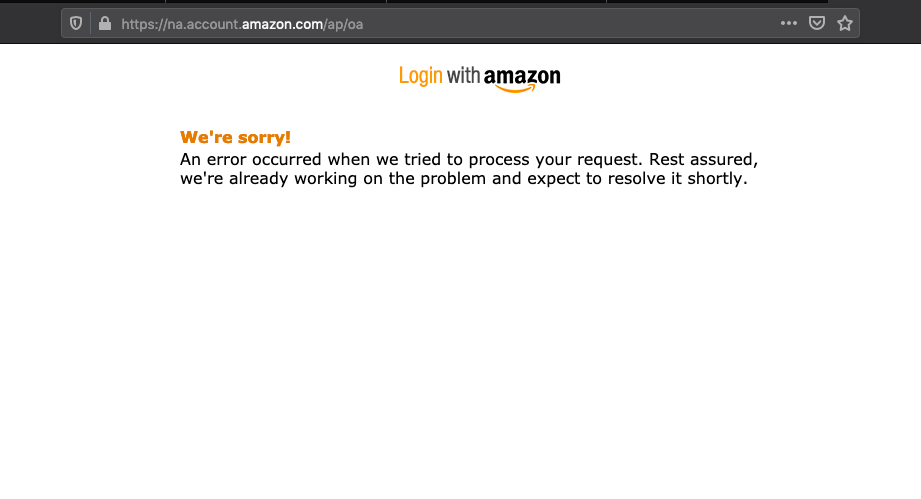
                    We’re sorry!
                    An error occurred when we tried to process your request. Rest assured, we’re already working on the problem and expect to resolve it shortly.

                    S 1 Reply Last reply Reply Quote 0
                    • S Offline
                      sdetweil @nkchokshi
                      last edited by

                      @nkchokshi which return url did I specify in Amazon, and u MUST use that one

                      u want one that will be on the local. machine. so, localhost:7777 might be good

                      Sam

                      How to add modules

                      learning how to use browser developers window for css changes

                      1 Reply Last reply Reply Quote 0
                      • G Offline
                        Ghost2000
                        last edited by

                        I have the same problem with the token can someone help me.

                        Will the module be updated again? or is there a new module?

                        S 1 Reply Last reply Reply Quote 0
                        • S Offline
                          sdetweil @Ghost2000
                          last edited by

                          @Ghost2000 hasn’t been updated in 17 months, 3 years before that. so, not likely to get update.

                          they are very picky about what they allow for auth callback urls. http://localhost:someportnumber >1000

                          they will pop up a screen to request logon and authorize this app to access your account, u click approve, and then the page appears with the error at the top using your auth URL and the code.

                          I know this works, cause I do it in another application

                          Sam

                          How to add modules

                          learning how to use browser developers window for css changes

                          G 2 Replies Last reply Reply Quote 0
                          • G Offline
                            Ghost2000
                            last edited by

                            This post is deleted!
                            1 Reply Last reply Reply Quote 0
                            • G Offline
                              Ghost2000 @sdetweil
                              last edited by

                              @sdetweil said in MMM-awesome-alexa:

                              http://localhost:someportnumber >1000

                              http://localhost:3000/ or http://localhost:3000/authresponse

                              1 Reply Last reply Reply Quote 0
                              • G Offline
                                Ghost2000 @sdetweil
                                last edited by Ghost2000

                                @sdetweil

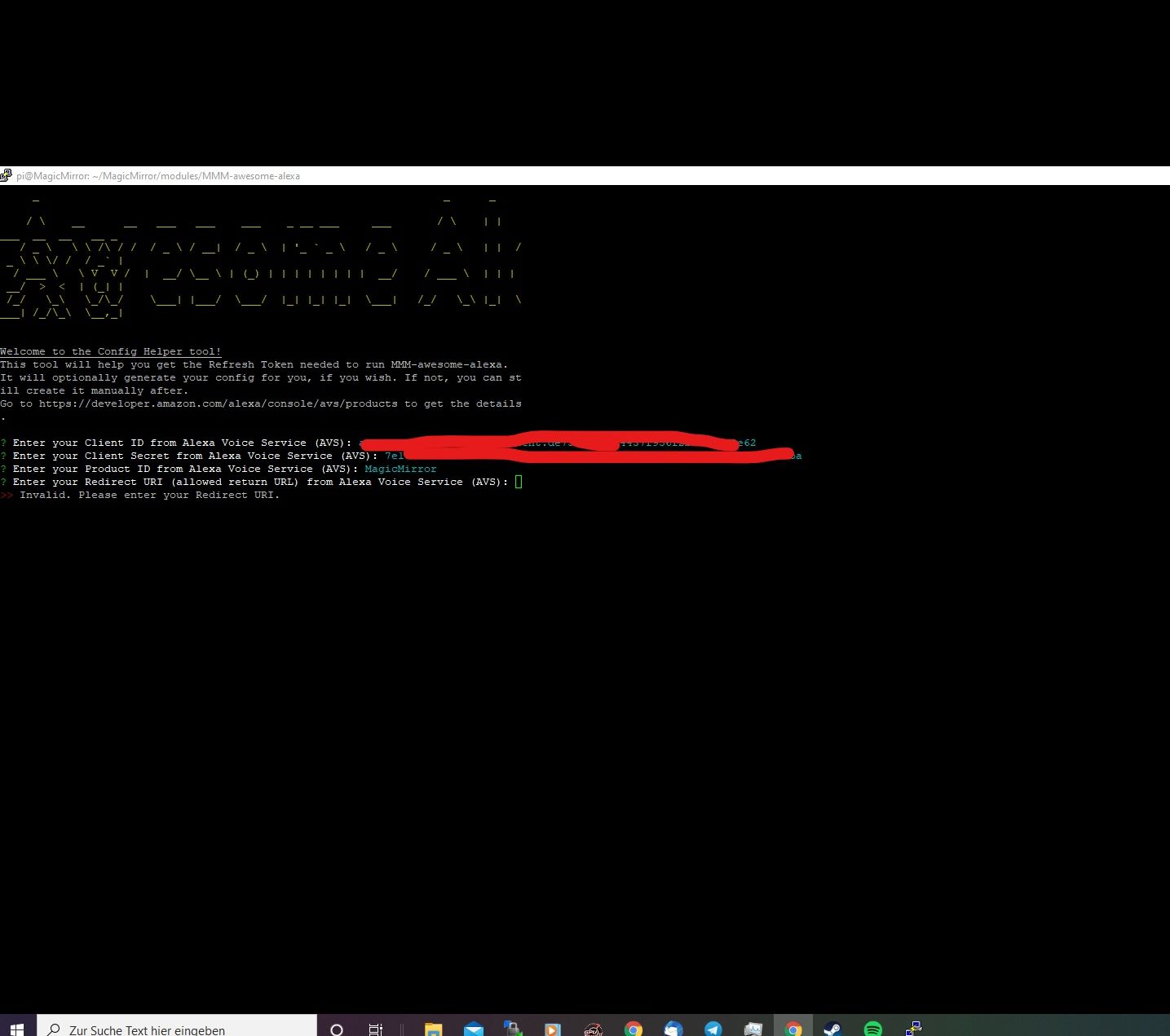
                                http://localhost:3000/authresponse = It does not work
                                http://localhost:3000/ = It does not work

                                Invalid. Please enter your Redirect URI.

                                S 1 Reply Last reply Reply Quote 0
                                • S Offline
                                  sdetweil @Ghost2000
                                  last edited by

                                  @Ghost2000 yes, looking at the code now…

                                  Sam

                                  How to add modules

                                  learning how to use browser developers window for css changes

                                  1 Reply Last reply Reply Quote 0
                                  • G Offline
                                    Ghost2000
                                    last edited by

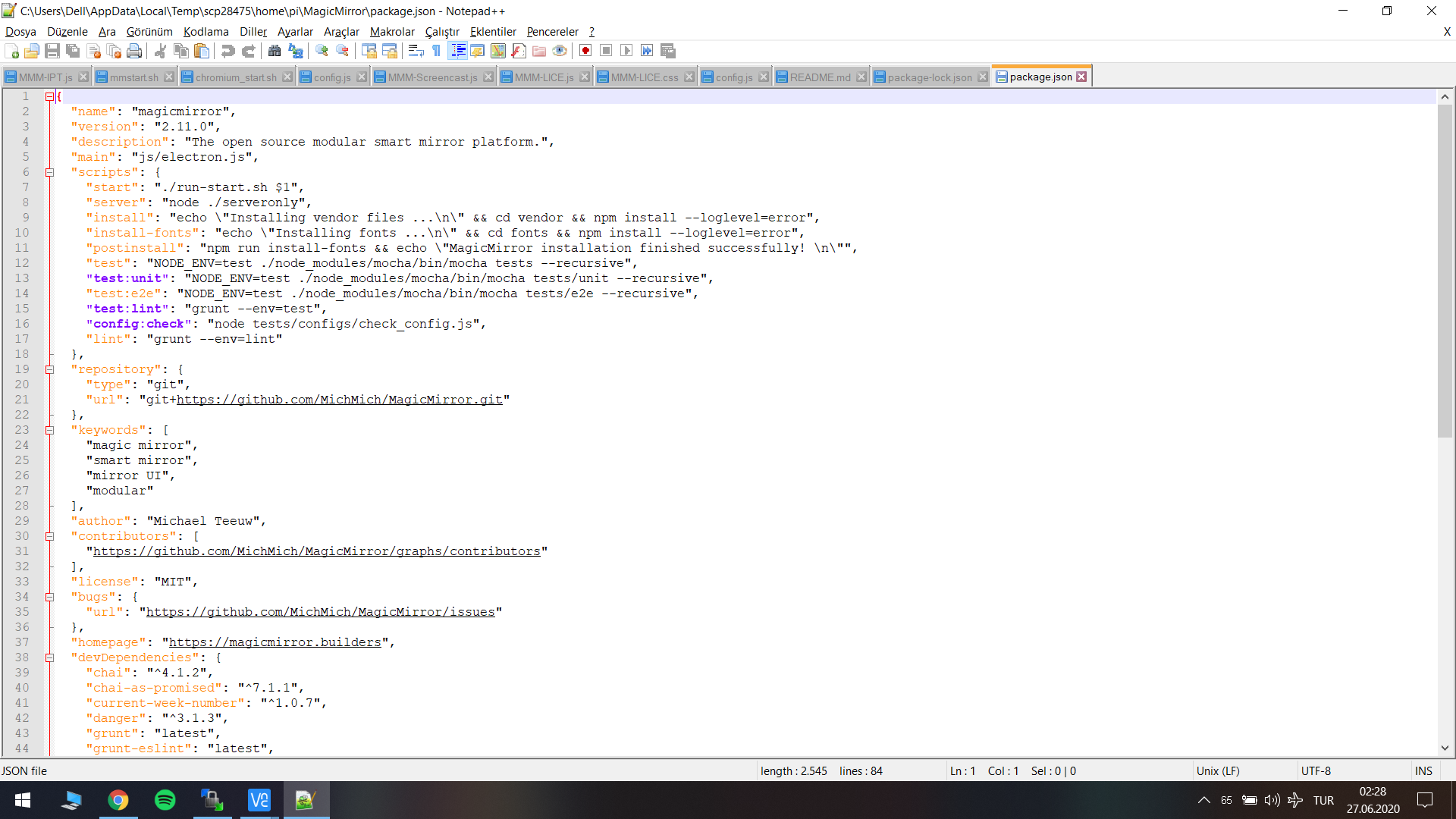
                                    InkedScreenshot 2020-10-09 23.19.20_LI.jpg

                                    S 1 Reply Last reply Reply Quote 0
                                    • S Offline
                                      sdetweil @Ghost2000
                                      last edited by

                                      @Ghost2000 yeh, some bug in their helper code… suddenly

                                      edit the config_helper.js

                                      change this line to return true;

                                                      return true; // "Invalid. Please enter your Redirect URI.";


                                      using your return url in my avs config and on the helper
                                      must copy ALL of the url from helper (2 lines) to the browser address field
                                      hit enter
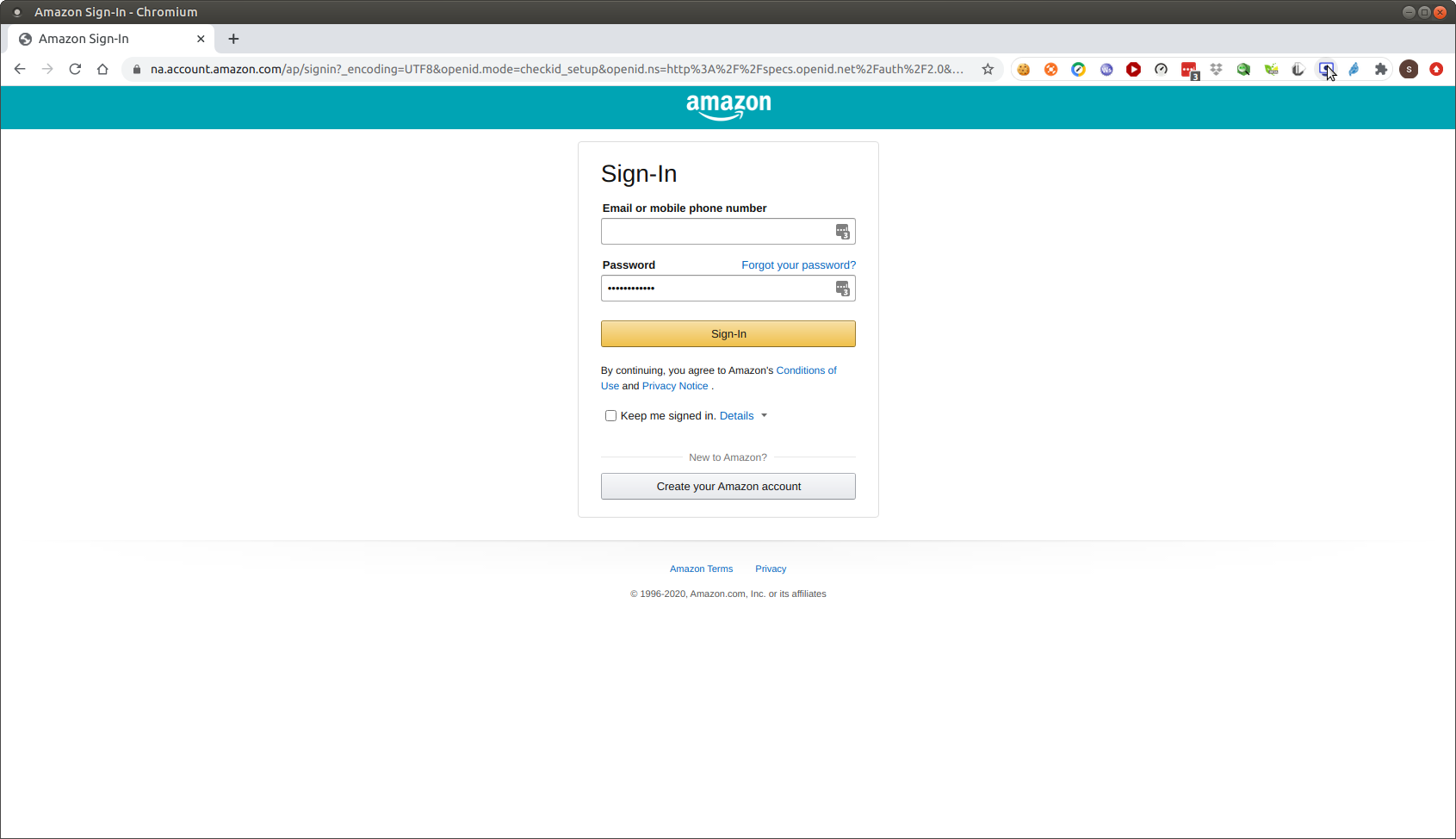
                                      Screenshot at 2020-10-09 16-28-24.png
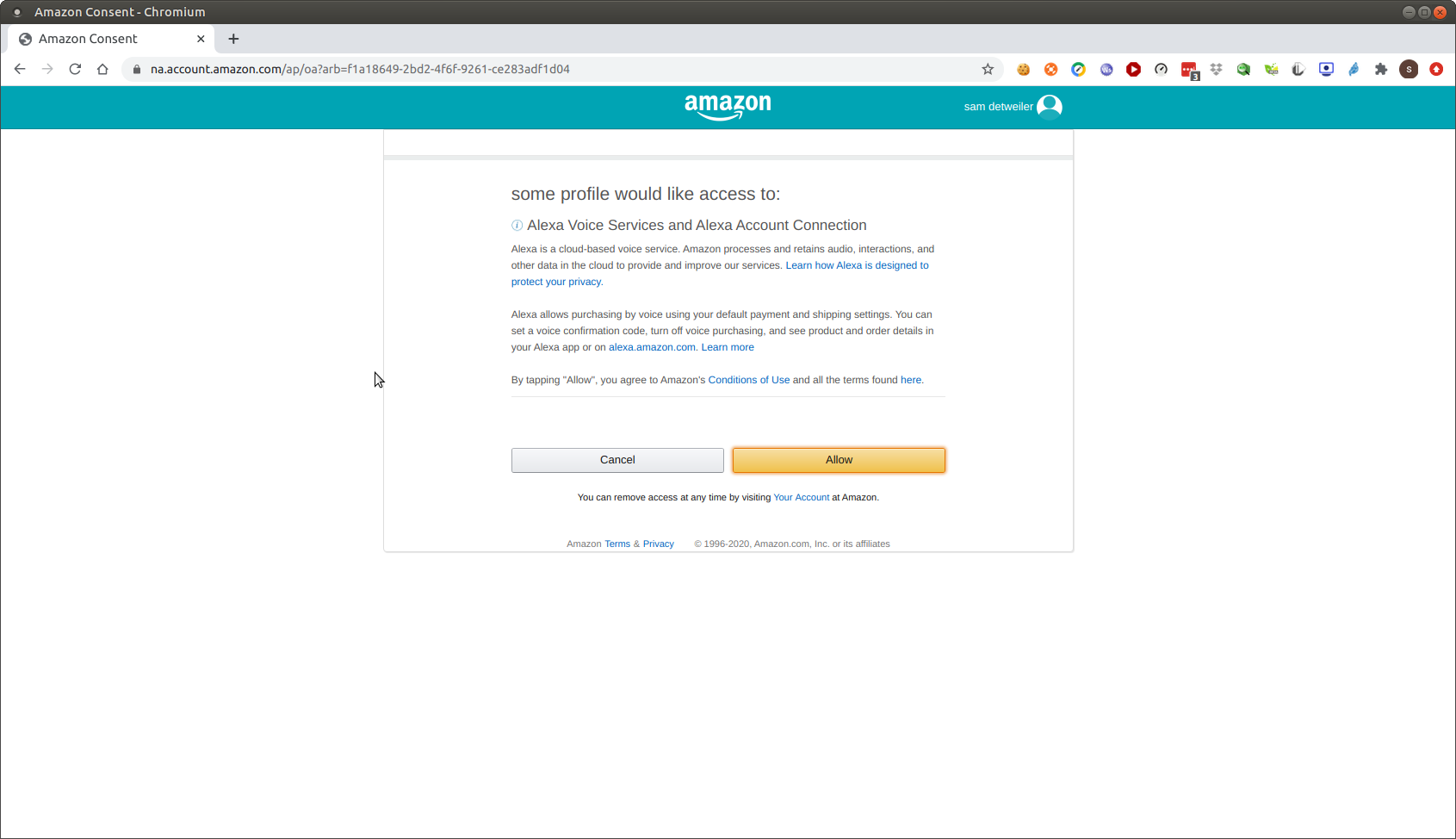
                                      then sign in
                                      Screenshot at 2020-10-09 16-30-33.png

                                      then click allow,
                                      apparently I have something running at port 3000
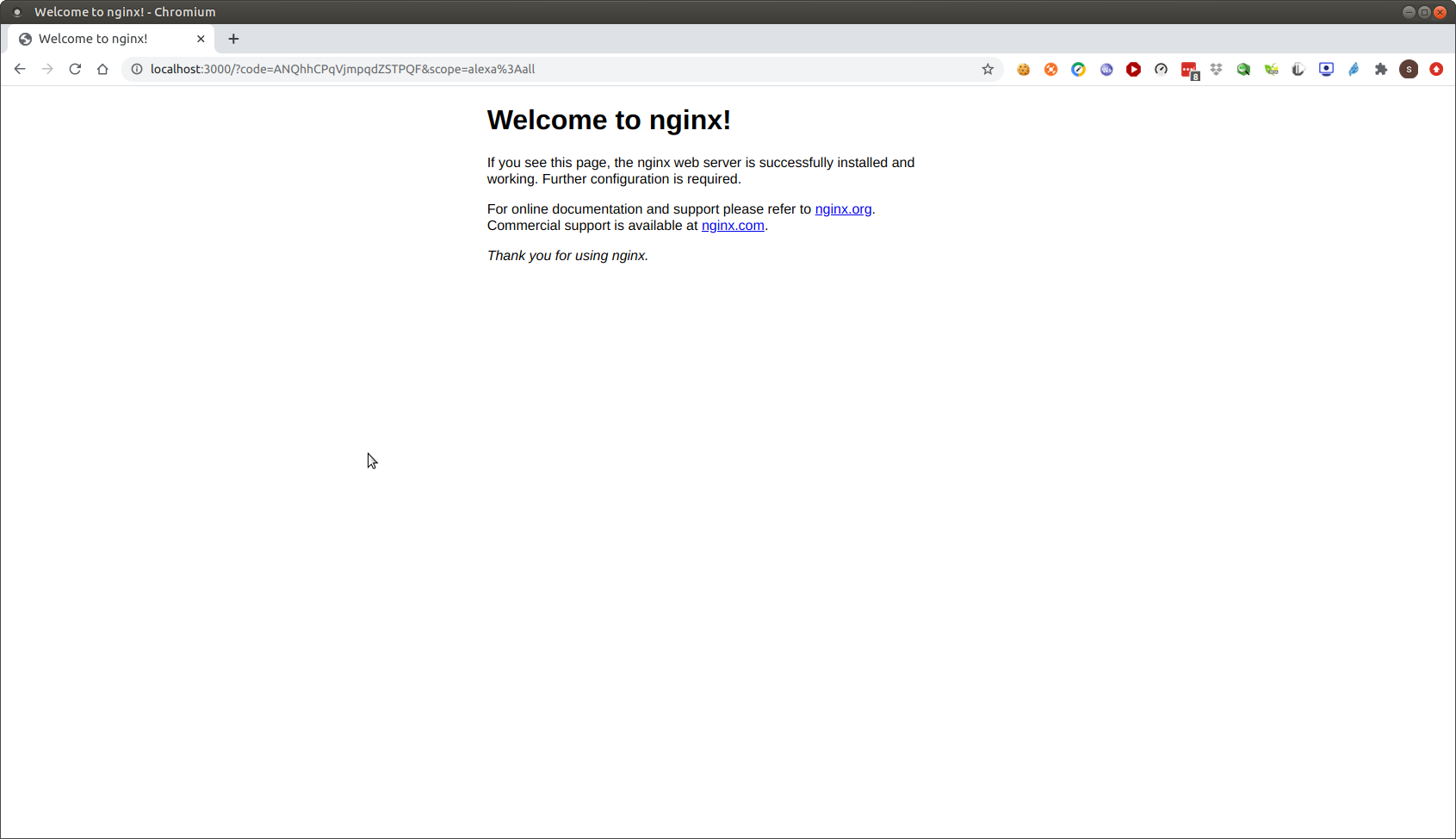
                                      Screenshot at 2020-10-09 16-32-21.png
                                      but

                                      code is there

                                      Sam

                                      How to add modules

                                      learning how to use browser developers window for css changes

                                      S 1 Reply Last reply Reply Quote 0
                                      • S Offline
                                        sdetweil @sdetweil
                                        last edited by

                                        @Ghost2000 and it worked

                                        Sam

                                        How to add modules

                                        learning how to use browser developers window for css changes

                                        G 1 Reply Last reply Reply Quote 0
                                        • G Offline
                                          Ghost2000 @sdetweil
                                          last edited by Ghost2000

                                          @sdetweil NO

                                          const chalk = require("chalk");
                                          const clear = require("clear");
                                          const figlet = require("figlet");
                                          const inquirer = require("inquirer");
                                          const request = require("request-promise");
                                          const CLI = require("clui");
                                          
                                          const spinner = new CLI.Spinner("Getting response from Amazon...");
                                          
                                          const questions = [
                                              {
                                                  name: "clientId",
                                                  type: "input",
                                                  message: "Enter your Client ID from Alexa Voice Service (AVS):",
                                                  validate: value => {
                                                      if (value.length) {
                                                          return true;
                                                      } else {
                                                          return "Please enter your Client ID.";
                                                      }
                                                  },
                                              },
                                              {
                                                  name: "clientSecret",
                                                  type: "input",
                                                  message: "Enter your Client Secret from Alexa Voice Service (AVS):",
                                                  validate: function(value) {
                                                      if (value.length) {
                                                          return true;
                                                      } else {
                                                          return "Please enter your Client Secret.";
                                                      }
                                                  },
                                              },
                                              {
                                                  name: "productId",
                                                  type: "input",
                                                  message: "Enter your Product ID from Alexa Voice Service (AVS):",
                                                  validate: function(value) {
                                                      if (value.length) {
                                                          return true;
                                                      } else {
                                                          return "Please enter your Product ID.";
                                                      }
                                                  },
                                              },
                                              {
                                                  name: "redirectUri",
                                                  type: "input",
                                                  message: "Enter your Redirect URI (allowed return URL) from Alexa Voice Service (AVS):",
                                                  validate: function(value) {
                                                      const pattern = new RegExp(
                                                          "^(https?:\\/\\/)?" + // protocol
                                                          "((([a-z\\d]([a-z\\d-]*[a-z\\d])*)\\.)+[a-z]{2,}|" + // domain name
                                                          "((\\d{1,3}\\.){3}\\d{1,3}))" + // OR ip (v4) address
                                                          "(\\:\\d+)?(\\/[-a-z\\d%_.~+]*)*" + // port and path
                                                          "(\\?[;&a-z\\d%_.~+=-]*)?" + // query string
                                                              "(\\#[-a-z\\d_]*)?$",
                                                          "i", // fragment locator
                                                      );
                                          
                                                      if (!!pattern.test(value)) {
                                                          return true;
                                                      } else {
                                                          return "Invalid. Please enter your Redirect URI.";
                                                      }
                                                  },
                                              },
                                          ];
                                          
                                          const authCodeQuestion = [
                                              {
                                                  name: "authCode",
                                                  type: "input",
                                                  message: "Enter your Authorization code (from previous step):",
                                                  validate: value => {
                                                      if (value.length) {
                                                          return true;
                                                      } else {
                                                          return "Please enter your Authorization Code.";
                                                      }
                                                  },
                                              },
                                          ];
                                          
                                          const continueQuestion = [
                                              {
                                                  name: "continue",
                                                  type: "confirm",
                                                  message: "Do you wish to continue to generate the MagicMirror config?",
                                                  default: true,
                                              },
                                          ];
                                          
                                          const configQuestions = [
                                              {
                                                  name: "wakeWord",
                                                  type: "list",
                                                  message: "What do you want your Wake Word to be? (The phrase used to activate this module)",
                                                  choices: ["Alexa", "Smart Mirror", "Snowboy"],
                                              },
                                              {
                                                  name: "liteMode",
                                                  type: "confirm",
                                                  message: "Do you want to use lite mode?",
                                                  default: false,
                                              },
                                              {
                                                  name: "useVisualization",
                                                  type: "confirm",
                                                  message: "Do you want to use visulization?",
                                                  default: true,
                                              },
                                          ];
                                          
                                          const generateQuery = params =>
                                              Object.keys(params)
                                                  .map(key => key + "=" + params[key])
                                                  .join("&");
                                          
                                          clear();
                                          
                                          console.log(chalk.yellow(figlet.textSync("Awesome Alexa", { horizontalLayout: "full" })));
                                          
                                          console.log(chalk.underline("Welcome to the Config Helper tool!"));
                                          console.log("This tool will help you get the Refresh Token needed to run MMM-awesome-alexa.");
                                          console.log(
                                              "It will optionally generate your config for you, if you wish. If not, you can still create it manually after.",
                                          );
                                          console.log("Go to https://developer.amazon.com/alexa/console/avs/products to get the details.\n");
                                          
                                          const run = async () => {
                                              const output = await inquirer.prompt(questions);
                                          
                                              const scopeData = {
                                                  "alexa:all": {
                                                      productID: output.productId,
                                                      productInstanceAttributes: {
                                                          deviceSerialNumber: 123, // Can be anything
                                                      },
                                                  },
                                              };
                                          
                                              const queryParams = generateQuery({
                                                  client_id: output.clientId,
                                                  scope: "alexa:all",
                                                  scope_data: JSON.stringify(scopeData),
                                                  response_type: "code",
                                                  redirect_uri: output.redirectUri,
                                              });
                                          
                                              console.log(
                                                  chalk.blue("Hooray! Link is generated. Part 1 is done. Please go on the link below.\n"),
                                              );
                                              console.log(
                                                  chalk.yellow("Please be aware that at the end,"),
                                                  chalk.bgRed("THERE WILL BE AN ERROR!"),
                                                  chalk.green("This is normal.\n"),
                                              );
                                          
                                              console.log(`https://www.amazon.com/ap/oa?${queryParams}`);
                                          
                                              console.log("\n^^^ Copy and paste the above in your Browser ^^^, follow the instructions.");
                                              console.log(
                                                  "The authorization code you want is in the address bar in the final screen: https://imgur.com/a/6DbYlKA",
                                              );
                                          
                                              const authOutput = await inquirer.prompt(authCodeQuestion);
                                          
                                              spinner.start();
                                          
                                              const amazonTokenReponse = await request.post("https://api.amazon.com/auth/o2/token", {
                                                  form: {
                                                      grant_type: "authorization_code",
                                                      code: authOutput.authCode,
                                                      client_id: output.clientId,
                                                      client_secret: output.clientSecret,
                                                      redirect_uri: output.redirectUri,
                                                  },
                                                  json: true,
                                              });
                                          
                                              spinner.stop();
                                              console.log(
                                                  chalk.bgGreen(
                                                      "\nComplete! Your refresh token should be in the Amazon response below. If not raise an issue:\n",
                                                  ),
                                              );
                                              console.dir(amazonTokenReponse, { colors: true });
                                          
                                              const continueOutput = await inquirer.prompt(continueQuestion);
                                          
                                              if (!continueOutput.continue) {
                                                  process.exit();
                                              }
                                          
                                              const configOutput = await inquirer.prompt(configQuestions);
                                          
                                              console.log(chalk.green("\nCongrats! Here is the full config:\n"));
                                              console.dir(
                                                  {
                                                      module: "MMM-awesome-alexa",
                                                      position: "bottom_bar",
                                                      config: {
                                                          wakeWord: configOutput.wakeWord,
                                                          clientId: output.clientId,
                                                          clientSecret: output.clientSecret,
                                                          deviceId: output.productId,
                                                          refreshToken: amazonTokenReponse.refresh_token,
                                                          lite: configOutput.liteMode,
                                                          isSpeechVisualizationEnabled: configOutput.useVisualization,
                                                      },
                                                  },
                                                  { colors: true },
                                              );
                                          };
                                          
                                          run();


                                          Have You Teamview ? You can help :D

                                          S 1 Reply Last reply Reply Quote 0
                                          • S Offline
                                            sdetweil @Ghost2000
                                            last edited by

                                            @Ghost2000 said in MMM-awesome-alexa:

                                                    if (!!pattern.test(value)) {
                                                        return true;
                                                    } else {
                                                        return "Invalid. Please enter your Redirect URI.";  < <<<<<<<<<< change that line 
                                                    }
                                            

                                            Sam

                                            How to add modules

                                            learning how to use browser developers window for css changes

                                            G 1 Reply Last reply Reply Quote 0

                                            Hello! It looks like you're interested in this conversation, but you don't have an account yet.

                                            Getting fed up of having to scroll through the same posts each visit? When you register for an account, you'll always come back to exactly where you were before, and choose to be notified of new replies (either via email, or push notification). You'll also be able to save bookmarks and upvote posts to show your appreciation to other community members.

                                            With your input, this post could be even better 💗

                                            Register Login

                                            • 1
                                            • 2
                                            • 5
                                            • 6
                                            • 7
                                            • 8
                                            • 9
                                            • 12
                                            • 13
                                            • 7 / 13
                                            • First post
                                              Last post
                                            Enjoying MagicMirror? Please consider a donation!
                                            MagicMirror created by Michael Teeuw.
                                            Forum managed by Sam, technical setup by Karsten.
                                            This forum is using NodeBB as its core | Contributors
                                            Contact | Privacy Policy