Read the statement by Michael Teeuw here.
MMM-Instagram - Pull and animate photos from Instagram feed
-
@wjdw87 said in MMM-Instagram - Pull and animate photos from Instagram feed:
Hmm… from here : https://github.com/kapsolas/MMM-Instagram
Do you have to install : https://www.npmjs.com/package/request - How?
To confirm:
You cloned the module from github - YES
You generated a token for instragram - YES
Configured the config.js file, configuration for the module appropriately - YES
replyOH that’s the easy part ;)
In the terminal window [the one you type in ‘npm start’ to start the mirror]… go to the modules dir then the MMM-Instagram dir
MagicMirror/modules/MMM-Instagram
type in without quotes “npm install”
Once that’s finished go back to the MagicMirror and start your mirror :)
-
Many Thanks @cowboysdude , @strawberry-3-141
I just did a fresh install oof the module, then the dependency.
Still no luck :(
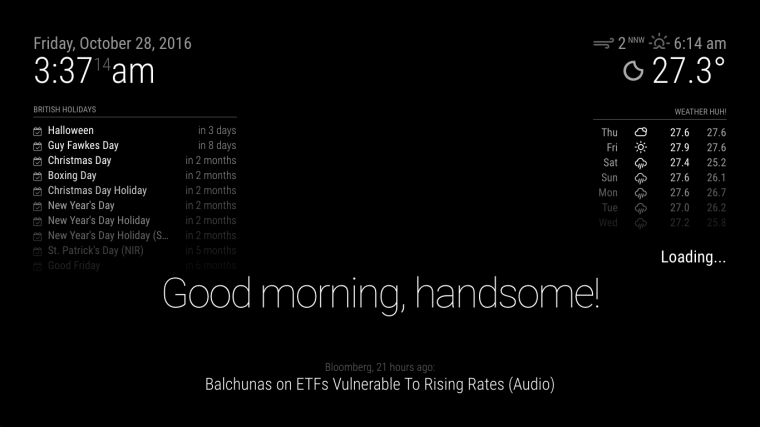
-
@wjdw87
Ok hang in there kid… just about there…
-
This post is deleted! -
I guess for security can change the API key once i’m all up and running :) - many thanks @cowboysdude !
-
Just an FYI - You do not want to just post your config to the world.
That access token can allow someone to impersonate you now! The config.js contains confidential information for accessing the services our mirrors are using. Refrain from publishing it to the world with out redacting the app ids.
-
@kapsolas said in MMM-Instagram - Pull and animate photos from Instagram feed:
Just an FYI - You do not want to just post your config to the world.
That access token can allow someone to impersonate you now! The config.js contains confidential information for accessing the services our mirrors are using. Refrain from publishing it to the world with out redacting the app ids.
Thanks, understood, i intend to replace API keys imemdiately on getting it up and running (at the moment just testing as building), hpe not to offend.
-
That’s ok, that’s not a valid API key… That’s the problem.
Let me explain… you do have an API key but what you need is an Access Token… that’s where the problem is.
In the config it is asking for the Access token… that’s where we both made a mistake!!! :) It’s all good.
We got it! :)
Thanks @kapsolas
-
This post is deleted! -
@cowboysdude thanks a lot at 4am almost i can sleep ha ha for 2 hours :/
Its working, note for others Access Token key is granted here… http://instagram.pixelunion.net/ (when you get to that stage and have created the developer account)
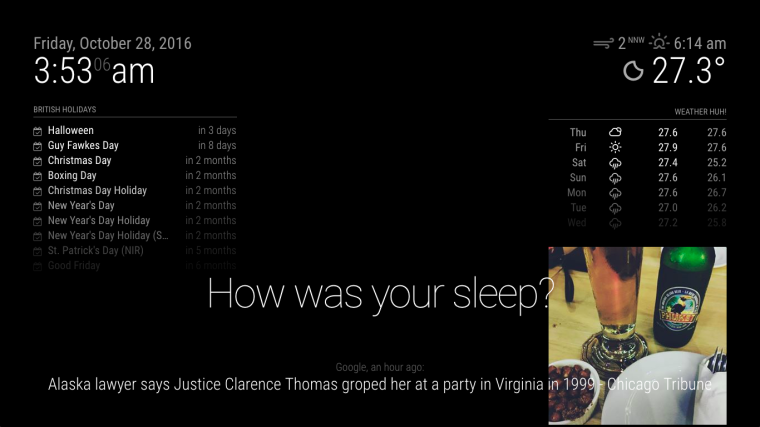 . :
. :layout needs tidying up mind but im sure there are some posts on that :)
-
JUST to clearify for anyone… the module works GREAT!!
Create the right thing and it’ll work~
ACCESS TOKEN is NOT your API KEY LOL
-
Oh, Instagram. How to get all these followers? Sure, I can use services of zen-promo com to find people who are interested in my arts. But may be you can suggest anything?
-
Just go with the flow, you pick them up, some have their accounts private (i did to stop prying eyes at my life) but since just opened, and tbf its mainly likes and comments, etc, it wastes time that’s all… don’t take seriously (father does with his sunset photos ha ha)…
-
More importantly * at all
Has anyone played with the css ? how advanced is this module? What’ts it coded in ? Function and Design ?
CSS for sure but the rest not looked under the hood, but if anyone can answer i’ll have my in-house dev team do the following for me and share here the source
Generic feed (swipe left / right) through feed (20)
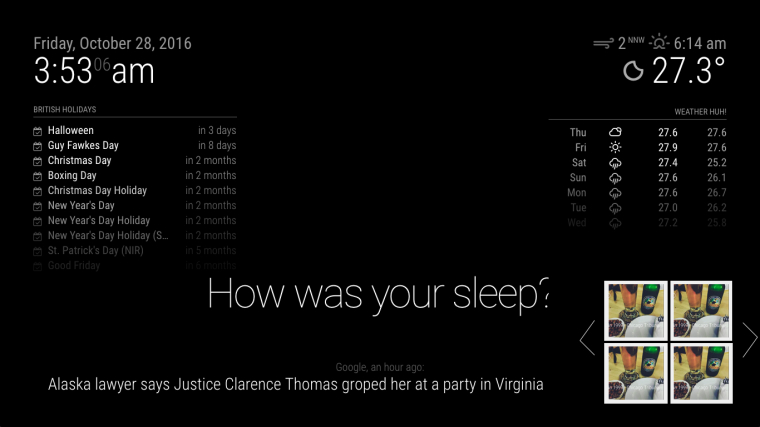
and popup-view of chosen image.
(/uploads/files/1477676198837-instagram-feed-general-resized.jpg)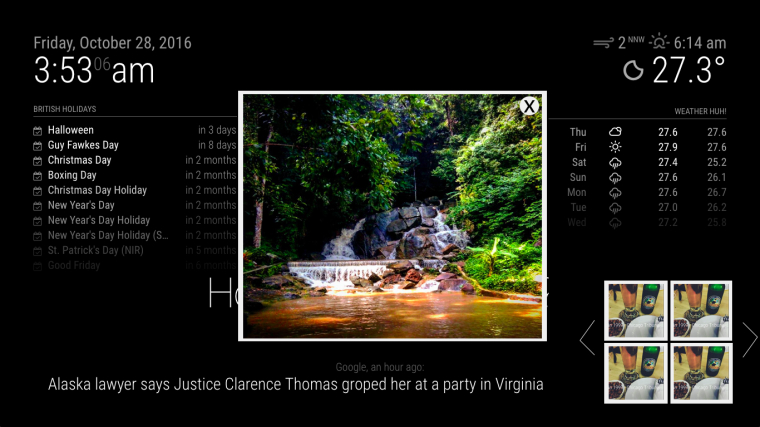
Simple enough to get done quickly, once i know what it’s made off, and without having to battle the module code or Magic Mirror core code.
Many thanks and look forward to some answers.
-
The module is coded in javascript. I started to use some CSS, but did not spend much time on it.
I focused on just pulling the image and flipping them them on a timer .This was the goal of my project and I met it.
If you want to enhance it, then I am sure you can. I would start by looking at the method that displays the image. This is all done using DOM.
-
@kapsolas said in MMM-Instagram - Pull and animate photos from Instagram feed:
The module is coded in javascript. I started to use some CSS, but did not spend much time on it.
I focused on just pulling the image and flipping them them on a timer .This was the goal of my project and I met it.
If you want to enhance it, then I am sure you can. I would start by looking at the method that displays the image. This is all done using DOM.
Hi there @kapsolas (not faulting the module at all in the slightest, just trying to get bearing’s (love the module btw), thank’s on the head’s up, Q any particular files that should pay attention too?
Once again thanks. -
The file you will want to start to modify is:MMM-Instagram.js
This is where the magic happens. The other file node_helper.js is used to handle the “packaging” of the information that the module uses to render the images. It is that file that reaches out to instagram and retrieves the images.In MMM-Instagram.js, you will find a method getDOM. This is where the module is rendering the image by modifying the DOM of the page. It is creating a new DIV and setting up an
tag.
I believe, you can start from here.
Thanks!
-
@yo-less
Thanks for your work, but you had a spelling and ; mistakes on the github upload.
e.g.: imageWrapper.src = tempimpage.photolink;I got rid of them.
https://github.com/jeffjoe/MMM-Instagram -
This post is deleted! -
This post is deleted!


Hello! It looks like you're interested in this conversation, but you don't have an account yet.
Getting fed up of having to scroll through the same posts each visit? When you register for an account, you'll always come back to exactly where you were before, and choose to be notified of new replies (either via email, or push notification). You'll also be able to save bookmarks and upvote posts to show your appreciation to other community members.
With your input, this post could be even better 💗
Register Login