MagicMirror Forum
    • Recent
    • Tags
    • Unsolved
    • Solved
    • MagicMirror² Repository
    • Documentation
    • 3rd-Party-Modules
    • Donate
    • Discord
    • Register
    • Login
    A New Chapter for MagicMirror: The Community Takes the Lead
    Read the statement by Michael Teeuw here.

    Changing icons of the modules Current Weather and Weather Forecast

    Scheduled Pinned Locked Moved Development
    301 Posts 30 Posters 1.6m Views 33 Watching
    Loading More Posts
    • Oldest to Newest
    • Newest to Oldest
    • Most Votes
    Reply
    • Reply as topic
    Log in to reply
    This topic has been deleted. Only users with topic management privileges can see it.
    • S Offline
      sdetweil @Manu85
      last edited by

      @Manu85 but that is test mode, no changes.

      and the changed mm files are still there

      main.css…

      I thought u restored the originals as you migrated the changes…

      Sam

      How to add modules

      learning how to use browser developers window for css changes

      1 Reply Last reply Reply Quote 0
      • S Offline
        sdetweil @Manu85
        last edited by

        @Manu85 as I will be in the car all day,

        make sure to stop mm before running the upgrade

        pm2 stop all

        I added code a few changes ago to detect and stop mm, but it appears not to be working for you

        Sam

        How to add modules

        learning how to use browser developers window for css changes

        M 1 Reply Last reply Reply Quote 0
        • M Offline
          Manu85 @sdetweil
          last edited by

          @sdetweil Thank you for your answer if I understand correctly for safety I do

          pm2 stop all
          pi@MagicMirror:~/MagicMirror $ pm2 stop all
          

          after that

          bash -c "$(curl -sL https://raw.githubusercontent.com/sdetweil/MagicMirror_scripts/master/upgrade-script.sh)" apply
          

          that’s it ? and should I pass this line to the root of the MM or in the MM folder

          pi@MagicMirror:~$
          

          Or

          pi@MagicMirror:~/MagicMirror $
          

          I’m waiting for your response before making a mistake

          S 1 Reply Last reply Reply Quote 0
          • S Offline
            sdetweil @Manu85
            last edited by

            @Manu85 the current directory does not matter,
            the script goes to it on its own

            Sam

            How to add modules

            learning how to use browser developers window for css changes

            M 3 Replies Last reply Reply Quote 0
            • M Offline
              Manu85 @sdetweil
              last edited by

              @sdetweil ok, I’ll try it, I’ll let you know if everything went well…

              1 Reply Last reply Reply Quote 0
              • M Offline
                Manu85 @sdetweil
                last edited by

                @sdetweil I ran your update script, I don’t get an error message, are there any additional operations or do I reboot the pi?

                S 1 Reply Last reply Reply Quote 0
                • M Offline
                  Manu85 @sdetweil
                  last edited by

                  @sdetweil hello, I did a reboot of the pi and… it restarted magic (like the mirror :-)) I have some small settings for which I cannot find solutions
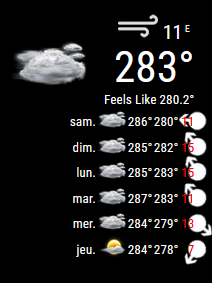
                  For Weather:
                  the 1st: it’s the temperature which displays more than 280° C, I know that there is global warming but still…
                  the 2nd: the display of the weather forecast for the following days is a little confusing and I can’t find the settings in the console ctrl+shift+i and do you think I can write the sentence “Feels Like” in French?
                  for calendar:
                  I had put icons for each calendar in config.js, 1 for mine, 1 for my wife etc. ex: {

                  symbol: 'male',
                  url: 'webcal://p59-caldav.icloud.com/published/2/Mjc4MDY5NzE3Mjc4MDY5N_JWXRaX8nNLZE61rkC12OfzlWCbJPUrEhN49IHC1yeFEfqRieBnpxxxxxxxxxxxxx'
                  
                  },
                  {
                  symbol: 'birthday-cake',
                  url: 'webcal://p59-caldav.icloud.com/published/2/Mjc4MDY5NzE3Mjc4MDY5N_JWxxxxxxxxxxx'
                  

                  in the custom css I had added color to each symbol to differentiate them (I saw that it was necessary to change .fa.fa in the custom css to .fas.fa) ex:

                  .fas.fa-male {
                     color: #2B60DE; /* Dodger Blue */
                  }
                  .fas.fa-birthday-cake {
                     color: #ff0000; /* Red */
                  }
                  
                  .fas.fa-trash-o {
                     color: #00FF00; /* Green */
                  }
                  

                  they all work except this one

                  symbol: 'trash-o',
                  

                  for this one I don’t have any symbol

                  d46af49b-efd7-426f-a594-3cd89d44d885-image.png

                  803f72f1-0ef0-4909-be7d-221a42428699-image.png

                  S 2 Replies Last reply Reply Quote 0
                  • S Offline
                    sdetweil @Manu85
                    last edited by

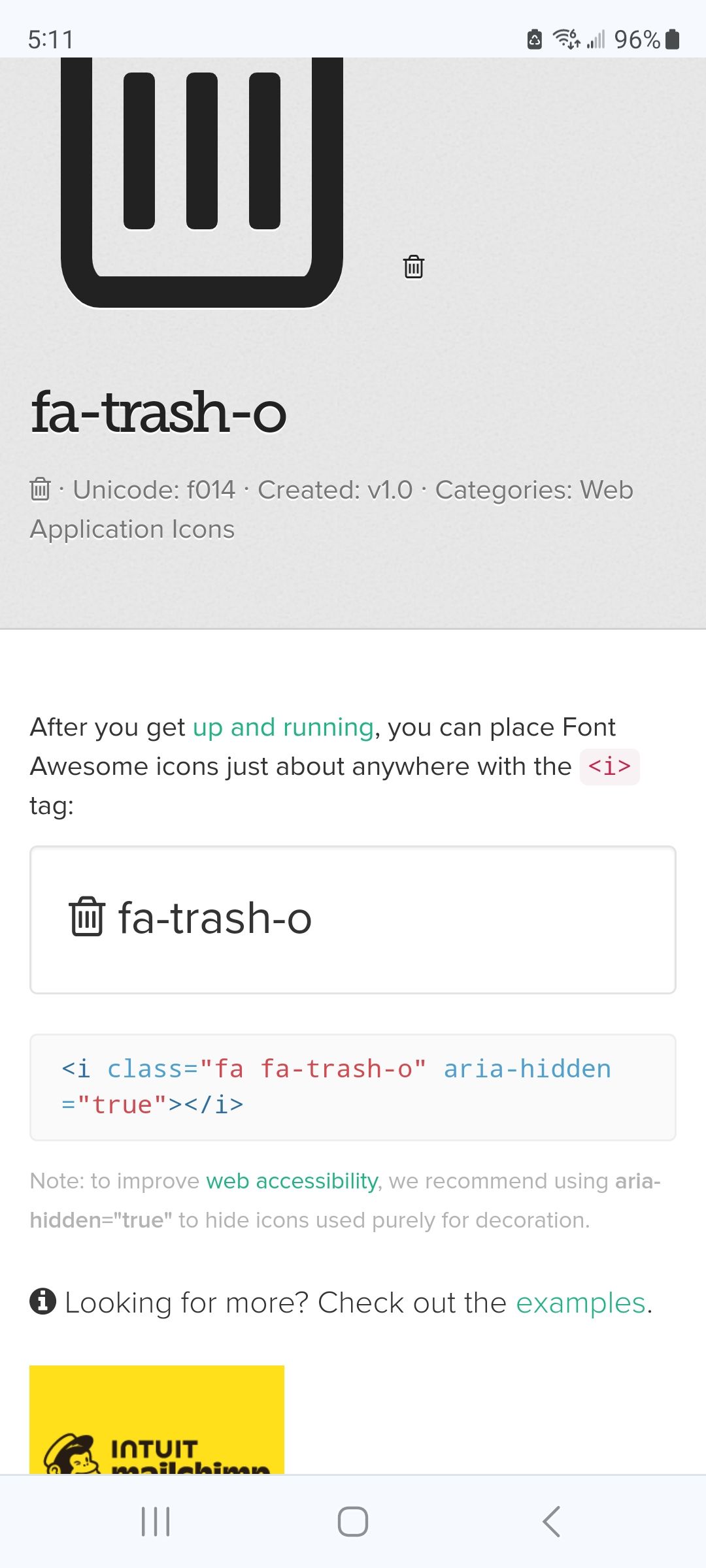
                    @Manu85 trash-o is just fa.

                    you have .fas.fa

                    which means MUST HAVE BOTH on the same element
                    add a space

                    but also maybe take .fas off
                    Screenshot_20240127_051128_Chrome.jpg

                    Sam

                    How to add modules

                    learning how to use browser developers window for css changes

                    1 Reply Last reply Reply Quote 0
                    • S Offline
                      sdetweil @Manu85
                      last edited by

                      @Manu85 you just restart mm…(pm2 restart MagicMirror)

                      any how, on the weather

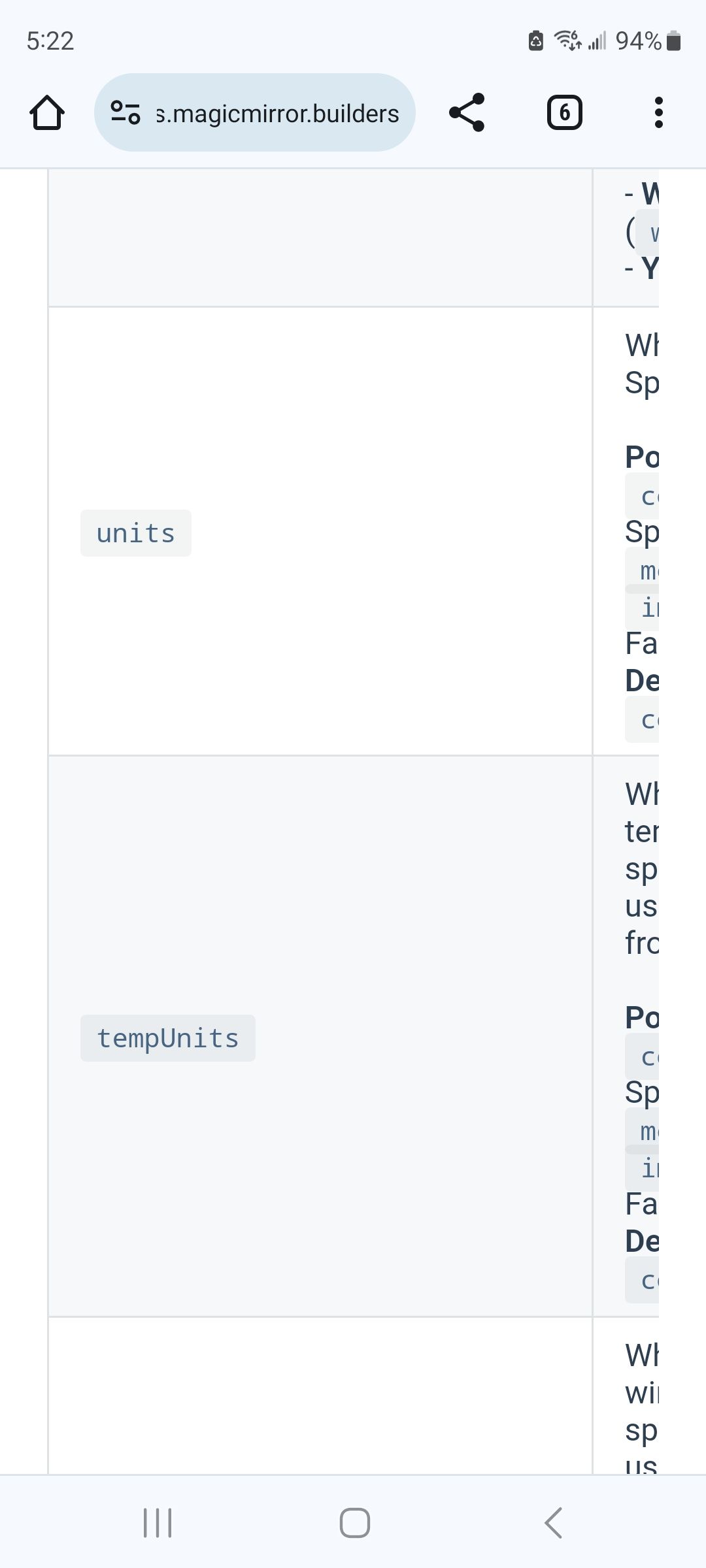
                      I think you have a conflict on how the API reports and what the module thinks it is

                      I think the API is reporting in Fahrenheit, but the code thinks in Celsius

                      see config options
                      Screenshot_20240127_052237_Chrome.jpg

                      Sam

                      How to add modules

                      learning how to use browser developers window for css changes

                      1 Reply Last reply Reply Quote 0
                      • S Offline
                        sdetweil @Manu85
                        last edited by sdetweil

                        @Manu85 of, feels like…

                        see the translations/fr.json

                        its precip

                        percent possibility of precipitation, (rain.snow)
                        chance of rain or snow

                        some languages don’t have a term for that

                        I think you could change it to blank " "
                        but , then this will be a file to watch out for on future upgrades

                        Sam

                        How to add modules

                        learning how to use browser developers window for css changes

                        M 1 Reply Last reply Reply Quote 0
                        • M Offline
                          Manu85 @sdetweil
                          last edited by

                          @sdetweil ok, thank you for this information, I will try to resolve one by one, to

                          symbol: 'trash-o',
                          

                          I tried all your suggestions and I still have the same result, what is strange is that for the other icons ex:

                          symbol: 'birthday-cake',
                          

                          I do have a birthday cake

                          S 1 Reply Last reply Reply Quote 0
                          • S Offline
                            sdetweil @Manu85
                            last edited by sdetweil

                            @Manu85 see this post where someone needed a custom css class setting

                            https://forum.magicmirror.builders/post/114837

                            and your custom.css would have been

                            .calendar .fa-trash-o { 
                            ...
                            }
                            

                            right?

                            Sam

                            How to add modules

                            learning how to use browser developers window for css changes

                            M 1 Reply Last reply Reply Quote 0
                            • M Offline
                              Manu85 @sdetweil
                              last edited by

                              @sdetweil I just did like that but still nothing I have the impression that the symbol in my js.config is not known

                              {
                              symbol: 'trash-o',
                              url: 'webcal://p59-caldav.icloud.com/published/2/Mjc4MDY5NzE3Mjc4MDY5N_JWXRaX8nNLZE61rkC12xxxxxxxxxxxxxxxxxx'
                              },
                              

                              and all other symbols are ok

                              S 1 Reply Last reply Reply Quote 0
                              • S Offline
                                sdetweil @Manu85
                                last edited by

                                @Manu85 use

                                 "fa-trash-o"
                                

                                Sam

                                How to add modules

                                learning how to use browser developers window for css changes

                                M 1 Reply Last reply Reply Quote 0
                                • M Offline
                                  Manu85 @sdetweil
                                  last edited by

                                  @sdetweil does not work

                                  S 1 Reply Last reply Reply Quote 0
                                  • S Offline
                                    sdetweil @Manu85
                                    last edited by

                                    @Manu85 in the developers window what do you see in the html and console tab view , 401, 404

                                    in console tab, put weath in the filter field

                                    Sam

                                    How to add modules

                                    learning how to use browser developers window for css changes

                                    M 1 Reply Last reply Reply Quote 0
                                    • M Offline
                                      Manu85 @sdetweil
                                      last edited by

                                      @sdetweil is this what is needed?

                                      dc591d8d-acef-4561-9d91-472f64d6960b-image.png

                                      df01a36b-94b1-44ed-9173-17afdbd4e625-image.png

                                      S 1 Reply Last reply Reply Quote 0
                                      • S Offline
                                        sdetweil @Manu85
                                        last edited by

                                        @Manu85 no… you are looking at weather, not calendar for the trash icon

                                        need the line in calendar where it SHOULD BE

                                        sorry, in console should be calen for filter… oops

                                        Sam

                                        How to add modules

                                        learning how to use browser developers window for css changes

                                        M 1 Reply Last reply Reply Quote 0
                                        • M Offline
                                          Manu85 @sdetweil
                                          last edited by

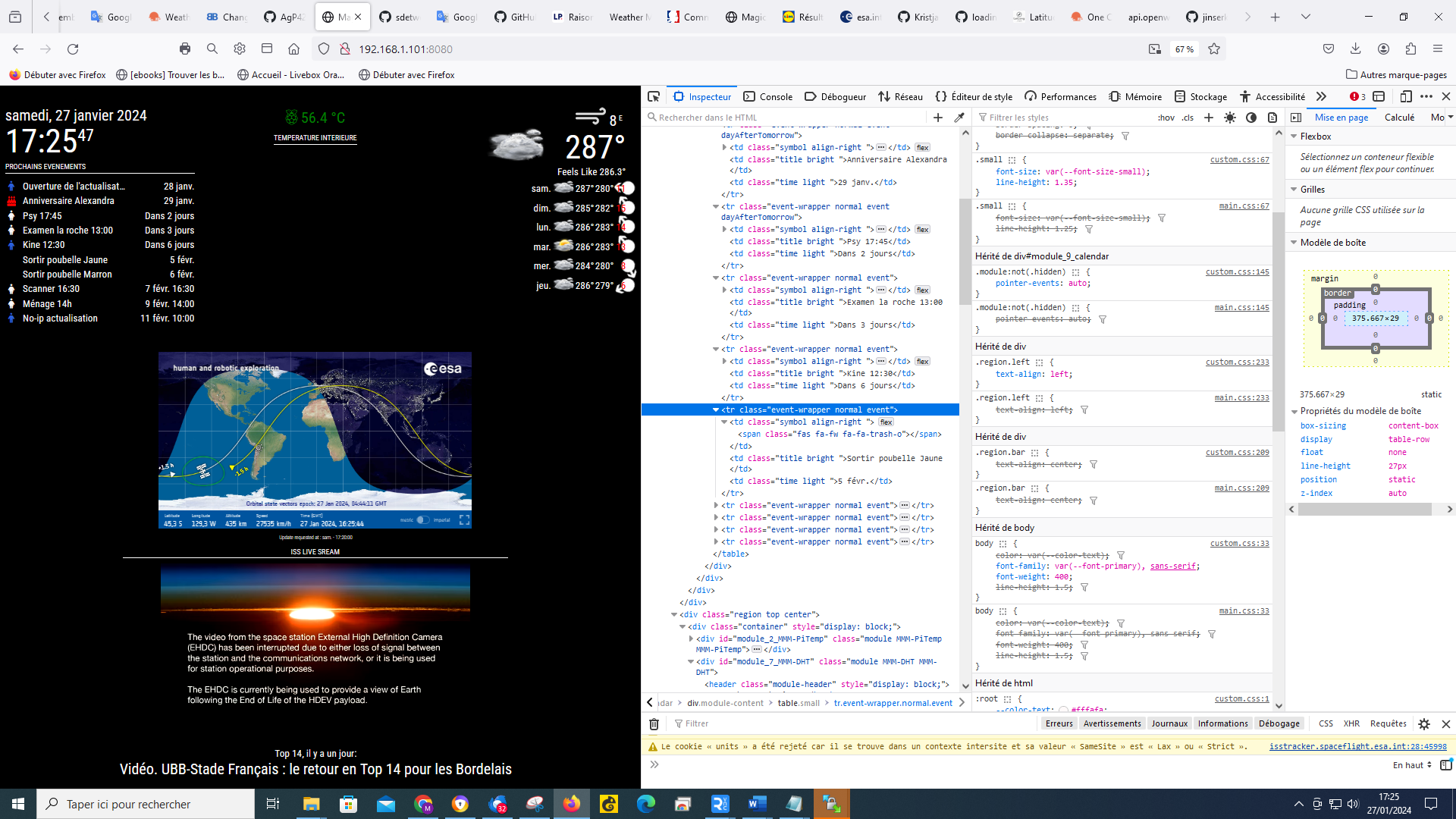
                                          @sdetweil ok, like this I selected the line where the icon should appear, is it ok? for the selection that you asked me I was surprised to select the calendar, but you are the professional :-)
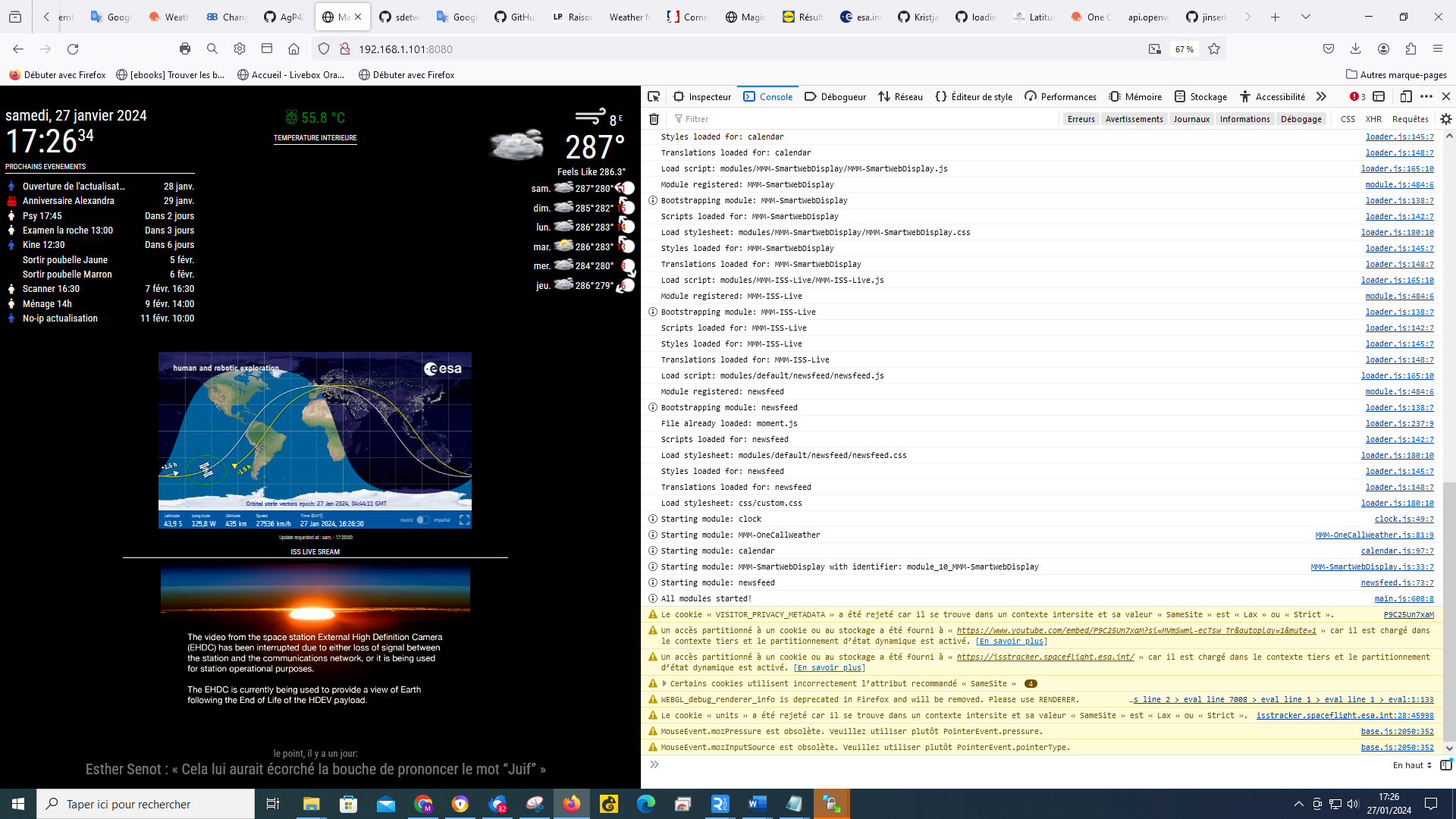
                                          e31f6056-e3a9-4195-8b94-4721d53882fe-image.png

                                          62445f00-3739-4e2c-98a3-75c34a33806f-image.png

                                          M 1 Reply Last reply Reply Quote 0
                                          • M Offline
                                            Manu85 @Manu85
                                            last edited by

                                            @Manu85 said in Changing icons of the modules Current Weather and Weather Forecast:

                                            @sdetweil ok, like this I selected the line where the icon should appear, is it ok? for the selection that you asked me I was surprised to select the weather, but you are the professional :-)
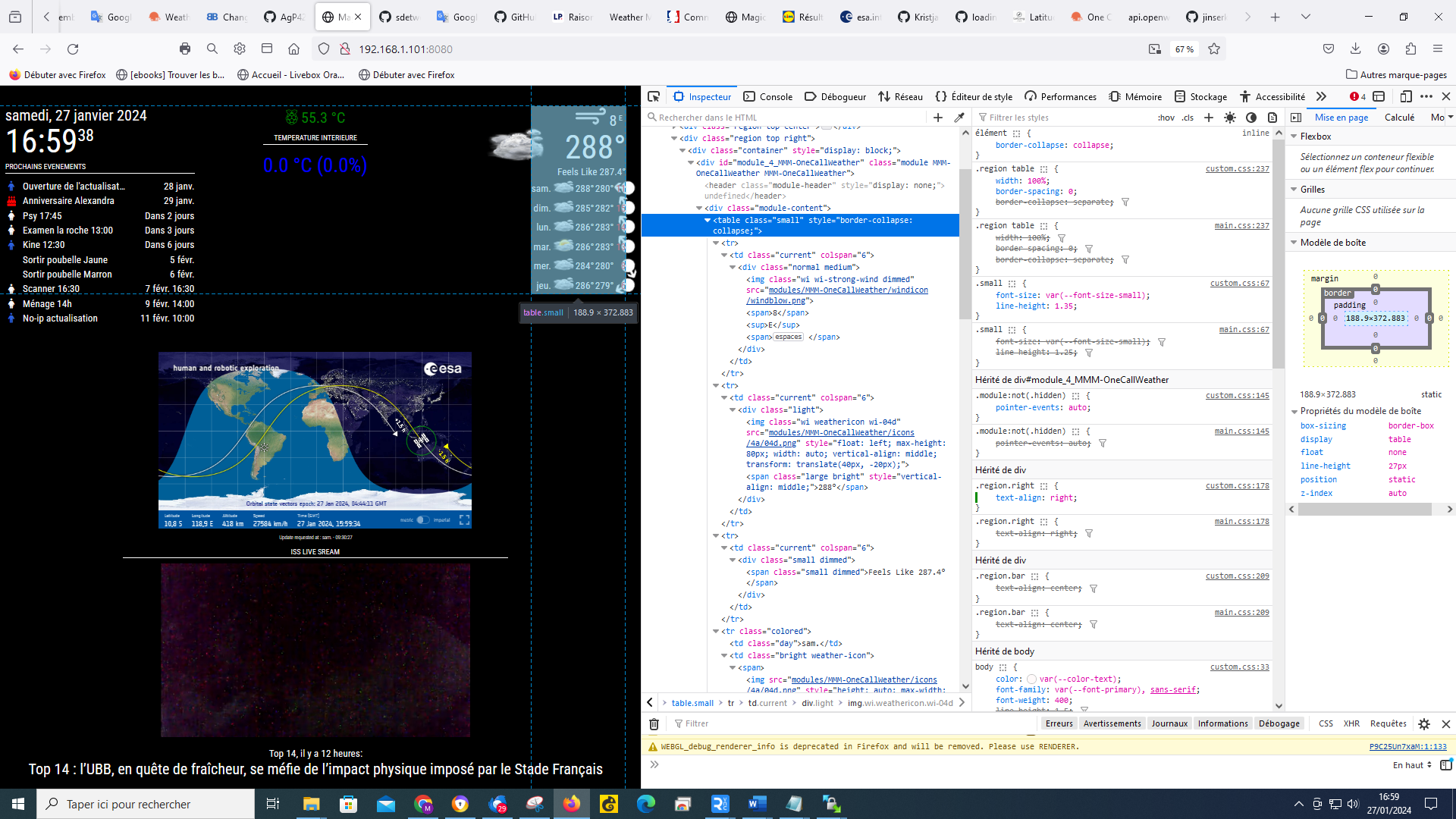
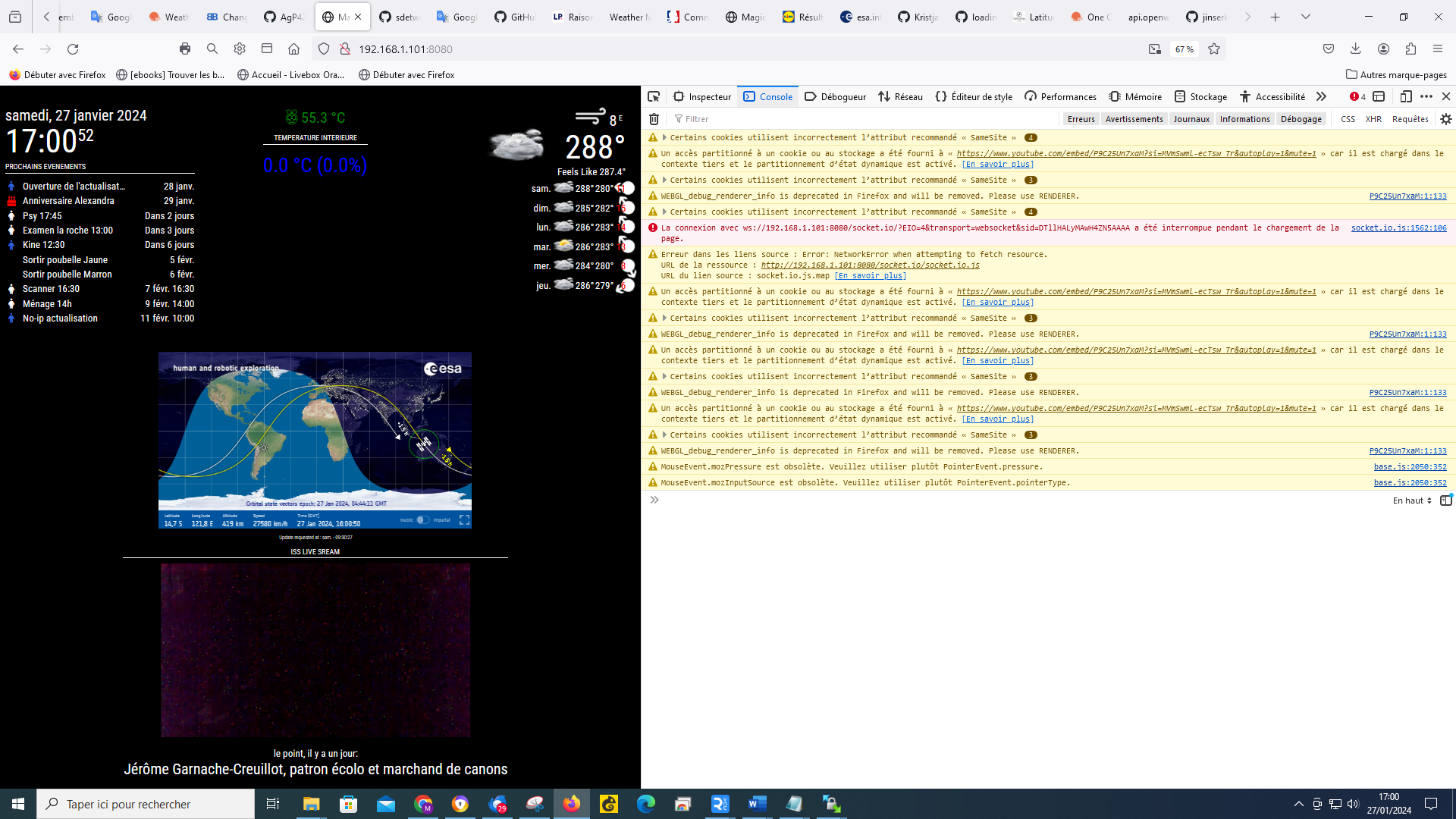
                                            e31f6056-e3a9-4195-8b94-4721d53882fe-image.png

                                            62445f00-3739-4e2c-98a3-75c34a33806f-image.png

                                            S 2 Replies Last reply Reply Quote 0

                                            Hello! It looks like you're interested in this conversation, but you don't have an account yet.

                                            Getting fed up of having to scroll through the same posts each visit? When you register for an account, you'll always come back to exactly where you were before, and choose to be notified of new replies (either via email, or push notification). You'll also be able to save bookmarks and upvote posts to show your appreciation to other community members.

                                            With your input, this post could be even better 💗

                                            Register Login

                                            • 1
                                            • 2
                                            • 3
                                            • 4
                                            • 5
                                            • 15
                                            • 16
                                            • 1 / 16
                                            • First post
                                              Last post
                                            Enjoying MagicMirror? Please consider a donation!
                                            MagicMirror created by Michael Teeuw.
                                            Forum managed by Sam, technical setup by Karsten.
                                            This forum is using NodeBB as its core | Contributors
                                            Contact | Privacy Policy