Read the statement by Michael Teeuw here.
Changing icons of the modules Current Weather and Weather Forecast
-
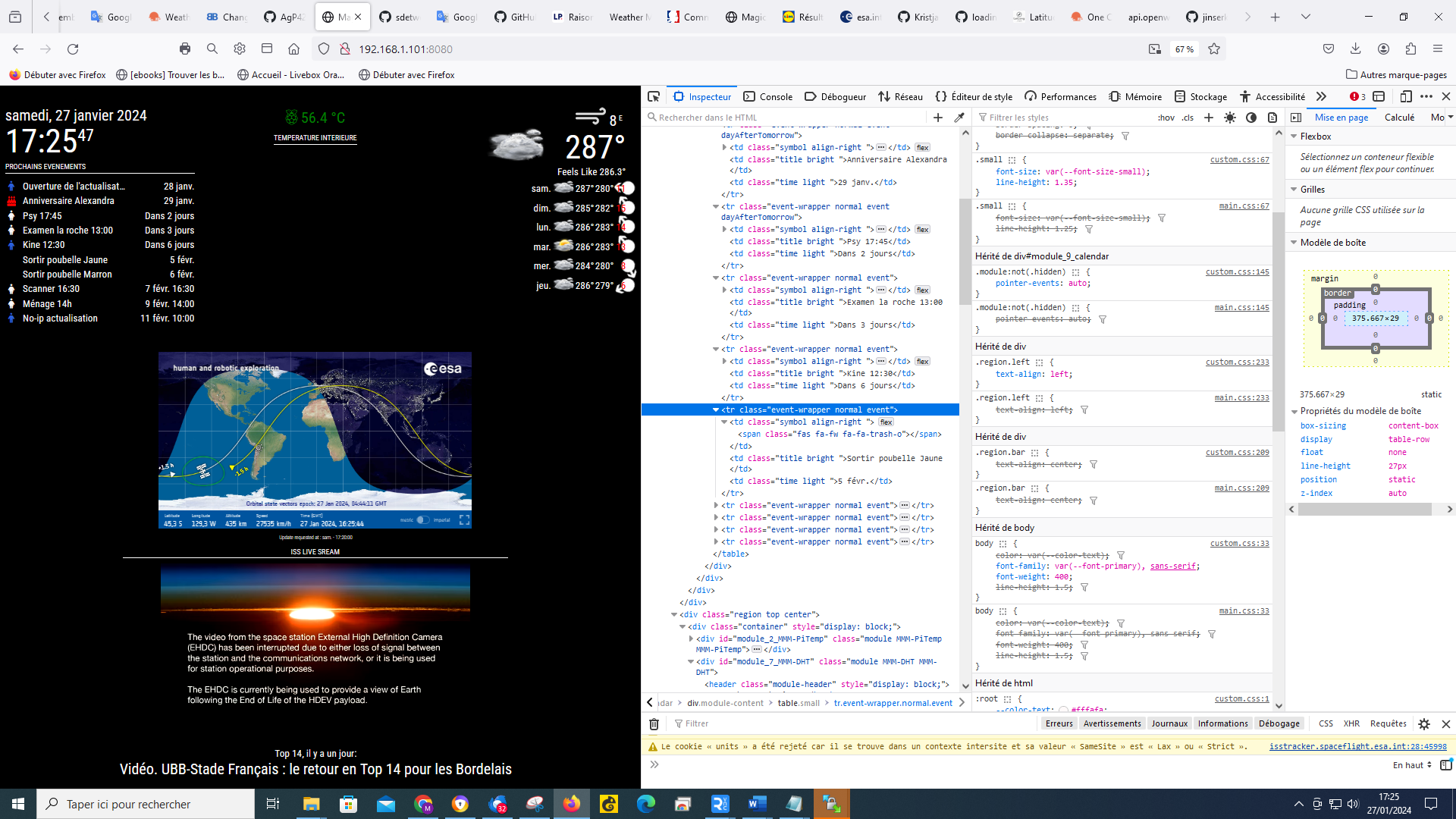
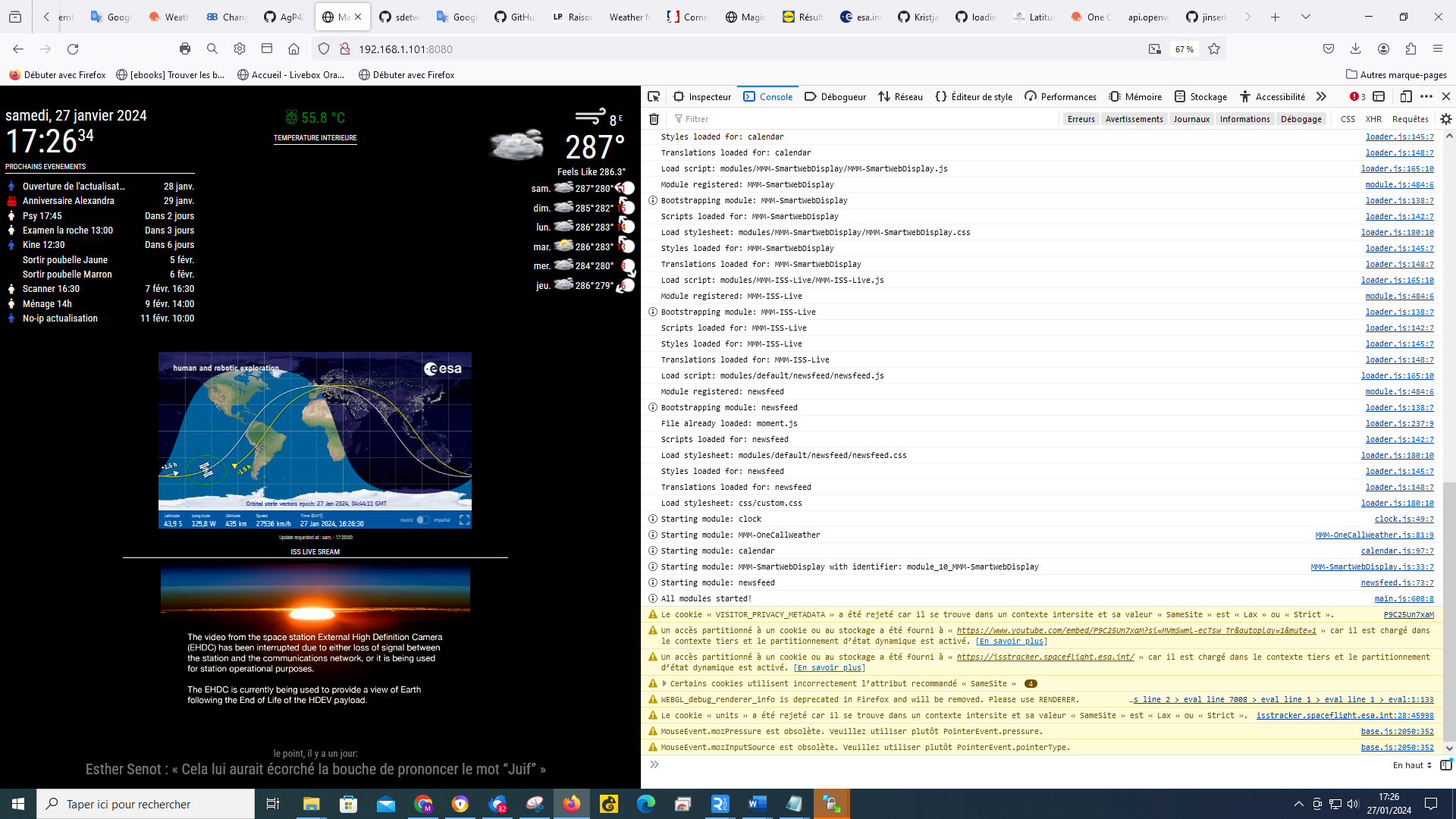
@sdetweil ok, like this I selected the line where the icon should appear, is it ok? for the selection that you asked me I was surprised to select the calendar, but you are the professional :-)
-
@Manu85 said in Changing icons of the modules Current Weather and Weather Forecast:
@sdetweil ok, like this I selected the line where the icon should appear, is it ok? for the selection that you asked me I was surprised to select the weather, but you are the professional :-)
-
@Manu85 fa-trash-o is wrong, added fa- again
and you did not put
calen
in the console tab filter field to get just messages from calendar module -
@Manu85 they have renamed it to trash-can in fa 6 which we ship now
also it is in the fa-solid connectionso you may need
"fa-solid trash-can"and maybe
"fa-solid fa-trash-can"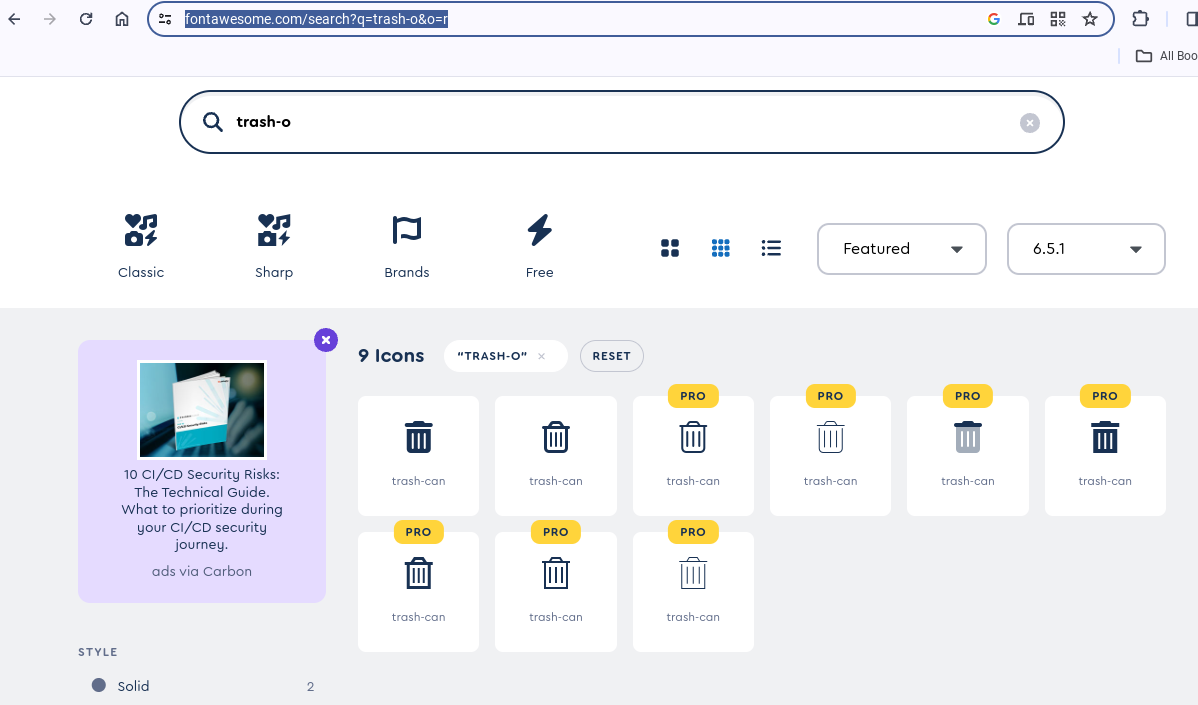
-
@sdetweil you are too strong!!! now I will try to understand the weather temperature

-
@Manu85 which symbol string did you use?
-
-
@Manu85 thanks. might help others
-
@sdetweil do you thank me? I dream it’s you who teaches me hundreds of things…
on the other hand I can’t understand the temperature in config.js I addedtempUnits: "C",but that doesn’t change anything it’s still 282°
-
-
@sdetweil my config.js is already like this!
language: "fr", timeFormat: 24, units: "metric", units: "kmh", tempUnit: "C", -
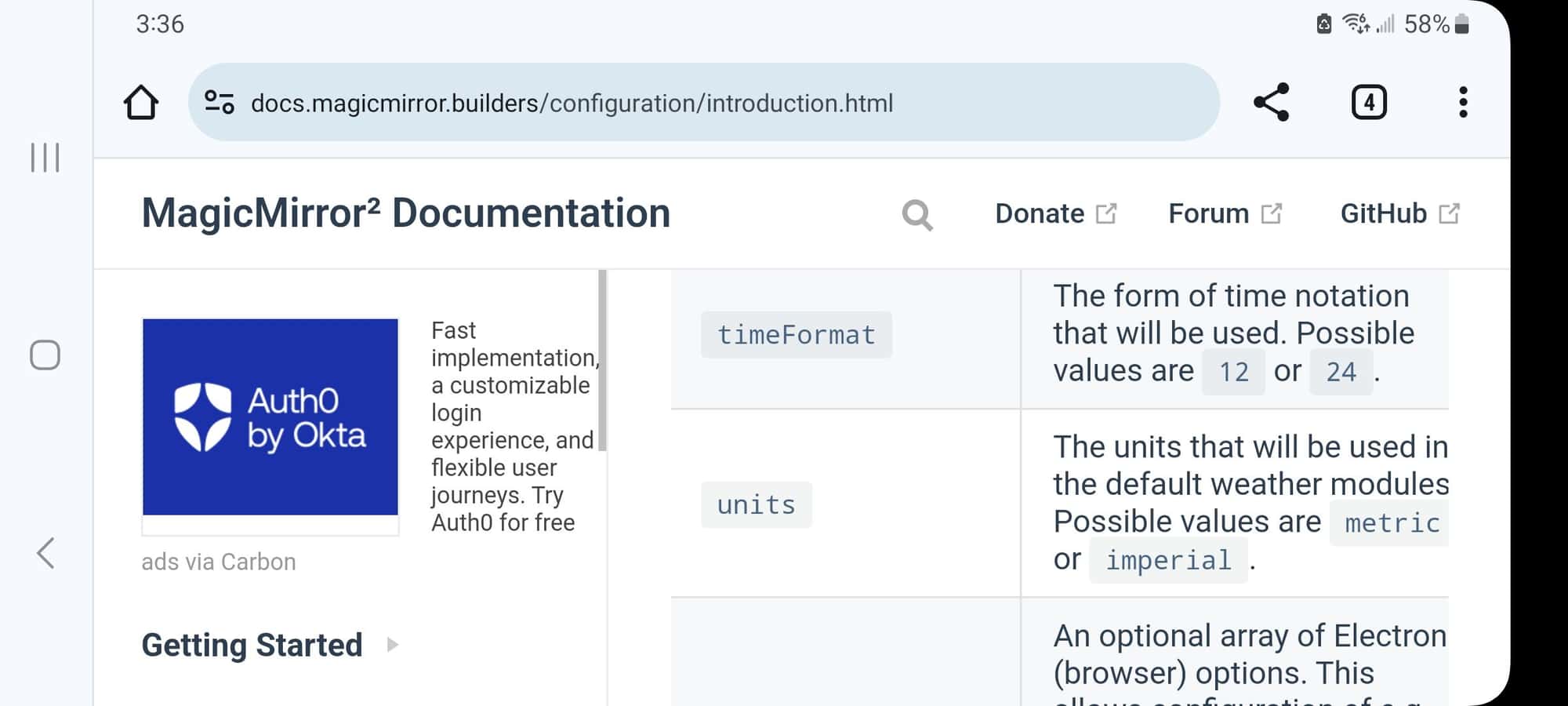
@Manu85 the doc says
tempUnits What units to use for temperature. If not specified, the module uses the units value from config.js.
Possible values: config.units = Specified by config.js, metric = Celsius, imperial = Fahrenheit
Default value: config.unitssame choices… metric or imperial (not C)
-
@sdetweil
you are right (as usual) I put units:"metric",in config.js of the module and it works, you are the best
-
@Manu85 if you don’t specify in the module config it uses the settings at the top of config.js
-
@sdetweil I still have some advice to ask you but I’m going to bed, because in France it’s already Sunday and it’s 00:03 AM ;-)
thank you again for your help -
@Manu85 ok, good night. I am driving til after 3 pm us mountain time. I think your time +8
-
@sdetweil good luck and thank you for your help
-
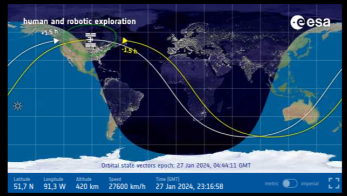
@sdetweil yes indeed, we do not have the same night area…
-
@sdetweil Hello, I didn’t succeed in feeling like, but it doesn’t matter, I’ll leave it like that…
if I understood correctly I need to keep my MM up to date, do I need to run your script every 3 months or is there a solution to do it automatically and is it also possible for the mirror modules? -
@sdetweil I got a weather module update alert, I tried to update, but I got this error message, did I do something wrong?
pi@MagicMirror:~/MagicMirror/modules/MMM-OneCallWeather $ git pull
Depuis https://github.com/KristjanESPERANTO/MMM-OneCallWeather
   f7f964d..0069540  main       -> origin/main
Mise ▒ jour f7f964d..0069540
error: Vos modifications locales aux fichiers suivants seraient ▒cras▒es par la fusion▒:
        MMM-OneCallWeather.js
        package-lock.json
Veuillez valider ou remiser vos modifications avant la fusion.
Abandon
pi@MagicMirror:~/MagicMirror/modules/MMM-OneCallWeather $
Hello! It looks like you're interested in this conversation, but you don't have an account yet.
Getting fed up of having to scroll through the same posts each visit? When you register for an account, you'll always come back to exactly where you were before, and choose to be notified of new replies (either via email, or push notification). You'll also be able to save bookmarks and upvote posts to show your appreciation to other community members.
With your input, this post could be even better 💗
Register Login