Read the statement by Michael Teeuw here.
MMM-GooglePhotos
-
MMM-GooglePhotos
display images on MagicMirror from Google Photos
Description
- Simple photo frame. Photos are derived from your Google Photos account.
- Not iframe. Implemented to MM with pure Javascript.
ScreenShot
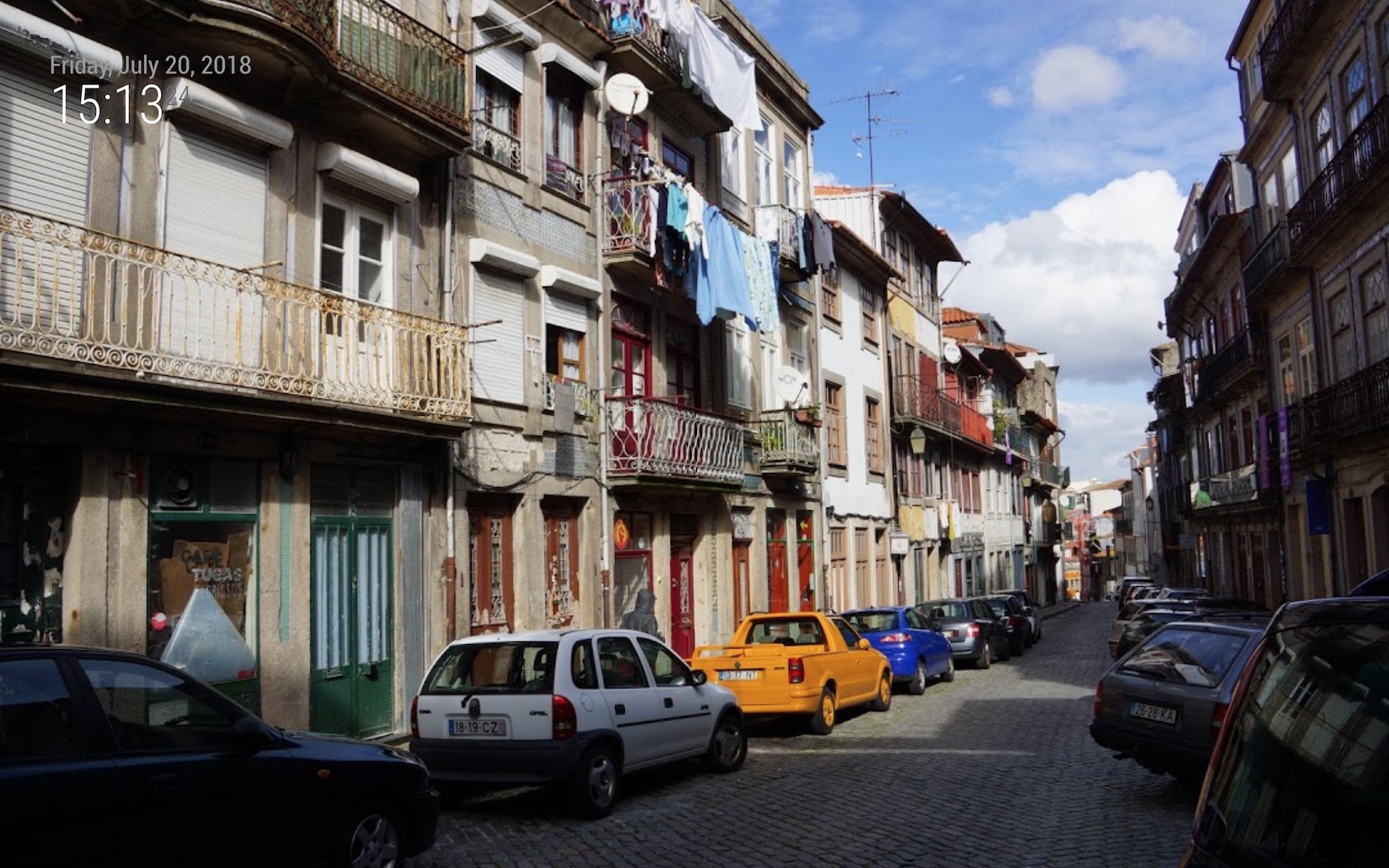
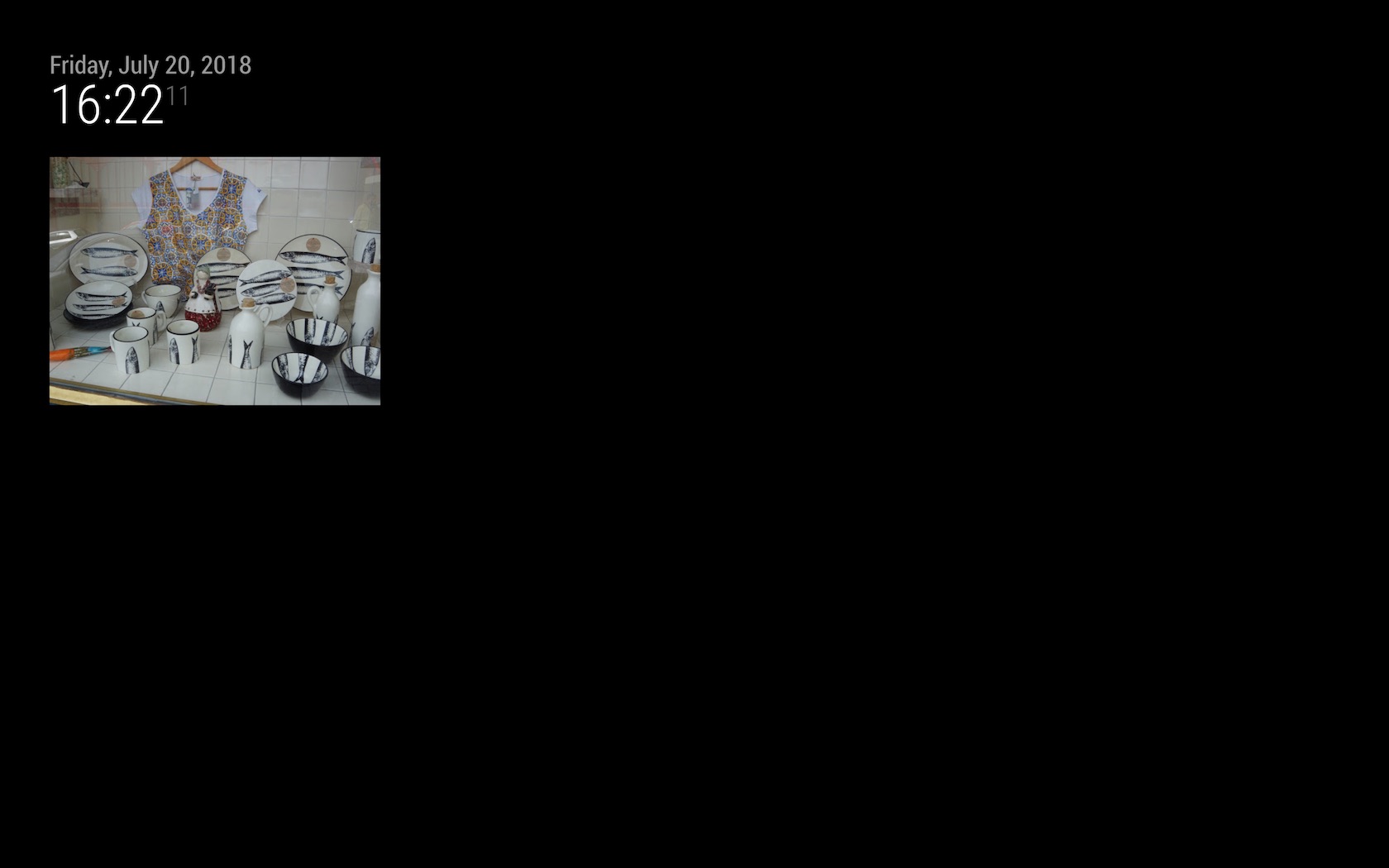
Download & Details
[card:eouia/MMM-GooglePhotos]
-
Awesome! Happy to see that this was created as a module.
In your screenshot you have a full screen image, what is the configuration for this? I imagine we would want that div to be behind all the other divs to use the image as a background and the other modules to be displayed over it.
Thanks!
-
{
  module: "MMM-GooglePhotos",
  position: "fullscreen_below",
  config: {
    albumId: "<YOUR_GOOGLE_PHOTOS_ALBUM_ID>", // your album id from result of `auth_and_test.js`
    refreshInterval: 1000*60,  // too short refreshing might cause API quota limit. Under 10sec will exhaust your quota(usually total  under 25000 per day).
    scanInterval: 1000*60*60, // too many scans might cause API quota limit also.
    sort: "time", //'time', 'reverse', 'random'
    showWidth: "100%", // how large the photo will be shown as. (e.g;'100%' for fullscreen)
    showHeight: "100%",
    originalWidthPx: 1920, // original size of loaded image. (related with image quality)
    originalHeightPx: 1080, // Bigger size gives you better quality, but can give you network burden.
    mode: "cover", // "cover" or "contain" (https://www.w3schools.com/cssref/css3_pr_background-size.asp)
  }
},
And you might need to adjust your css for your purpose (margin or padding)
-
@sean Thanks!
Another question… If i have an album which I’ve shared, images from that party are not showing up.
Actually, after adding some debugging in the node_helper file, the body (freehanded the response as I don’t have the exact body handy) from the API
Status code: 400
Message: “The media item is not in the user’s library it was contributed by another user to…”Basically, their was an unhandled exception being thrown where your case statement is for: time, reverse, random.
Any idea how to configure the album to allow the API to pull all images regardless of who uploaded them?
-
@kapsolas
The picture was not created by you, right?
I’ll research and try to fix it. -
Correct.
The setup is as follows:
- I created a shared album
- Invited my wife to it
- I uploaded photos
- My wife uploaded photos
When I tried to set up the plugin, I discovered it was failing. I modified the code to print the body to the console and saw the message from the Google Photos API.
The response is:
error:
{ code: 400,
message: ‘The media item is not in the user's library. It was contributed by another user to a shared album that this user joined to.’
status: ’ INVALID_ARGUMENT’ }
}If we could get this to work, it would be a nice way to use GooglePhotos act like an online digital photo frame. Anyone with access to the shared album can upload photos.
-
@kapsolas
I guess the reason is the scope rule. “readonly” is set for the scope of API using. I’ll change it to “https://www.googleapis.com/auth/photoslibrary.sharing”, but it’s just guessing. Test will be needed.
After fixing, I’ll tell you.
(Today, I purchased my new MBP and am migrating, so I’m not ready to develop something, so it’ll take somewhat time.) -
@kapsolas
Fixed. (I think). Try it. (justgit pull, no need tonpm install)mediaItem:searchAPI could access photos shared from others, butmediaItem/IDAPI couldn’t. It looks so weird. Anyway, I changed it to usemediaItem:search. The only risk is expiration of temporary image URL, so you’d better keepscanIntervalunder 1 hour. -
Awesome! That worked and solved it!
I’ll need to pay around a bit with the sizes in the config (hopefully not the code) to see if I can get the images to display in the screen fully.
For now the images are being cropped as they are larger than the display area on the screen.
Again thank you!
-
@kapsolas set the
modetocoverorcontain.coverwill be fit your entire region as large as possible but cropped,containwill show the entire image but has some black tape aroundtop and bottomorleft and rightby the ratio of photo width/height like movie film. -
Hello i use node auth_and_test.js but i dont have any album ID in terminal only info : auth_and_test started.
What to do to get album ID ?? -
If you don’t see any response, it may be because an error is being returned by Google. Errors in the script are suppressed now.
If you are familiar with updating the code, you can add a console.log(body) message to see the error.
-
@kapsolas said in MMM-GooglePhotos:
console.log(body)
in auth_andtes is console log error and i dont have any just info in console:
auth_and_test started
so i dont have i thing any error but no album ID :/ -
@kivlow At your first execution, have you countered allowance process?
-
Hi Sean,
Great work.
Just set this up, all went ok to the point where the photo’s don’t display.
I have a section on the MM screen cleared where the default 800x600 image would be displayed, but it is a black screen. I have the following error on the console after starting MM.sh appearing every refresh interval.
“There is no scanned photo currently.”
The album has several photo’s within it, The album name appeared next to the Album ID, I’ve copied the Album ID only into my config.Any pointers would be great.
Thanks again!
-
@richfreeman
DOH
Remove the <>
Change “<>” to simply “Album ID”
No <> needed.
Photo’s appeared !
Thanks. -
@sean said in MMM-GooglePhotos:
At your first execution, have you countered allowance process?
At myr first execution terminal not react over 5min after auth_and_test command and i have info to kill suspended process.
After that when i wrote auth_and_test i get only info that is started :/ -
@kivlow
I suspect you have executednode auth_and_test.jsin shell terminal on your PC via SSH. right?
If you run that commands on your RPI directly, it should try to open a browser for authenticating process. -
@sean
i power on RPI with raspbian then open from upper taskbar terminal and wrote node auth_and_test.js
how to wrote it directly ?? -
@kivlow
What kind of RPI do you use? As you said “taskbar”, Is it RPI 2 or 3 with Jessie or Stretch Desktop, right?
And, Have RPI had any browser (Chromium or Midori?)?I’ll change some code for the case of not opening browser automatically, Please wait a while.
Hello! It looks like you're interested in this conversation, but you don't have an account yet.
Getting fed up of having to scroll through the same posts each visit? When you register for an account, you'll always come back to exactly where you were before, and choose to be notified of new replies (either via email, or push notification). You'll also be able to save bookmarks and upvote posts to show your appreciation to other community members.
With your input, this post could be even better 💗
Register Login