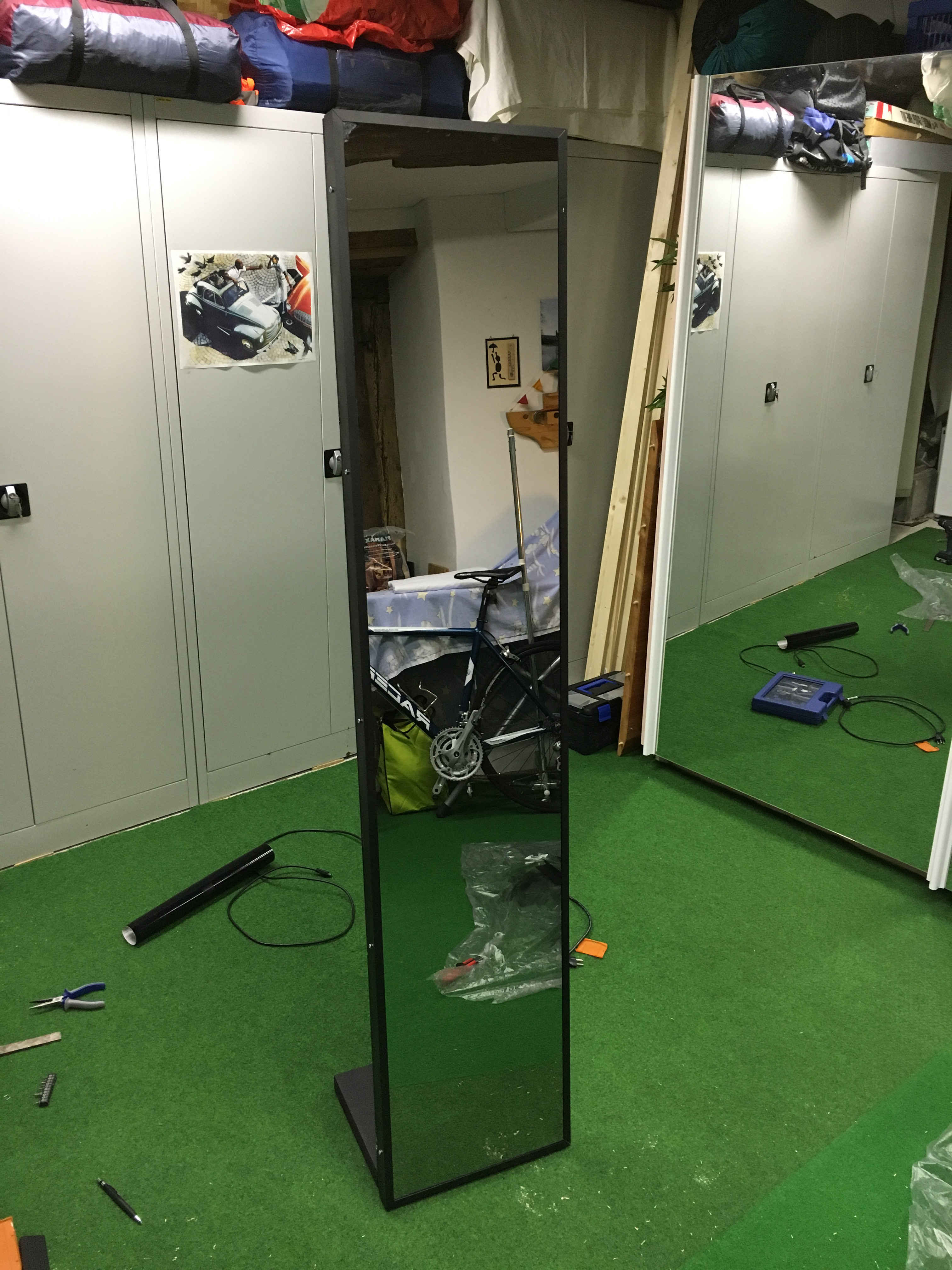
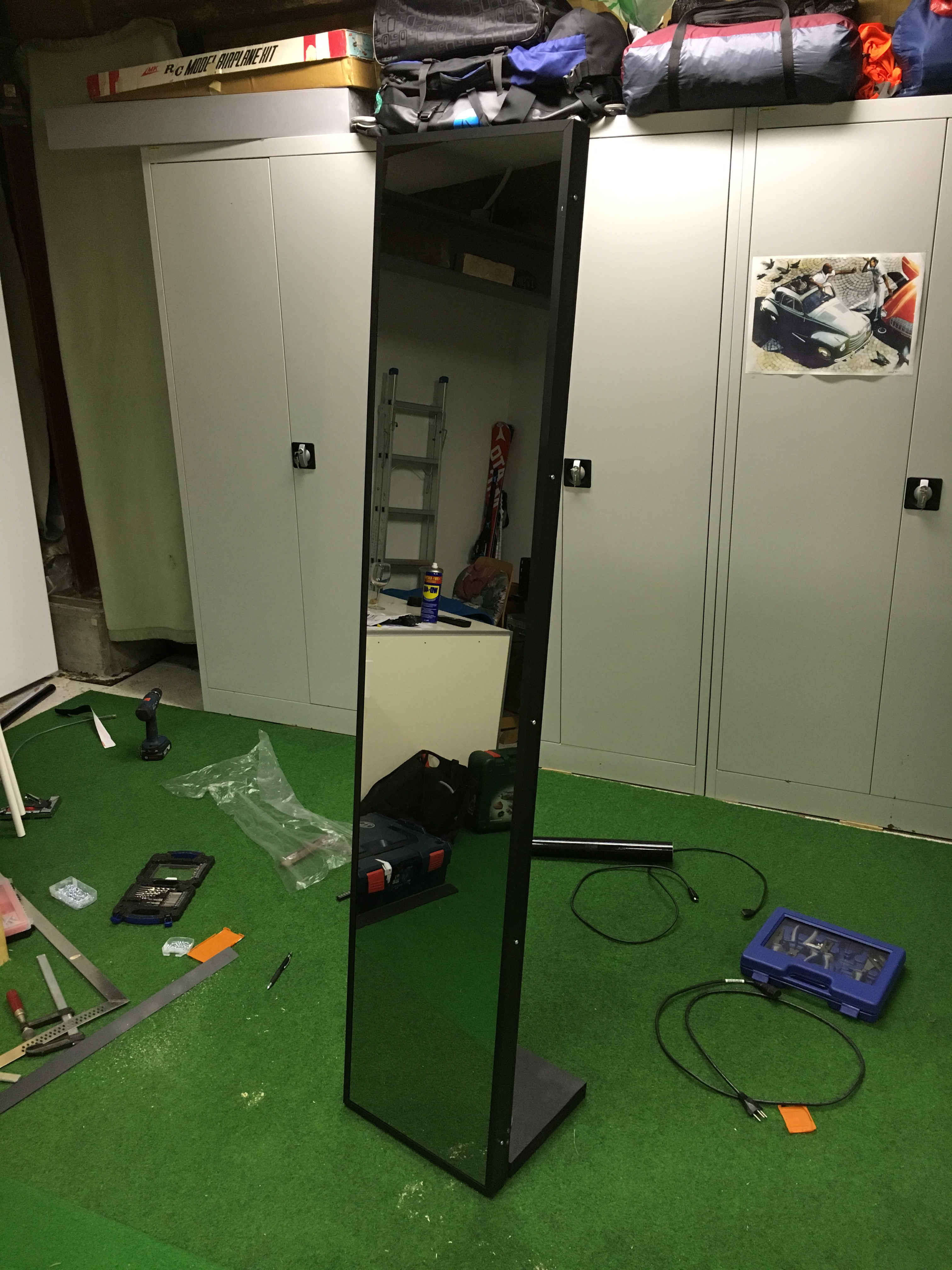
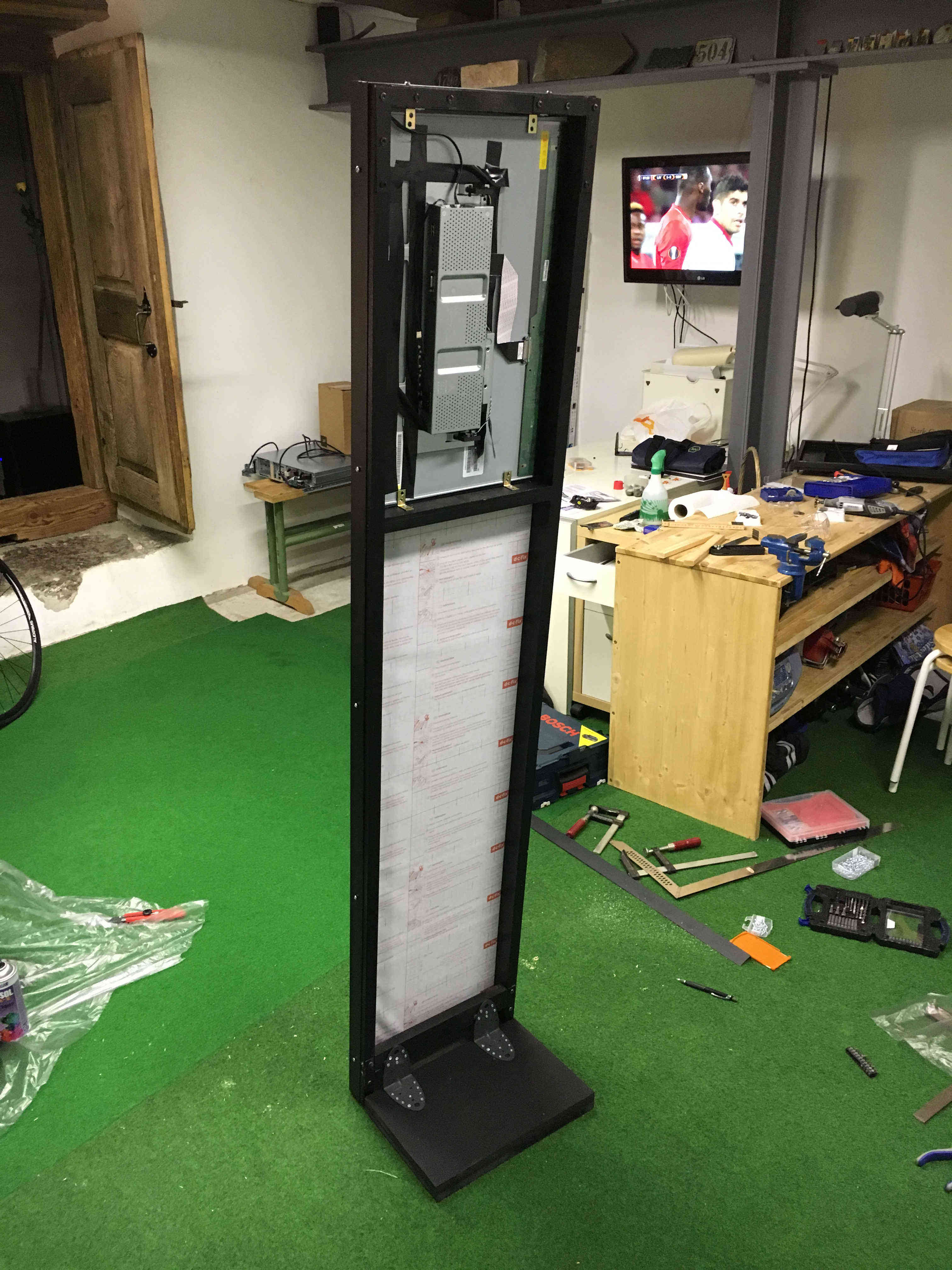
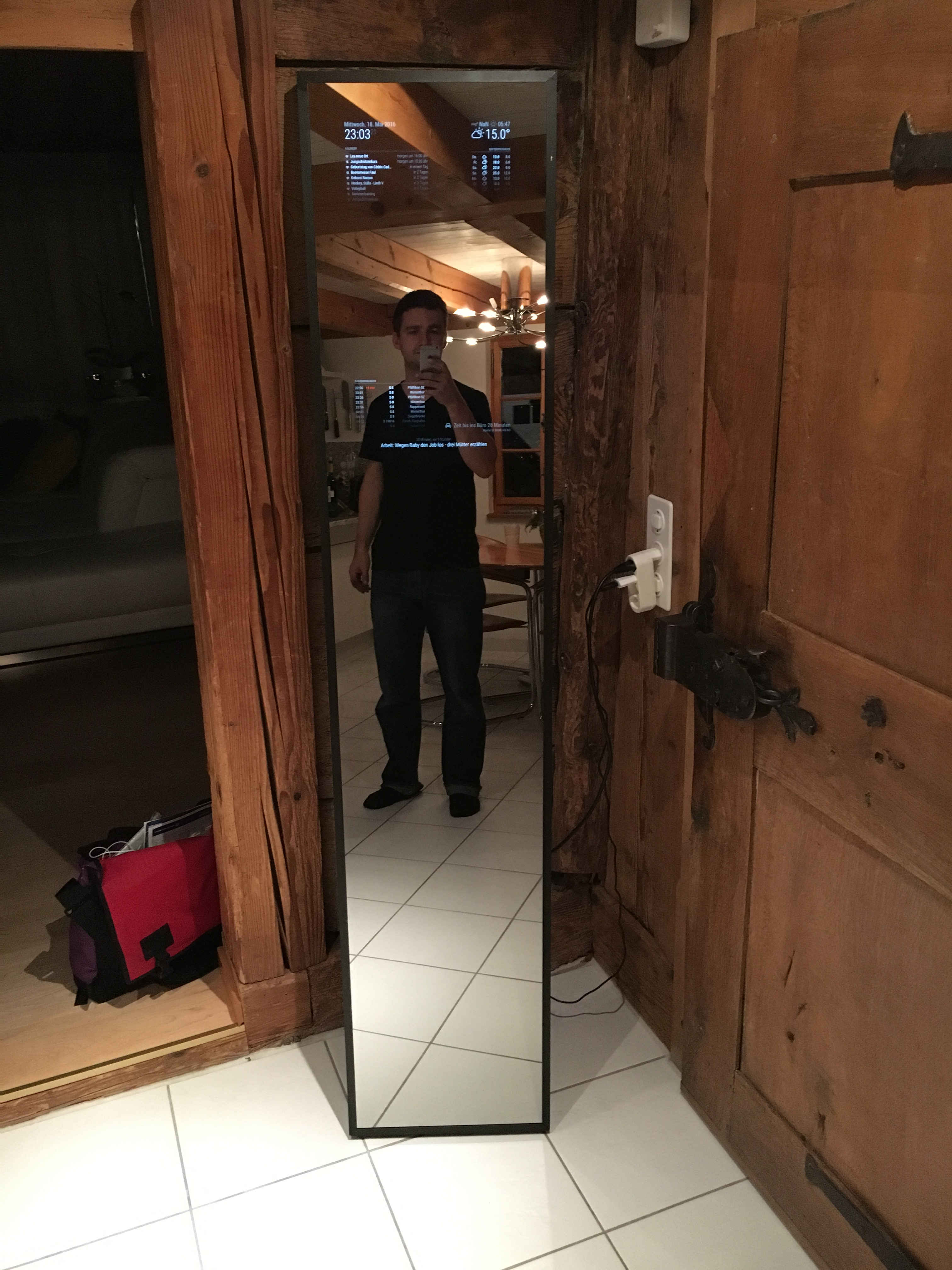
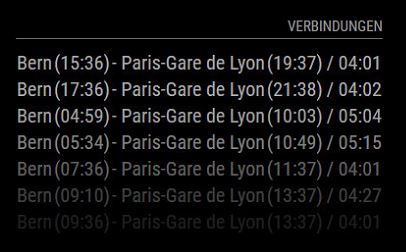
not really. if you look closely you can see it, depending on the light in the room.
 B
Offline
B
Offline
A New Chapter for MagicMirror: The Community Takes the Lead
Read the statement by Michael Teeuw here.
Read the statement by Michael Teeuw here.
Posts
-
RE: Bangee's Mirror
-
RE: Where to buy good two way mirrors ?
I use a 12 % Mirror
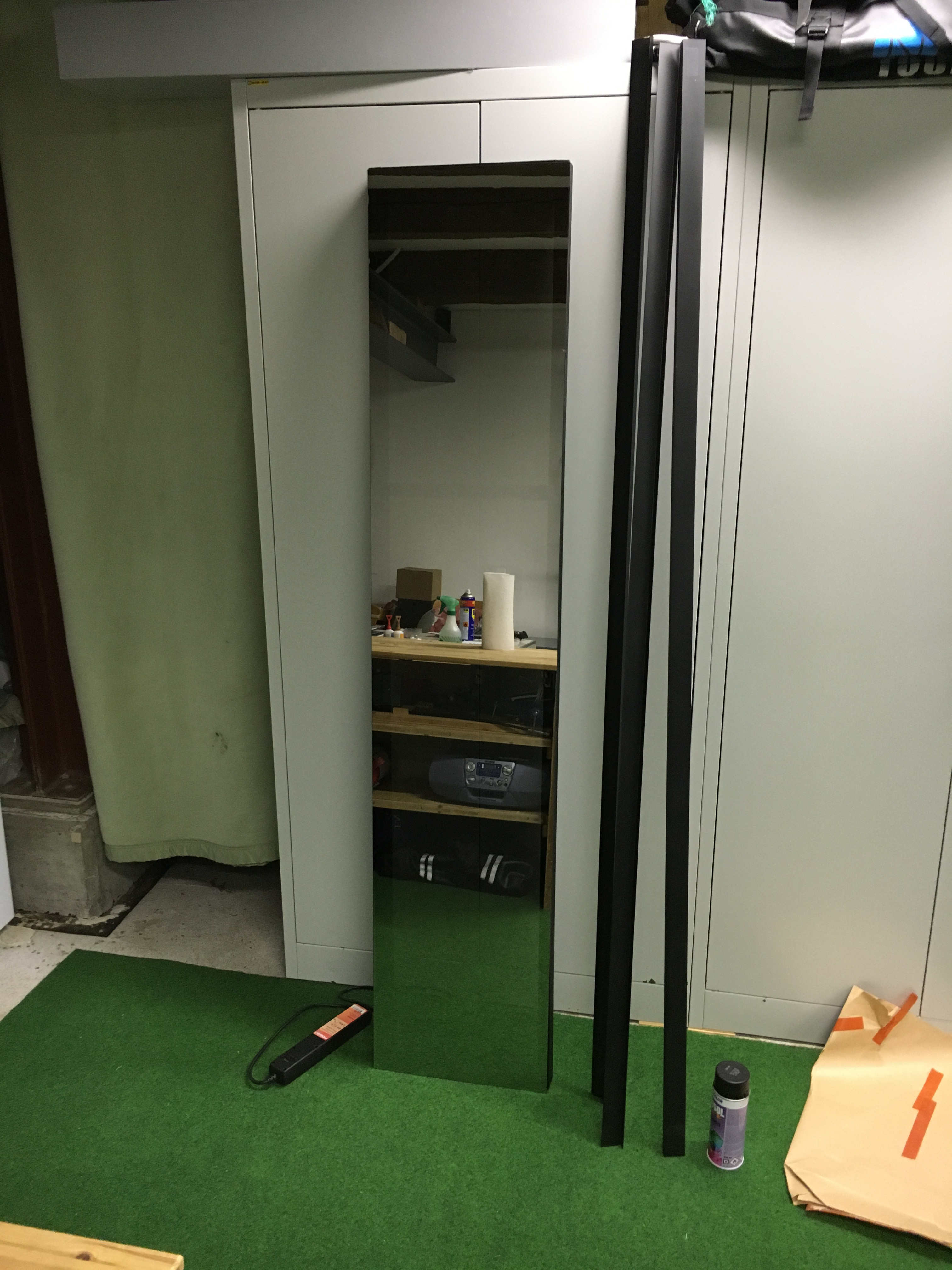
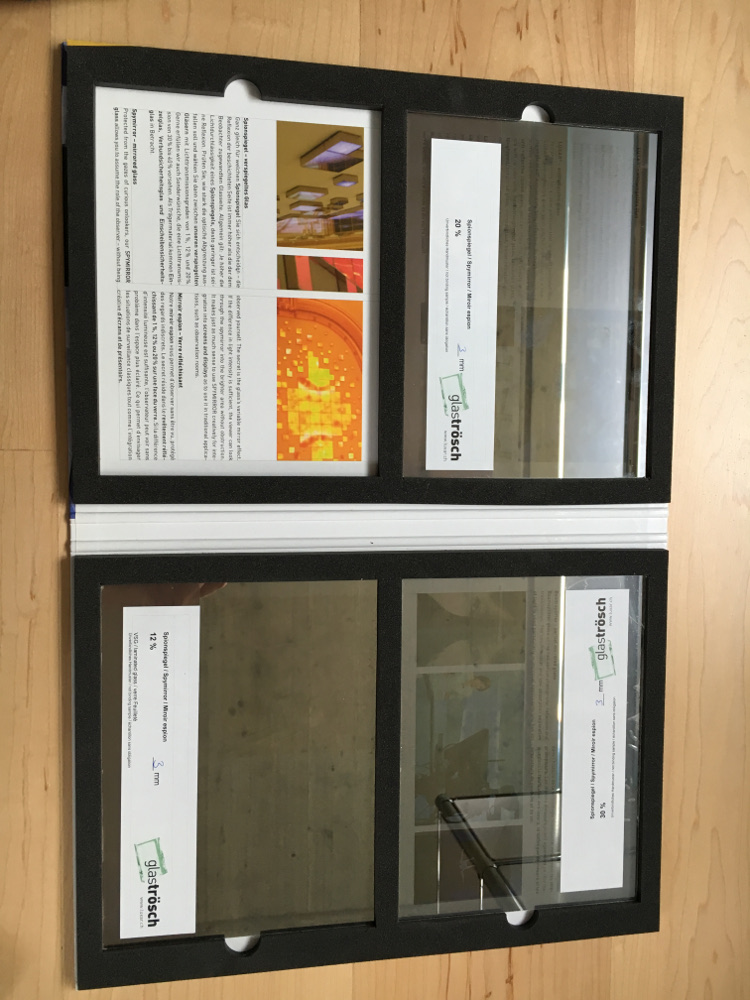
Here you can see my three samples I’ve orderd.
-
How to Troubleshoot
Hey there beginners like me :-)
I would like to show you, where and how to find errors while installing, using or developing MagicMirror 2.
What we need:
MagicMirror2 from github -> https://github.com/MichMich/MagicMirror installed on a Raspberry Pi.Try to use the automatic install as described in the Readme.md.
A really good tool to see whats going on behind your MM2 is Firebug -> http://getfirebug.com/
If you run you MM2 asnode serveronlyyou will have a lot of informations.Connect to your Raspberry using Putty -> http://www.putty.org/
Username: pi
Password: raspberry- Start StandaloneServer:
node serveronly - open your FirefoxBrowser
http://192.168.0.150:8080(replace your Raspy’s IP adresse) - Press
F12to start Firebug
If you are using PM2 you will get informations running these command:
pm2 info mm(replace mm whit your App Name)Output:
pi@raspberrypi:~ $ pm2 info mm
 Describing process with id 0 - name mm
┌───────────────────┬───────────────────────────────────┐
│ status            │ online                            │
│ name              │ mm                                │
│ restarts          │ 5                                 │
│ uptime            │ 3h                                │
│ script path       │ /home/pi/mm.sh                    │
│ script args       │ N/A                               │
│ error log path    │ /home/pi/.pm2/logs/mm-error-0.log │
│ out log path      │ /home/pi/.pm2/logs/mm-out-0.log   │
│ pid path          │ /home/pi/.pm2/pids/mm-0.pid       │
│ interpreter       │ bash                              │
│ interpreter args  │ N/A                               │
│ script id         │ 0                                 │
│ exec cwd          │ /home/pi                          │
│ exec mode         │ fork_mode                         │
│ node.js version   │ N/A                               │
│ watch & reload    │ ✘                                 │
│ unstable restarts │ 0                                 │
│ created at        │ 2016-05-13T08:30:59.308Z          │
└───────────────────┴───────────────────────────────────┘
 Add your own code metrics: http://bit.ly/code-metrics
 Use `pm2 logs mm (--lines 1000)` to display logs
 Use `pm2 monit` to monitor CPU and Memory usage mm
Here you’ll find again a lot of informations where to find your error_log or your out_log.
If you create a
console.log("something");debug message or output you’ll be able to see this info using the following command:
tail -f /home/pi/.pm2/logs/mm-out-0.log(replace the path with your paht to log or error file)This will be continued…
so long Bangee…
- Start StandaloneServer:
-
RE: PIR-Sensor - put your mirror to sleep if not used
Funny…
pi@raspberrypi:~ $ tail -f /home/pi/.pm2/logs/mm-out-0.log GIPO Status:1 GIPO Status:0 GIPO Status:1 GIPO Status:0 GIPO Status:1 GIPO Status:0 GIPO Status:1 GIPO Status:0 GIPO Status:1 GIPO Status:0 -
RE: PIR-Sensor - put your mirror to sleep if not used
@paviro sorry, i’m still a node noob… how can I check this? ;-)
-
RE: PIR-Sensor - put your mirror to sleep if not used
@paviro i’ve added the console.log as you described, but there is no log output in firebug. where can I check this log elsewhere?
-
RE: PIR-Sensor - put your mirror to sleep if not used
@paviro will there be any chance to log what information the sensor is returning?
I’m not sure why my screen is alway going on and off, but i’ll get nervous… -
RE: PIR-Sensor - put your mirror to sleep if not used
This is all 10 seconds. But there is noone in front of the mirror… :-(
meteoblueForecast received a module notification: USER_PRESENCE from sender: MMM-PIR-Sensor logger.js (Zeile 20) newsfeed received a module notification: USER_PRESENCE from sender: MMM-PIR-Sensor logger.js (Zeile 20) clock received a module notification: USER_PRESENCE from sender: MMM-PIR-Sensor logger.js (Zeile 20) calendar received a module notification: USER_PRESENCE from sender: MMM-PIR-Sensor logger.js (Zeile 20) swisstransport received a module notification: USER_PRESENCE from sender: MMM-PIR-Sensor logger.js (Zeile 20) .... -
RE: PIR-Sensor - put your mirror to sleep if not used
This PDF shows how to adjust your PIR Sensor.
Today, i don’t know why but after a few minutes the monitor turns off, but then it reactivates again without any motion in front of the mirror. Any sugestions?
-
RE: PIR-Sensor - put your mirror to sleep if not used
I’ve tried to use PIN 26. In my electron errorlog, there was this msg:
[Error: digitalRead: IsInt32(arguments['pin']) === false]So I went back to PIN 22 and now my mirror starts again. :-)
EDIT:
New idea -> Try without ’ ';
{ module: 'MMM-PIR-Sensor’, config: { sensorPIN: 2 , } } -
RE: Whitescreen after Reboot
Thx, i got it.
This module was using the log.log function
-
Whitescreen after Reboot
After rebooting my R PI 3 i got a whitescreen and a problem with electron:
Error log:
pi@raspberrypi:~/MagicMirror $ tail -f  /home/pi/.pm2/logs/mm-error-0.log
npm verb cli [ '/usr/local/bin/node', '/usr/local/bin/npm', 'start' ]
npm info using npm@3.8.3
npm info using node@v5.10.1
npm verb run-script [ 'prestart', 'start', 'poststart' ]
npm info lifecycle magicmirror@2.0.0~prestart: magicmirror@2.0.0
npm sill lifecycle magicmirror@2.0.0~prestart: no script for prestart, continuing
npm info lifecycle magicmirror@2.0.0~start: magicmirror@2.0.0
WARNING! Could not find config. Please create one.
App threw an error when running [ReferenceError: Log is not defined]
[ReferenceError: Log is not defined]
Note from admin: Please use Markdown for your code/shell snippets so it is easier to read!
-
MMM-TrainConnections
https://github.com/Bangee44/MMM-TrainConnections
With this Module you’ll be able to display next trainconnections from your favorite departure station to an other in Europe.
The API Base is https://transport.opendata.ch/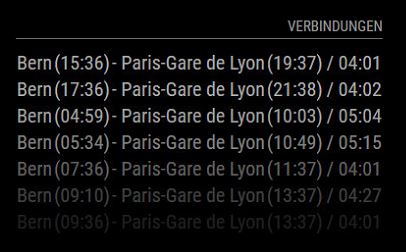
-
RE: Where to buy good two way mirrors ?
https://www.glastroesch.ch/glas/82-spionspiegel.html
This is an adress for Switzerland, where I’ll buy my mirror.
-
Meteoblue Current Weather Module
I have modified the orignial CurrentWeather Module to use it with weatherinformations from www.meteoblue.com.
[card:Bangee44/MMM-meteoblueCurrent]
Please feel free to use it.
Bangee