@sdetweil I did not. I do not know how to or what a fork is. I am not sure if it is good enough, it looks like it is commercial quality and it works but I just kind of forced it to do what I wanted. I don’t know JavaScript or CSS, I just googled, copied, tried and guessed until it worked. Perhaps someone could try it out and then fork it if it works for them.
E
Offline
A New Chapter for MagicMirror: The Community Takes the Lead
Read the statement by Michael Teeuw here.
Read the statement by Michael Teeuw here.
Posts
-
RE: What is wrong with my url?
-
RE: What is wrong with my url?
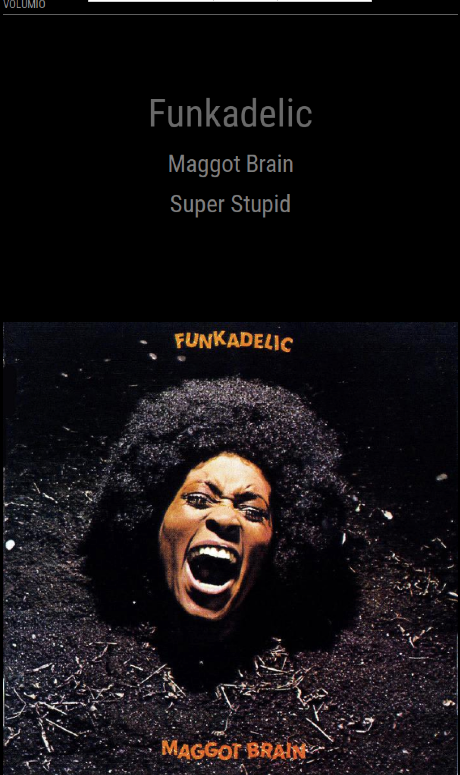
I have finished this now and tidied the code up (I hope it is up to standard). Below is a screenshot of the layout I went with, the changes I made to the .js file and the whole CSS file. I would like to give a lot of credit to @trgraglia who created MMM-Volumio and those who modified it before me. I hope there is enough info here for anyone who wants to create there own Volumio viewer. The position in the MagicMirror config file was top_bar.
File: modules/MMM-Volumio/MMM-Volumio.js (the bit I changed at the end)
        var data = this.volumioData;
        var amendUrl = "";
        var item = document.createElement('div');
        var image = document.createElement('img');
        var artists = document.createElement('div');

        if (data['service'] == "mpd") {
            amendUrl = this.config.volumioUrl + data['albumart'];} // if local playback put volumio url +  albumart url
        else{
            amendUrl = data['albumart'];}                   // else if web radio just albumart url

        artists.className = 'text';
        artists.innerHTML = '<div>' + '<br />' + data['artist'] + '<br />';
        wrapper.appendChild(artists);

        item.className = 'smalltext' //'mmm-volumio-item';
        item.innerHTML = '<div>' + data['album'] + '<div>' + '</div>' + data['title'] + '</div>';//I put 'albumart' here to prove I had the url
        wrapper.appendChild(item);                          // display artist, album and title info

        image.src = amendUrl;                               // set url to the image
        image.className = 'image';
        wrapper.appendChild(image);                         // display album artwork
        return wrapper;
    }
});
File: modules/MMM-Volumio/MMM-Volumio.css
.region.fullscreen.below { position: absolute; height: 100% width: 100% } .mmm-volumio-item { text-align: center; line-height: 40pt; font-size: 95%; color: LightGrey; position: absolute; height: 100%; width: 100%; border-right: 24px; } .image { position: Fixed; bottom: 0px; left: 0px; width: 100%; } .text { text-align: center; line-height: 60pt; font-size: 160%; color: DimGrey; } .smalltext { text-align: center; line-height: 40pt; font-size: 100%; color: Grey; } -
RE: MMM-Volumio
It was the url I was trying to use, it was missing the address of my Pi with the Volumio player at the beginning. Interestingly if I had been using the web radio option it would have worked and the radio stations logo would have appeared!
I should clean up my code now but as it is working I will leave it as is.
-
RE: What is wrong with my url?
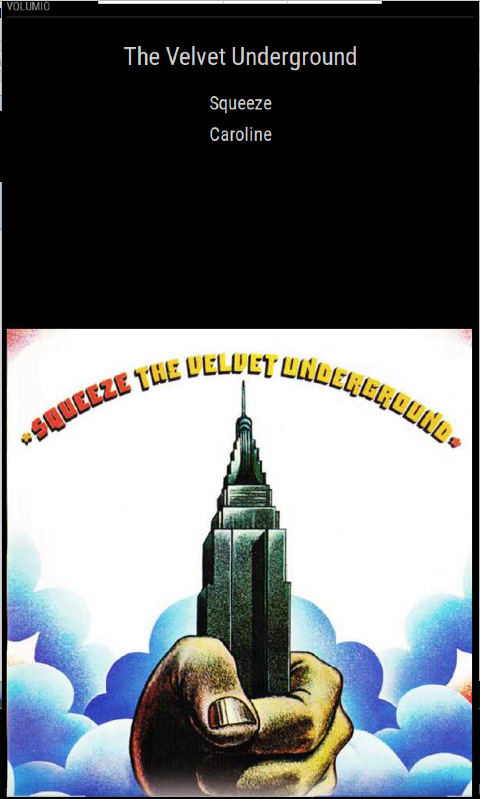
Sam it was from the NAS that has all my music. I have three Pi’s, a NAS, a Volumio music player and now a Magic Mirror. The Mirror Pi got the image url from Volumio Pi and then got the image from the NAS Pi. Lots of Pi! I have fiddled with the layout and it is presentable but not finished.
-
RE: What is wrong with my url?
Ok it works :grinning_face_with_smiling_eyes: The problem was I needed to add the Raspberry Pi’ address before the album art url. Thank you very much @sdetweil for asking me a question that led to that info.
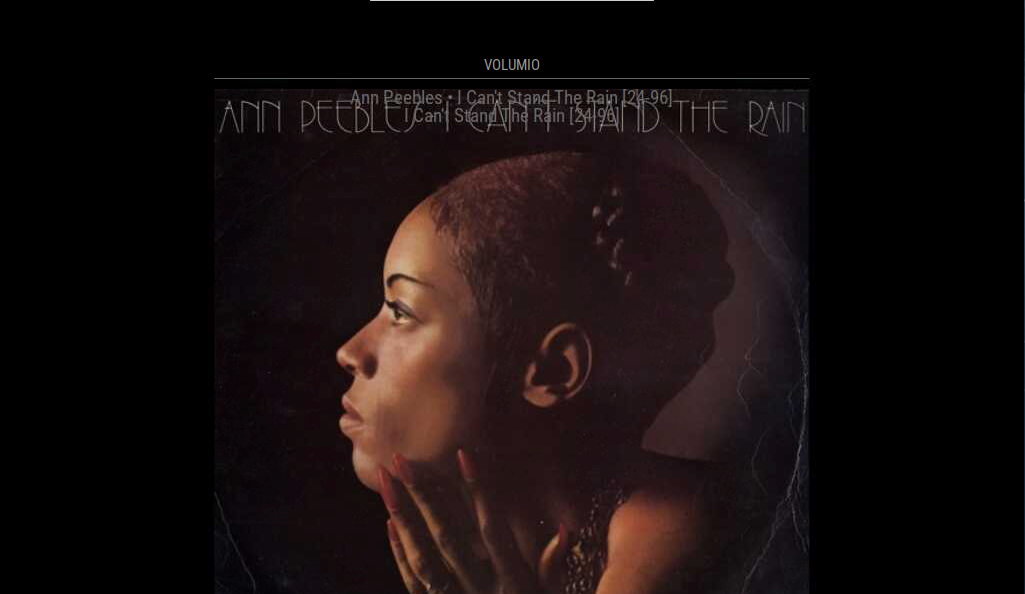
As you can see it needs to be shifted about a little to look good.
        var data = this.volumioData;
        var item = document.createElement('div');
        var amendUrl = "";
        var image = document.createElement('img');
        if (data['service'] == "mpd") {
            amendUrl = this.config.volumioUrl + data['albumart'];} // if local playback use volumio url +  albumart url
        else{
            amendUrl = data['albumart'];}                   // else if web radio just albumart url
        image.src = amendUrl;                               // set url to the image
        image.height = 600;
        image.className = 'image';
        item.className = 'mmm-volumio-item';
        item.innerHTML = '<div>' + data['artist'] + ' • ' + data['album'] +
                         '</div>' + '<div>' + data['album'] + '</div>';//I put 'albumart' here to prove I had the url
        wrapper.appendChild(item);                          // display artist, album and title info
        wrapper.appendChild(image);                         // display album artwork
        return wrapper;
    }
});
Here is my messy code, I don’t really do any coding so I was winging it.
-
RE: What is wrong with my url?
@sdetweil it is. If you look at the url it gives to the album art it does not start with http://192.168… so I just need to add that I believe. I stumbled on that info by mistake thanks to you. I will try and get that working now.
-
RE: What is wrong with my url?
@sdetweil I think I have to add my IP address for the Volumio. When I was looking to see if Volumio is json I stumbled on this on their website. Can I += strings?
-
RE: What is wrong with my url?
@EllyJ sorry I don’t know about Volumio. At the bottom of the picture is the live data. I just found this but don’t understand what it is getting at.
If albumart value starts with http, then no further operation is needed and the resulting url will show an albumart
Otherwise, prepend the string formed by: http:// + IP ADDRESS of Volumio device. Example: http://192.168.1.22/albumart? -
RE: What is wrong with my url?
@sdetweil it json I believe. I’m on a RaspberryPi and the file extension is .js.
-
What is wrong with my url?
The url scraped from a music player always produces a broken image icon (middle of pic).
If I input the url in manually and then run the module it will display the image (see comment at the top of the pic).
If I don’t put in a url I get an outline with no broken image icon.
I can output the url as a string on the screen (middle of pic and code)
I can check the url from the music players web interface (bottom of pic).
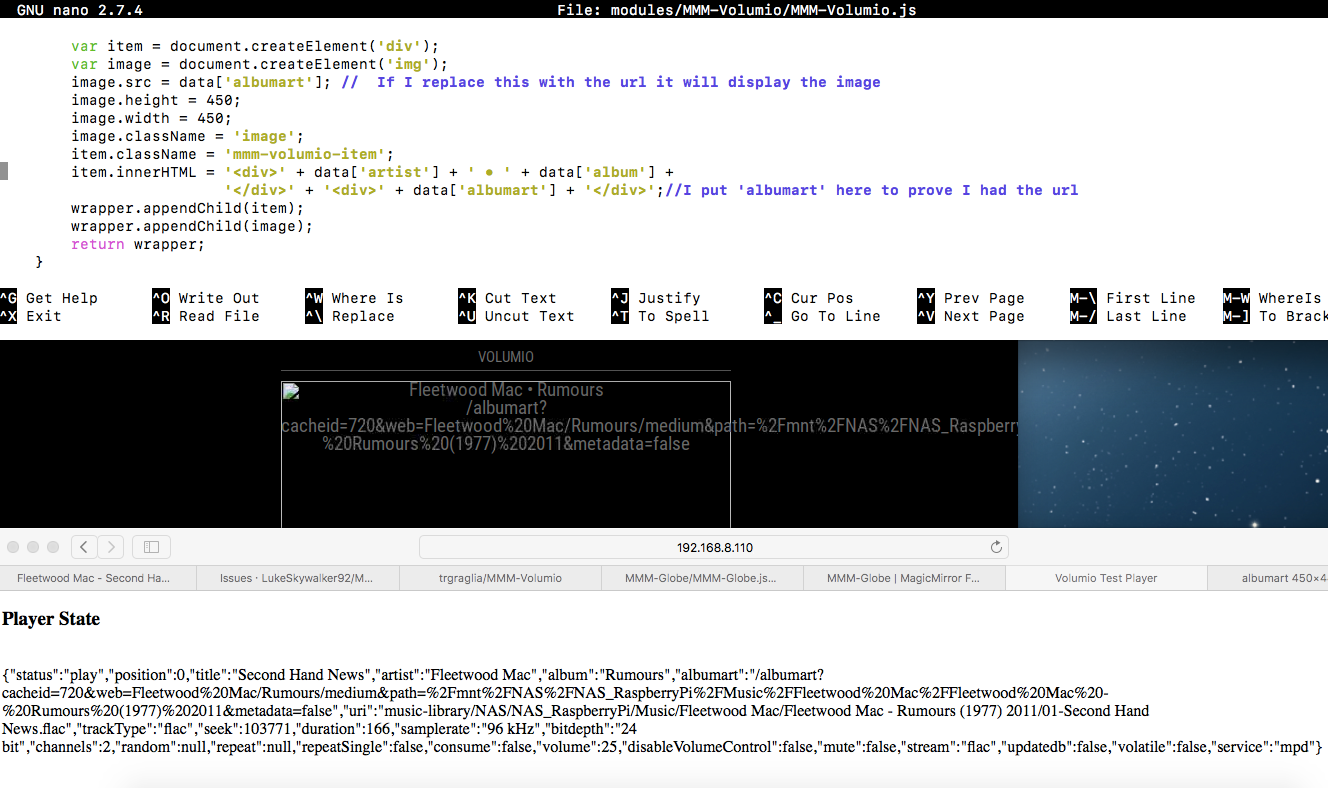
Could someone please tell me how to the url into image.src from data[‘albumart’]. This has been bugging me for 2 full days now.var data = this.volumioData; var item = document.createElement('div'); var image = document.createElement('img'); image.src = data['albumart']; // If I replace this with the url it will display the image image.height = 450; image.width = 450; image.className = 'image'; item.className = 'mmm-volumio-item'; item.innerHTML = '<div>' + data['artist'] + ' • ' + data['album'] + '</div>' + '<div>' + data['albumart'] + '</div>';//I put 'albumart' here to prove I had the url wrapper.appendChild(item); wrapper.appendChild(image); return wrapper; } });I am modifying MMM-Volumio to show the Album Covers what is playing. I can’t program in Java but have done a tiny bit in C++,Pascal,Visual Basic and Python. I am sorry if my code is really bad (all 4 lines of it that took me 2 days), it is working except for the url problem. I will also do a better layout when it is working.
-
RE: MMM-Volumio
I can’t make this work. I can display the album, artist and title but not albumart.
I have tried the code used by @stacyweb with no luck. I have displayed the albumart url on the screen so I know I have the url. I do get an image icon on the screen. If anyone can help I would really appreciate it. -
RE: I can't display an image and need help.
    var data = this.volumioData;
    var item = document.createElement('div');

    item.className = 'mmm-volumio-item';
    item.innerHTML = '<div>' + data['artist'] + '</div>'
        + '<div>' + data['album'] + '</div>'
        + '<div><img src=' + data['albumart'] + '></div>';

    wrapper.appendChild(item);

    return wrapper;
This is the from the example.
-
RE: I can't display an image and need help.
var data = this.volumioData; var item = document.createElement('div'); var image = document.createElement('img') image.src = data['albumart']; // image.className = 'mmm-volumio-image'; item.className = 'mmm-volumio-item'; item.innerHTML = '<div>' + data['artist'] + '</div>' + '<div>' + data['albumart'] + '</div>' + '<div>' + data['title'] + '</div>' + '</div>'; wrapper.appendChild(item); wrapper.appendChild(image); return wrapper; } }); -
I can't display an image and need help.
Re: MMM-Volumio
I was looking at an old post where someone had modified a volumio module to display the album artwork. I am not a JS coder but had a go at doing this myself but cannot get the image on my MagicMirror. I can get a little image icon and I have replaced album with albumart just to see have the artwork url. The url’s are correct as a browser will display the artwork jpg. So I have the url, it should be easy but after 2 days my the album covers remain elusive. I have tried so many different ways including the code from the original post.
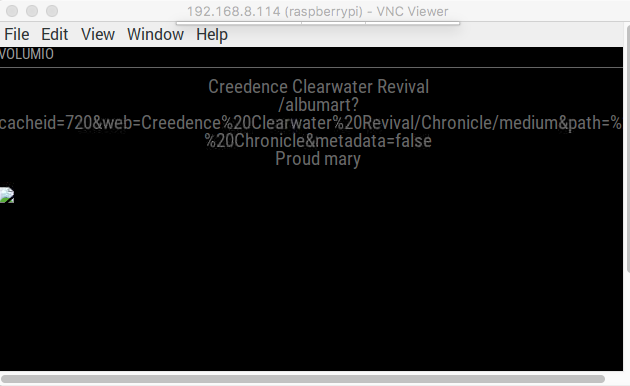
In the screenshot you can see Artist, Albumart (url ) and Title has been displayed. There is an icon for the image on the left.
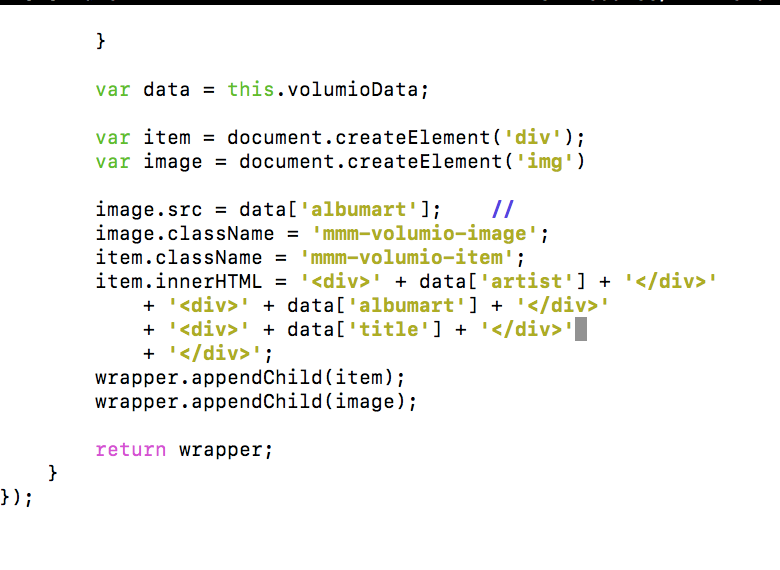
Here is the bit of code I have been fiddling with for 2 day. I have been playing about with the CSS a tiny bit too to move the text etc. and gave the image a className so I could CSS that too. I imagine I am making a rookie mistake and like needing some brackets somewhere. I have tried so many things. I would really appreciate some help.