Hi !
I am very interested to manage the alarm clock with touchscreen.
Do you have any documentation?
Thanks for advance
Hi !
I am very interested to manage the alarm clock with touchscreen.
Do you have any documentation?
Thanks for advance
Hello,
I want disable Wifi and bt when the screensaver is running on the MM.
What is the file to edit?
Thanks for advance
Hello strawberry 3.141,
Thanks for the update 🙂
Do you think you will add a functionality for add/delete/update alarm from the Magic Mirror(with touch screen) ?
Thanks for advance
Gaudouy
Hello,
I would like to set up an identity management system in Magic Mirror.
For this it is necessary to use the module “MMM-Face-Reco-DNN” for facial recognition and the module “MMM-Profile” to define the parameters and the configuration of the profile (user) identified.
The “MMM-Face-Reco-DNN” module identifies the user in the “classes” variable.
Is it possible to place an “if” in the file to check who the user is in “classes” and read the code corresponding only to the user? If yes, how ?
Is it possible to include the configuration of a user’s profile in a single file? If yes, how to integrate it in the conf file?
Thanks in advance,
Regards
Hello, is it possible to use one button for display multiple module ?
Example :
Button 1 : Clock and weather
Button 2 : Mail and calendar
Button 3 : Clock and Camera
Thanks for advance
What is the best camera for this module ?
Pi NoIR Camera V2

https://www.raspberrypi.org/products/pi-noir-camera-v2/
Or
Camera Module V2

https://www.raspberrypi.org/products/camera-module-v2/
Thanks for advance :)
@hANNEsLUL
Try this :
pip --no-cache-dir install face_recognition
-python setup.py install
@Bugsounet said in MMM-SmartWebDisplay : Regions / Resizing:
for your help, try launch MM with dev for open console.
You can modify CSS in real time and see resultand… humm, use
webviewfor displaying ALL link
iframeis so limited for this and return many error :)
It’s work when I modify the Ifram size ! Thanks :D
When I define FullScreen, the size of the module is the same. What is the method for change his size ?
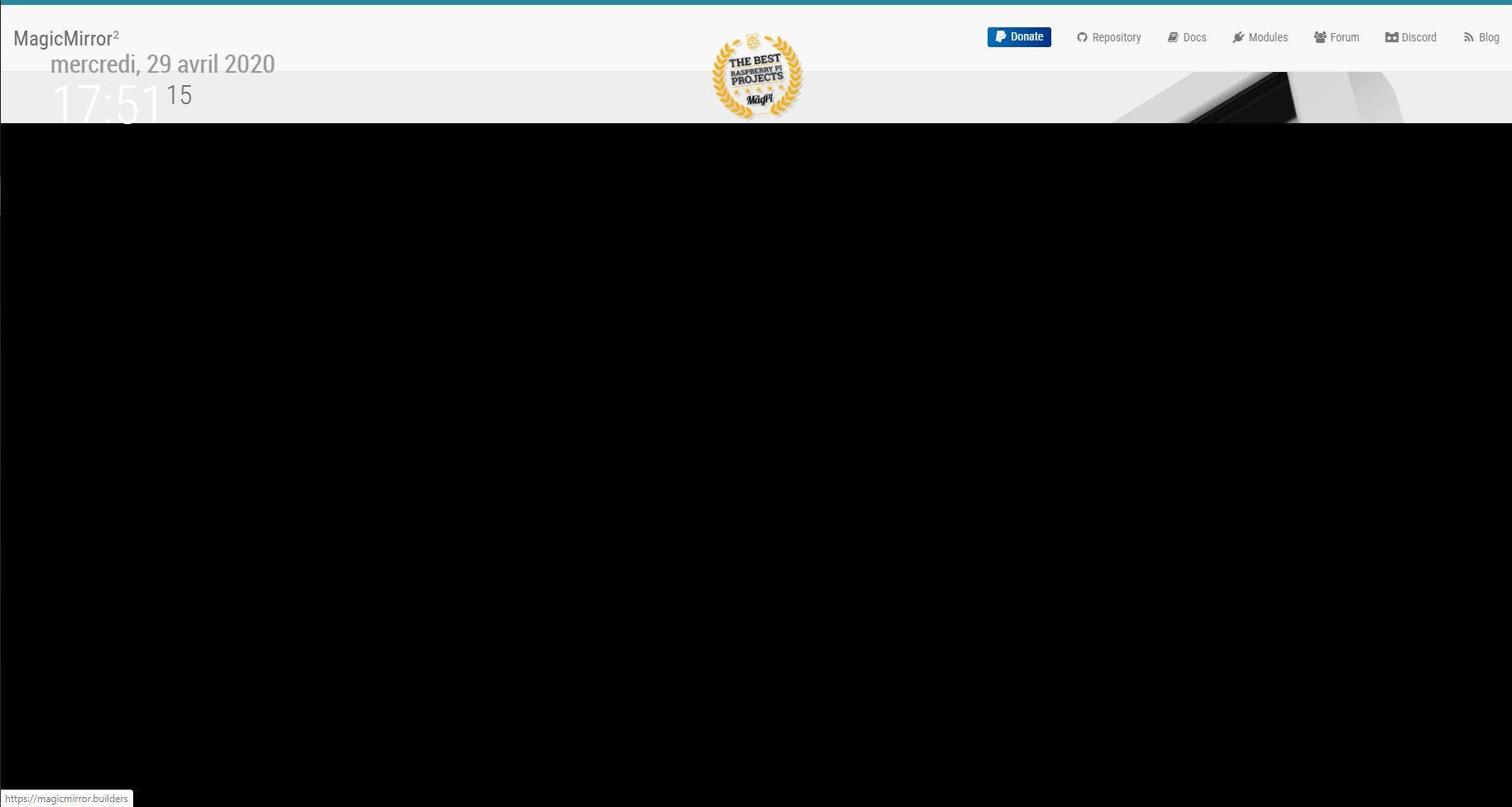
Thanks for your response.
I set the top_left region in the conf file and I add your code at the end of the css.
.MMM-SmartWebDisplay {
  height: 1000px;  //put in the height you want, e.g. 600px
  width: 100%;
}
But it’s not working :( :

Hello,
I would like to know how to resize the " MMM-SmartWebDisplay " module so that it can occupy the following regions:
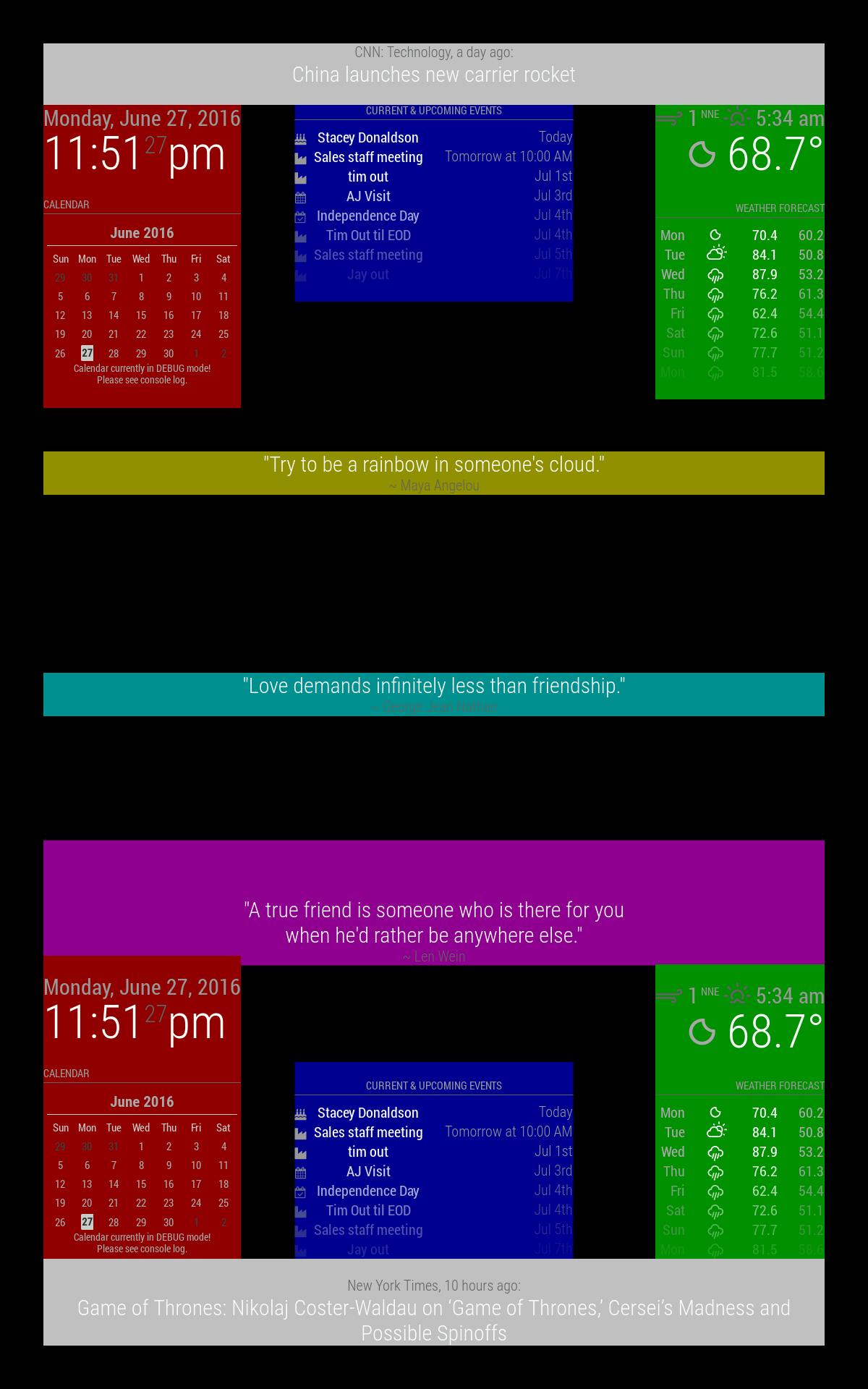
upper_third is yellow
middle_center is cyan
lower_third is magenta
I would like it to occupy the following space(red):
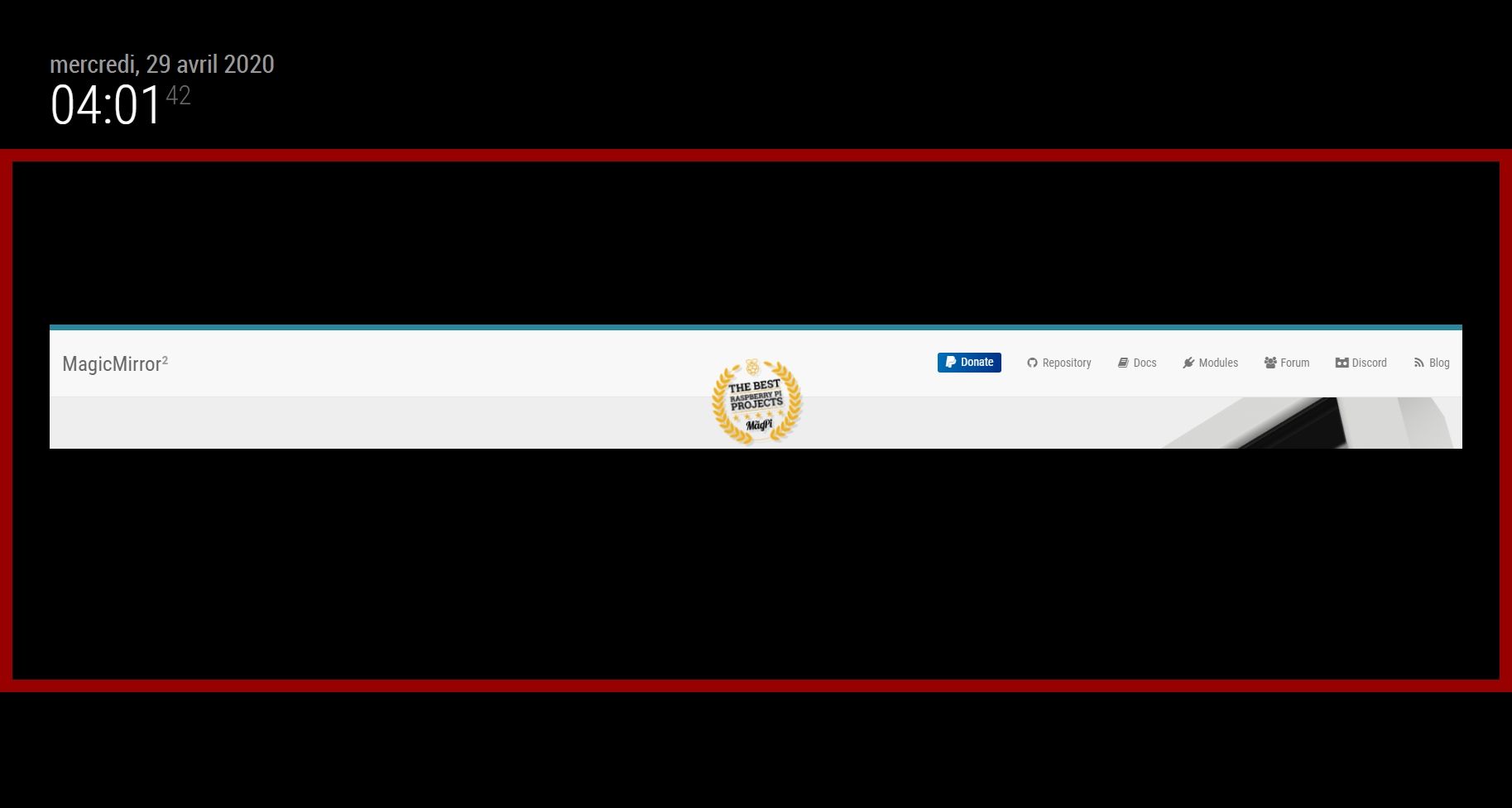
I tried without success for two days trying to modify the CSS, the module, the config file … nothing works.
My skills are very very limited.
Do you have any ideas ?
Thanks in advance,
Regards,
Nobody knows a module that meets this need?
Is it possible to use this module? :
https://forum.magicmirror.builders/topic/9750/mmm-smartwebdisplay-display-web-contents-including-youtube-on-your-mm
I can’t test this module because i’m not at home.
I repeat, i want display a window containing a web page.
I use Jeedom with the component “design”.
The module “jeedom” not response at me needs.
Hello :)
I want use my MM for see my domotic.
Is it exist an module for see an web page ?
Thanks ford advance :)
Exactement :)
Documente toi un maximum, tout n’est pas si simple que l’instation d’un logiciel sur Windows(suivant/suivant).
Peut etre que ce que tu souhaites faire sera disponible d’ici quelques années mais aujourdhui ce n’est pas le cas.
La communauté est encore trop réduite pour dévelloper ce genre de solution.