My anniversary, so not me!
 J
Offline
J
Offline
A New Chapter for MagicMirror: The Community Takes the Lead
Read the statement by Michael Teeuw here.
Read the statement by Michael Teeuw here.
Posts
-
RE: MM and UBUNTU. Made for each other.
I had version 18.xx installed, up and going just fine on my dev machine
I am used to dealing with vulnerabilities, since I mainly work with Windows
But, I just have my mindset to run
npm audit fix --force&npm i lodash@4.17.5 -g&npm i acorn@^6.0.0 -gafter every install of MM2. only takes a few minutes extra and it fixes all the vulnerabilities. Except for a few that come with some of the modules. With Ubuntu 18.xx, if I remember, I think just thenpm audit fix --forcewas all I needed to do. -
RE: Multiple instances of MMM-DarkSkyForecast with MMM-pages
OK…
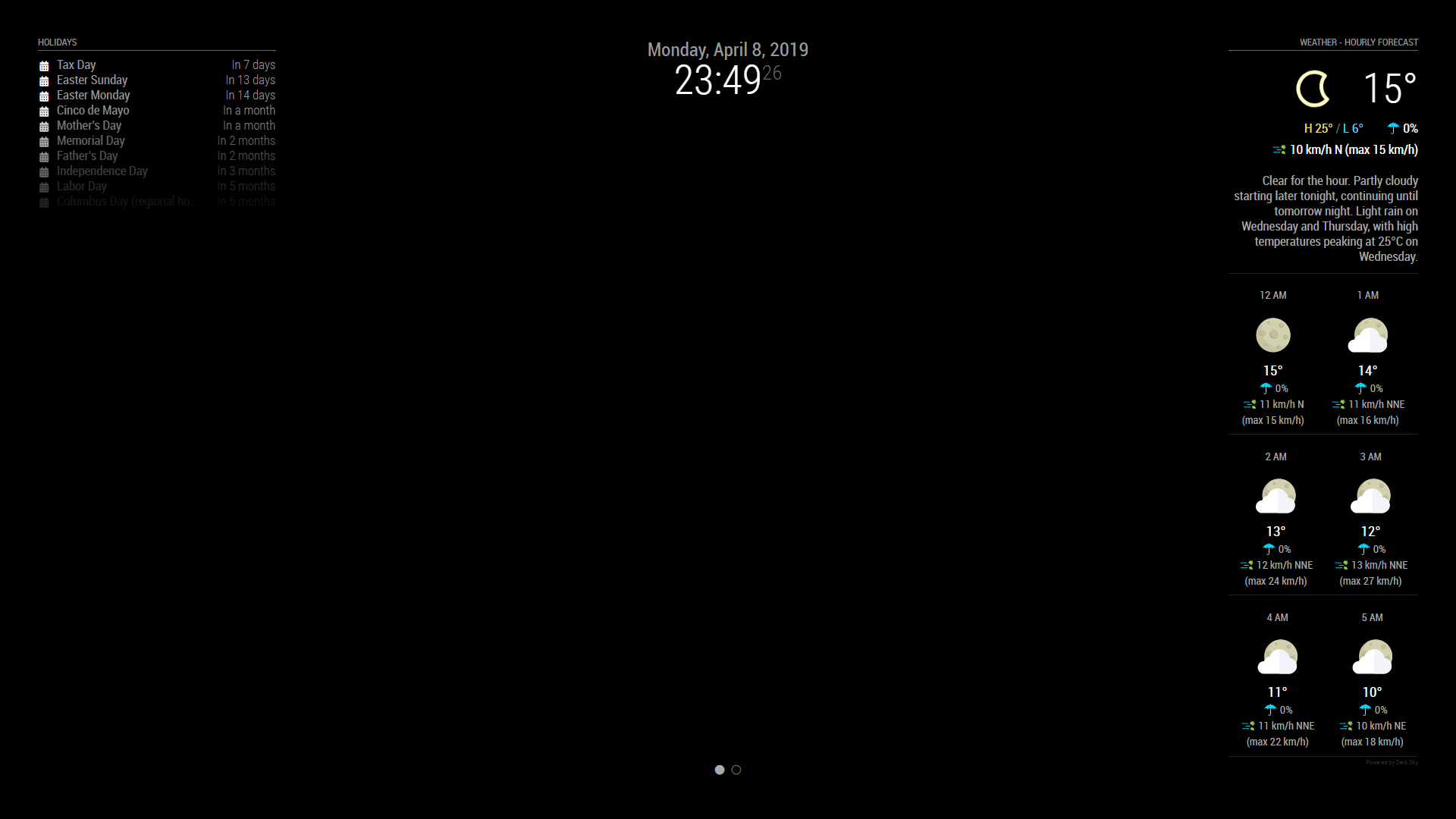
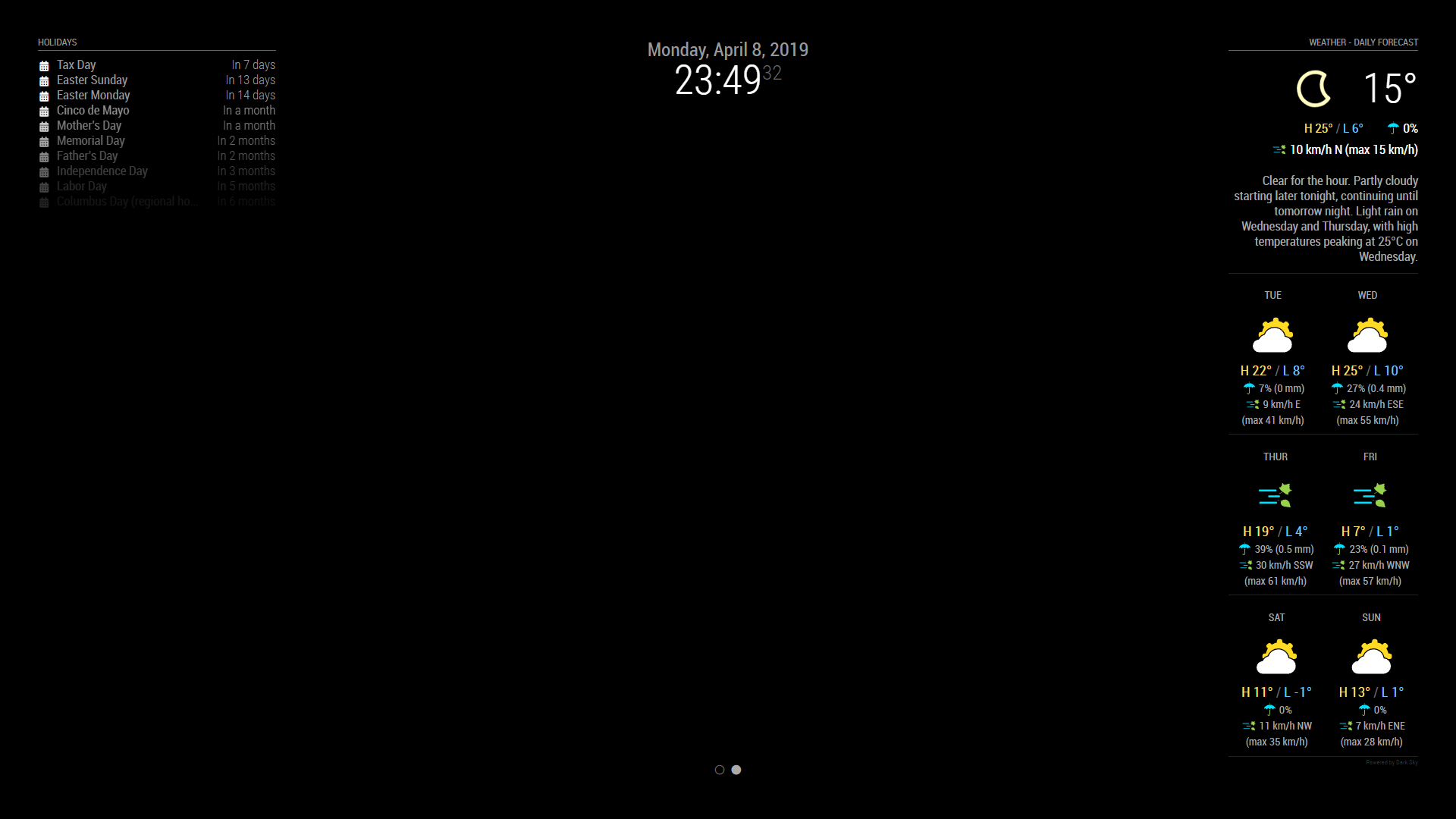
I think I got pretty close to what you are asking for…
Page 1
Page 2
modules: [{
            module: "alert",
        },
        {
            module: "updatenotification",
            position: "top_bar"
        },
        {
            module: 'MMM-Cursor',
            config: {
                timeout: 1000
            }
        },
        {
            module: 'MMM-pages',
            config: {
                modules: [
                    ["calendar", "MMM-DarkSkyForecast"],
                    ["calendar", "MMM-DarkSkyForecast2"]
                ],
                fixed: ["clock", "MMM-page-indicator"],
                animationTime: 1000,
                rotationTime: 3 * 60 * 1000, // this is to change the page every 3 minutes,
                rotationDelay: 500
            }
        },
        {
            module: 'MMM-page-indicator',
            position: 'bottom_bar',
            config: {
                pages: 2
            }
        },
        {
            module: "clock",
            position: "top_center"
        },
        {
            module: "calendar",
            header: "Holidays",
            position: "top_left",
            config: {
                colored: true,
                coloredSymbolOnly: true,
                calendars: [{
                    url: 'https://calendar.google.com/calendar/ical/en.usa%23holiday%40group.v.calendar.google.com/public/basic.ics',
                    symbol: 'calendar',
                    auth: {
                        user: 'justjim1220@gmail.com',
                        pass: 'abcde12345',
                        method: 'basic'
                    }
                }, ],
            }
        },
        {
            disabled: false,
            module: "MMM-DarkSkyForecast", // HOURLY
            header: "Weather - Hourly Forecast",
            position: "top_right",
            config: {
                apikey: "abcde12345abcde12345abcde12345ab",
                latitude: "40.26189",
                longitude: "-94.03534",
                iconset: "4c",
                concise: false,
                showHourlyForecast: true,
                hourlyForecastInterval: 1,
                maxHourliesToShow: 6,
                showDailyForecast: false,
                maxDailiesToShow: 3,
                forecastLayout: "tiled"
            }
        },
        {
            disabled: false,
            module: "MMM-DarkSkyForecast2", // DAILY
            header: "Weather - Daily Forecast",
            position: "top_right",
            config: {
                apikey: "abcde12345abcde12345abcde12345ab",
                latitude: "40.26189",
                longitude: "-94.03534",
                iconset: "5c",
                concise: false,
                showHourlyForecast: false,
                hourlyForecastInterval: 3,
                maxHourliesToShow: 3,
                showDailyForecast: true,
                maxDailiesToShow: 6,
                forecastLayout: "tiled"
            }
        },
I hope this helps! ;)
-
RE: Multiple instances of MMM-DarkSkyForecast with MMM-pages
@popeofmope
what time frame between rotations?
You can also use https://github.com/edward-shen/MMM-page-indicator to manually change the pages
I use both so if I want to see a different page and not have to wait the 30 minutes between rotations, I can just click on the page indicator to show the page I want to seeWhat you are asking is doable ;)
-
RE: BBC News feed
you might try deleting the module then reinstalling it
I just tried exactly what you have configured and it works just fine…
Since newsfeed is a part of the initial MM2 installation, go here: https://github.com/MichMich/MagicMirror/tree/master/modules/default/newsfeed
and get the newsfeed files themselves. You probably only need the actual js files: fetcher.js & newsfeed.js
right click on the file and click Save Link As… then save to your newsfeed directory within MM2 -
RE: Multiple instances of MMM-DarkSkyForecast with MMM-pages
you need to add this to your pages module to get it to auto scroll:
animationTime: 1000,
rotationTime: 30 * 60 * 1000,
rotationDelay: 500
like so…
{ module: 'MMM-pages', config: { modules: [ ["calendar", "MMM-DarkSkyForecast"], ["calendar", "MMM-DarkSkyForecast"] ], fixed: ["clock", "MMM-page-indicator"], animationTime: 1000, rotationTime: 30 * 60 * 1000, // this is to change the page every 30 minutes, rotationDelay: 500 } }, -
RE: Multiple instances of MMM-DarkSkyForecast with MMM-pages
OK, sorry, I understand now…
I am not too sure you can have more than one instance of that module shown on your MM at the same time. At least, I am not able to get it to work anyways.
But, since you are wanting one to show the HOURLY and the other to show the DAILY, I would use MMM-darksky–hourly (https://github.com/jacquesCedric/MMM-darksky-hourly), then set MMM-DarkSkyForecast to only show the DAILY.
EDIT: you are able to show 2 different instances of MMM-DarkSkyForecast, using the following code in your config.js…
{
            disabled: false,
            module: "MMM-DarkSkyForecast", // HOURLY
            header: "Weather",
            position: "top_right",
            config: {
                apikey: "Super_Secret_API",
                latitude: "40.26189",
                longitude: "-94.03534",
                iconset: "4c",
                concise: false,
                showHourlyForecast: true,
                hourlyForecastInterval: 3,
                maxHourliesToShow: 3,
                showDailyForecast: false,
                maxDailiesToShow: 3,
                forecastLayout: "tiled"
            }
        },
        {
            disabled: false,
            module: "MMM-DarkSkyForecast", // DAILY
            header: "Weather",
            position: "top_left",
            config: {
                apikey: "Super_Secret_API",
                latitude: "40.26189",
                longitude: "-94.03534",
                iconset: "5c",
                concise: false,
                showHourlyForecast: false,
                hourlyForecastInterval: 3,
                maxHourliesToShow: 3,
                showDailyForecast: true,
                maxDailiesToShow: 3,
                forecastLayout: "tiled"
            }
        },
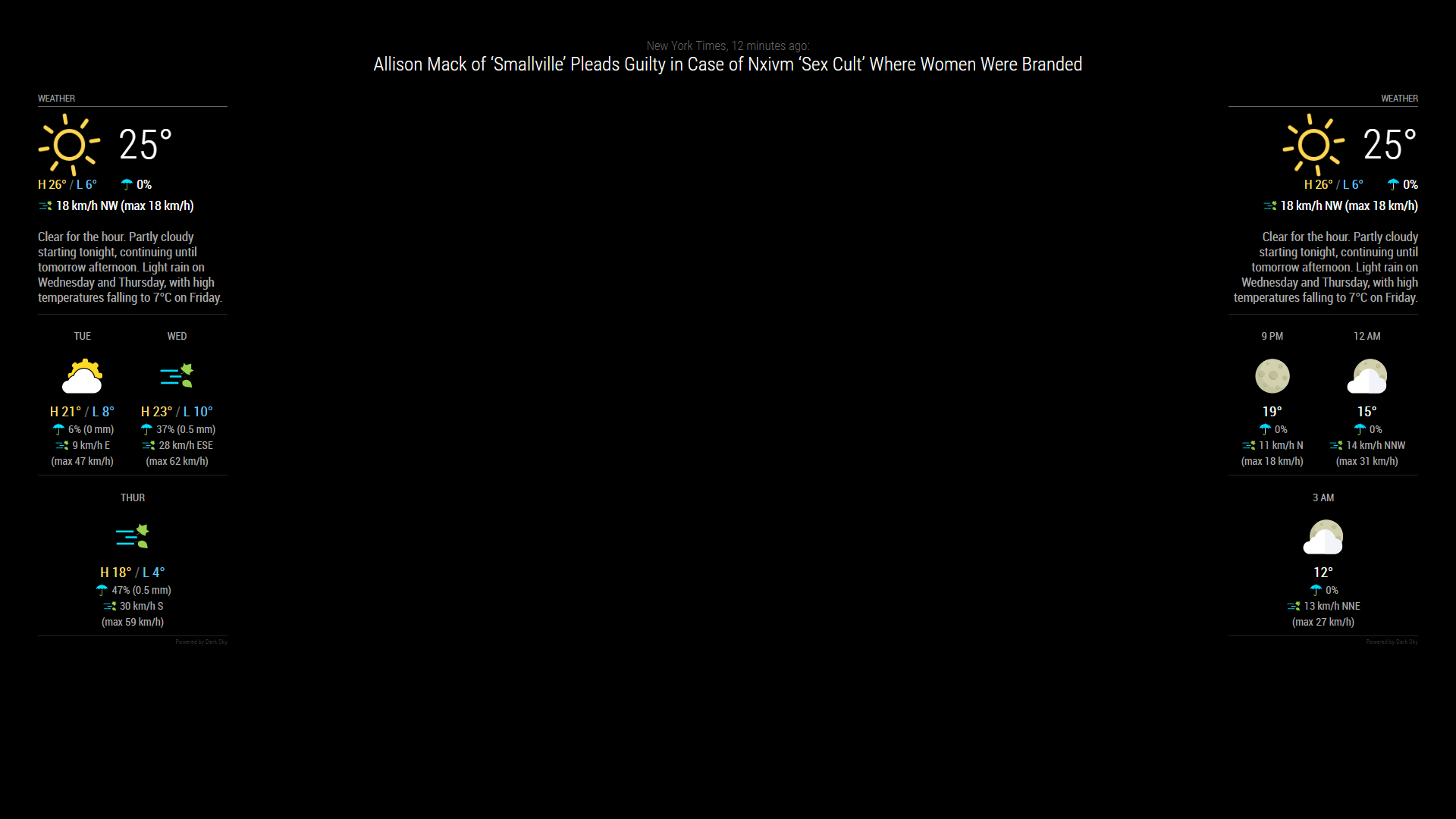
this is the result I have with it…
-
installing MM2 dependency issues...
is there anyway these can be added to the installation to install the latest versions?
npm WARN grunt-stylelint@0.10.1 requires a peer of stylelint@^9.0.0 but none is installed. You must install peer dependencies yourself.
npm WARN acorn-jsx@5.0.1 requires a peer of acorn@^6.0.0 but none is installed. You must install peer dependencies yourself.
lodash@4.17.5is also shown as a vulnerability with every install and update.
Just curious as having the current versions of all the dependencies upon install may alleviate some of the issues some users have with updates and initial installs. -
RE: BBC News feed
there is an omission in the newsfeed.js file, that is causing this problem…
this secton:
if(!this.config.showFullArticle){
        var title = document.createElement("div");
	title.className = "bright medium light" + (!this.config.wrapTitle ? " no-wrap" : "");
	title.innerHTML = this.newsItems[this.activeItem].title;
	wrapper.appendChild(title);
}
states
if(!this.config.showFullArticle){But there isn’t a
showFullArticle: false;in 'defaultsSo, basically it is ignoring the
showSourceTitle: true,because this section cannot be executedI think it would make more sense to have the above code snippet be worded like this:
if(this.config.showSourceTitle){
        var title = document.createElement("div");
	title.className = "bright medium light" + (!this.config.wrapTitle ? " no-wrap" : "");
	title.innerHTML = this.newsItems[this.activeItem].title;
	wrapper.appendChild(title);
}
then maybe add:
showSourceTitle = false;to this section of code:
if (this.config.showFullArticle) {
	var fullArticle = document.createElement("iframe");
	fullArticle.className = "";
	fullArticle.style.width = "100vw";
	// very large height value to allow scrolling
	fullArticle.height = "3000";
	fullArticle.style.height = "3000";
	fullArticle.style.top = "0";
	fullArticle.style.left = "0";
	fullArticle.style.border = "none";
	fullArticle.src = this.getActiveItemURL()
	fullArticle.style.zIndex = 1;
	wrapper.appendChild(fullArticle);
}
if you don’t want the title to display while the article is being displayed.
-
RE: Multiple instances of MMM-DarkSkyForecast with MMM-pages
you have both modules (calendar & DarkSkyForecast) on both pages…
try it like this:
{
    module: 'MMM-pages',
    config: {
        modules: [
            ["calendar"],
            ["MMM-DarkSkyForecast"]
        ],
        fixed: ["clock", "MMM-page-indicator"]
    }
},
hope this helps
-
RE: Module Request for the Weather Experts! 😉
my results changing from height/width of 100% each to 100vh and 100vw

-
RE: Complete Walkthrough - Install MagicMirror on a PC - Windows 7/10
Not that I can think of
I’m not using a RasPi either.
If I had one, I would try it to se if any difference.Sorry.
-
Module Request for the Weather Experts! 😉
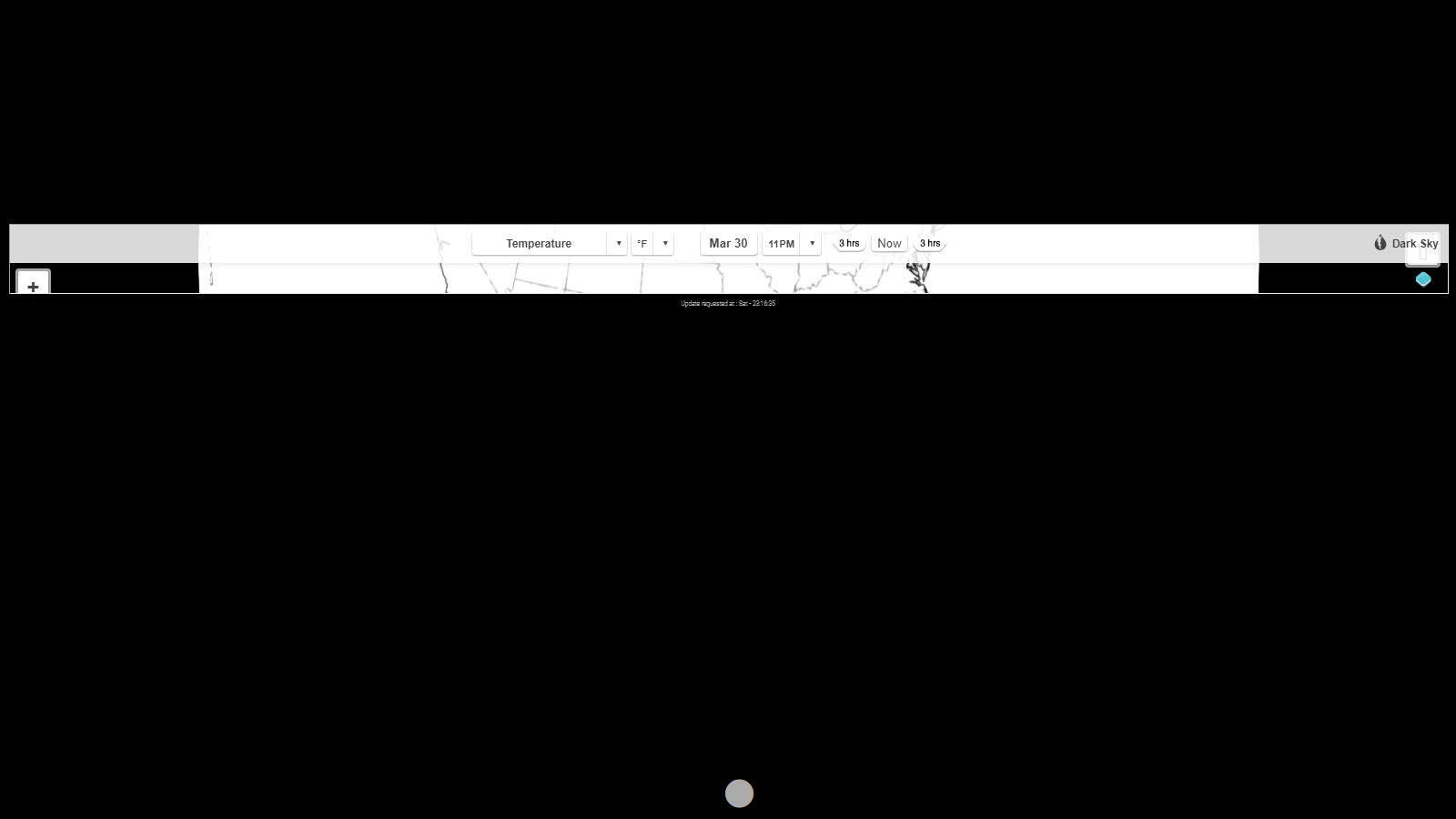
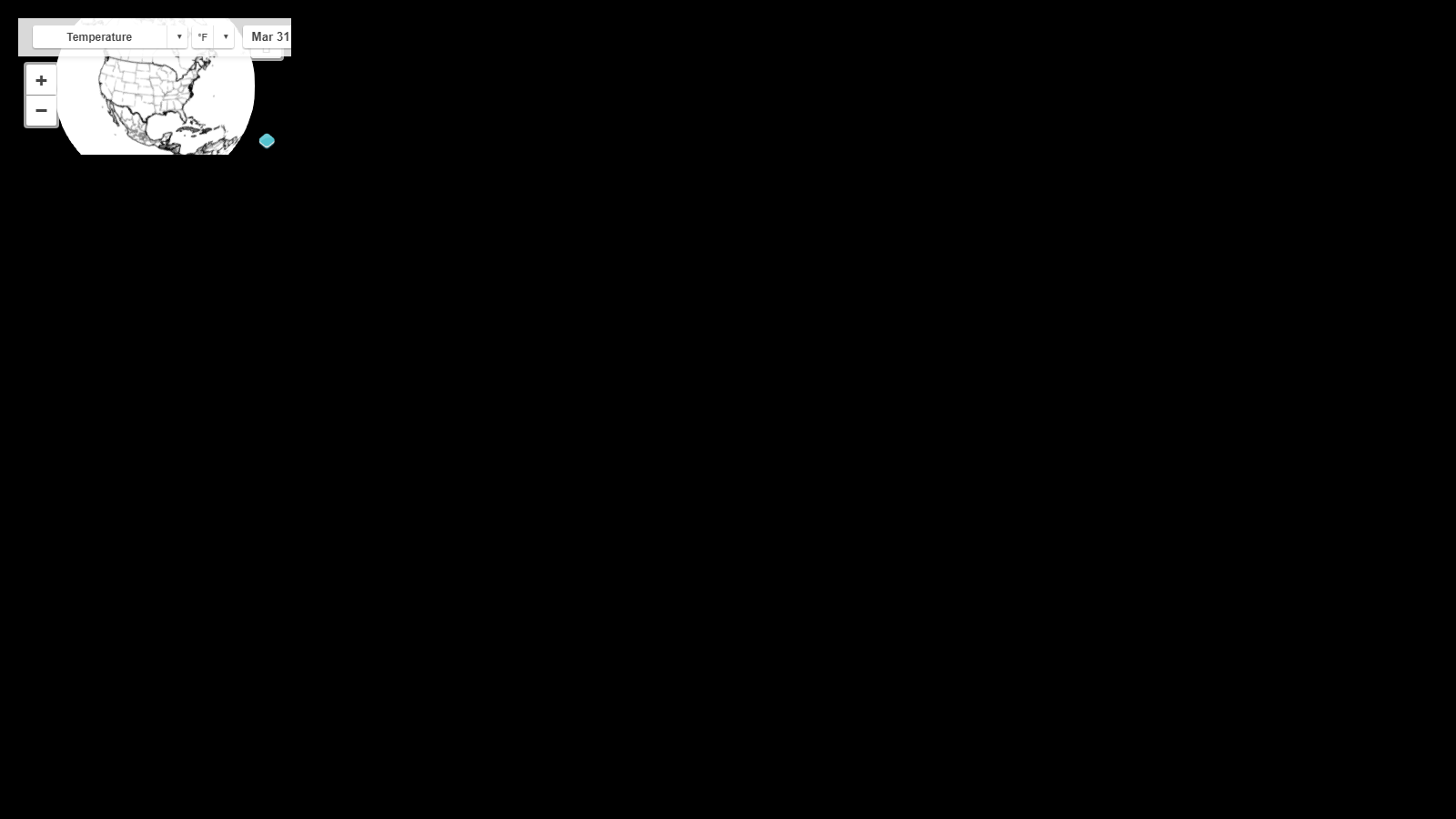
I have been trying to put a webpage on my MM using iFrame modules…
I have tried: MMM-iFrame-Ping, MMM-iFrame, MMM-SmartWebDisplay, MMM-Widget, and iFrame.The page I want to be able to display in a fullscreen page of MM is:
https://maps.darksky.net/@temperature,40.262,-94.035,9900000?3dI also would like to be able to copy the page exactly with all buttons and menus intact and working.
Could anyone please take a look and let me know if it is possible???
Thanks In Advance!
EDIT>>>
I was able to get part of the page using MMM-iFrame-Ping as shown below:
EDIT#2>>>
I now can get the page to show using iFrame, but not as fullscreen… HELP!
-
RE: Complete Walkthrough - Install MagicMirror on a PC - Windows 7/10
Just to be sure… You do have a folder named exampleImages within you MMM-BackgroundSlideshow directory???
I just installed and ran this module on my Windows device and it works just fine.
Looking at the error you posted above, it looks as if your exampeImages folder is missing.
-
RE: any ideas what causes this... ?
this issue has started back up again for reasons unknown
Any Ideas?