@mykle1 :rolling_on_the_floor_laughing: :rolling_on_the_floor_laughing: :rolling_on_the_floor_laughing:
yeah, realized the main issue was trying to get it to have a border and it just wouldn’t work with the wide screen monitor of the TV.
 J
Offline
J
Offline
@mykle1 :rolling_on_the_floor_laughing: :rolling_on_the_floor_laughing: :rolling_on_the_floor_laughing:
yeah, realized the main issue was trying to get it to have a border and it just wouldn’t work with the wide screen monitor of the TV.
ok, the solution is in the custom css
the issue is the TV screen is a wide-screen
I just didn’t play around with it enough to see any differences
everything on screen now. removed the border, increased the border size.
I will in a little bit
Grandkids just showed up and want me to get out of my shop and see them for a few minutes!
I also need to replace the batteries in my TV remote. They just got dead!
I’ll be back in a little bit.
Thanks everyone!
body {
	margin: 20px;
	position: absolute;
	height: calc(100% - 40px);
	width: calc(100% - 40px);
	background: #000;
	color: #aaa;
	font-family: Englebert;
	font-weight: 400;
	font-size: 2em;
	line-height: 1.5em;
	-webkit-font-smoothing: antialiased;
}
Believe me, I looked to make sure!
Yeah, I understand.
Just giving feedback is all! :winking_face:
@sdetweil
I don’t see any overscan in my settings…
yeah, I don’t have any negative margins set
@mykle1
I will take a couple pics…
Well, I did play with them a bit, but didn’t really get anywhere
using custom.css, of course!
YAY!!! :face_with_tears_of_joy: :face_with_tears_of_joy:
I am setting up my mirror using a 42" tv
My issue is that the TV cuts off the MM display around all 4 edges
Anyone know how to fix this?
I have tried changing resolution and display size and all that.
I was hoping someone may have an idea of how it could be done using the MM code… :thinking_face: :thinking_face: :thinking_face:
This has happened to me several times in the past when working with pages…
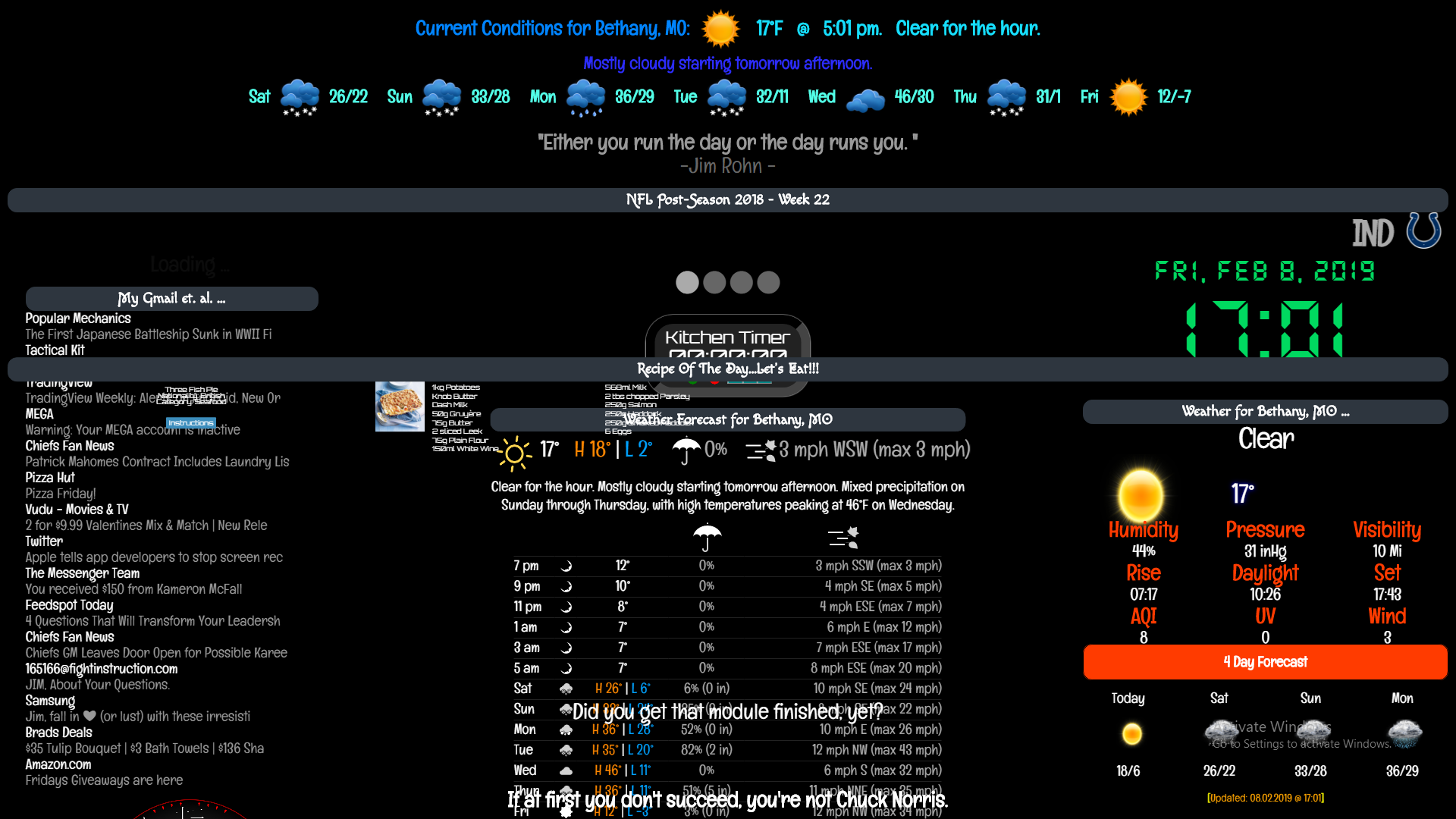
It happens upon start up or refresh…
ALL the modules from every page loads up on the first page
It all goes back to normal after clicking on one of the page indicators
every time I have ran across this, it somehow fixes itself at some point, so I have no idea what causes it, or how to avoid it in the future.
Would love some feedback on this!!!
@mykle1 said in How to start MM with a module as default hidden:
I don’t want to “sell” Hello-Lucy
You should ‘sell’ Hello-Lucy! it’s the most awesome-est voice module I’ve used (in Ubuntu)
AND, it was the ‘easiest’ for me to understand how to set up.
Mainly because it was explained very well! :winking_face:
@dgregory19
It looks like you have to be a subscriber to the site
@dgregory19
Glad you figured it out! :slightly_smiling_face:
I have made that mistake many times, probably everyone has at some point I suppose. :winking_face:
No, with the update it is no longer needed, when you do the git pull && npm i it should be fixed to the right size