@1a2a3a means it was not accidental. it’s not trivial to maintain visual fidelity across multiple rendering platforms and aspect ratio changes.
the module author(s) chose not to attempt that
@1a2a3a means it was not accidental. it’s not trivial to maintain visual fidelity across multiple rendering platforms and aspect ratio changes.
the module author(s) chose not to attempt that
@Klinge fall back to the prior calendar parser
cd ~/MagicMirror
npm install node-ical@0.16.1
restart mm
your config looks ok
@carefreepineappl use the secret url.
there are no other Google providers
@J2FK see the doc on my fork, there is no code change
https://github.com/sdetweil/MMM-pages#using-the-module
see the ‘alternative approach’
makes all these issues go away
@fischi87 that message should really be a warning, as it causes no trouble, and the code handles the issue
@DDE12 those are warnings we can’t suppress… nothing we can do… problem is not in MM code…
when the mm screen goes black again , open the developers window
ctrl-shift-i on the MM screen keyboard
then select the console tab, and scroll up to any errors (usually red text )
cannot do this remotely has to be on the screen where the problem occurred
@Rags the css is a hierarchy
last defined is selected first, lifo search order
css/custom.css
any module provided css files
css/main.css
top down first one, MOST SPECIFIC, wins
that last example
in custom.css
you said all module font size is 20px;
but also said the text in this module ‘header’
is 24px;
regardless of order in custom.css, the more specific one wins. module header setting
in a css entry, the stuff to the left of {
is called the element selector clause.
it selects ALL the elements in the document that match the rules. the browser thinks this is one webpage. (aka document)
this is the cheatsheet I use for the rules
https://www.w3schools.com/cssref/css_selectors.php
because everything is a stack, a module’s css overrides the base css, and custom.css overrides both.
the developers window ctrl-shift-i will help save time.
see
https://forum.magicmirror.builders/topic/14862/help-with-a-couple-css-issues?_=1682355292588
@skyzuma said in set the calendar day to a short version:
nextWeek: “dddd” … this need an option to set this to “ddd
open an issue on github for magicmirror
@pat59 no, the MODULE folder.
cd ~/MagicMirror/modules/MMM-GooglePhotos
sudo rm -rf node_modules
npm install
@rihab_ben the documentation says
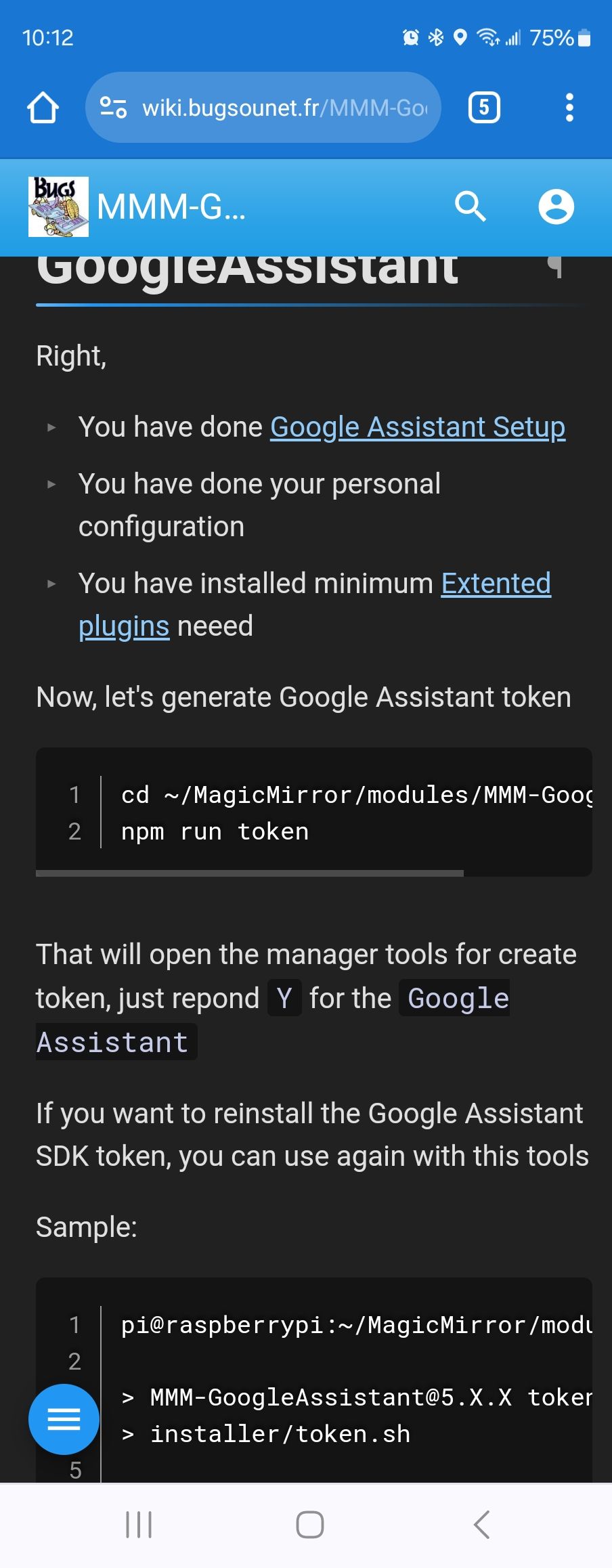
npm run token
not tokens
@pastormingle the second display is not :2
it’s all still display :0
u can adjust the pixel offset for the web page
by adding
electronOptions:{ x:1920 },
to config.js before the modules: entry
where the 1920 is the pixel width of the 1st display
@mumblebaj my script is listed as first alternative
@Vauxdvihl yes openweather announced that they have terminated support for the 2.5 api and keys
you must now get a v3 key, which
requires supplying a credit card.
the 1st 1000 requests a day are not charged, according to their Web pages
you must also use the /onecall endpoint.
we will update the module for the July 1 release
@Vauxdvihl that command will output which repo the module came from
please show the output
@Richard238 unable to connect is because MM is not running
next time for upgrade use my script… it checks and upgrades node/npm/pm2 if needed as well as other stuff…
https://github.com/sdetweil/MagicMirror_scripts
short fix,
a. run my upgrade script with force instead of apply
or
b. upgrade node js to 16.x (will probably be 16.20)
then do npm install again
@Bungle68 what OS level are you on?
do
lsb_releaee -a
if it’s buster, the latest release won’t run there.
to help migrate , back up your config and modules list
use my backup/restore
https://github.com/sdetweil/MagicMirror-backup-restore
and to install or upgrade, use my scripts
https://github.com/sdetweil/MagicMirror_scripts
all of the scripts can be run directly from github.
@hanspeter2000 said in ReferenceError: Remote-Control & AccuWeatherForecastDeluxe:
[ERROR] ReferenceError: defaults is not defined
yes, this is a bad programming practice
in the MMM-AccuWeatherForecastDeluxe.js
on roughly line 98,
is
mainIconset: defaults.iconset,
this references the structure it is in that is not yet finished at the time.
it used to work once, but doesn’t reliably now…
the fix is to change that to
mainIconset: "1c",
(the value of the iconset 1 line above)
and this is caused by MMM-Remote-Control trying to figure out what modules are installed so it can help add/remove them ,
it is not fatal , so you can also ignore it…
on my dev system I have error messages all over the place due to Remote-Control trying to load module components
@grall_ritnos there are two logs
Console for node_helper, from npm start.
If using pm2, then pm2 logs —lines=nnnn
Nnn is number of lines, 15 is the default
In browser for the web side
Pi5 runs Wayland as the window manager