@sonicgoose it might be easier for you to just do it through javascript. I’m always looking for something to do so I’d be happy to help you where I can.
A New Chapter for MagicMirror: The Community Takes the Lead
Read the statement by Michael Teeuw here.
Read the statement by Michael Teeuw here.
S
Offline
Posts
-
RE: Can't get json feed to display in any module
-
RE: Location ID
@soccer19 Have you altered the location attribute in your config.js for that module? I’m sure that’s all it is. Just change location: “New York” to the name of your city.
-
RE: Can't get json feed to display in any module
@sonicgoose Can I see some of the code you’ve tried using? It’ll help me help you :)
-
RE: [MMM-iClock] - Live Clock module with updates on the minute every minute
Apologies for the bump, but I have added a few updates people may be interested in.
-
[MMM-iClock] - Live Clock module with updates on the minute every minute
MMM-iClock - Live Clock module with updates on the minute every minute.
I'm running my MM on a Raspberry Pi and as you can imagine, looping something every second isn't great.
I have decided to recreate the clock module which updates every minute, on the minute and is looped to do so every 60 seconds after calculating the distance between the next minute on the initial load.
**Updates**
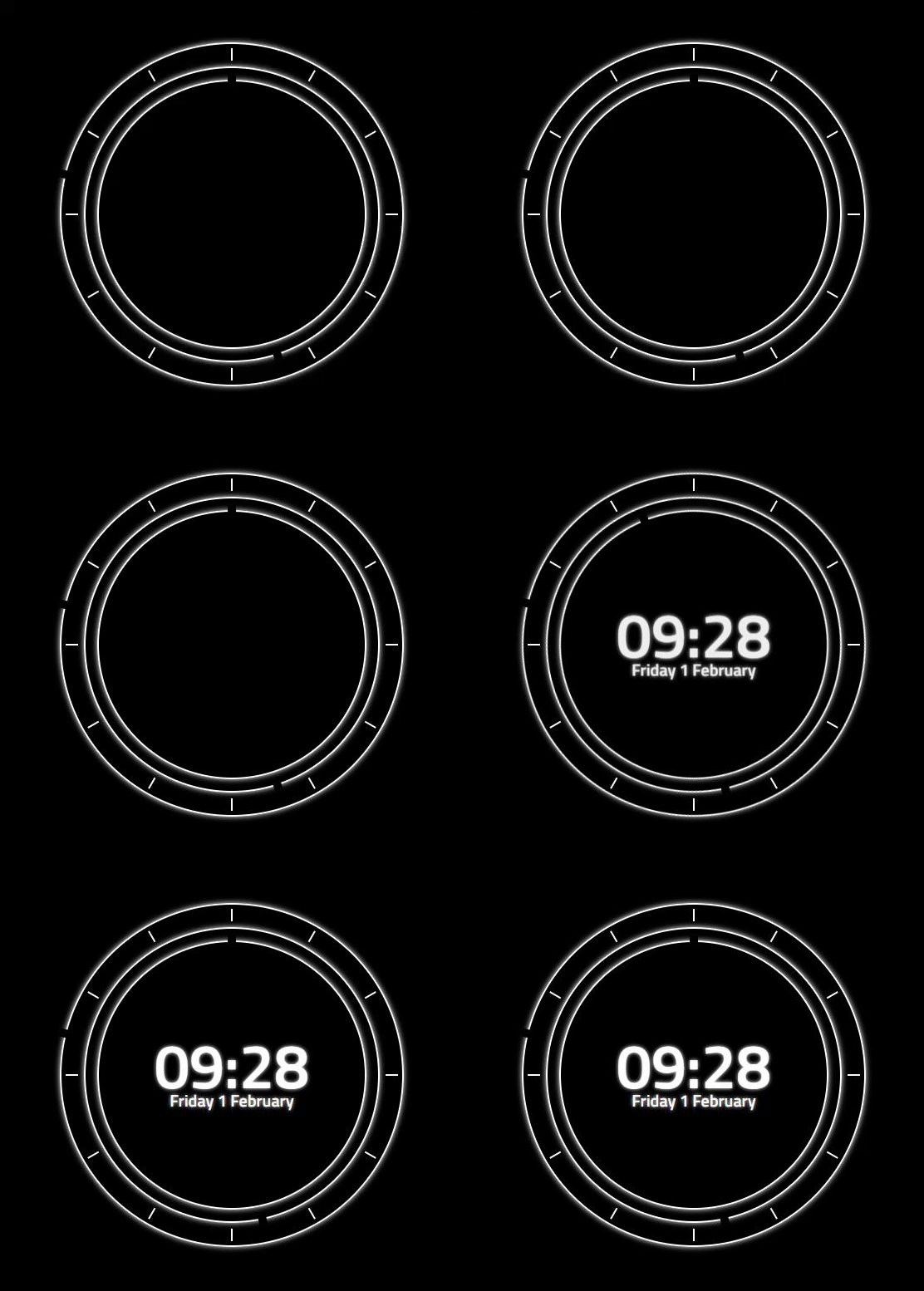
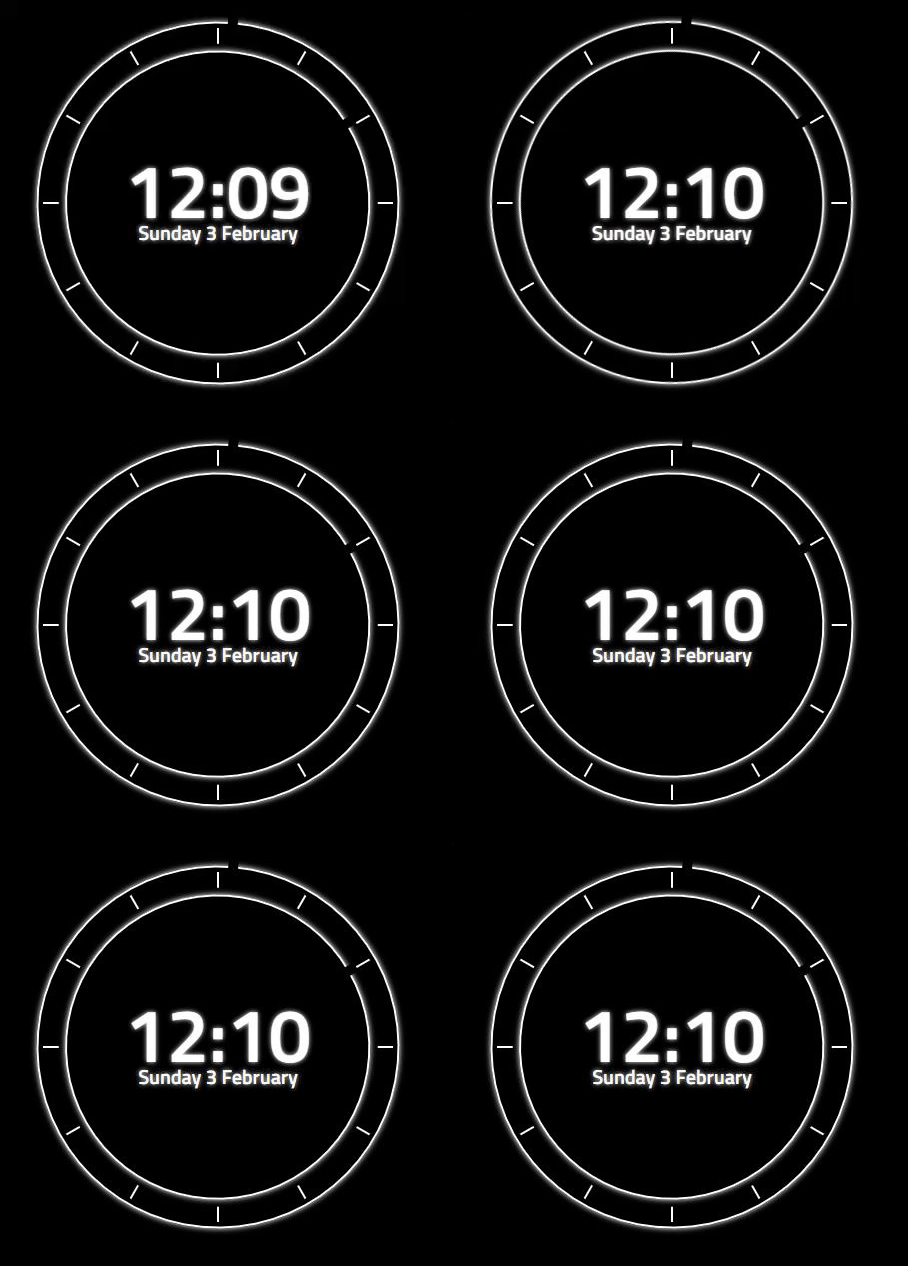
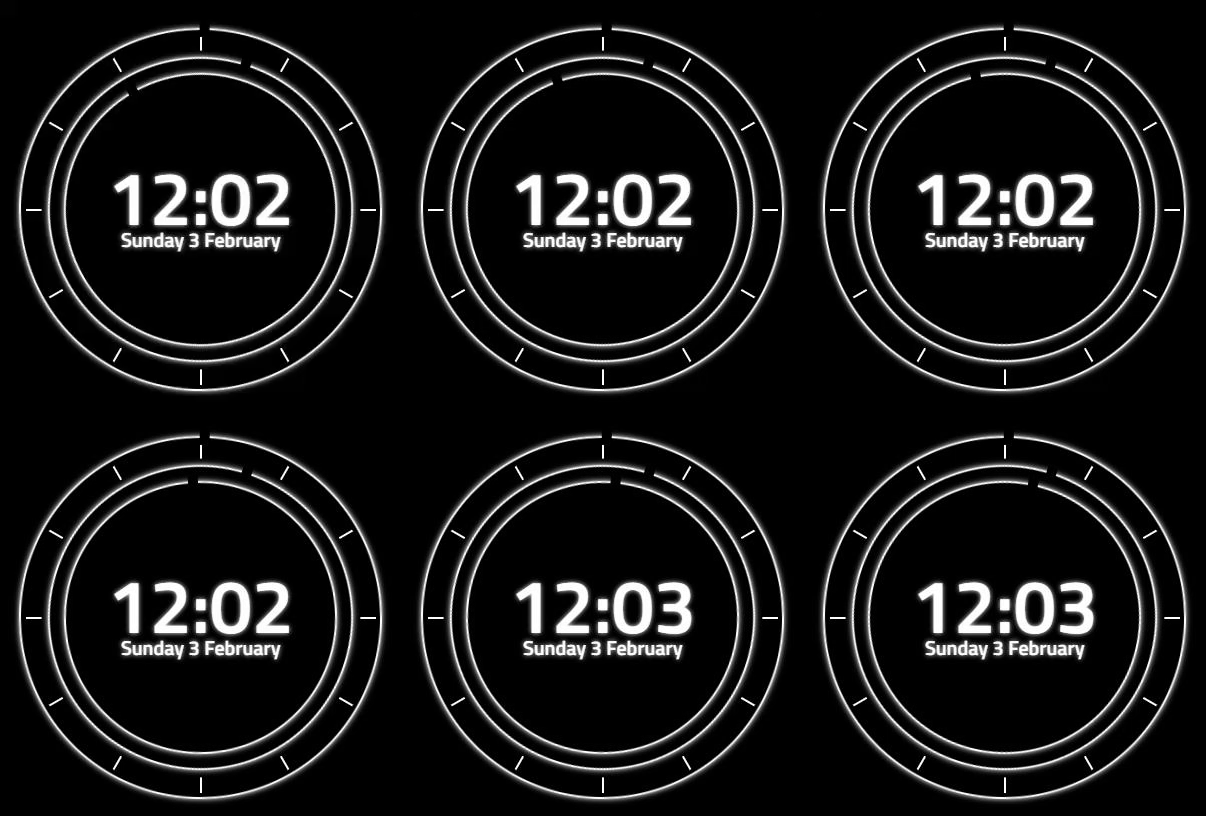
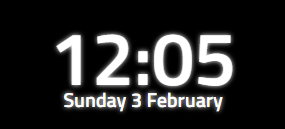
I have made the clock somewhat more customisable. You can now choose if you want the clock to update each second or minute. Redesigned the module adding an analogue clock around the digital version. Users can choose the size of the analogue display and the color for all elements contained inside. Users can also choose if they want the digital time displayed (0 = no display, 1 = permanent display, 2 = show for 5 seconds on every minute.) Choose if you want the analogue clock displayed at all, and finally if you would like all elements to have a glow effect or not.Reccommended settings for displaying only the digital time would be to alter size to “0px”.
Previews
Installation
Installation is very simple, just clone the git into your modules directory then add the module to your config.
cd ~/MagicMirror/modules
git clone https://github.com/aSeann/MMM-iClock
Using the module
To use this module, add the following configuration block to the modules array in the
config/config.jsfile:var config = { modules: [ { module: "MMM-iClock", position: "top_center", config:{ seconds: false, // true = update every second, false = update every minute. size: "350px", // Size of analogue clock, also changes margin for digital clock. color: "white", // Can be hex, rgb, rgba or color name. digital: 1, // 0 (no display), 1 (permanent display) or 2 (show for 5 seconds on every miniute). analogue: true, // false (no display), true (permanent display). glow: true, // false (no display), true (permanent display). } }, ] } -
RE: [MMM-Rainbow] Animated text color transition
@mykle1 LMFAO, as you can see I literally use the same thing as a template for my modules. Thanks for the heads up, i’ll change it now.
-
RE: [MMM-Rainbow] Animated text color transition
-
RE: [MMM-Rainbow] Animated text color transition
@justjim1220 Do you mean for the clock?
-
RE: [MMM-Rainbow] Animated text color transition
@justjim1220 Say if you start your mirror at 30 seconds past the minute, the clock on the mirror wont update until 30 seconds past the next minute, that’s why I created my own clock
-
RE: [MMM-Rainbow] Animated text color transition
@ganget I’m not really that good with css animations but from what I can see,
-webkit-animation: animate 3s linear infinite;should have something to do with it right? maybe if you make that 10 minutes instead.
-
RE: [MMM-Rainbow] Animated text color transition
@bkeyport Also, this is easily done. I’ll work on this for you when I have some more free time. The only issue with doing it to the clock is; the current clock uses “updateDom” to set the time each second, which from what I have seen basically re creates the elements. Meaning the transitions start from when the element is created so it’s not in time with the other transitions. So it would be easier to create your own clock module which just replaces the innerHTML of each element instead of re creating them. I have been making my own clock which will display down to minutes instead of seconds as i’m sure this would cause less strain on my terrible Pi 3 a+.
-
RE: [MMM-Rainbow] Animated text color transition
@ganget Sure man, seems simple enough. You could always customize the clock module, or recreate your own and just add a class name to the clock, then alter MMM-Rainbow.js to only change the css for that module. I cheated when creating this module by using jQuery so it’s really simple to mess with. But if you do need any help, feel free to give me a message.
-
RE: [MMM-Showtimes] Local Cinema Showtimes
@lavolp3 Thanks! It was something stupid I had done. But I found it with your suggestion.
-
RE: [MMM-Showtimes] Local Cinema Showtimes
@mykle1 Awesome. Guess you’re treating me to a movie tomorrow then.
I actually have a small issue which i just realized, do you think you could help?
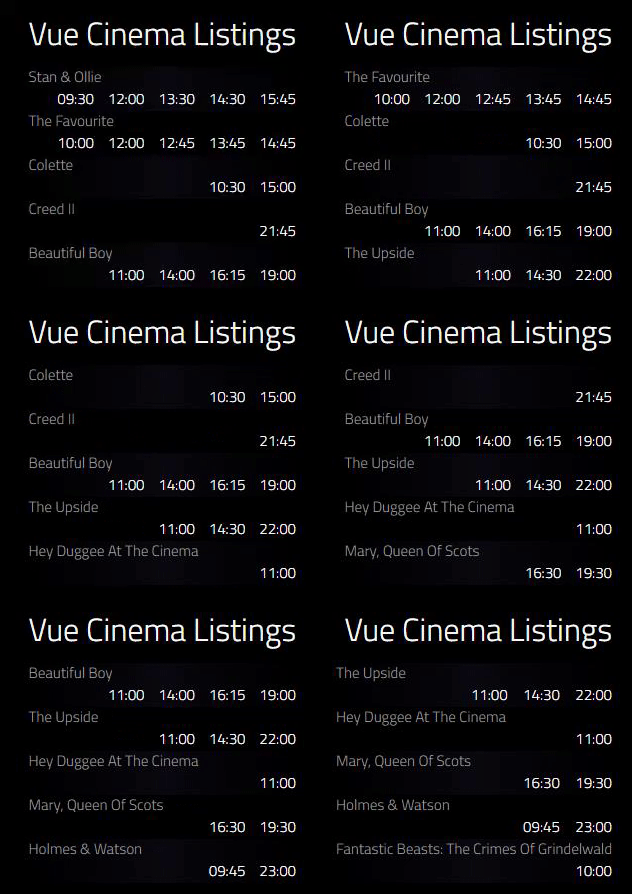
Basically for some reason the css will only display 5 show times, the others seem to overflow, which is then hidden by the default “main.css” i used ul (the movie) display:block, and then ul li (the time) display inline-block and a set width, normally this would just put the next list item on a new line but not on this occasion. Any clue? -
[MMM-Showtimes] Local Cinema Showtimes
MMM-Showtimes - Local Cinema Showtimes.
Unfortunately this is UK only for now. If there's enough interest I will source a better API for global use.
Although I'm sure most of you could easily alter a few lines with an API of your choice to find cinemas close to you.Preview
Installation
Installation is very simple, just clone the git into your modules directory then add the module to your config.
cd ~/MagicMirror/modules
git clone https://github.com/aSeann/MMM-Showtimes
Using the module
To use this module, add the following configuration block to the modules array in the
config/config.jsfile:var config = { modules: [ { module: "MMM-Showtimes", position: "top_right", config: { movies: 5, // Number of movies to display at each time. cinema: 9521, // Get your local cinema ID from http://www.cinelist.co.uk/ scrollTime: 3000, // Duration in milliseconds to display the next film in the list and remove the first. title: "Cinema Listings" // What ever you want the title to be, e.g. "Cinema Listings" } }, ] } -
RE: [MMM-Rainbow] Animated text color transition
@mykle1 Thanks, I didn’t actually expect any response to this. I have started experimenting with other things though, so expect to see a few more posts from me. :grinning_face:
-
[MMM-Rainbow] Animated text color transition
MMM-Rainbow - Animated text color transition.
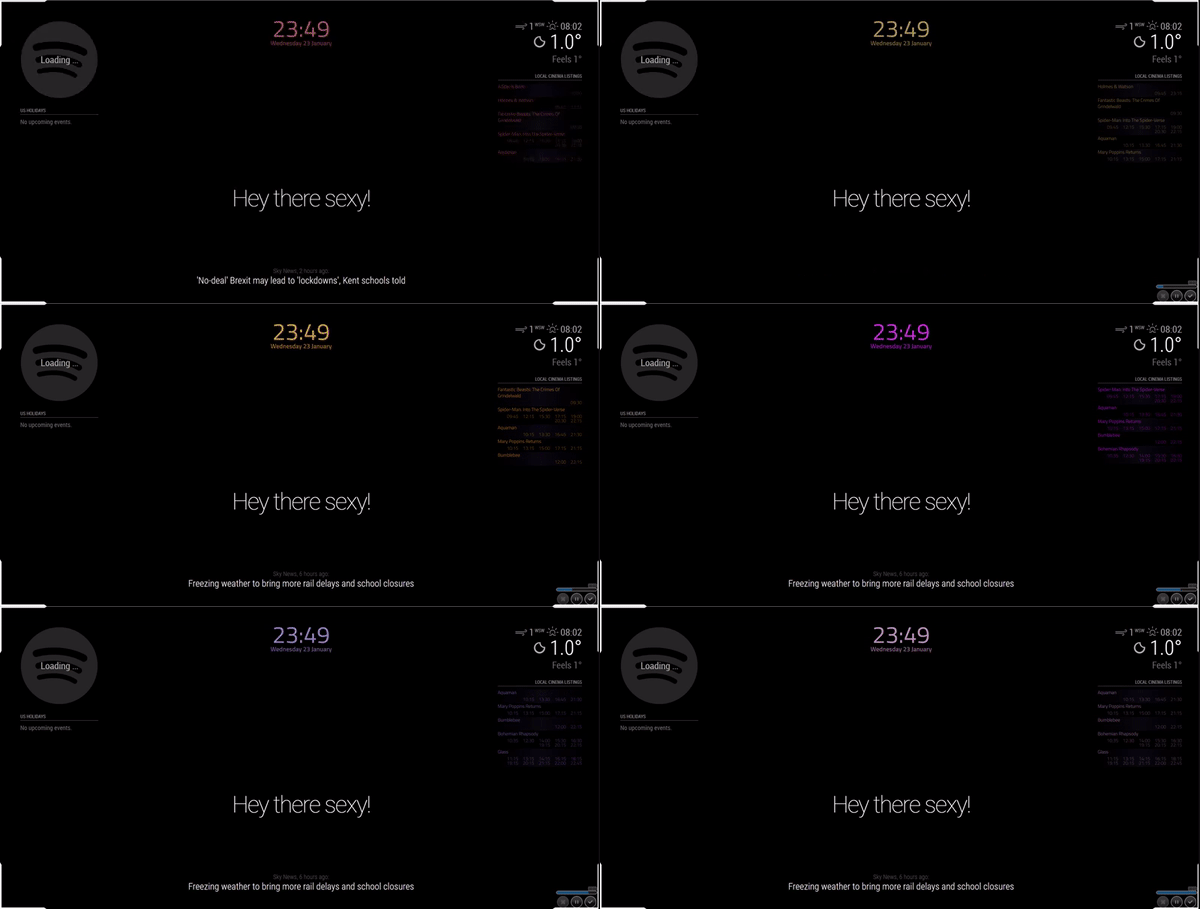
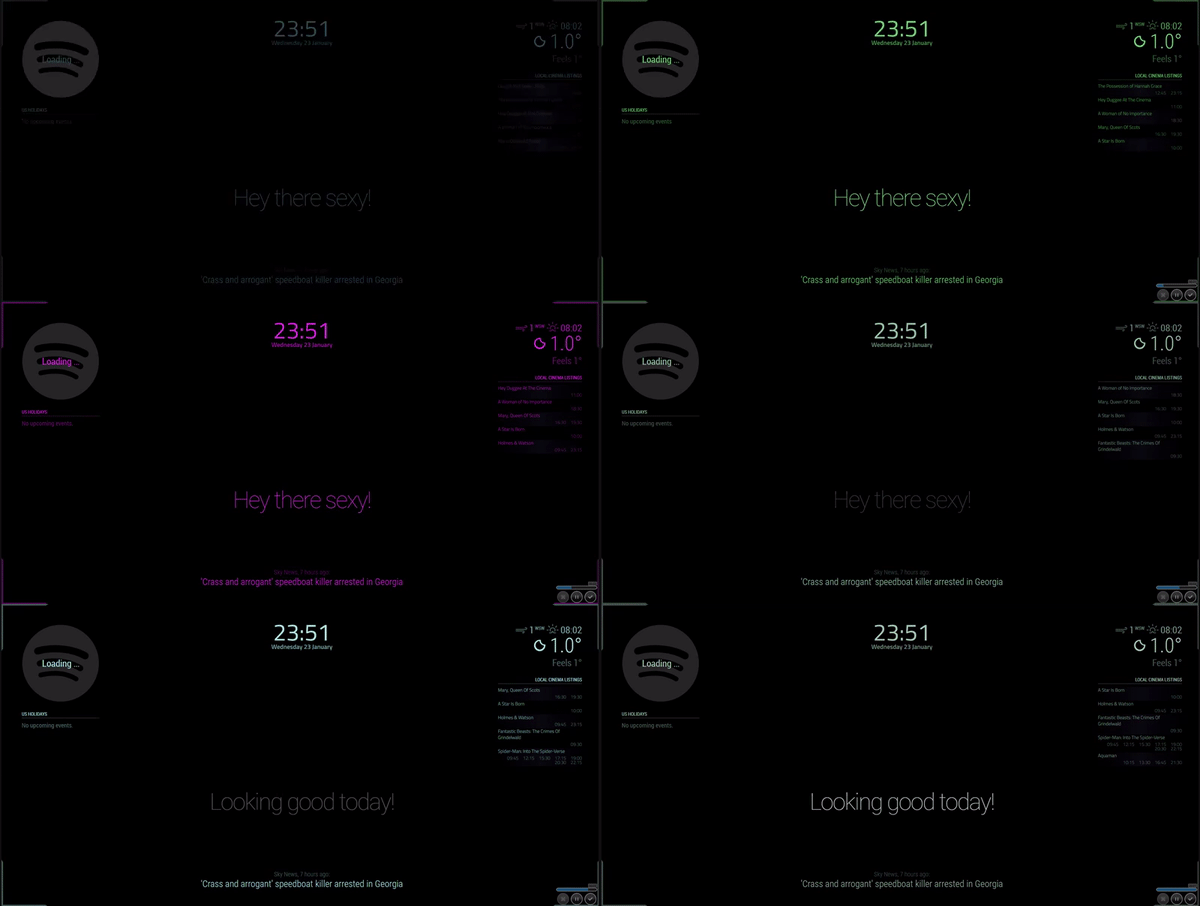
Update info: As suggested, I have added the option to assign the random colors to specific modules or to all modules. See the config below to see how to use.
Preview
Modular
Non-Modular
Installation
Installation is very simple, just clone the git into your modules directory then add the module to your config.
cd ~/MagicMirror/modules
git clone https://github.com/aSeann/MMM-Rainbow
Using the module
To use this module, add the following configuration block to the modules array in the
config/config.jsfile:var config = { modules: [ { module: "MMM-Rainbow", /* Position not required as it has no UI. */ config: { fadeTime: 1500, // Duration in milliseconds it takes for the color to fade. nextColor: 1500, // Duration in milliseconds until the next random color is generated and set. modular: false, // moduleList: [ // Only required if modular is true. "MMM-iClock", "MMM-Showtimes" ] } }, ] }