@axellejamous you can take a look into my modules whih support mmm-voice or in mmm-voice itself, for the voice command actions i implemented some sort of modal which blurs all information on the mirror out and shows the new stuff on top
A New Chapter for MagicMirror: The Community Takes the Lead
Read the statement by Michael Teeuw here.
Read the statement by Michael Teeuw here.
 S
Offline
S
Offline
Posts
-
RE: How to show a popup window
-
MMM-ip
A module to show MagicMirror’s IPv4 Network Address
[card:fewieden/MMM-ip]

-
RE: Module Position
@maxbachmann there is now magicmirror api for it, but you could manipulate the dom and set the module in a different region manually.
-
RE: Default MagicMirror clock config timezone error
@Adaman134 you shouldn’t touch the clock.js file, instead do the changes in your config file
{
	module: "clock",
	position: "top_left",
	config: {
		timezone: 'America/New_York'
	}
}
if you are in new york you don’t have to do this at all, I would recommend to set your rpi timezone correctly instead.
-
RE: MMM-ip
@PointPubMedia in your case you can take this config
{
	module: 'MMM-ip',
	position: 'bottom_bar'
}
combined with
div.MMM-ip div.module-content {
	text-align: right;
}
in ~/MagicMirror/css/custom.css
-
RE: MagicMirror² Hackathon 2018
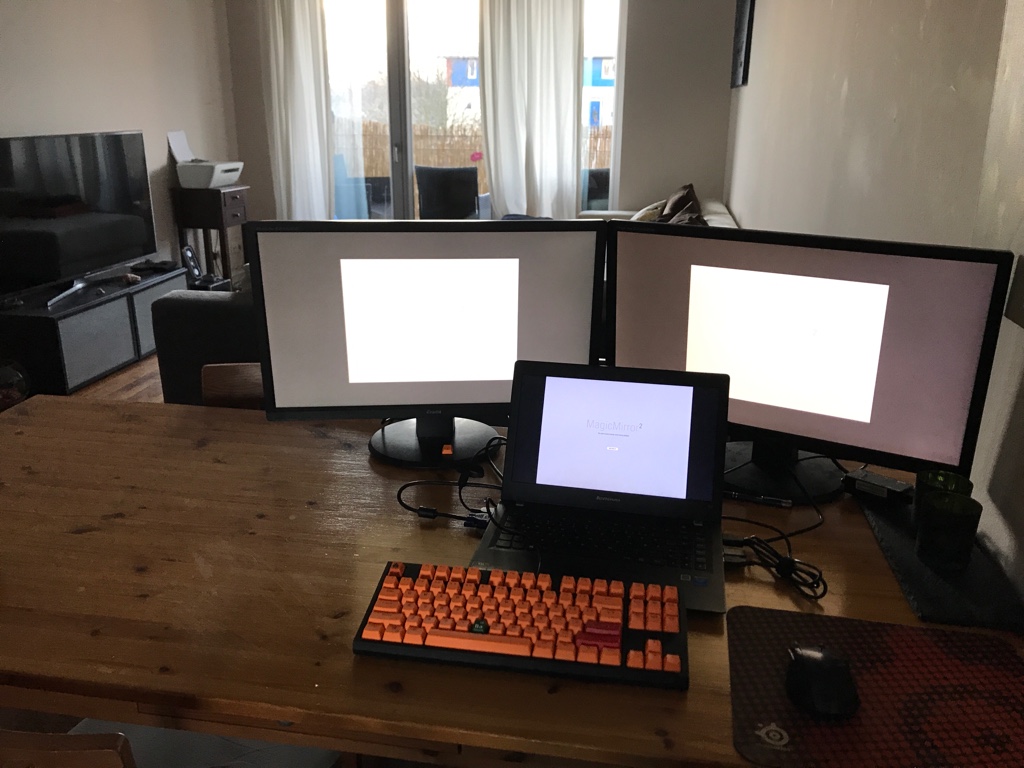
Ready for take off, updates will be posted on magicmirror discord group or in the project board
-
RE: console.log in getDom
@kiki99 where did you check for logs? those ones are in the browser/electron window and not in the terminal as the ones in the nodehelper
-
RE: What's the difference?
@Mykle1 thats correct.
-
RE: MagicMirror² Hackathon 2018
Thanks to @justjim1220 for contributing in two issues and thanks to @idoodler for reviewing and testing an issue
48h Hackathon recap
Metric Total Ø per hour Issues handled 12 0.25 Projects changed 7 0.15 Lines added +1.587 +33 Lines removed -1,487-31Merge requests that are still open for review and testing:
https://github.com/fewieden/MMM-AlarmClock/pull/22
https://github.com/fewieden/MMM-voice/pull/38
https://github.com/fewieden/MMM-Fuel/pull/32 -
RE: Creating Module with API Key/Secret
@lilpkstud next to what sdetweil said you should also not save your result into this.data as it is an instance property which already contains data, see https://github.com/MichMich/MagicMirror/tree/master/modules#available-module-instance-properties for reference
-
RE: Get user input
@veryaner if you want you can have a look in my Module, i did a similar approach, this might get you started.
[card:fewieden/MMM-syslog]
-
RE: Change Fontsize
@reaper81 yes you can
.xsmall {
  font-size: 15px;
  line-height: 20px;
}

.small {
  font-size: 20px;
  line-height: 25px;
}

.medium {
  font-size: 30px;
  line-height: 35px;
}

.large {
  font-size: 65px;
  line-height: 65px;
}

.xlarge {
  font-size: 75px;
  line-height: 75px;
  letter-spacing: -3px;
}
put that in your custom.css file, change the numbers to your liking and you will cover most of the modules which uses those css classes
or what @j-e-f-f suggested in the other thread https://forum.magicmirror.builders/post/25506 to scale everything in the same portion
-
RE: .txt file include
@dominic this should give you an idea how to solve your problem, I just wrote it down maybe you have to adjust something a little bit and it’s not a finished solution
- nodehelper:
const fs = require('fs'); ... socketNotificationReceived: function(notification, payload) { if(notification === 'START'){ this.config = payload; this.readData(); setInterval(() => { this.readData(); }, this.config.updateInterval); } }, readData: function(){ //to read a file to do the following fs.readFile('YOUR FILE PATH', (err, data) => { if (err) throw err; this.sendSocketNotification('DATA', data); }); }- module:
defaults: { updateInterval: 30*60*1000 //reads the file every 30 mins }, start: function(){ this.sendSocketNotification('START', this.config); }, socketNotificationReceived: function(notification, payload) { if(notification === 'DATA'){ this.dataFile = payload; this.updateDom(); } }, getDom: function(){ var wrapper = document.createElement('div'); if(this.dataFile){ wrapper.innerHTML = this.dataFile; } else { wrapper.innerHTML = 'No data'; } return wrapper; } -
RE: MMM-ModuleScheduler - Module Schedules and Notifications
@cowboysdude adding a css filter to the specific module could set the brightness down
-
Voice control
I’m currently working on a voice control module.
For now I’m able to switch between the modes Train, Weather and Spotify.
In this modes I can already detect:
play the next song
shuffle playlist
stop the music
how is the weather today
how is the weather tomorrow
when does the next train depart -
RE: Changing the length of the line under the header
@cruunnerr that happens just for modules in the same region, you could either put the movie module in
bottom_left, or you setmax-widthin custom css for the other modules to limit them -
RE: .txt file include
there is a general design your module have to look like
you have to create a directory in
~/MagicMirror/modules/YOUR_MODULE_NAMEthen create a file
YOUR_MODULE_NAME.jsModule.register("YOUR_MODULE_NAME",{ //here comes the rest of the code for module I posted above });then create a file
node_helper.jsconst NodeHelper = require("node_helper"); const fs= require("fs"); module.exports = NodeHelper.create({ //here comes the part of the nodehelper after the 3 dots as posted above });