A New Chapter for MagicMirror: The Community Takes the Lead
Read the statement by Michael Teeuw here.
  • MagicMirror on Windows 10

    Unsolved
    2
    0 Votes
    2 Posts
    348 Views
    S
    @esim how did u install? there are some steps that don’t complete correctly on windows. do this cd MagicMirror/vendor npm install cd ../fonts npm install cd .. now u can npm start
  • MMM-CalendarExt2 Example Request

    Unsolved
    3
    0 Votes
    3 Posts
    965 Views
    M
    @reniwqwil5 [image: 1632606428798-1bf646b4-94ef-4359-93ee-482ea0695851-image.png] { module: "MMM-CalendarExt2", config: { calendars: [ { name: "Tottenham", url: "https://www.google.com/calendar/ical/ovb564thnod82u5c4njut98728%40group.calendar.google.com/public/basic.ics", icon: "emojione:chicken" }, { name: "Leeds", url: "https://www.google.com/calendar/ical/h2suh4c1iqvktk4olmfqtth4lg%40group.calendar.google.com/public/basic.ics", icon: "emojione-v1:shield" } ], views: [ { name: "UPCOMING_GAME", calendars: ["Tottenham", "Leeds"], mode: "upcoming", slotMaxHeight: "240px", position: "top_right", }, { name: "MONTH", calendars: ["Tottenham", "Leeds"], mode: "month", slotMaxHeight: "75px", position: "bottom_bar" } ], scenes: [ { name: "DEFAULT", views: ["UPCOMING_GAME", "MONTH"], } ] } }, More config options and CSS customizing are needed to display pretty, but anyway, you can understand the basic concept. Calendars -> Views -> Secnes. I was the original author of this module, but I ran away from this module’s maintenance, sorry. (I had bad days personally at that period) I always thought this module has too much over-spec to use simply. Due to the dying of dependency - momentJS’, this module would be archived anyway in near future. I have no idea whether I make alternative or equivalent at this moment.

  • NPM COMMAND NOT FOUND

    Unsolved
    11
    0 Votes
    11 Posts
    3k Views
    S
    @uok825 I don’t know either
  • New MM install- Raspberry pi 4 shuts off on its own

    Unsolved
    4
    0 Votes
    4 Posts
    681 Views
    S
    @nneuland yeh, mine is listed in the ‘alternative’ section below manual note that I have a script to disable screensaver down at the bottom too
  • MMM-pages & mmm-remote-control

    Unsolved
    12
    0 Votes
    12 Posts
    4k Views
    A
    @waki @m1scha the page that you would like to rotate to is given as a url parameter. Replace localhost:8080 with your own ip’s. curl -X GET "http://localhost:8080/api/notification/PAGE_CHANGED/0" -H "accept: application/json" You can test it out with the Swagger API: http://localhost:8080/api/docs/#/Module Control/get_api_notification___notification_____p_
  • MagicMirror fails to start

    Unsolved
    12
    0 Votes
    12 Posts
    3k Views
    S
    @droidus no idea, did u install as pi and now running as another user? did u install as root (using sudo), now running as pi? see https://askubuntu.com/questions/1238389/invalid-mit-magic-cookie-1-key-message-while-running-a-program-with-the-termin if you used my script (just copy/paste the one line from my github page) , logged on as pi, it should have done everything for you what I do use the OS imager tool, install the latest OS image (full desktop, code name buster) on the sd card boot the sd card, turn on ssh reboot the sd card logon via ssh from windows (or linux) machine copy/paste my install script line into the ssh terminal window wait…
  • Cronjob doesn't work with my MM

    16
    0 Votes
    16 Posts
    4k Views
    foxF
    I it working now for you? :)
  • Calendar Event Display start and end date

    Solved
    7
    0 Votes
    7 Posts
    1k Views
    P
    @sdetweil Ok i think i got it now… if (this.config.showEnd) { timeWrapper.innerHTML += “-”; timeWrapper.innerHTML += this.capFirst(moment(event.endDate, “x”).format(this.config.dateEndFormat)); } else // For full day events we use the fullDayEventDateFormat if (event.fullDayEvent) {
  • Manual installation error

    Solved
    10
    0 Votes
    10 Posts
    1k Views
    S
    @dodo said in Manual installation error: should be the default for dummies like myself! not dummy, just inexperienced… my script was from the base, but it wasn’t possible to update as frequently as we all needed. my intent is to get you up and running. a year from now you will know a lot more
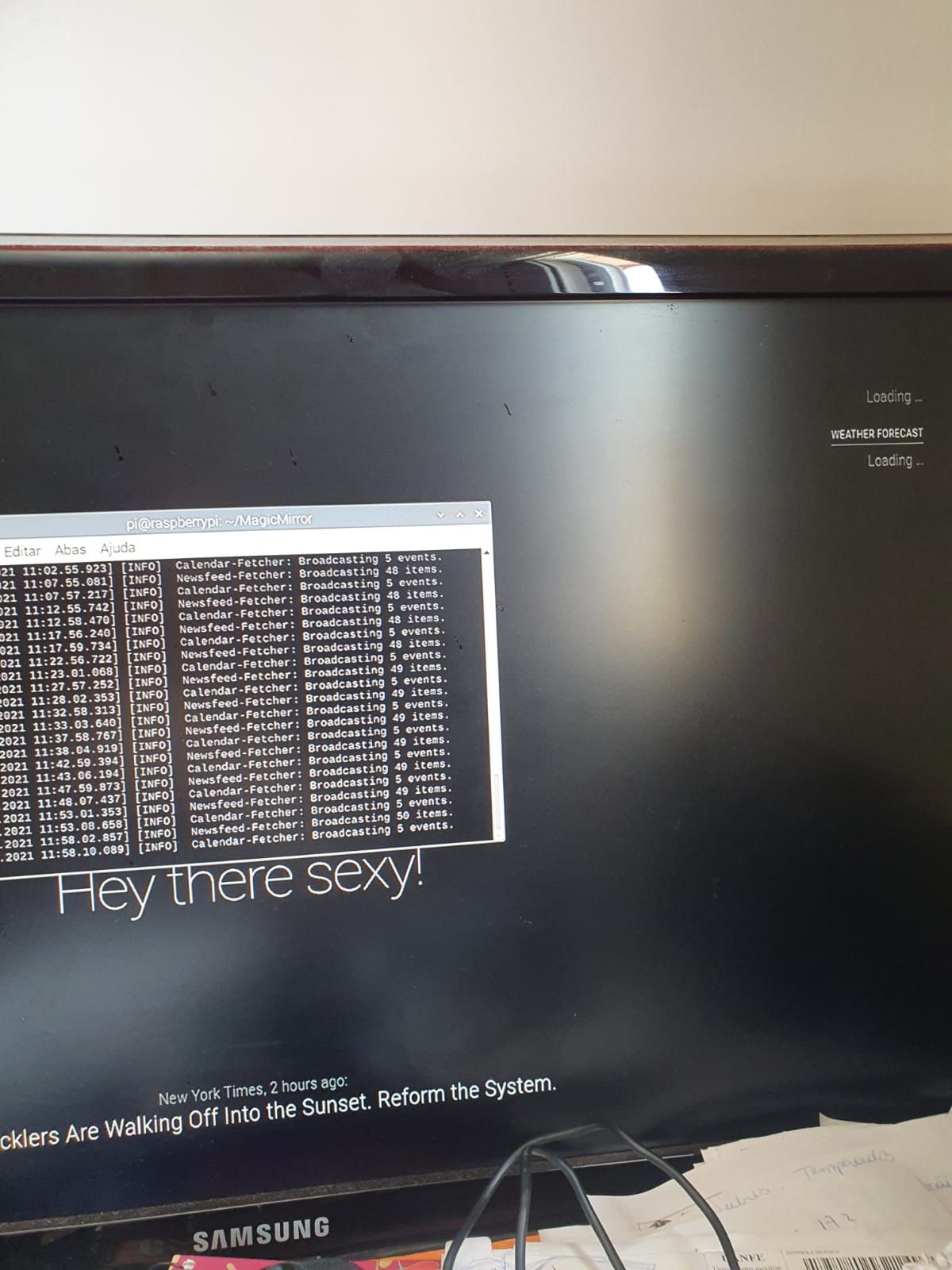
  • weather forecast

    Unsolved
    4
    1
    0 Votes
    4 Posts
    741 Views
    S
    @clezio desculpa. não entendo.
  • Clear Cache on RPi without keyboard

    Solved
    5
    0 Votes
    5 Posts
    960 Views
    ?
    @sdetweil That did it, thank you so much!
  • MMM-pihole-stats refuses to update

    Solved
    7
    0 Votes
    7 Posts
    2k Views
    A
    @zanix The update worked perfectly… Would not have found it myself, so anyone else looking to correct the issue follow the link above.
  • What is your backup and restore method?

    18
    0 Votes
    18 Posts
    8k Views
    cowboysdudeC
    @swvalenti Yes but this ONLY works for an RPI4… So I KNOW someone is going to see this and try it on a 3 and come back with ‘it doesn’t work’… it does. You can also do it on a 3 but it’s different… https://thepi.io/how-to-boot-your-raspberry-pi-from-a-usb-mass-storage-device/ Just replying here so I can save myself trouble when someone tries it LOL
  • Calendar - only all day events showing - moment timezone issue

    11
    0 Votes
    11 Posts
    4k Views
    S
    @magicinme those are Microsoft-isms. I put code in node-ical and mm to handle, but the definitions aren’t parsed. the supporting nodejs libs don’t understand custom timezones, so I convert to iana tz.
  • Calendar Color

    Solved
    27
    0 Votes
    27 Posts
    19k Views
    P
    how do you change the schedule time color and font? Mine seems to be gray even after sending the fade to false.
  • eaddress in use

    Solved
    10
    0 Votes
    10 Posts
    2k Views
    B
    @bkeyport As the new system is running, I did change the port ! Thx !
  • MagicMirror Doesn't Start

    Unsolved
    4
    0 Votes
    4 Posts
    790 Views
    S
    @droidus IF it was needed, the install script would have changed package.json "start": "DISPLAY=\"${DISPLAY:=:0}\" ./node_modules/.bin/electron js/electron.js", to "start": "./run-start.sh $1",
  • was i can begin my magic mirror?

    Unsolved
    2
    0 Votes
    2 Posts
    630 Views
    S
    @clezio read the instructions here https://www.raspberrypi.org/software/operating-systems/ translate page to your language need micro sd card image imager use image -> imager -> sd card install sd card in pi power on
  • Mmm-calendarext

    8
    0 Votes
    8 Posts
    983 Views
    S
    @pastormingle valid-url was removed in 2.16, and the module didn’t do ument using it. so, if the module has a package.json file do, in the module folder npm install valid-url if no package.json, then in the module folder do npm init -y npm install valid-url there are 3 libs we know of valid-url request rrule-alt
  • Lunartic not working without "request"

    Unsolved
    3
    0 Votes
    3 Posts
    461 Views
    cowboysdudeC
    @hango go here…until his pull request is complete but this is the fix. Just delete yours and reinstall this one. git clone https://github.com/cowboysdude/MMM-Lunartic into the ~/MagicMirror/modules directory. go to modules/MMM-Lunartic folder and type in npm install