A New Chapter for MagicMirror: The Community Takes the Lead
Read the statement by Michael Teeuw here.
  • Calendar issue 2021

    1
    0 Votes
    1 Posts
    259 Views
    M
    Anyone else having a problem with the stock calendar since the new year? Most items show on my mirror as “event” now instead of the name. I am running an older version of the mirror if that is any concern. I last updated before the current version for sure.
  • RandomPhoto help

    Moved
    4
    0 Votes
    4 Posts
    1k Views
    P
    c i run npm install stole the answer pi@raspberrypi:~/MagicMirror/modules/MMM-Remote-Control $ npm install audited 31 packages in 3.668s found 0 vulnerabilities ╭─────────────────────────────────────────────────────────────────╮ │ │ │ New patch version of npm available! 6.14.8 → 6.14.10 │ │ Changelog: https://github.com/npm/cli/releases/tag/v6.14.10 │ │ Run npm install -g npm to update! │ │ │ ╰─────────────────────────────────────────────────────────────────╯ pi@raspberrypi:~/MagicMirror/modules/MMM-Remote-Control $
  • iFrame to full screen - change image size

    1
    1
    0 Votes
    1 Posts
    310 Views
    KamiSchamiK
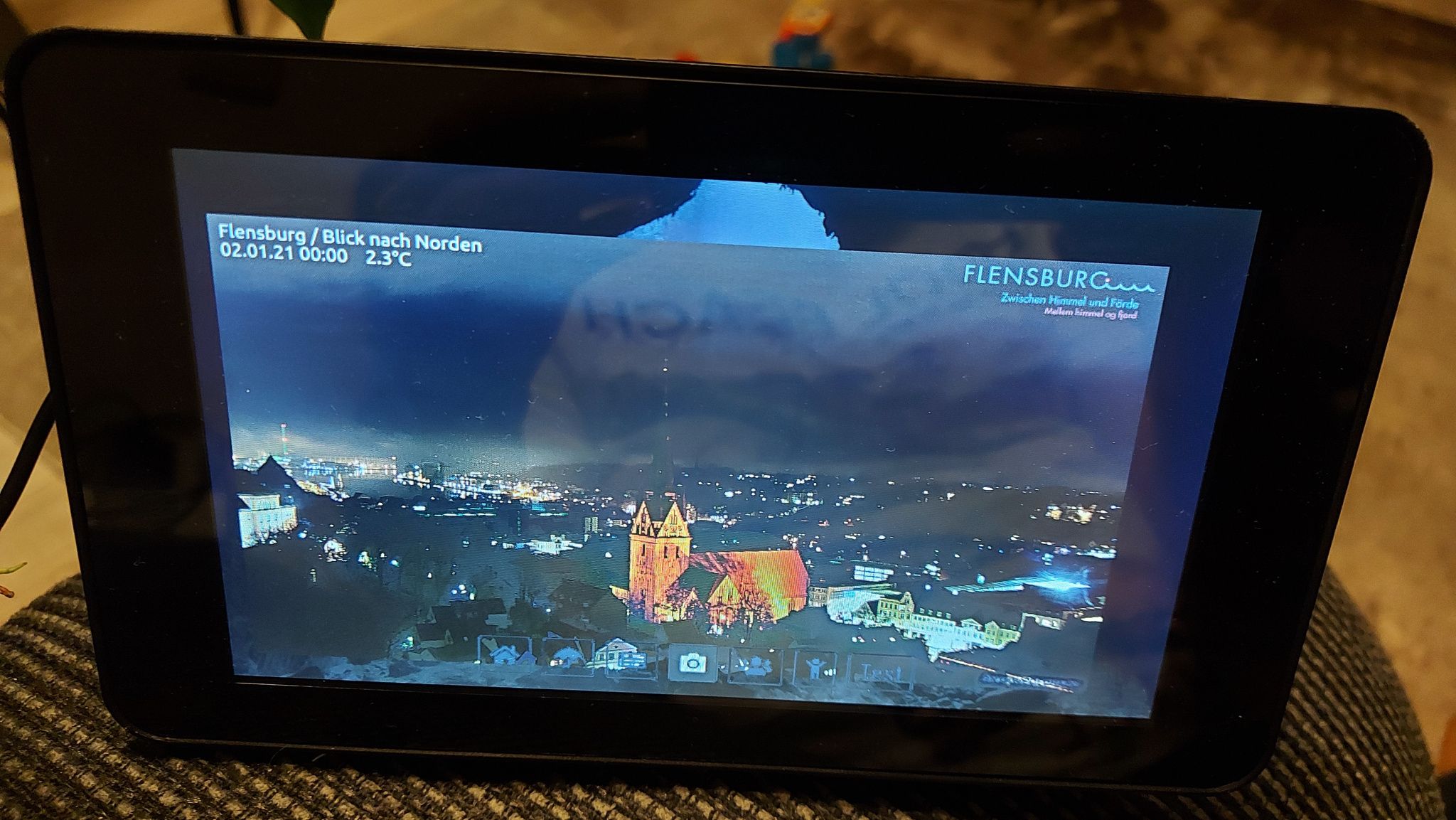
    Hello, I’m not getting any further here. I use my mirror on a 7 inch display. I have already checked all iFrame modules. iFrame, ping and reload. How do I bring the picture to full screen? thank you for your help. [image: 1609544681479-20210102_000321-resized.jpg]
  • MMM-Assistant2Display ERROR: YouTube search not set

    4
    0 Votes
    4 Posts
    869 Views
    E
    @Bugsounet It is not always easy to find the answer to your problems in the midst of 1000 explanations … it takes patience! Thanks again @Bugsounet for your work!
  • MMM-AssistantMK2 not recognizing my speech

    5
    0 Votes
    5 Posts
    991 Views
    E
    @ra1209k my advice is to use MMM-GoogleAssistant by @Bugsounet (I think it’s a evolution of the famous Eouia module …). I’m testing it these days and it looks well done! MMM-GoogleAssistant Good job!!
  • calendar_monthly: Please help me with column width.

    Solved
    3
    1
    0 Votes
    3 Posts
    1k Views
    M
    @ashishtank said in calendar_monthly: Please help me with column width.: #calendar-table { width: 80%; } This worked perfectly. Thank you ashishtank! Really helpful.
  • MMM TouchNavigation - Hide Buttons after 10 seconds

    Unsolved
    1
    1
    0 Votes
    1 Posts
    294 Views
    KamiSchamiK
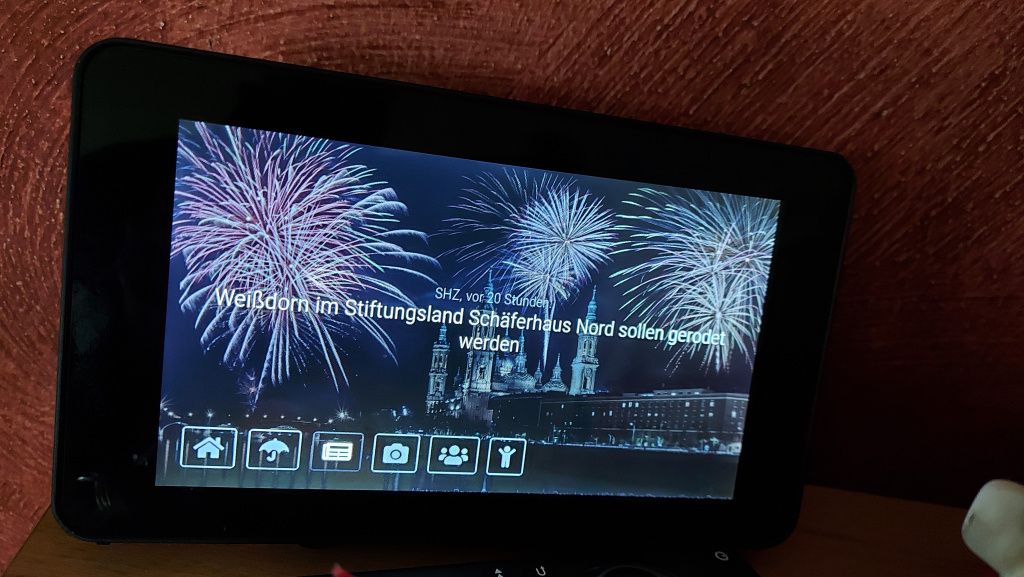
    Moin, I use MMM TouchNavigation and MMM ProfileSwitcher. [image: 1609410094732-img_20201231_110009.jpg] Is there a way to hide the buttons after about 10 seconds and show them again when you touch them? Thank you!
  • MMM-GoogleBirthdaysProvider No red birthday cake

    3
    0 Votes
    3 Posts
    1k Views
    B
    @wuermchen Perfect, this is the solution! Thanks again, Benny
  • MM only server version working due to issues with config file

    33
    0 Votes
    33 Posts
    11k Views
    S
    @Mykle1 that is what I hear!
  • Pi loses WiFi connection after a few hours

    rasberry pi 4 wifi connection
    9
    0 Votes
    9 Posts
    5k Views
    jca2112J
    @sdetweil said in Pi loses WiFi connection after a few hours: @jca2112 are you running pihole as an advert filter? seem to see this a lot with pihole servers… Yes, I am running a pihole – thanks for suggesting that. (I should have mentioned it.) I’ve not had any issues with the magicmirror + pihole setup in the past, but just to make sure I whitelisted the magicmirror so it would bypass the pihole altogether. It didn’t seem to affect the problem, so I’m not sure that it is a factor.
  • Return my monitor work on

    1
    0 Votes
    1 Posts
    162 Views
    D
    I have use these commend to shutoff the monitor : Sudo nano autostart @xset s noblank @xset s off @xser -pms Sudo apt-get install unclutter Now how can I return it back ?
  • MMM-Keybindings evdev module install error

    5
    0 Votes
    5 Posts
    550 Views
    D
    ok. too bad. Thank you very much. Martin
  • Having issues with 2nd ical.

    11
    0 Votes
    11 Posts
    4k Views
    T
    I am having an similar issue. config: { module: "calendar", header: "Agenda", position: "top_left", config: { calendars: [ //{ // symbol: "calendar-check", // name: "Thijs", // url: "https://calendar.google.com/calendar/ical/*******/public/basic.ics" // }, { symbol: "calendar", name: "Andrea", url: "https://calendar.google.com/calendar/ical/********/public/basic.ics" } ] } }, Logs show: [2020-12-26 13:24:33.391] [INFO] Calendar-Fetcher: Broadcasting 10 events. [2020-12-26 13:25:03.322] [LOG] Use existing calendar fetcher for url: https://calendar.google.com/calendar/ical/*****/public/basic.ics [2020-12-26 13:25:03.324] [INFO] Calendar-Fetcher: Broadcasting 10 events. Some fun details: the first ical (now with the //) does work and gives a correct feedback. The second ical is from the same workspace, has the same settings for publications. As far as my knowledge goes the log even shows it fetches 10 events. And I can wget the ics files but still I get a ’ no upcomming events.’ message. So @jonspraggins; did you find a solution that could help me into the right direction?
  • MM bash line 404 problem

    Moved
    4
    0 Votes
    4 Posts
    779 Views
    D
    Hi too all. I’m a bloddy newbie with this magicmirror project. but reading this very good instructions, my problems are gone. and now i enjoy this christmas :-) THX BR Bernhard.
  • Change font size of the calendar

    2
    0 Votes
    2 Posts
    947 Views
    A
    @DreadFog Check if it works for you by adding below code in custom.css and adjusting font size. .calendar .title { font-size:15px; }
  • 0 Votes
    2 Posts
    315 Views
    B
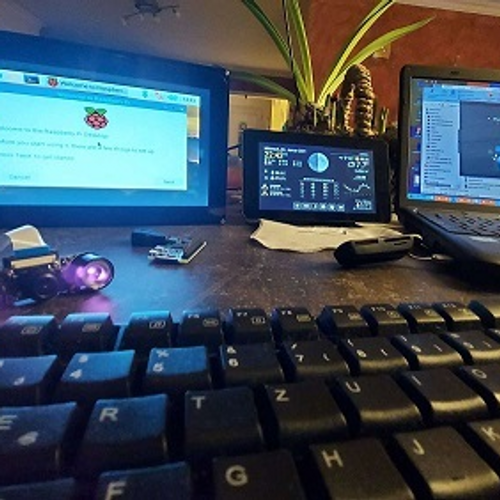
    Hello eveyone. I’m building my first mirror and while I’m not a programmer I was able to get my mirror looking how I wanted thanks to some great modules. I’m trying now to create a rule that will decrease birghtness after a certain hour. I installed MMM-ModuleScheduler but can’t get it to work correctly. I’ve tried 2 different approaches. First I tried using the dimmer option, like shown below: { module: 'MMM-ModuleScheduler', config: { // SHOW ALL MODULES AT 06:00 AND DIM THEM TO 40% AT 22:00 global_schedule: {from: '0 6 * * *', to: '0 22 * * *', dimLevel: '40' }, } This did indeed dim the screen but no in the required times. I’ve tried, for example putting interval from 18:30 to 18:35, dim 10%. After this code the screen dimmed. I then waited for 18:30 and then 18:35 to see if screen would light up but it didn’t. I’m now trying to create a setting to change brightness (and if that work I’ll create another one) by using the following: { module: 'MMM-ModuleScheduler', position: 'bottom_right', header: '', config: { notification_schedule: [ { notification: 'REMOTE_ACTION', schedule: '50 22 * * *', payload: { action: 'BRIGHTNESS', value: '100' } } ] } }, But that didn’t work as well. I’ve tried setting a specific time to decrease darkness and nothing happened. I then decreased darkness and created a setting to increase it but no success. I’ve seen in some posts people mentioning to get logs but I could not get log specifically for this module. My MMM-Remote-Control is working flawlessly. Any help is appreciated. Thanks.
  • Margin on the x side of the screen only

    2
    0 Votes
    2 Posts
    389 Views
    A
    @Morganga It’s not working because width is calculated dynamically and affecting the margin. You can changed the width offset to adjust it using custom.css. See below. body { width: calc(100% - 250px); } Adjust the value of 250px for your need. Before After
  • Webcam as mic?

    4
    0 Votes
    4 Posts
    653 Views
    S
    @avanloo01 weird. why call it a Webcam if there is no mic?
  • Error with HelloLucy

    4
    2
    0 Votes
    4 Posts
    664 Views
    S
    The main mm log only has basic starting messages and the mm stderr log is empty. pi@raspberrypi:~/.pm2/logs $ grep -i lucy mm-out.log [2020-12-20 23:10:11.606] [LOG] Module helper loaded: Hello-Lucy [2020-12-20 23:10:12.307] [LOG] Connecting socket for: Hello-Lucy [2020-12-20 23:10:12.308] [LOG] Starting module helper: Hello-Lucy [2020-12-20 23:10:18.859] [INFO] Checking git for module: Hello-Lucy pi@raspberrypi:~/.pm2/logs $
  • MM Default Alert Module Overlay Does not Go Away When Clicked

    6
    0 Votes
    6 Posts
    1k Views
    C
    Thanks Man! I am on holiday, but I will do this when I get back. It will work beautifully now!