Read the statement by Michael Teeuw here.
Search module for livecam / stream
-
@KamiSchami I think you have made a small config failler.
But I sa a later post that i’t was up and running.
Picture please. -
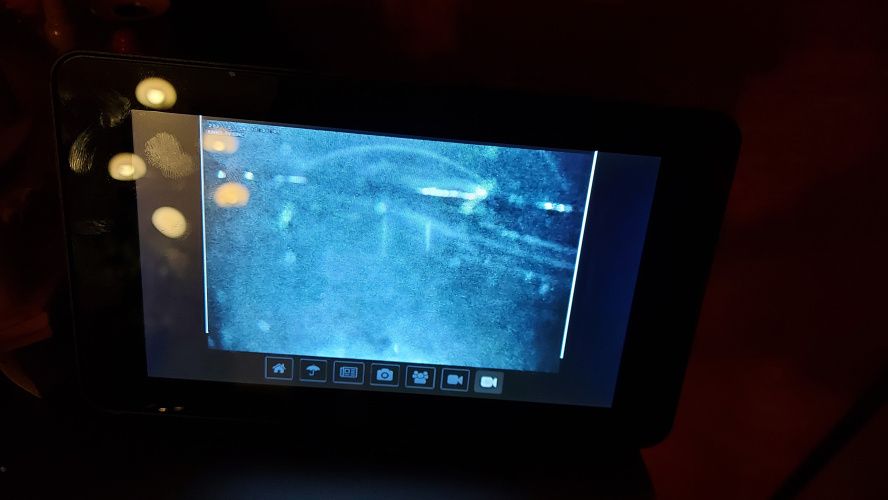
works. Still have to adjust the size a bit. Unfortunately it currently fades my buttons. Any other tip for formatting the css for me?
Real programmers never work 9 to 5. If they are around at 9 AM, it’s because they were up all night.
-
@KamiSchami
And if you put in the configURL"http://"bla bla bla width: 590, height: 332 -
@KamiSchami
When you put this in the CSS the white outline (Box) is going to none****** * custom.css ******* .MMM-RTSPStream .innerWrapper { border-style: none; } -
Ok great 🍻
-
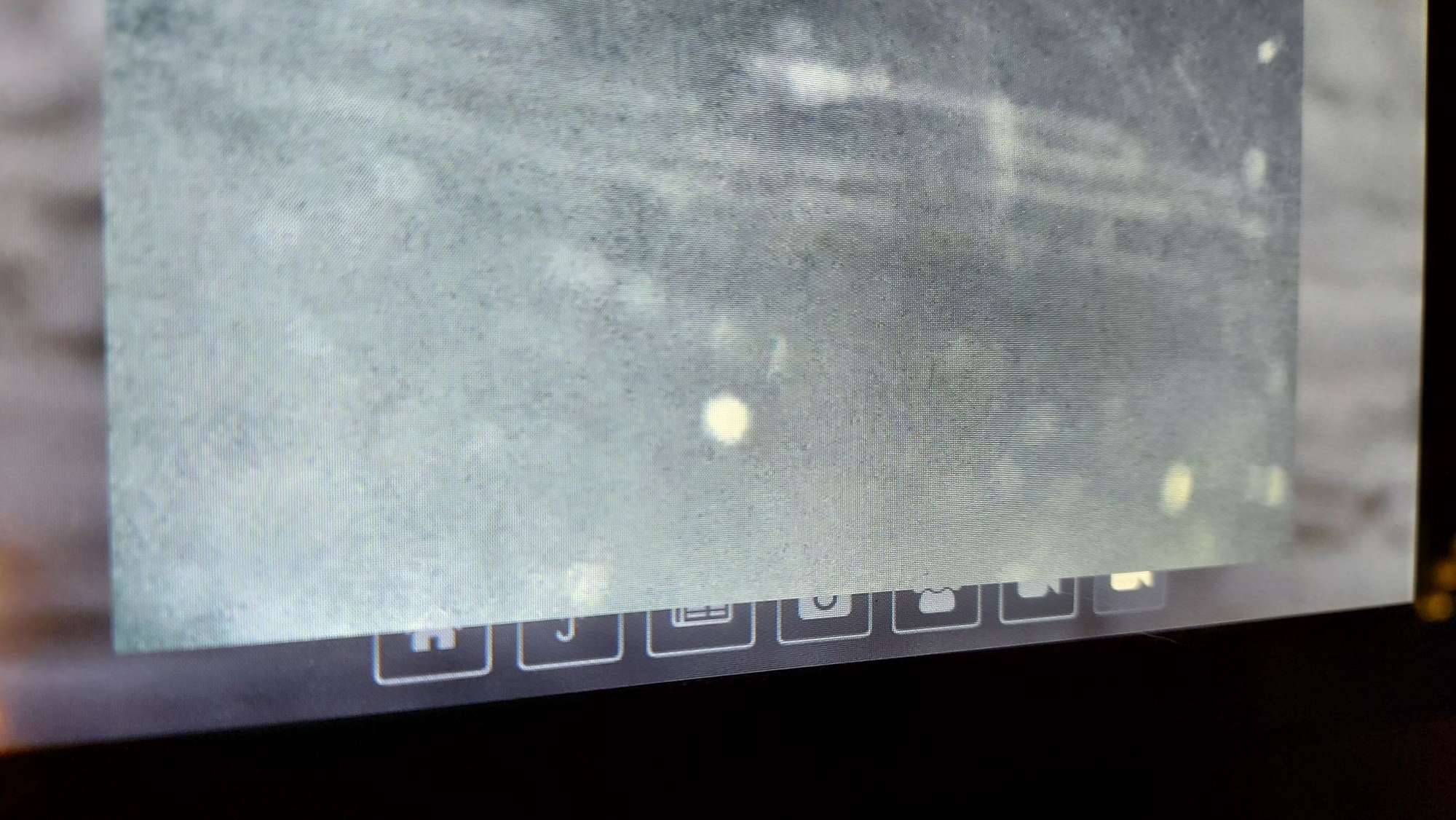
ok, the edge is gone, but i can’t get the cam behind my button 🙈
-
@KamiSchami
can you pleas ad your config file. -
All? It’s long 🤣
-
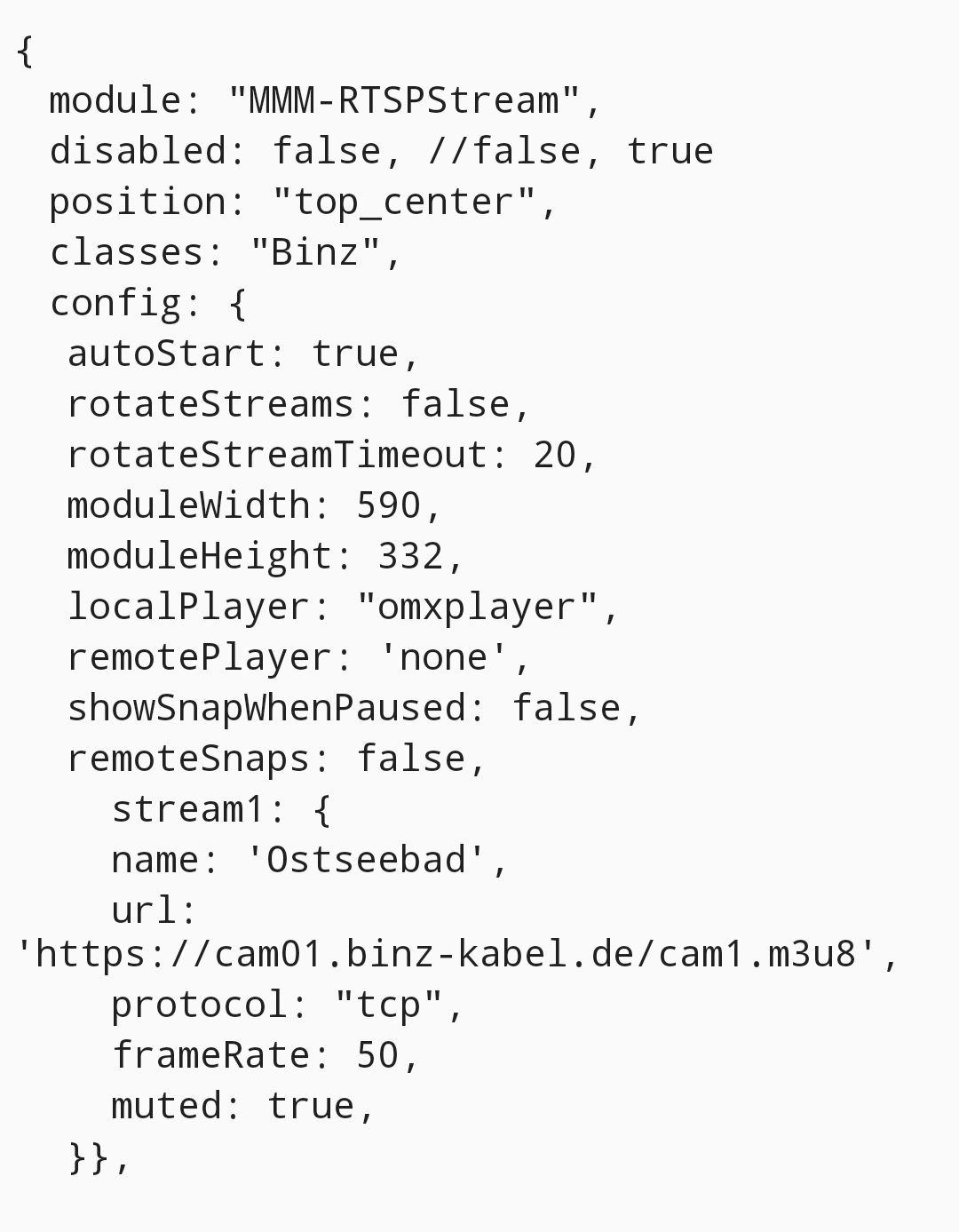
@KamiSchami only the part of the
module: ‘MMM-RTSPStream’ -
-
@KamiSchami You can use this.
{ module: "MMM-RTSPStream", disabled: false, //false, true position: "middle", config: { autoStart: true, rotateStreams: false, rotateStreamTimeout: 20, moduleWidth: 468, moduleHeight: 320, localPlayer: "omxplayer", // "omxplayer" or "ffmpeg", or "vlc" remotePlayer: 'none', showSnapWhenPaused: false, remoteSnaps: false, stream1: { name: 'Ostseebad', url: 'https://cam01.binz-kabel.de/cam1.m3u8', protocol: "tcp", frameRate: 25, muted: true, hwAccel: true, width: 450, height: 300, }, -
@KamiSchami this part I meen
stream1: { name: 'Ostseebad', url: 'https://cam01.binz-kabel.de/cam1.m3u8', protocol: "tcp", frameRate: 25, muted: true, hwAccel: true, width: 450, height: 300, -
Thanks, it was late yesterday. The camera was gray and night mode and my buttons are also gray, I have to check if it is brighter.
-
hi, it’s still over the button when i enlarge the module 🙈
-
@KamiSchami what am I doing wrong?
for me MM starts but the whole screen remains black
Can someone help me please?
Is the MMM-RTSPStream module up to date? still works?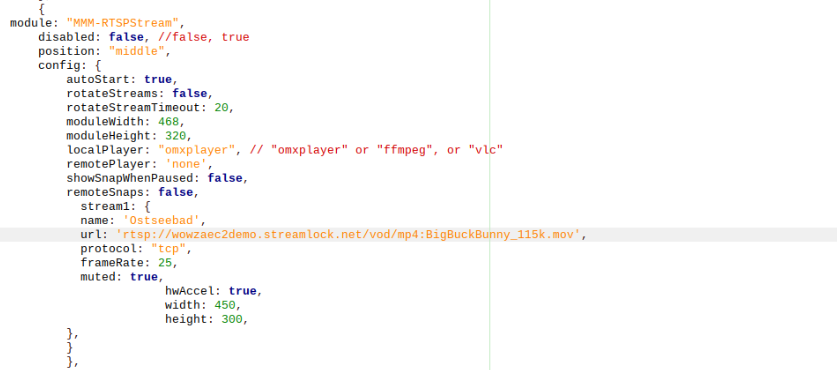
-
@drx1984
This one is working fine.
De URL was wrong.{ module: "MMM-RTSPStream", disabled: false, //false, true position: "middle", config: { autoStart: true, rotateStreams: false, rotateStreamTimeout: 20, moduleWidth: 468, moduleHeight: 320, localPlayer: "omxplayer", // "omxplayer" or "ffmpeg", or "vlc" remotePlayer: 'none', showSnapWhenPaused: false, remoteSnaps: false, stream1: { name: 'test-BUNNY', url: 'rtsp://wowzaec2demo.streamlock.net/vod/mp4:BigBuckBunny_115k.mov', protocol: "tcp", frameRate: 25, muted: true, hwAccel: true, width: 450, height: 300, } }}, -
@JerryP unfortunately it still doesn’t work.
Magic mirror starts but it just remains black and the terminal says that the module is not available?
I have already copied the module into the modules folder with the command “git clone”.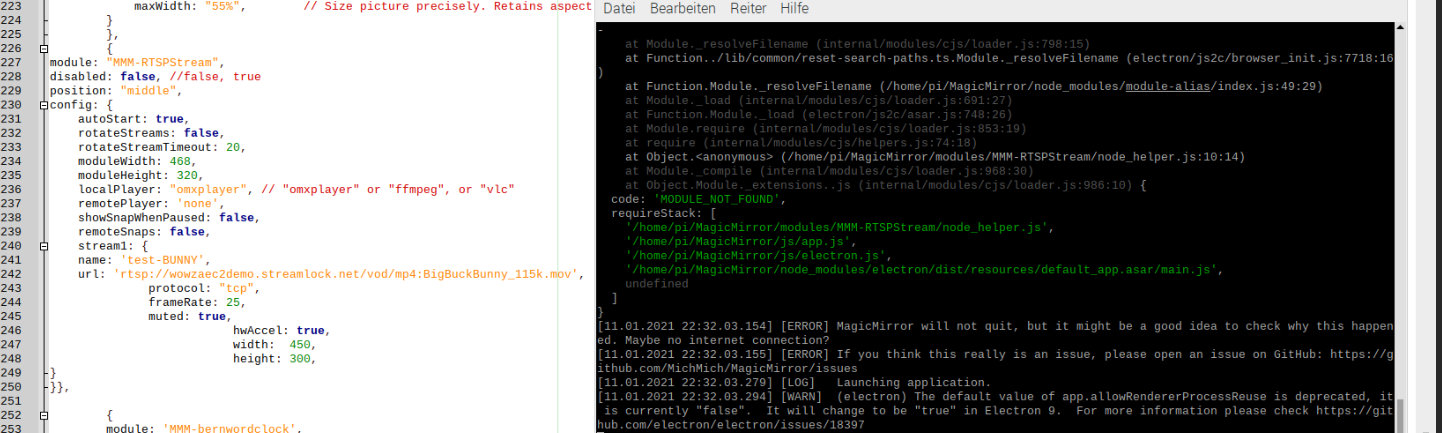
-
@drx1984
Goodmorning,
I think the module is not install correctly
have you follow the instructions https://github.com/shbatm/MMM-RTSPStreamYou can also
go into terminal.
cd ~/MagicMirror/modules/MMM-RTSPStream
git pull
npm installIf that i’s not working I can only suggest that you delete your current installation of the module and re-install it.

Hello! It looks like you're interested in this conversation, but you don't have an account yet.
Getting fed up of having to scroll through the same posts each visit? When you register for an account, you'll always come back to exactly where you were before, and choose to be notified of new replies (either via email, or push notification). You'll also be able to save bookmarks and upvote posts to show your appreciation to other community members.
With your input, this post could be even better 💗
Register Login