MagicMirror Forum
    • Recent
    • Tags
    • Unsolved
    • Solved
    • MagicMirror² Repository
    • Documentation
    • 3rd-Party-Modules
    • Donate
    • Discord
    • Register
    • Login
    A New Chapter for MagicMirror: The Community Takes the Lead
    Read the statement by Michael Teeuw here.

    MMM-SmartWebDisplay : Regions / Resizing

    Scheduled Pinned Locked Moved Troubleshooting
    13 Posts 5 Posters 4.0k Views 5 Watching
    Loading More Posts
    • Oldest to Newest
    • Newest to Oldest
    • Most Votes
    Reply
    • Reply as topic
    Log in to reply
    This topic has been deleted. Only users with topic management privileges can see it.
    • G Offline
      gaudouy
      last edited by

      Hello,

      I would like to know how to resize the " MMM-SmartWebDisplay " module so that it can occupy the following regions:
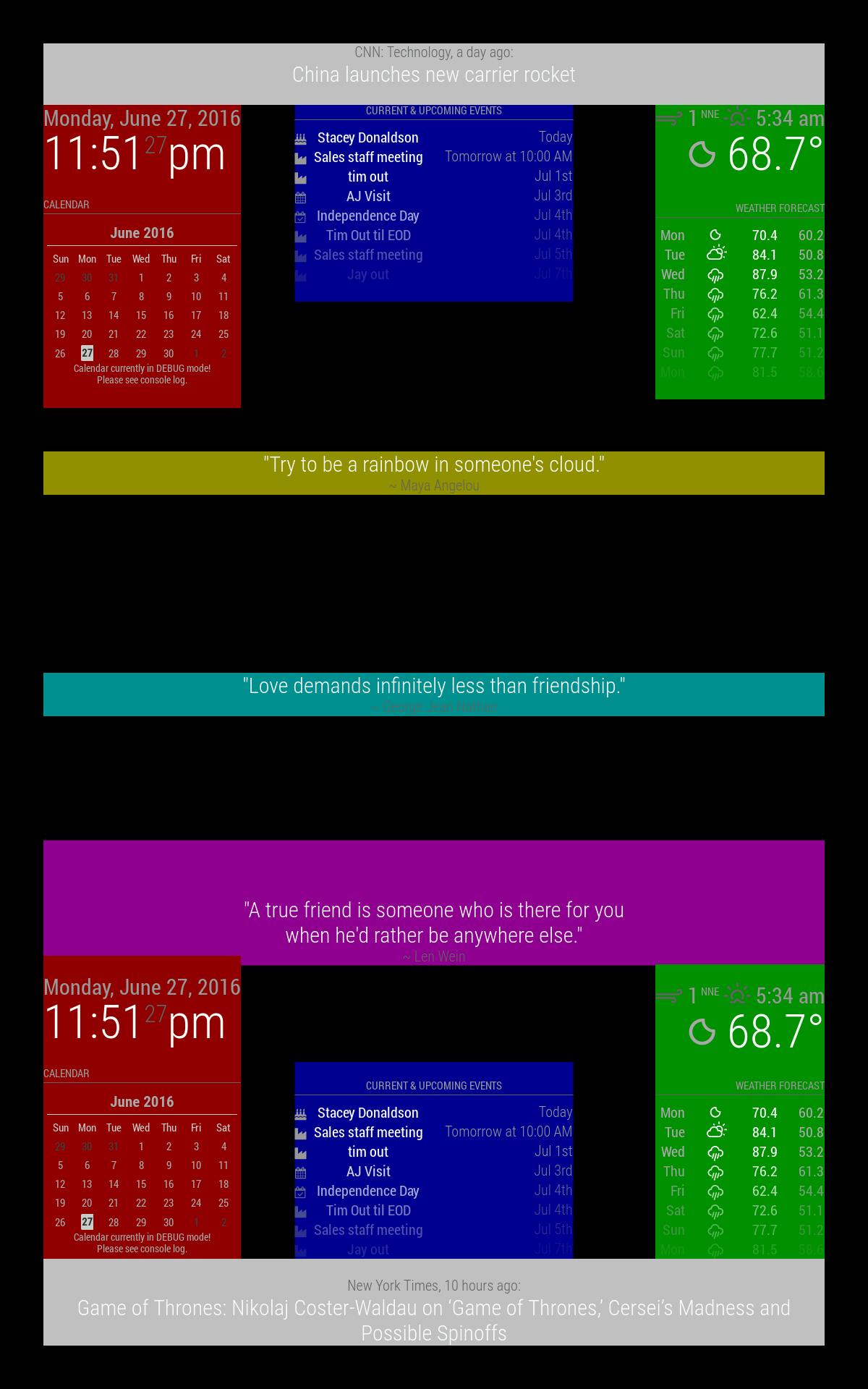
      alt text
      upper_third is yellow
      middle_center is cyan
      lower_third is magenta

      I would like it to occupy the following space(red):
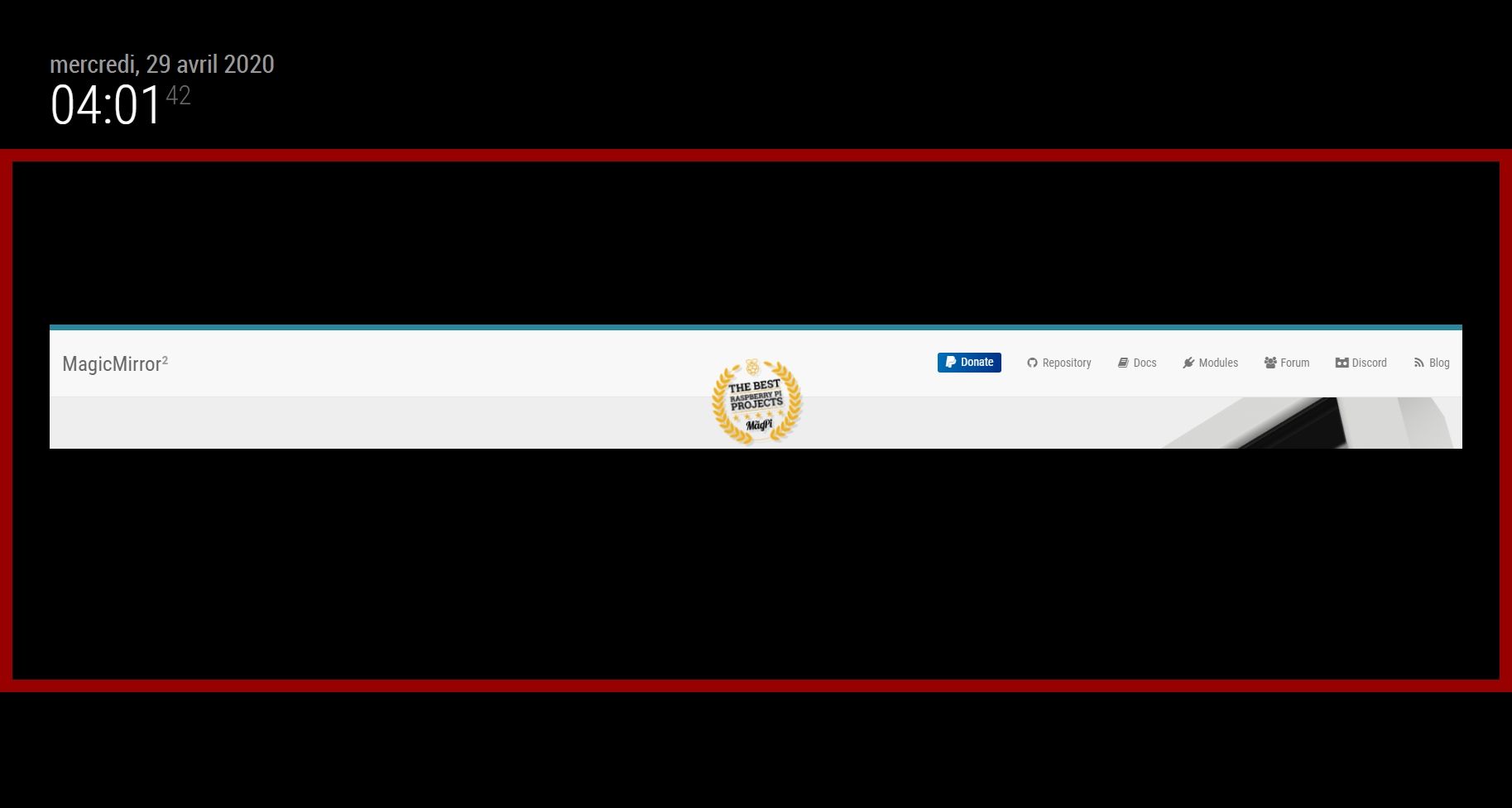
      mm_sizing.jpg

      I tried without success for two days trying to modify the CSS, the module, the config file … nothing works.
      My skills are very very limited.

      Do you have any ideas ?

      Thanks in advance,
      Regards,

      1 Reply Last reply Reply Quote 0
      • lavolp3L Offline
        lavolp3 Module Developer
        last edited by lavolp3

        I would set it into the top_left region right below the default clock module.
        Then in the custom.css I would set

        .MMM-SmartWebDisplay {
          height: xxxpx;  //put in the height you want, e.g. 600px
          width: 100%;
        }
        

        Not sure if that works. Try it out.

        How to troubleshoot modules
        MMM-soccer v2, MMM-AVStock

        1 Reply Last reply Reply Quote 0
        • G Offline
          gaudouy
          last edited by gaudouy

          Thanks for your response.

          I set the top_left region in the conf file and I add your code at the end of the css.

          .MMM-SmartWebDisplay {
            height: 1000px;  //put in the height you want, e.g. 600px
            width: 100%;
          }
          

          But it’s not working :( :

          mm_sizing-2.jpg

          1 Reply Last reply Reply Quote 0
          • G Offline
            gaudouy
            last edited by

            When I define FullScreen, the size of the module is the same. What is the method for change his size ?
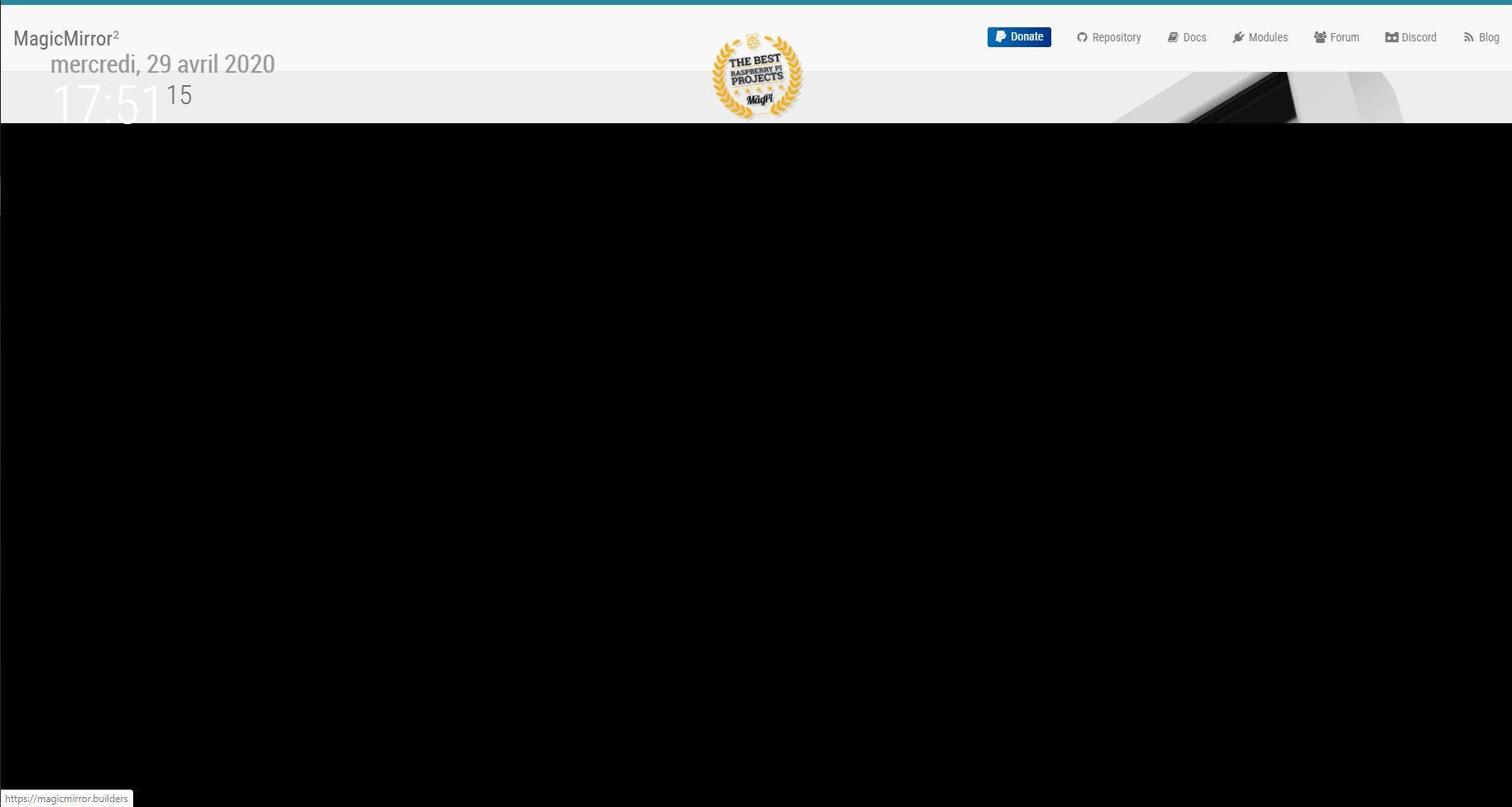
            mm_sizing-3.jpg

            1 Reply Last reply Reply Quote 0
            • ? Offline
              A Former User
              last edited by

              @gaudouy said in MMM-SmartWebDisplay : Regions / Resizing:

              MMM-SmartWebDisplay

              like this ?

              1 Reply Last reply Reply Quote 0
              • ? Offline
                A Former User
                last edited by A Former User

                for your help, try launch MM with dev for open console.
                You can modify CSS in real time and see result

                and… humm, use webview for displaying ALL link
                iframe is so limited for this and return many error :)

                1 Reply Last reply Reply Quote 0
                • G Offline
                  gaudouy
                  last edited by gaudouy

                  @Bugsounet said in MMM-SmartWebDisplay : Regions / Resizing:

                  for your help, try launch MM with dev for open console.
                  You can modify CSS in real time and see result

                  and… humm, use webview for displaying ALL link
                  iframe is so limited for this and return many error :)

                  It’s work when I modify the Ifram size ! Thanks :D

                  1 Reply Last reply Reply Quote 0
                  • I Offline
                    imchrisrein
                    last edited by

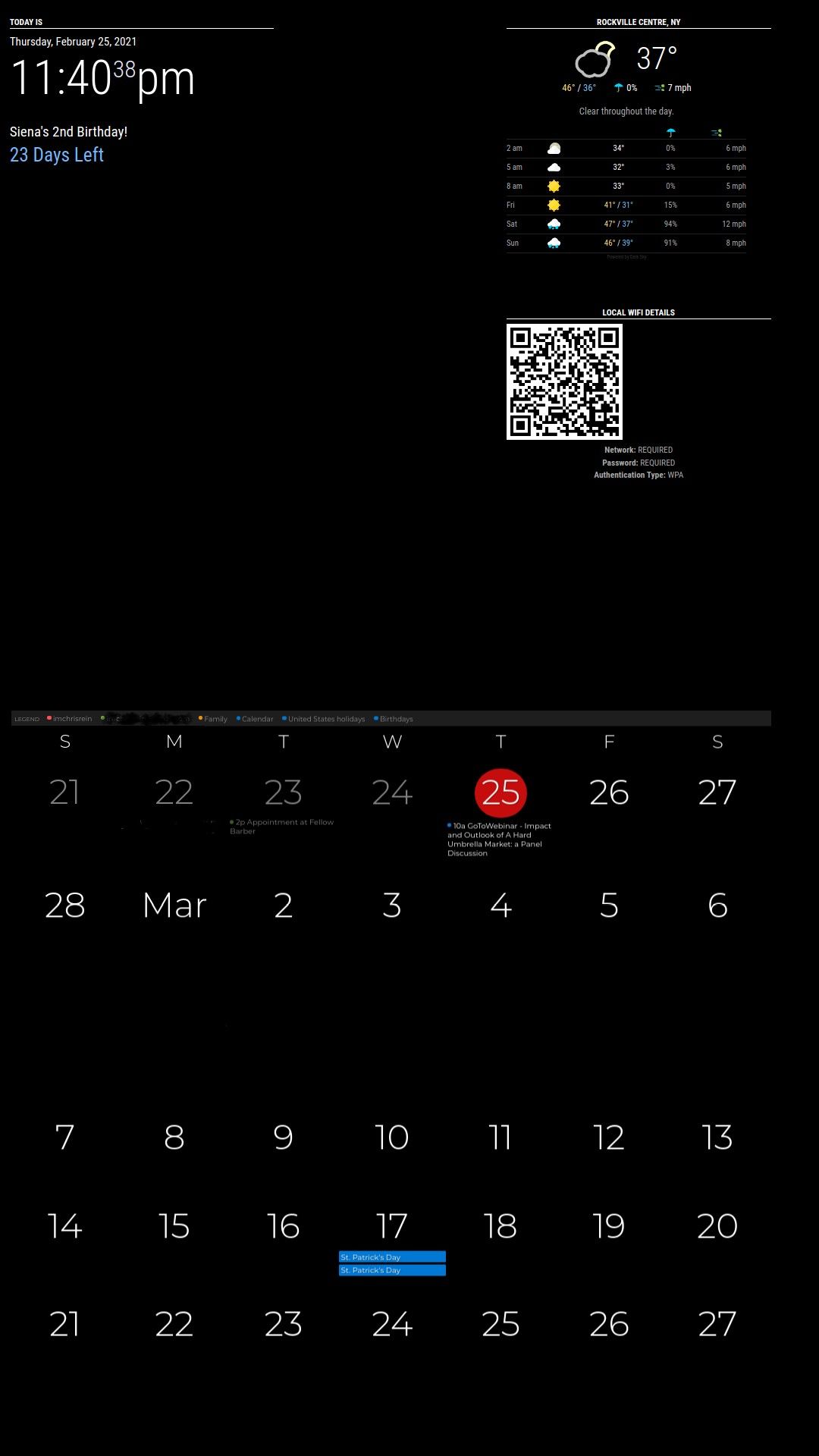
                    I am in the same boat. Added a webpage but only a small sliver is showing. The first picture is the style that I am going for and the second picture is my current setup.
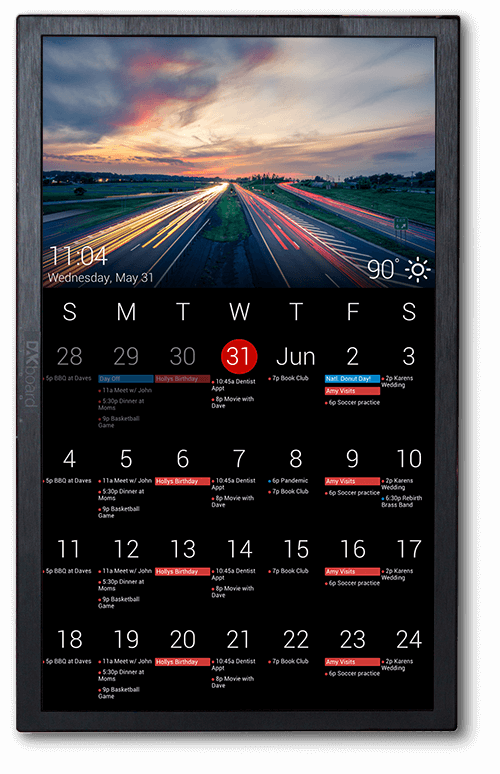
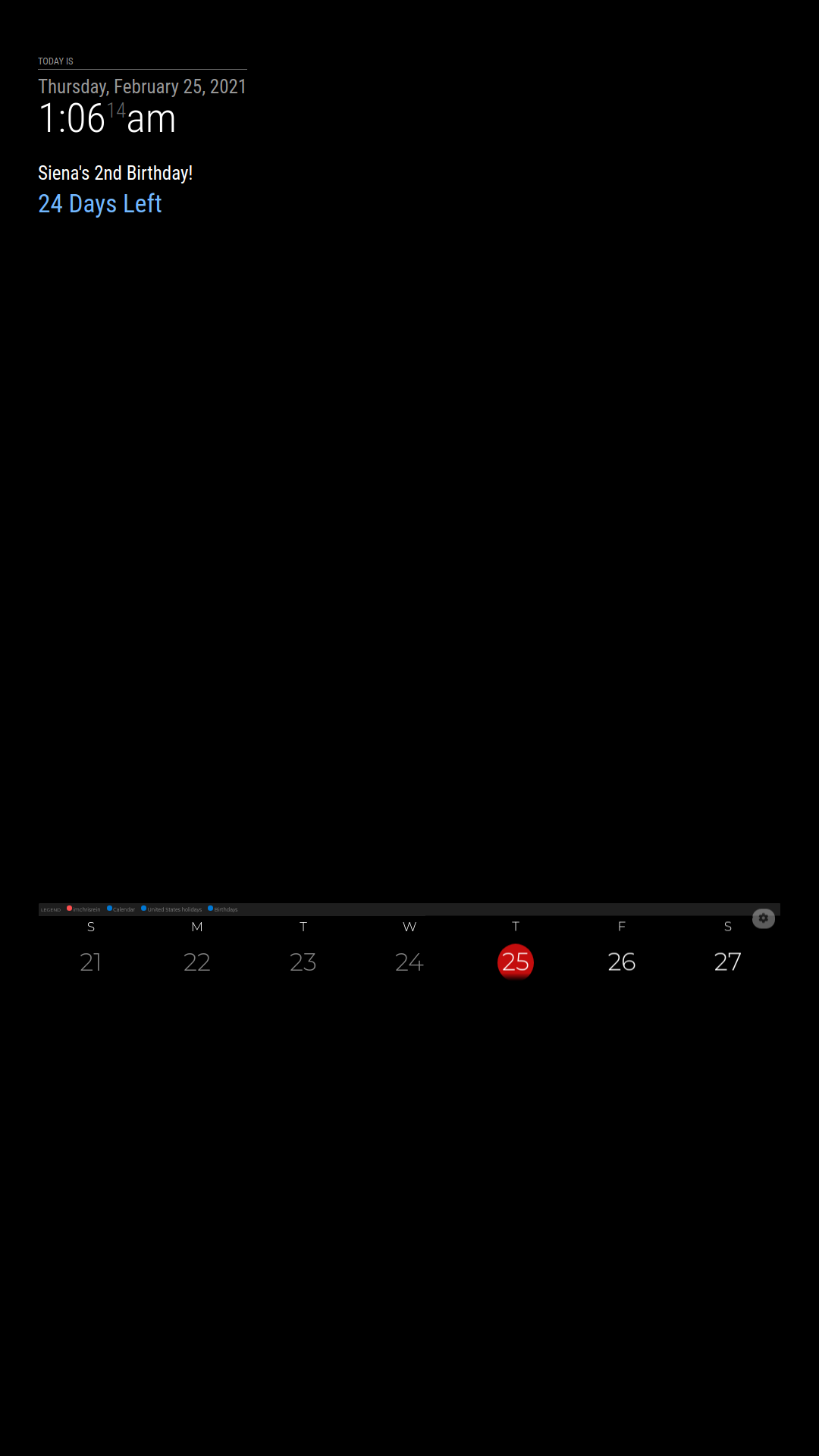
                    dakboard-big-calendar.png 1614234230788-2021-02-25-010614_1080x1920_scrot.png

                    Any idea how to get the whole web page to show? Is it in my custom css or something within the module that needs to change?

                    S 1 Reply Last reply Reply Quote 0
                    • S Offline
                      sdetweil @imchrisrein
                      last edited by

                      @imchrisrein what position is it set in?

                      Sam

                      How to add modules

                      learning how to use browser developers window for css changes

                      I 1 Reply Last reply Reply Quote 0
                      • I Offline
                        imchrisrein @sdetweil
                        last edited by

                        @sdetweil
                        I have tried a bunch of different regions, but right now I have lower_third

                        S 1 Reply Last reply Reply Quote 0
                        • S Offline
                          sdetweil @imchrisrein
                          last edited by

                          @imchrisrein lower-third starts 66% down from the top…

                          look at main.css to see the region positions

                          Sam

                          How to add modules

                          learning how to use browser developers window for css changes

                          I 1 Reply Last reply Reply Quote 0
                          • I Offline
                            imchrisrein @sdetweil
                            last edited by imchrisrein

                            @sdetweil
                            I don’t think this is something that I will be able to change in .css.

                            I am a noob at this but making changes have gone nowhere so far :crying_face:

                            edit**

                            I used Webview and think I am satisfied

                            Just need to center my qr code for my wifi now

                            I 1 Reply Last reply Reply Quote 0
                            • I Offline
                              imchrisrein @imchrisrein
                              last edited by

                              @imchrisrein

                              2021-02-25-234038_1080x1920_scrot.jpg

                              1 Reply Last reply Reply Quote 0

                              Hello! It looks like you're interested in this conversation, but you don't have an account yet.

                              Getting fed up of having to scroll through the same posts each visit? When you register for an account, you'll always come back to exactly where you were before, and choose to be notified of new replies (either via email, or push notification). You'll also be able to save bookmarks and upvote posts to show your appreciation to other community members.

                              With your input, this post could be even better 💗

                              Register Login

                              • 1 / 1
                              • First post
                                Last post
                              Enjoying MagicMirror? Please consider a donation!
                              MagicMirror created by Michael Teeuw.
                              Forum managed by Sam, technical setup by Karsten.
                              This forum is using NodeBB as its core | Contributors
                              Contact | Privacy Policy