MagicMirror Forum
    • Recent
    • Tags
    • Unsolved
    • Solved
    • MagicMirror² Repository
    • Documentation
    • 3rd-Party-Modules
    • Donate
    • Discord
    • Register
    • Login
    A New Chapter for MagicMirror: The Community Takes the Lead
    Read the statement by Michael Teeuw here.

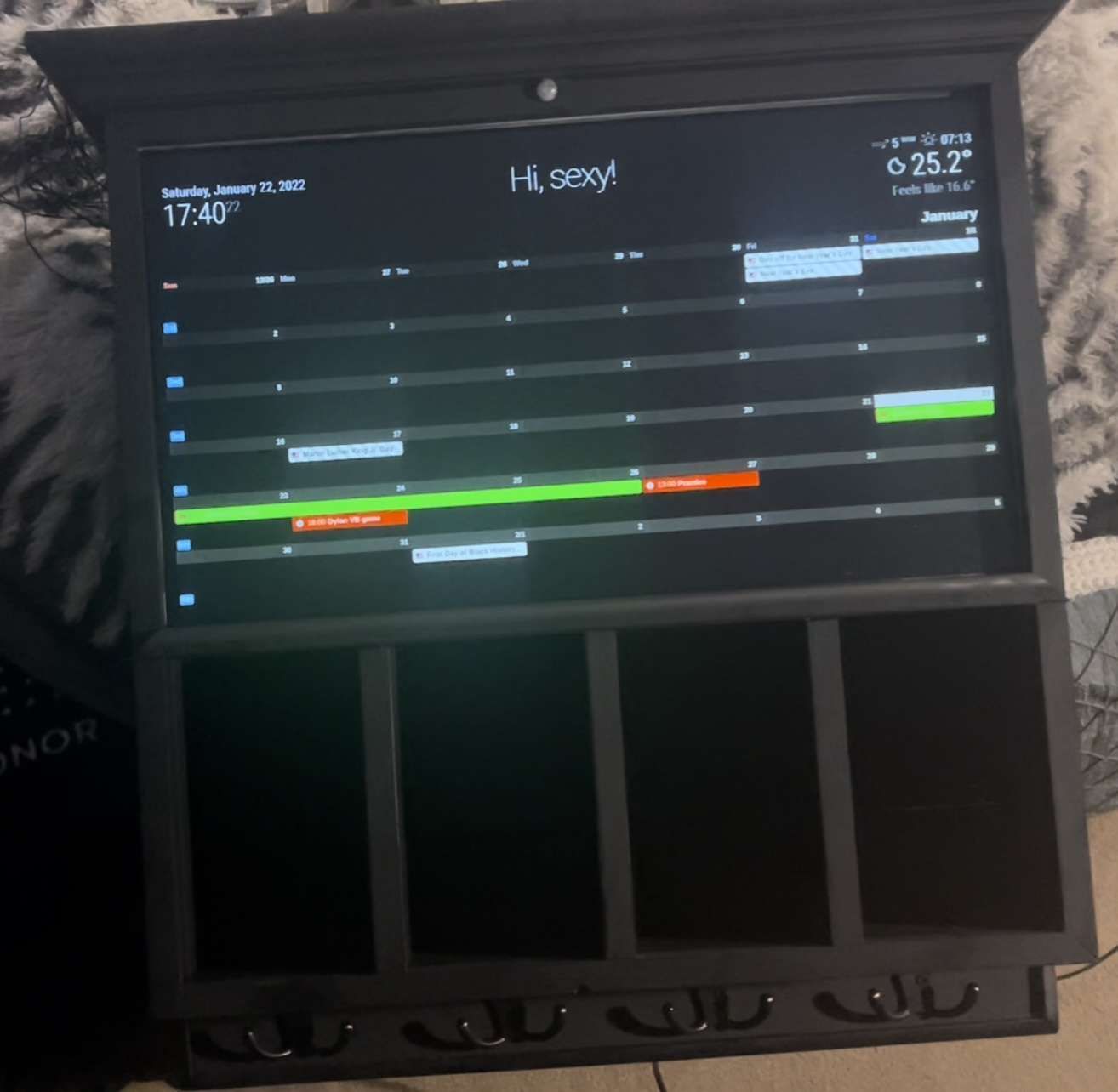
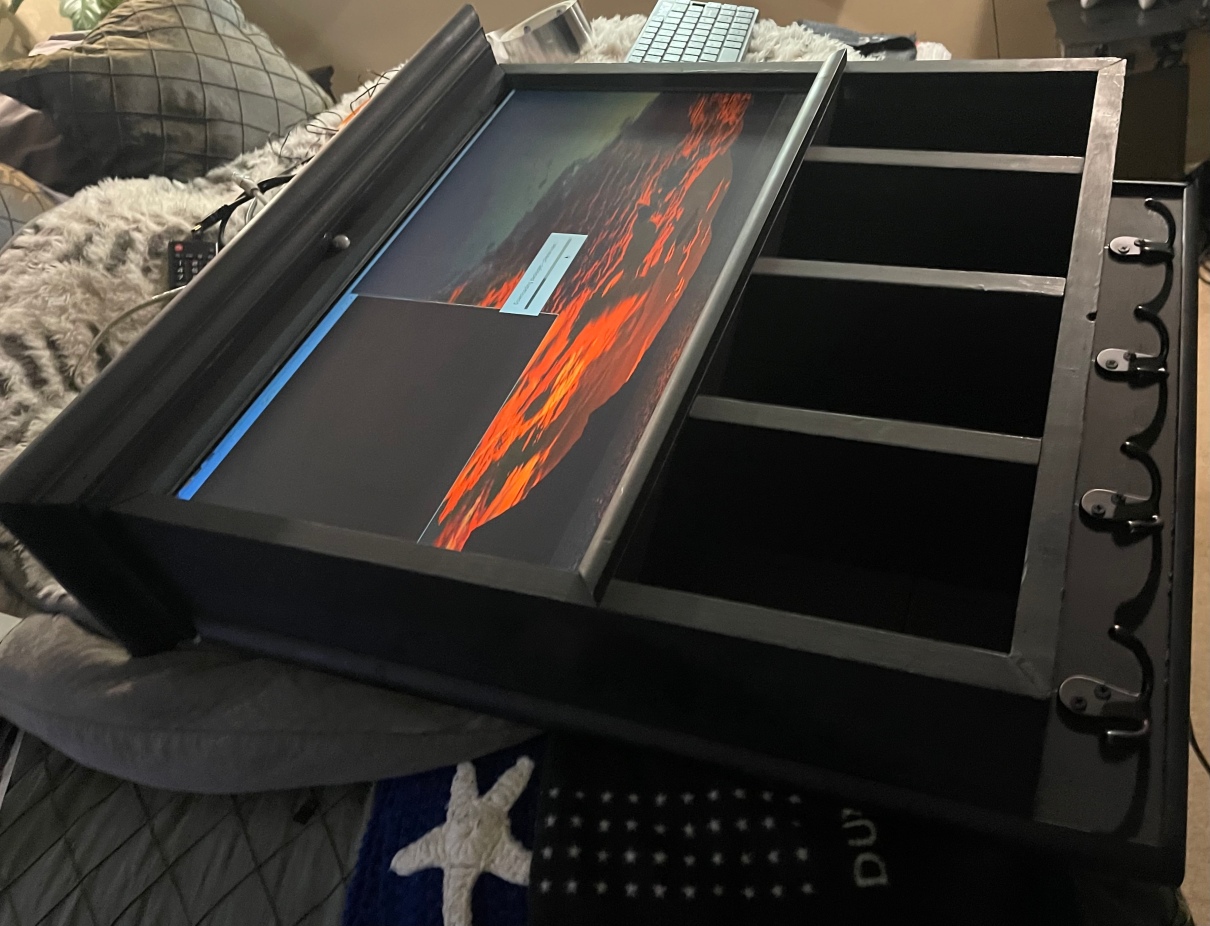
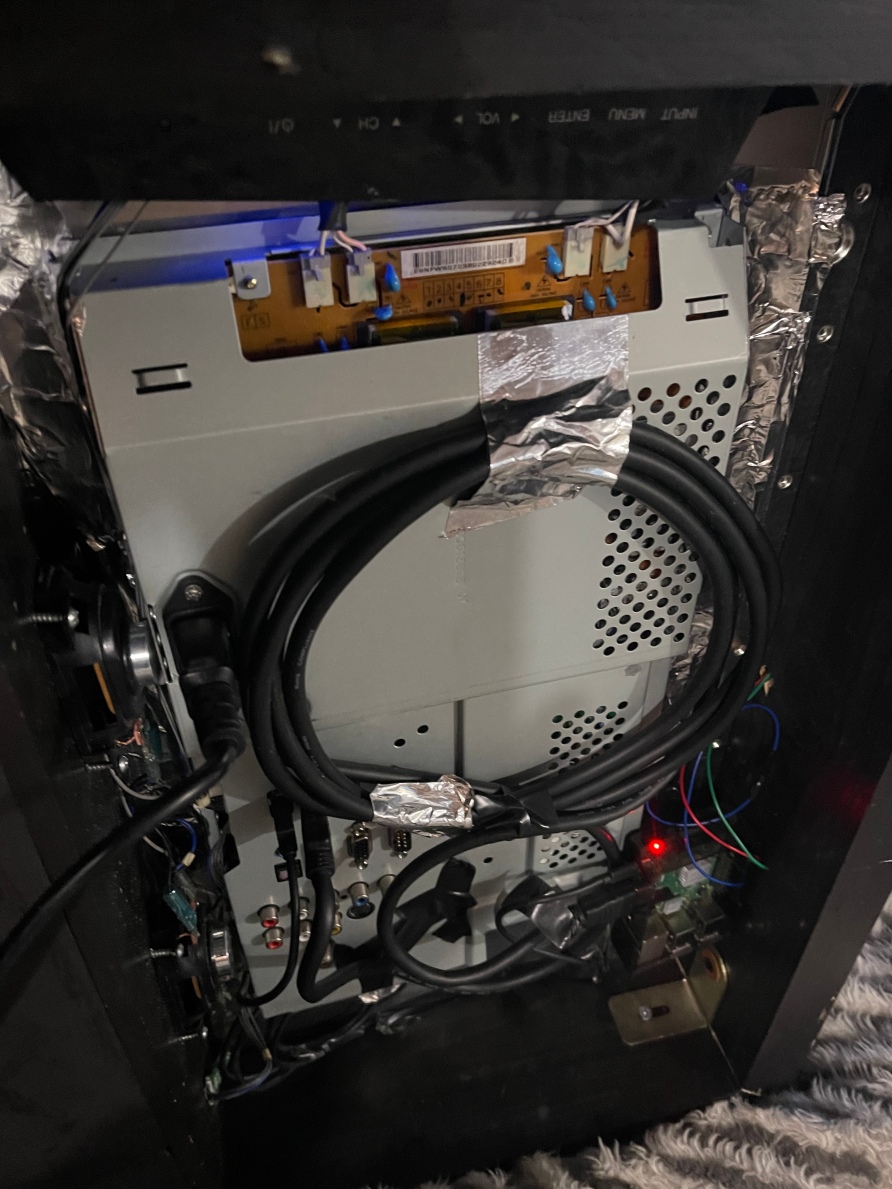
    Magic Mirror Entryway Coat Rack with Storage

    Scheduled Pinned Locked Moved Show your Mirror
    16 Posts 5 Posters 6.5k Views 5 Watching
    Loading More Posts
    • Oldest to Newest
    • Newest to Oldest
    • Most Votes
    Reply
    • Reply as topic
    Log in to reply
    This topic has been deleted. Only users with topic management privileges can see it.
    • S Offline
      sdetweil @Sharkbyte
      last edited by

      @sharkbyte nice work!..

      make a backup of the software if u haven’t already

      Sam

      How to add modules

      learning how to use browser developers window for css changes

      SharkbyteS 1 Reply Last reply Reply Quote 1
      • SharkbyteS Offline
        Sharkbyte @sdetweil
        last edited by

        @sdetweil Thanks yep always backing up software

        Technically challenged all day everyday.
        So then I just go here Evolution MMA
        Of course though spending time with the son is always the best of the best!

        1 Reply Last reply Reply Quote 0
        • Mykle1M Offline
          Mykle1 Project Sponsor Module Developer @Sharkbyte
          last edited by

          @sharkbyte

          Classy bro! Well done. :thumbsup:

          Create a working config
          How to add modules

          1 Reply Last reply Reply Quote 0
          • M Offline
            mmoayed
            last edited by

            Hello , I want to implement this Model in my Magicmirror . Where can i find it.
            But I also want to ask if you can help . When am installing any new model and install it in this folder
            /home/pi/MagicMirror/modules
            ![0_1643624184459_a77306d5-0c4c-44ad-be6a-76baf7f83bd4-image.png](Uploading 100%)

            and after each installment, I have all new modules saved in the modules folder
            ![0_1643624295201_1edca06c-1507-4f58-9546-0e8b788a641e-image.png](Uploading 100%)

            The next step I go to the /home/pi/MagicMirror/config and I added the module

            ![0_1643629217765_6ad392c8-fa9a-400e-969a-eb47262b5fd4-image.png](Uploading 100%)

            but it is not working, i think i have missed something, can you help?

            S 1 Reply Last reply Reply Quote 0
            • S Offline
              sdetweil @mmoayed
              last edited by

              @mmoayed what does not working mean?

              all your pics did not load

              the pic in forum icon is 3rd from the right

              sun over the mountain with the page corner folded

              Sam

              How to add modules

              learning how to use browser developers window for css changes

              M 1 Reply Last reply Reply Quote 0
              • M Offline
                mmoayed @sdetweil
                last edited by

                @sdetweil ,
                Well, I don’t know why. I actully liked the model you have used and I want to do the same and in Calander to display 30 days per months .
                I have embeded my google calander, but I do not know how to display as you have did.
                This is the first part of my Question.
                The second part is when I want to add more new modules out of default ones, for example, I follow the steps and installed Calander_montls , and first Install the model to this folder /home/pi/MagicMirror/modules

                f2ab8673-7461-415a-bf78-62ce3a799243-image.png
                and then copy this code to config/config.js files.
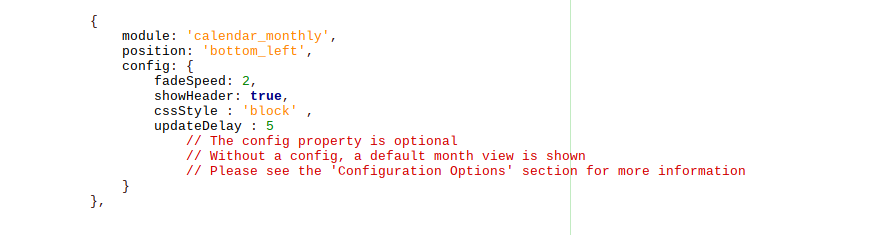
                9d779a6a-48e1-4ea0-b8eb-4b59e3802f10-image.png

                What I noticed If I leave calender_momthly in /home/pi/MagicMirror/modules folder, I got an error when executing, but when I move it to ~/MagicMirror/modules/default it works without error or I have to give the path in the module name, but even if I do like this but there is no output.

                7c670c6c-2e21-4ca7-b9f7-4e20b63aabc0-image.png

                How can you help to make all new modules to show output and how i can i use the same one you did .

                BR,

                S 1 Reply Last reply Reply Quote 0
                • S Offline
                  sdetweil @mmoayed
                  last edited by

                  @mmoayed read the links in my signature
                  practice a couple times. I didn’t write them but they help

                  every module install is the same

                  read their instructions for any extra steps

                  sometimes they fail into this problem

                  https://forum.magicmirror.builders/topic/15778/fix-for-black-screen-in-2-16-and-later

                  Sam

                  How to add modules

                  learning how to use browser developers window for css changes

                  S M 2 Replies Last reply Reply Quote 0
                  • S Offline
                    sdetweil @sdetweil
                    last edited by

                    @sdetweil nothing goes into default.
                    those are for the mm supplied modules

                    Sam

                    How to add modules

                    learning how to use browser developers window for css changes

                    1 Reply Last reply Reply Quote 0
                    • M Offline
                      mmoayed @sdetweil
                      last edited by

                      @sdetweil thank you i solved it by installing npm install request that was missed in doco.
                      Well, what is the name of the module you are using to display tasks in this show :
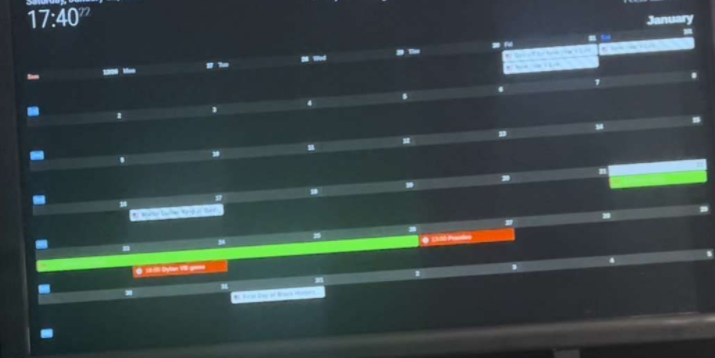
                      0c844e2d-d2e9-4010-9487-734adfb1dcf2-image.png

                      Best Regards,
                      Mohammed

                      M 1 Reply Last reply Reply Quote 0
                      • M Offline
                        mmoayed @mmoayed
                        last edited by

                        @mmoayed said in Magic Mirror Entryway Coat Rack with Storage:

                        @sdetweil thank you i solved it by installing npm install request that was missed in doco.
                        Well, what is the name of the module you are using to display tasks in this show :
                        0c844e2d-d2e9-4010-9487-734adfb1dcf2-image.png

                        Can I use my google account to display Timetable like this?

                        Best Regards,
                        Mohammed

                        S M 2 Replies Last reply Reply Quote 0
                        • S Offline
                          sdetweil @mmoayed
                          last edited by

                          @mmoayed I am not doing that at all.

                          calendar_monthly does something like wall calendar.but not mine, don’t use it myself

                          Sam

                          How to add modules

                          learning how to use browser developers window for css changes

                          1 Reply Last reply Reply Quote 0
                          • M Offline
                            mmoayed @mmoayed
                            last edited by

                            @mmoayed Ja, but it show just only like this
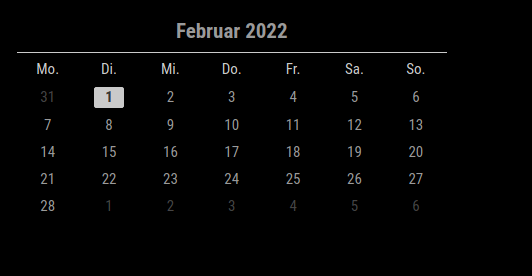
                            afadb202-373b-4976-bc10-17388bad2f74-image.png
                            where i want to display my events from google like this or any design
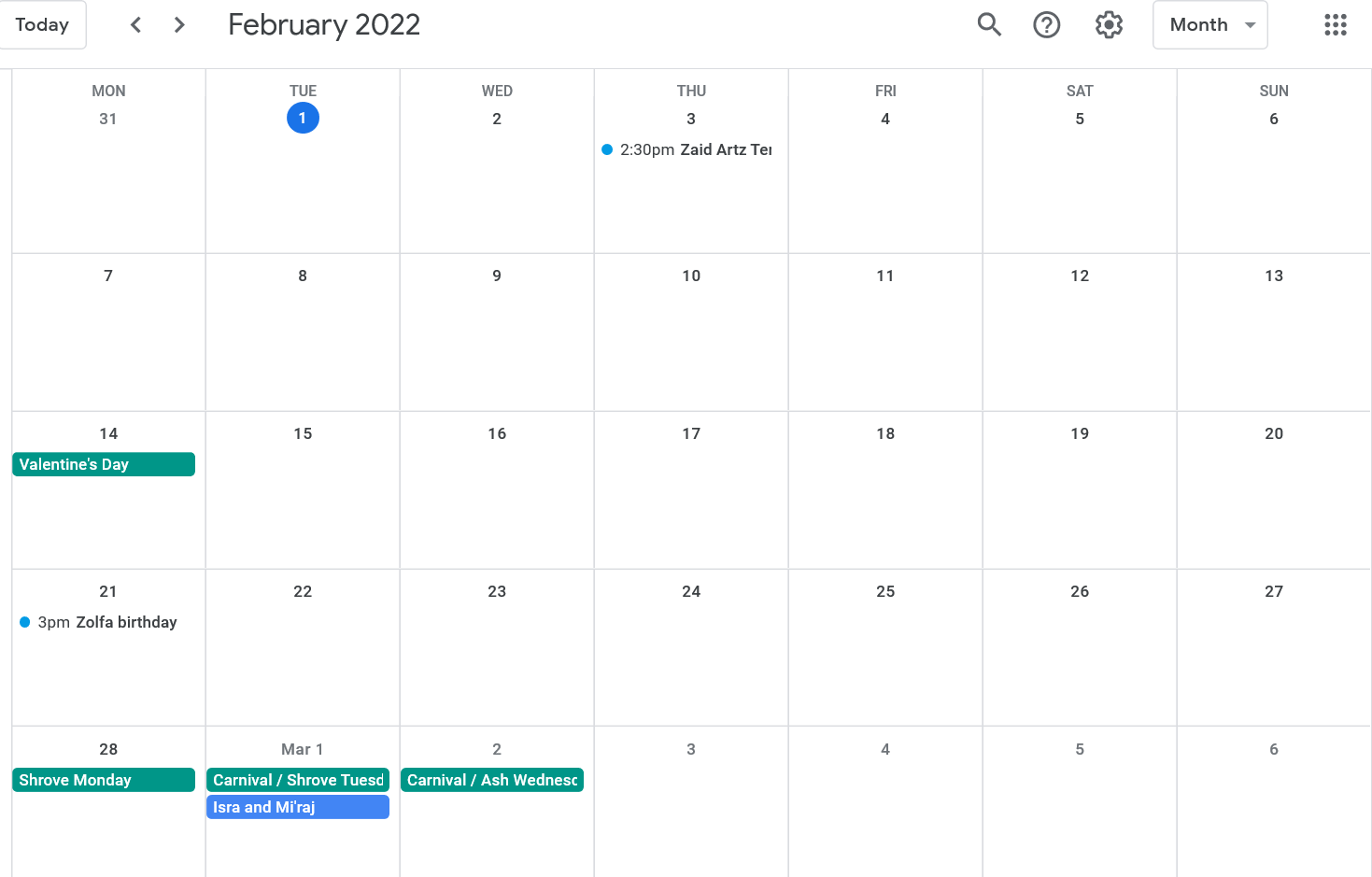
                            f5fb4598-6377-4266-90f0-f217a4008a05-image.png

                            S 1 Reply Last reply Reply Quote 0
                            • S Offline
                              sdetweil @mmoayed
                              last edited by sdetweil

                              @mmoayed maybe I didn’t know what it did…

                              sorry

                              have to look thru the 3rd party list

                              https://github.com/MichMich/MagicMirror/wiki/3rd-Party-Modules

                              Sam

                              How to add modules

                              learning how to use browser developers window for css changes

                              1 Reply Last reply Reply Quote 0

                              Hello! It looks like you're interested in this conversation, but you don't have an account yet.

                              Getting fed up of having to scroll through the same posts each visit? When you register for an account, you'll always come back to exactly where you were before, and choose to be notified of new replies (either via email, or push notification). You'll also be able to save bookmarks and upvote posts to show your appreciation to other community members.

                              With your input, this post could be even better 💗

                              Register Login

                              • 1 / 1
                              • First post
                                Last post
                              Enjoying MagicMirror? Please consider a donation!
                              MagicMirror created by Michael Teeuw.
                              Forum managed by Sam, technical setup by Karsten.
                              This forum is using NodeBB as its core | Contributors
                              Contact | Privacy Policy