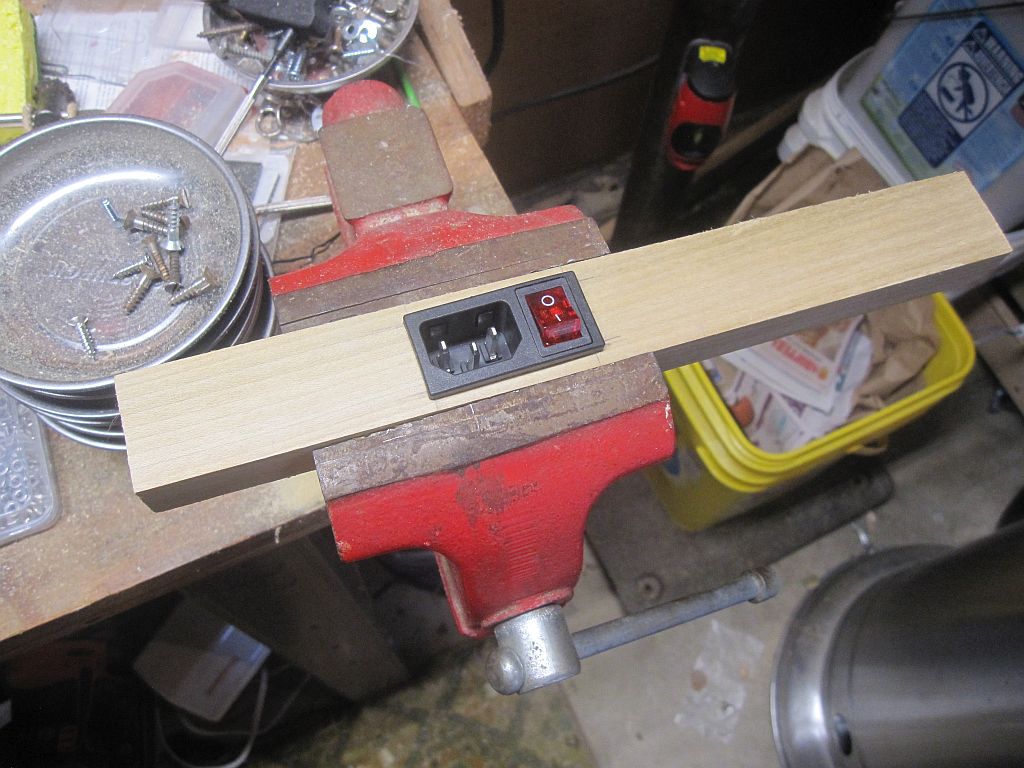
figure out a better on/off switch than the what is currently electrical taped
I found these on Amazon. It’s annoying to wire it up, but it is so worth it.
 Offline
figure out a better on/off switch than the what is currently electrical taped
I found these on Amazon. It’s annoying to wire it up, but it is so worth it.
This ought to keep @Mykle1 busy for a couple weeks at least: https://www.programmableweb.com/category/astronomy/api
@m-tarek - Technically, only the Pi needs a connection out to the Internet in order to display the modules correctly. Your devices behind your firewall/gateway/router will need to be able to see the Pi in order to display the interface. (Be sure to carefully configure your IP whitelist)
We have a similar setup in my office for the superwide mirror in the lobby. The gateway has a bypass set up for the Pi running one of the Magic Mirror installations (the superwide runs two Magic Mirror installations). Everything behind the gateway is forced to our capture portal except the Pi, which is allowed to bypass the gateway and get an internet connection. Anyone behind the gateway can see the data displayed upon the Pi without having an internet connection yet. There is some other trickery that we do that isn’t relevant here.
It sounds like something on your Pi is attempting to start the Magic Mirror process twice. If you used a cron job to start MM as well as PM2, then this can happen. Likewise, if your script that PM2 calls to start the process has the command twice, this can happen.
EADDRINUSE usually means that two processes are trying to serve up web pages on the same port. If that happens on reboot, then most likely two commands are trying to start MM.
My recommendation is to remove PM2’s attempts to start MM, reboot and see if the mirror process starts. If so, find out how it’s being called and remove that, then reset pm2 to do it. If MM doesn’t start after the reboot, run your netstat -lptn again and find out what’s listening on that port.
Well, the mirror has been refreshed with an internal power cable to an electrical outlet behind the mirror. It looks much more professional now. The forum isn’t letting me upload images right now, but I’ll circle back here and post them eventually.
@thgmirror - With a little digging, I found the source URL that the map uses. I’m working on a module now. Once I get it going, I’ll see about adding the chart too.
To expand on @sdetweil’s post, the Magic Mirror framework is a web application. You can connect to it just like any other dynamic website.
If you can configure your screensaver to load a web page, then you can point it at your Mirror’s IP address on port 8080 (by default) and it will show you the interface. You will have to modify the IP Whitelist to include your computer, but that’s pretty trivial.
@dawookie1979 - At a guess, it looks like pm2 is not compatible with the version of node that you have on your pi. I would try upgrading node then re-running the pm2 startup command.
That looks really sharp! Great work.
@cyberdie - I have an idea. Once I have it implemented I’ll post it and let you guys try it out.