@sdetweil that appears to have worked. Out of interest. What does that do?
B
Offline
A New Chapter for MagicMirror: The Community Takes the Lead
Read the statement by Michael Teeuw here.
Read the statement by Michael Teeuw here.
Posts
-
RE: MMM-CalendarExt3
-
RE: MMM-CalendarExt3
@sdetweil it wasn’t. Does it need to be before let config = { or the fist line after that?
-
RE: MMM-CalendarExt3
@sdetweil config:check returns the same error
The node one doesn’t produce anythingAdding var document; to the config.js gives parsing error unexpected keyword ‘var’
-
RE: MMM-CalendarExt3
Hi,
My MagicMirror has been out of action for a few months now, mainly due to a kitchen renovation, but am looking at getting it back up and running.I’d previously had MMM-CalendarExt3 working with a few different calendars, notably a birthday calendar, where it would show an icon in the cell header.

However since updating the MagicMirror software it no longer seems possible to do. Below is the module extract from config.js, and is what has been previously used. Now upon starting MM with this in place I’m told [ERROR] Your configuration file contains syntax errors :( ‘document’ is not defined.Anyone able to assist with what the issue is and how to resolve it?
{ module: "MMM-CalendarExt3", //https://github.com/MMRIZE/MMM-CalendarExt3 position: "lower_third", //header: "FamCal", config: { mode: "month", useWeather: false, weekIndex: 0, weeksInView: 5, instanceId: "basicCalendar", locale: "en-GB", maxEventLines: 6, firstDayOfWeek: 1, headerWeekDayOptions: {weekday: "short"}, refreshInterval: 60 * 10 * 1000, // 3600000, // every hour // 60 * 10 * 1000, // too frequent refresh. 10 minutes is enough. calendarSet: ["Family Calendar", "UK Holidays", "Birthday",], manipulateDateCell: (cellDom, events) => { if (Array.isArray(events) && events.some(e => e.calendarName === 'Birthday')) { let dateIcon = document.createElement ('span') dateIcon.classList.add ('fa', 'fa-fas', 'fa-fw', 'fa-gift') dateIcon.style.color = 'cornflowerblue' let header = cellDom.querySelector ('.cellHeader') let celldate = header.querySelector ('.cellDate') header.insertBefore (dateIcon, celldate) } }, eventTransformer: (ev) => { if (ev.calendarName === 'Birthday') ev.skip = true else if (ev.title.search("B -") > -1) ev.color = "brown" else if (ev.title.search("C -") > -1) ev.color = "hotpink" else if (ev.title.search("E -") > -1) ev.color = "orange" else if (ev.title.search("I -") > -1) ev.color = "green" else if (ev.title.search("G") > -1) ev.color = "white" else if (ev.title.search("Bday") > -1) ev.title = "" return ev }, eventPayload: (payload) => { for (let ev of payload) { if (ev.fullDayEvent) { let gap = +ev.endDate - +ev.startDate if (gap % (1000 * 60 * 60 * 24) === 0) { ev.startDate = new Date(+ev.startDate).setHours(0, 0, 0, 0) ev.endDate = new Date(+ev.startDate + gap).setMilliseconds(-1) } } } return payload }, }, }, -
RE: Introducing MMM-BirthdayCalendarCountdown – Your MagicMirror Birthday Countdown Module!
Do you have any screenshots??
-
RE: MMM-CalendarExt3
@roth_nj in the config of the module set the ‘mode’ to week. The add the config option ‘weeksInView’ and set that to 4 or 5
Here’s an extract from mine:{ module: "MMM-CalendarExt3", position: "lower_third", config: { mode: "week", weekIndex: 0, weeksInView: 5,As MMRIZE says, it’s in the readme file (under config details). The re-render, as you say is also listed in there, as one of the intervals.
-
RE: MMM-CalendarExt3
@MMRIZE
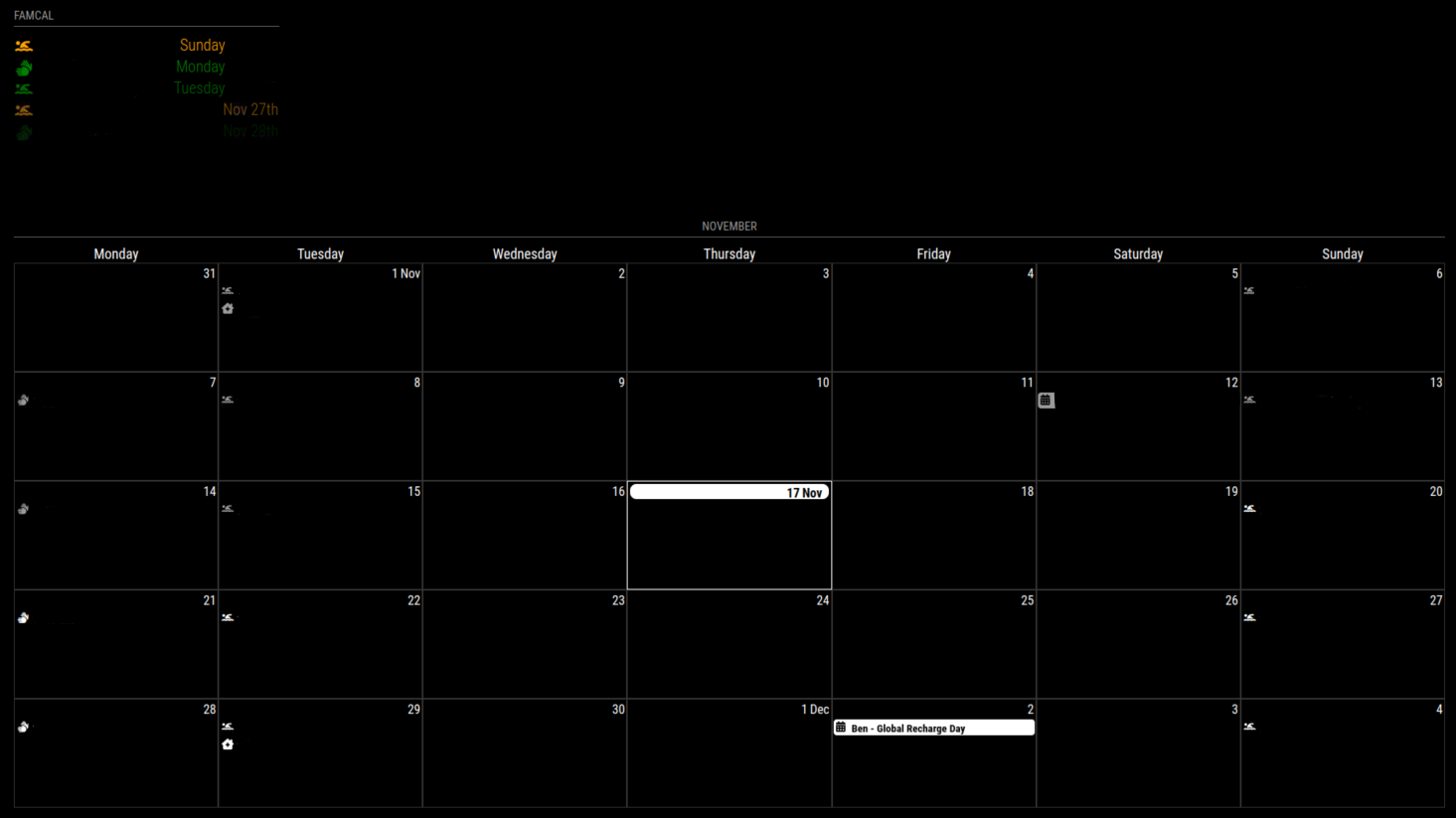
Is there a way to change the height of a calendar so it’s either nothing, or very thin?Using the “manipulateDateCell” I get the desired effect of having an icon in the cell header, however I’d like to not have a “blank” entry in the day view (see picture)

-
Wifi connectivity
Hi all,
Finally got round to mounting my magic mirror project on the wall, however I was wondering how owners/creators manage to ensure good connectivity to wifi? After all some of the custom frames are very chunky!
(Mine isn’t particularly thick, but wifi now seems a bit fickle) -
RE: MMM-CalendarExt3
@MMRIZE
Hi MMRIZE, this looks amazing. I will be sure to update and give it a whirl! -
RE: MMM-Google assistant not responding
@viveksahani support for this module is over on the developers forum.
-
RE: MMM-CalendarExt3
Is there a way of getting icons to sit in specific top bars (with the date number) of cells/days?
I use MMM-CalendarExt3 to show my upcoming month, the default calendar to show the next couple of days events and MMM-Birthdays to show upcoming birthdays.
What I would like to do is have a birthday cake icon sat in the date field, so I can see that that date is a birthday, without any written information in the cell, i.e. the white line wouldn’t be there in the image below.


-
RE: MMM-CalendarExt3
@fedale yes, as Sam says, don’t modify the module css, all css work should be done in the custom.css
-
RE: MMM-CalendarExt3
@fedale
I have the below in my custom.css/* MMM-CalendarExt3 */ .CX3 .cw { display:none; } -
RE: Hiding degree Fahrenheit
@sdetweil what impact would it have if I changed the code? for updates etc?
-
RE: MMM-Flights Not Working
@KI6UVE
Your config.js should be as follows{ module: “MMM-Flights”, position: “middle_center”, config: { laMin: 33.183537, laMax: 32.849596, loMin: -117.204895, loMax: -116.790161, } },Note the } without the comma closes off the config part. (With the comma, closes the module)
-
Hiding degree Fahrenheit
In both the MMM-Weather-Now and MMM-3Day-Forecast, how would I not show the “(43 o F)”? My config.js is metric, but looking at the code it appears whichever you select the other shows in brackets.

-
RE: MMM-CalendarExt3
@mumblebaj so that now means I can see the events again, but still not coloured how I want.
-
RE: MMM-CalendarExt3
@MMRIZE have tried that, still doesn’t show anything.
eventTransformer: function(event) {
if (event.title.search(“Ben”) > -1) {
event.className = “Ben”;
return event
}
} -
RE: MMM-CalendarExt3
@fedale @MMRIZE @chadjohn2 I am also trying (unsuccessfully) to have the Calendar event change color depending on which name is in the title.
With the original magicmirror calendar, I’ve used
customEvents: [ {keyword: “Ben”, color: “Brown”} ], which shows the event title and associated symbol in Brown.
In EXT3, using eventTransformer, only the symbol shows in color
I’ve tried to use
eventTransformer: function(event) {
if (event.title.search(“Ben”) > -1) {
event.className = “Ben”;
}
}
with customer.css
.CX3 .Ben {
color: brown;
}However, this then shows a blank calendar
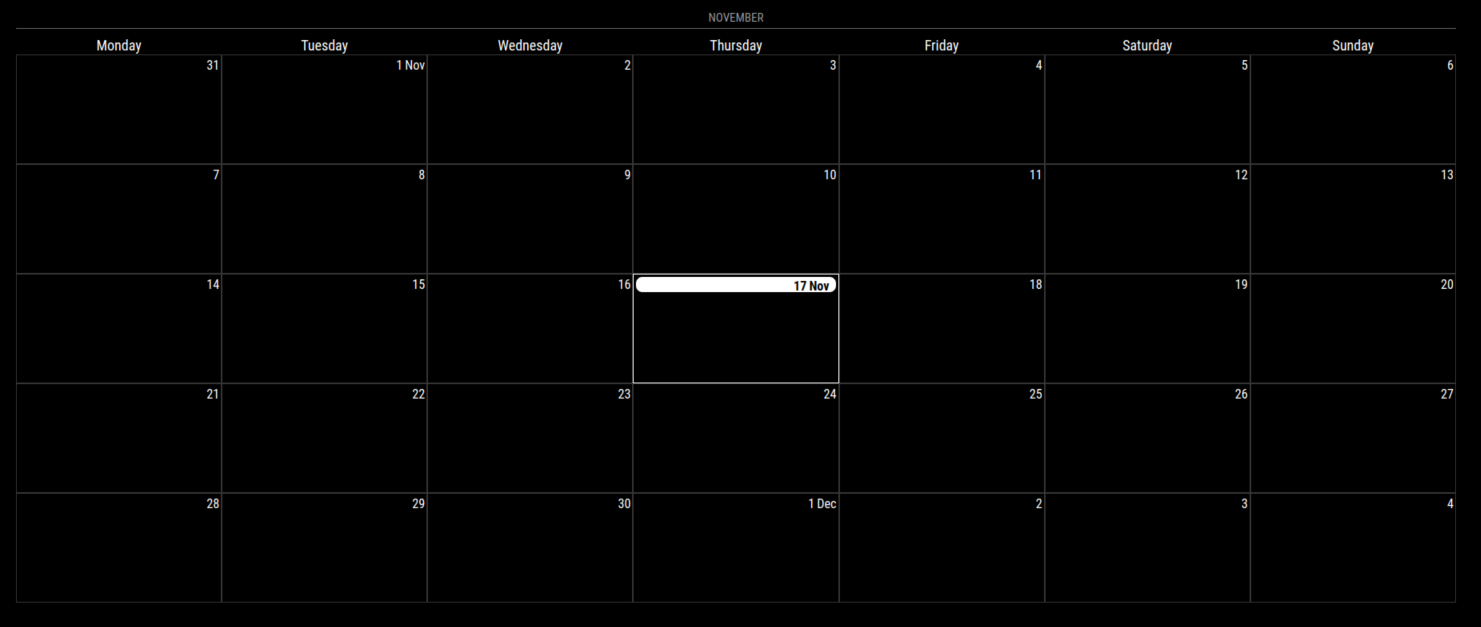
Have any of you been successful?
Where am I going wrong?Thanks