https://www.raspberrystreet.com/learn/how-to-boot-raspberrypi-from-usb-ssd
There may be an easier way but this helped me.
 C
Offline
C
Offline
https://www.raspberrystreet.com/learn/how-to-boot-raspberrypi-from-usb-ssd
There may be an easier way but this helped me.
@efk4 I’m thinking no. Are you running MM 2.1.1?
What I would do and do with my todo list is run it off of the other server under apache and it will have a localhost address ie 192.168.x.x then put it in an iframe.
I have a couple ‘modules’ running that way…
I put ip in the top of the config.js file under units so I could access it there by typing in this.config.ip so if that changed then I"d only have to go to one place to change it, instead of having to change it in multiple places :)
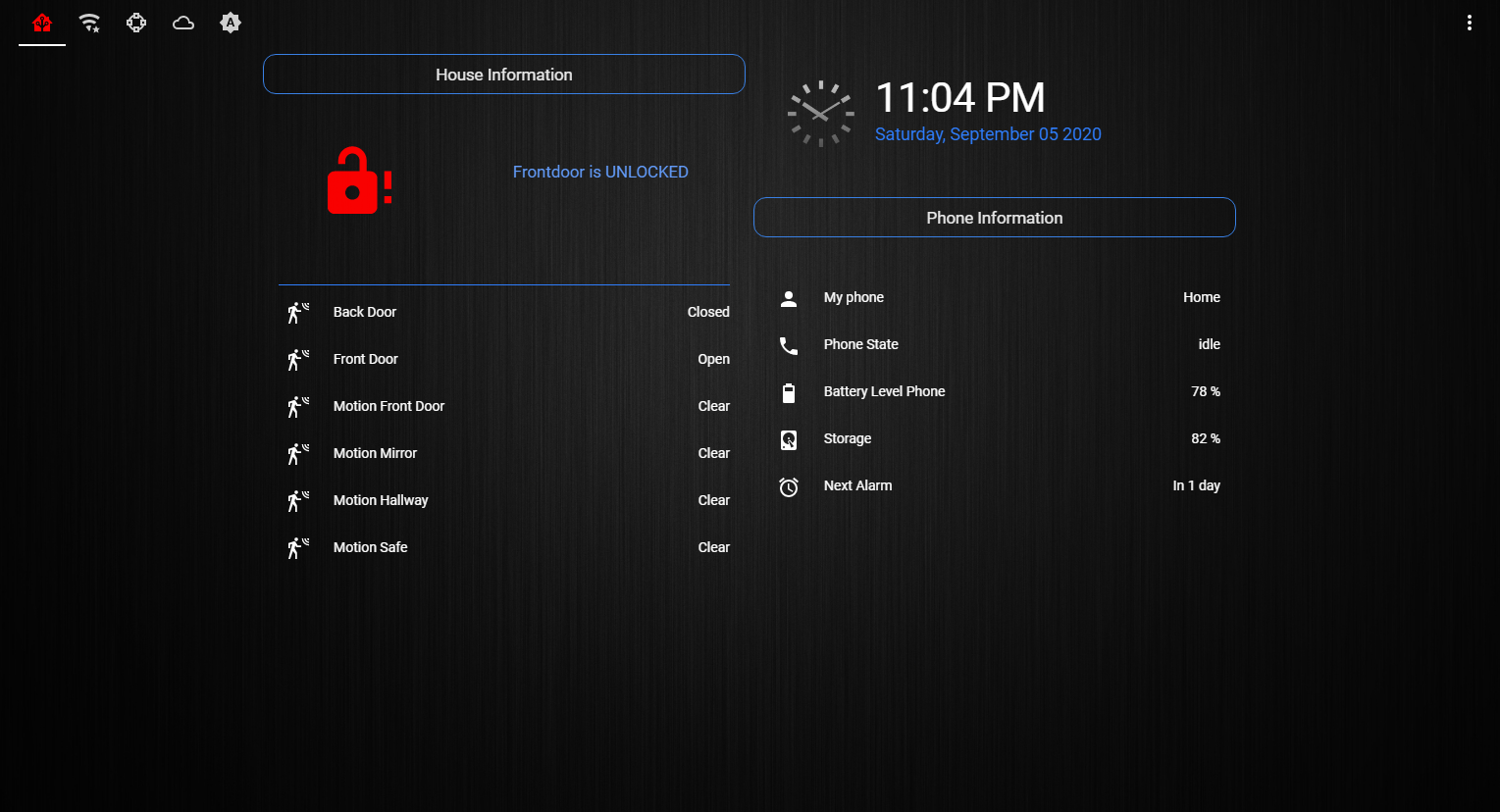
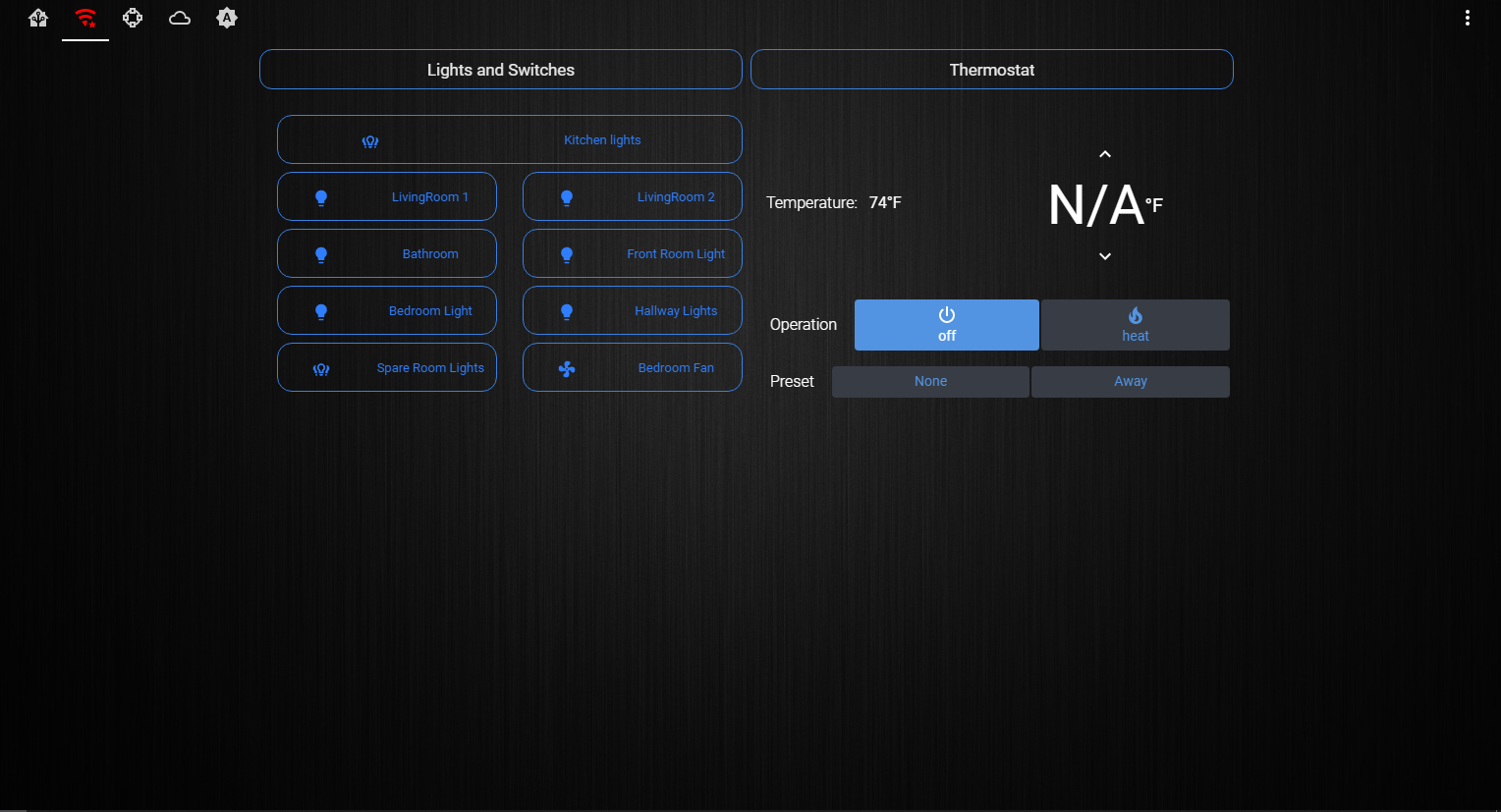
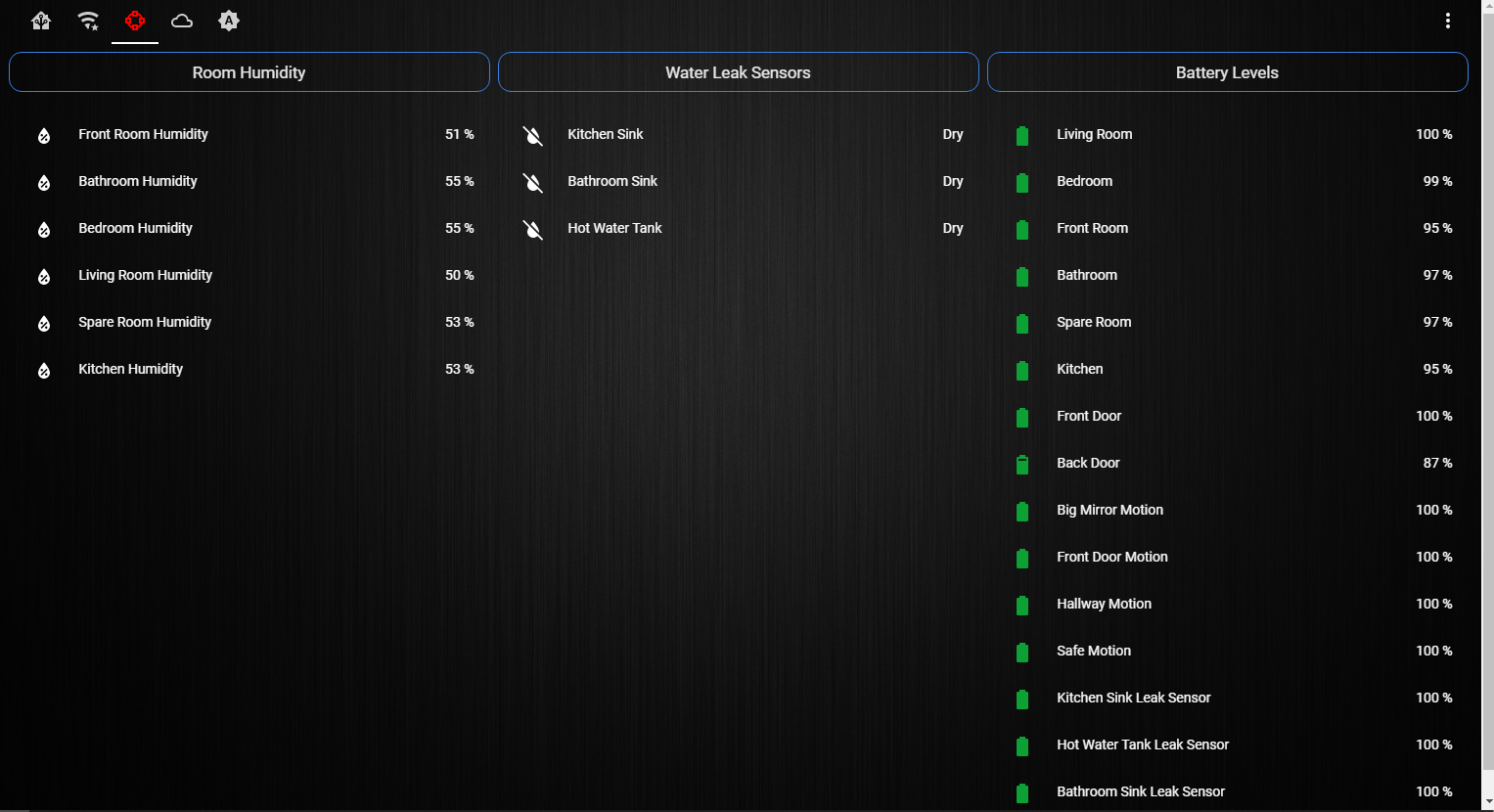
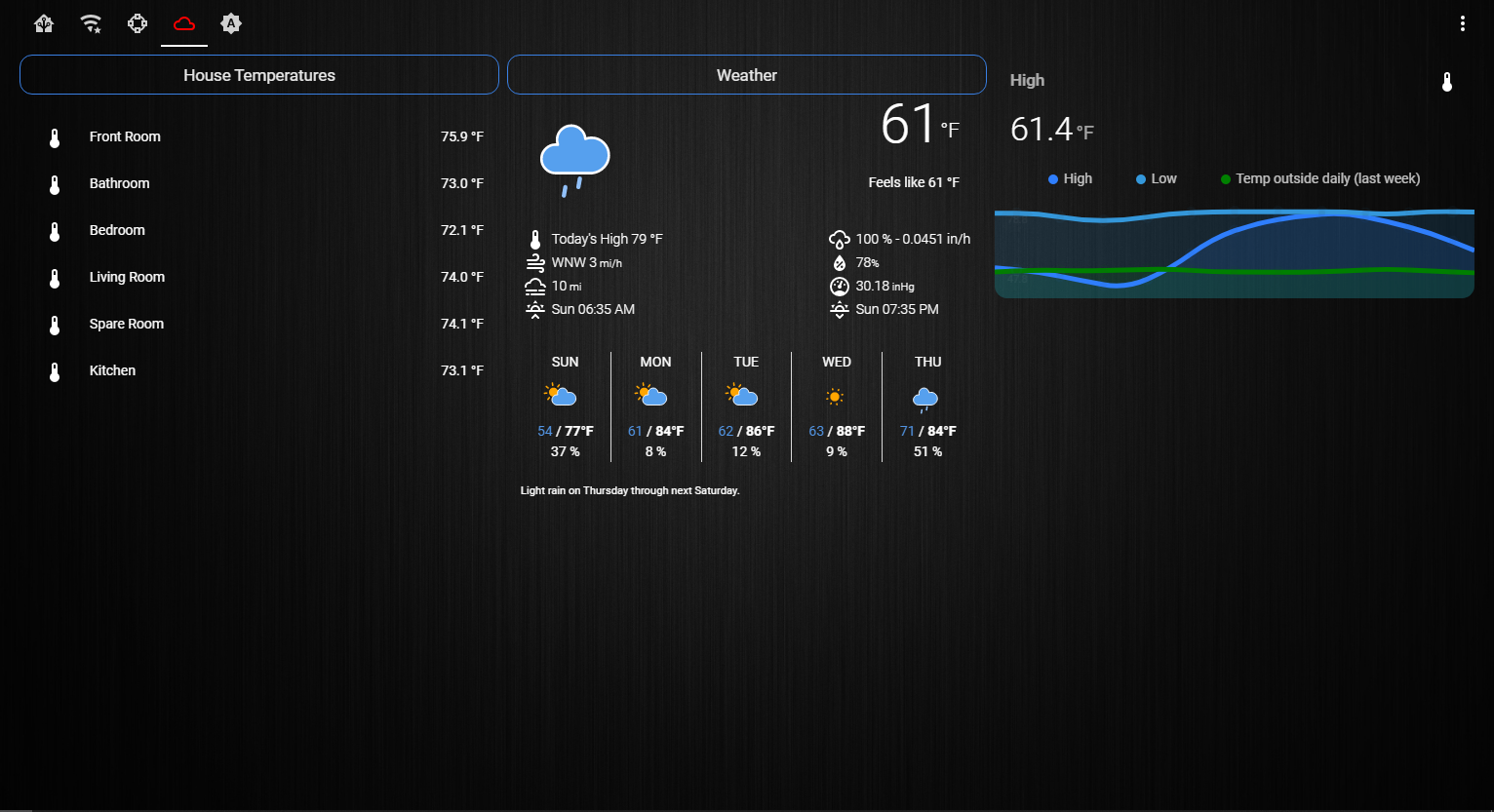
I’m running my todo list and a thing called House Panel [https://github.com/open-dash/HousePanel] using this method.
OF course the other thing is that I have to run in node serveronly method and then localhost:8080 in a web browser but it works just fine!
Works on mine :)
I bet it looks awesome…there’s no picture to look at but…LOL
@mumblebaj Sure it does
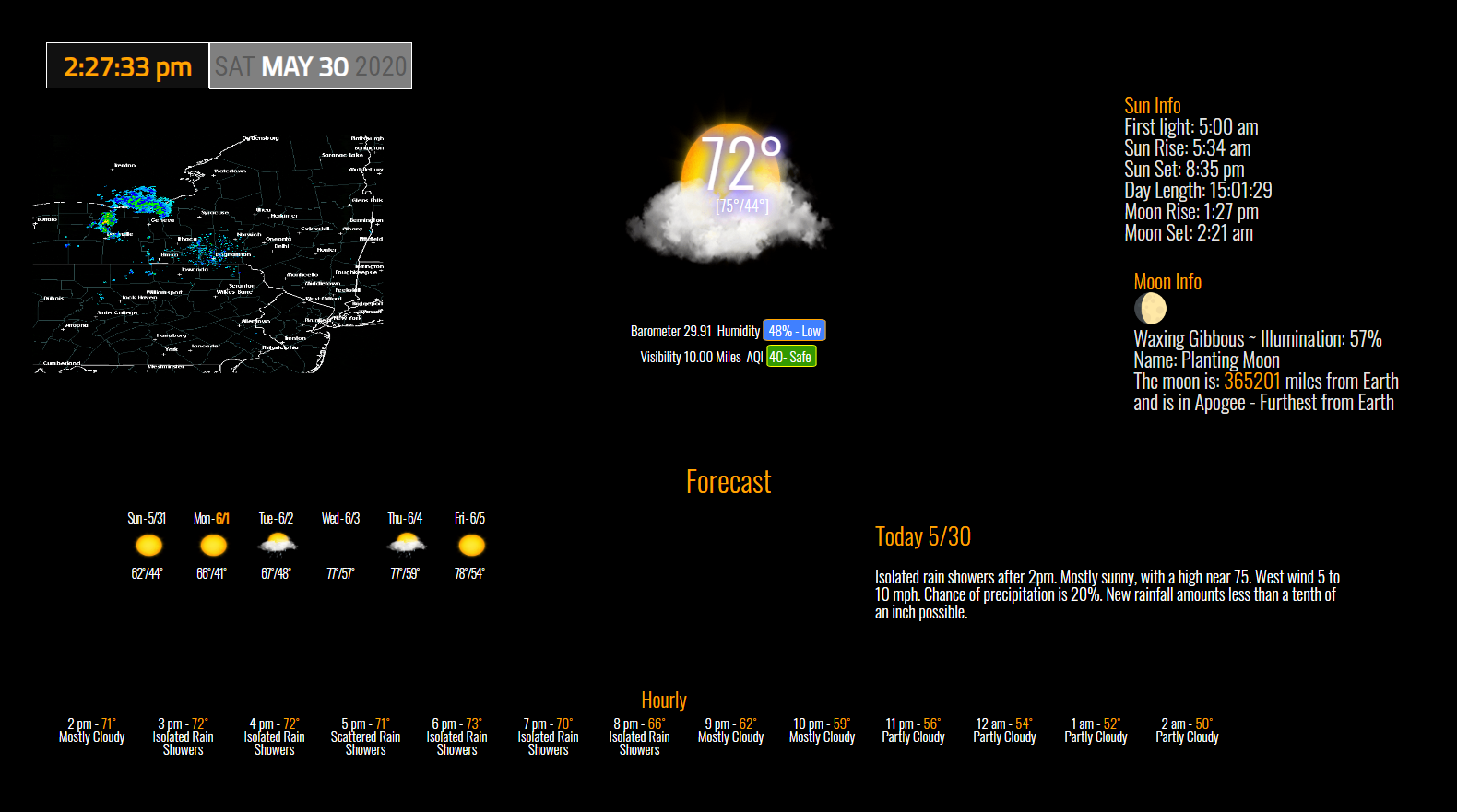
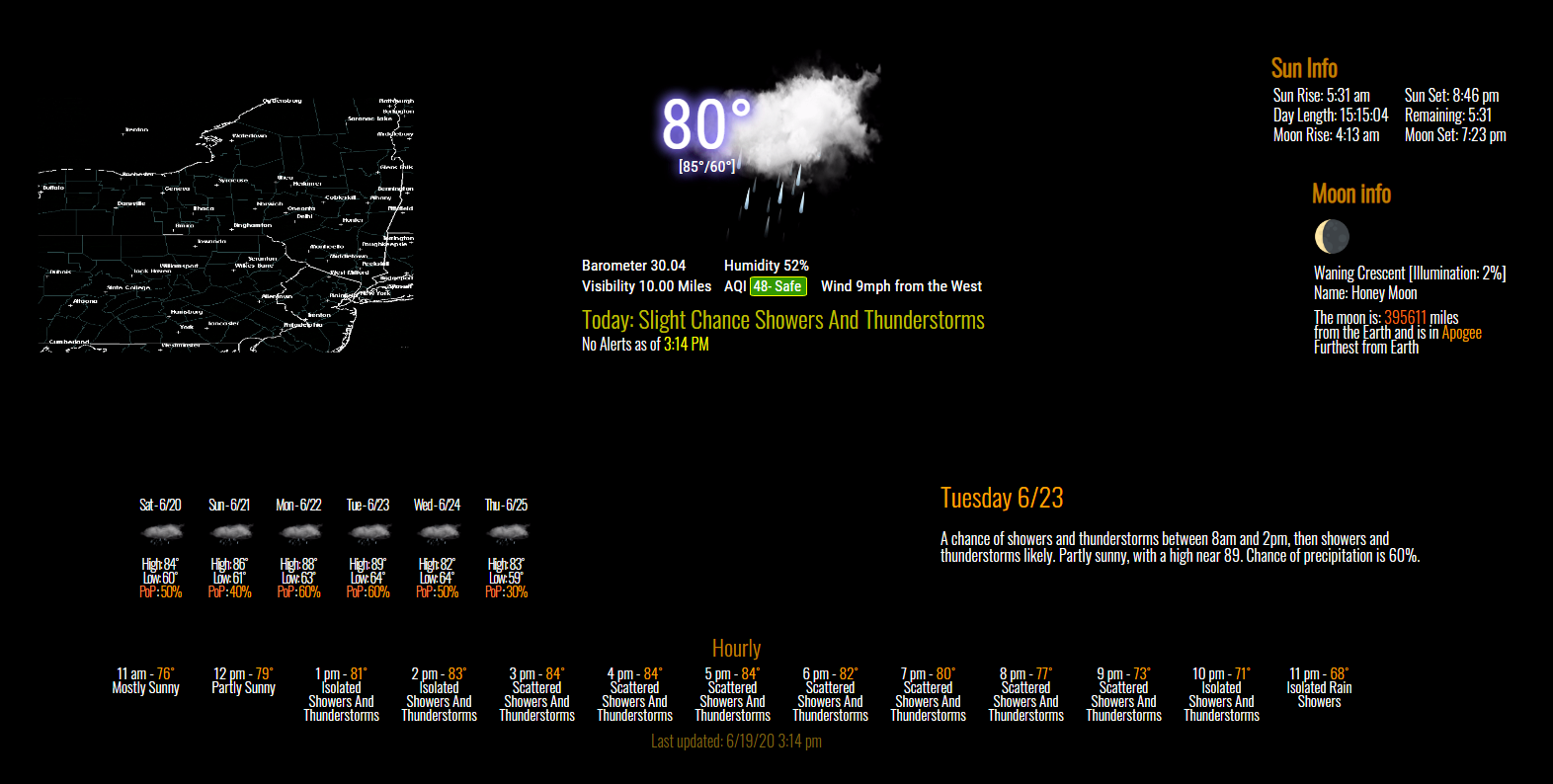
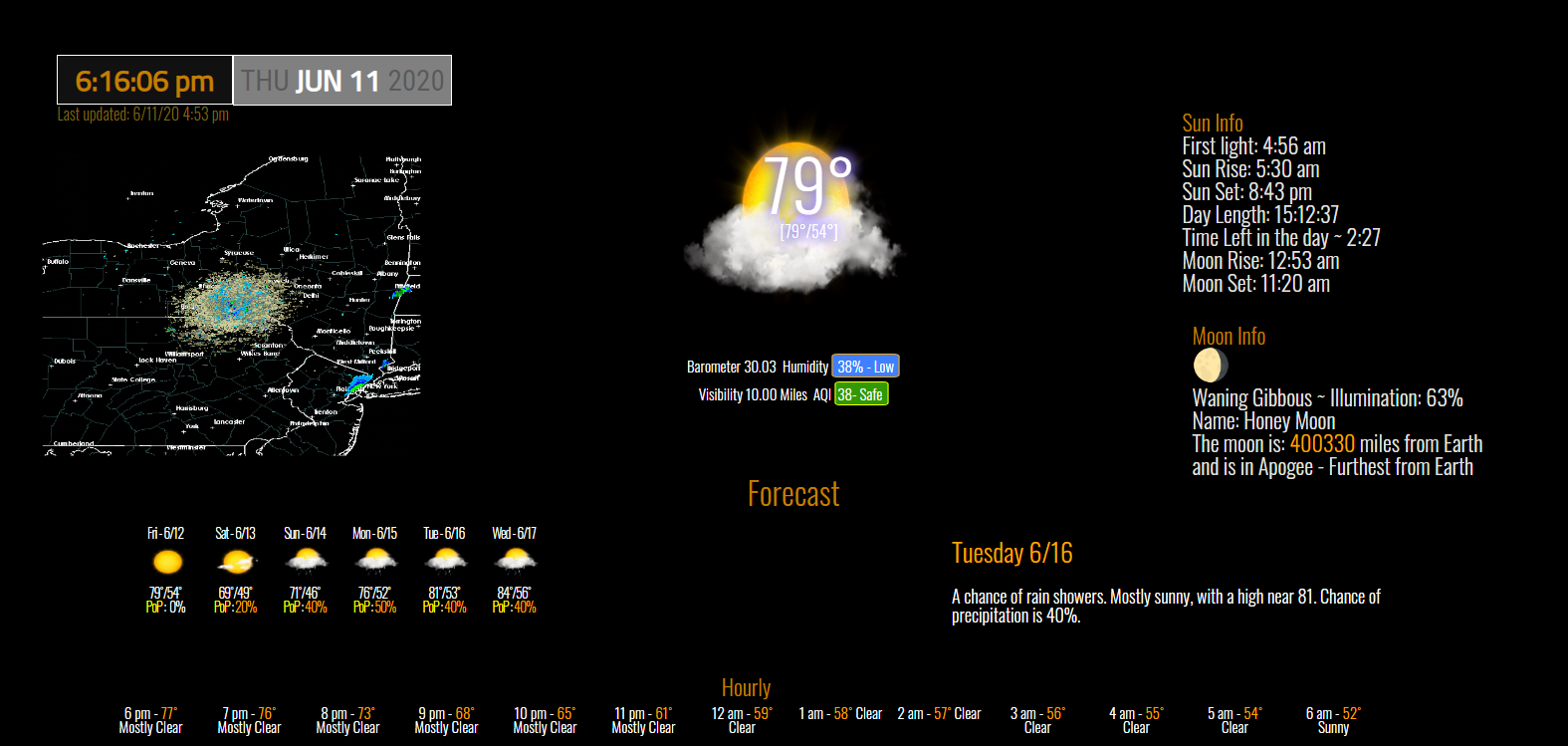
it’s right here -> https://github.com/cowboysdude/MMM-NOAA3
@efk4 OK well that’s interesting … I don’t see anything there that would cause that. Did you get a clean install without errors when you installed MagicMirror?
@Henrik said in Displaying data from MySQL database:
@wolkenaj You could just display the charts from the website with the iFrame module.
https://github.com/alberttwong/MMM-iFrame
BINGO…that’s the easiest way :) I have a few ‘modules’ running that way on my mirror.
Check here to see if you’ve overwritten the changes…
https://github.com/cowboysdude/compliments/blob/master/compliments.js
Ok do this… keep your config.js and rename it to config.bak
Take the config.js.sample file and copy it to config.js and restart…
If everything runs fine then we go from there one module at a time to figure out which one is causing the issue for you.
@mykle1 said in MMM-MealViewer:
@cowboysdude said in MMM-MealViewer:
Happy to help… when you have time we can chat.
You are in danger of getting a reputation for being a nice guy. ;-)

Made some other changes like adding PoP [Percent chance of Precip - rain/snow etc].
NOAA doesn’t give it to you you have to go find it in a string and get it out of there LOL
@efk4 You’re not getting any errors so it’s hard to tell why it’s happening… would love to take a look at your setup…
@gonzonia PHP won’t work in this software. If he doesn’t answer you I will be happy to help you get this going…
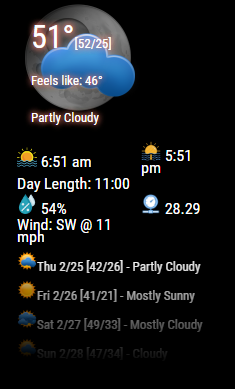
@jamaces easy peasy…here’s an example:
.MMM-YahooWeather .fade {
  	-webkit-mask-image: linear-gradient(to bottom, black 10%, transparent 100%);
    mask-image: linear-gradient(to bottom, black 10%, transparent 100%);
   height:  120px;
  }
The magic is in the fade… gives you this effect: [see bottom of 4 days forecast]
@Sonic8585 Yes if you don’t want to see the notification on the top go to your config.js and simply either delete or disable this:
{
	module: "updatenotification",
	position: "top_bar"
}
Sam is a REALLY smart guy so he gives you the smart guy answer…
I’m not as smart so I give you my dumb guy answer LOL
It will work either way … so now you def have an answer that works :)
Looks great!!! :)
Here’s my new look