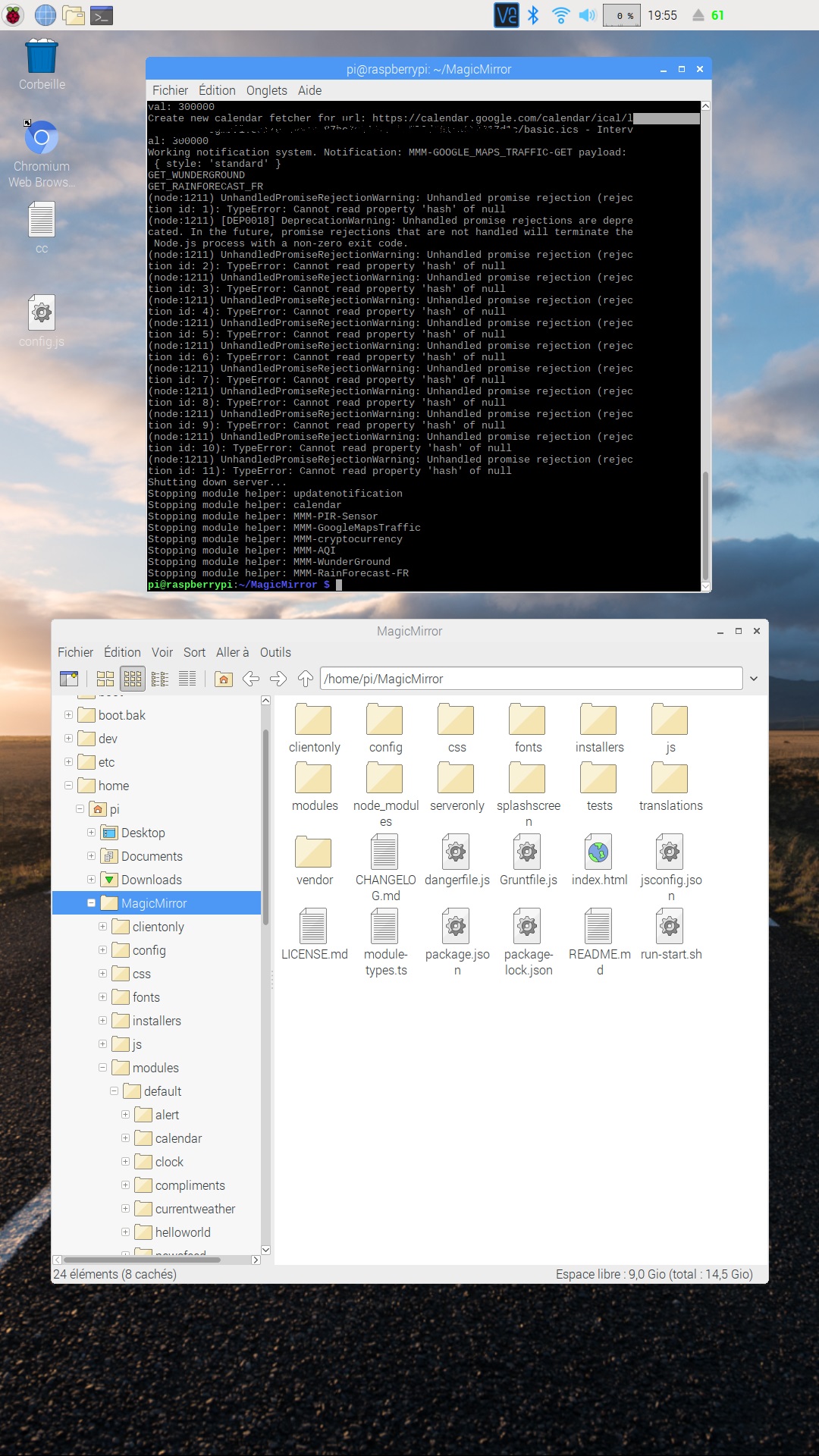
Thanks for this beautiful module !!
I have only one problem why under "4 days forecast " there are nothing ???
thanks for your help
Thanks for this beautiful module !!
I have only one problem why under "4 days forecast " there are nothing ???
thanks for your help
@sdetweil for sure sorry
pi@raspberrypi:~/MagicMirror $ npm -i electron
Usage: npm
where is one of:
access, adduser, audit, bin, bugs, c, cache, ci, cit,
clean-install, clean-install-test, completion, config,
create, ddp, dedupe, deprecate, dist-tag, docs, doctor,
edit, explore, get, help, help-search, hook, i, init,
install, install-ci-test, install-test, it, link, list, ln,
login, logout, ls, org, outdated, owner, pack, ping, prefix,
profile, prune, publish, rb, rebuild, repo, restart, root,
run, run-script, s, se, search, set, shrinkwrap, star,
stars, start, stop, t, team, test, token, tst, un,
uninstall, unpublish, unstar, up, update, v, version, view,
whoami
npm -h quick help on
npm -l display full usage info
npm help search for help on
npm help npm involved overview
Specify configs in the ini-formatted file:
/home/pi/.npmrc
or on the command line via: npm --key value
Config info can be viewed via: npm help config
npm@6.6.0 /usr/lib/node_modules/npm
pi@raspberrypi:~/MagicMirror $
@sdetweil thanks your command works great for upgrade !
but after i have the same problem
pi@raspberrypi:~ $ npm -v
6.6.0
pi@raspberrypi:~ $ cd MagicMirror/
pi@raspberrypi:~/MagicMirror $ npm start
magicmirror@2.6.0 start /home/pi/MagicMirror
sh run-start.sh
run-start.sh: 4: run-start.sh: electron: not found
npm ERR! file sh
npm ERR! code ELIFECYCLE
npm ERR! errno ENOENT
npm ERR! syscall spawn
npm ERR! magicmirror@2.6.0 start: sh run-start.sh
npm ERR! spawn ENOENT
npm ERR!
npm ERR! Failed at the magicmirror@2.6.0 start script.
npm ERR! This is probably not a problem with npm. There is likely additional logging output above.
npm ERR! A complete log of this run can be found in:
npm ERR! /home/pi/.npm/_logs/2019-01-20T16_40_06_112Z-debug.log
pi@raspberrypi:~/MagicMirror $
@sdetweil thanks
pi@raspberrypi:~/MagicMirror $ npm -v
1.4.21
(node:5164) [DEP0022] DeprecationWarning: os.tmpDir() is deprecated. Use os.tmpdir() instead.
and
pi@raspberrypi:~/MagicMirror $ node -v
v8.11.1
Hi,
Thanks to help me this is the message when i try to start with “npm start”
pi@raspberrypi:~/MagicMirror $ npm start
(node:5115) [DEP0022] DeprecationWarning: os.tmpDir() is deprecated. Use os.tmpdir() instead.
magicmirror@2.6.0 start /home/pi/.local/share/Trash/files/MagicMirror.2
sh run-start.sh
run-start.sh: 4: run-start.sh: electron: not found
npm ERR! magicmirror@2.6.0 start: sh run-start.sh
npm ERR! Exit status 127
npm ERR!
npm ERR! Failed at the magicmirror@2.6.0 start script.
npm ERR! This is most likely a problem with the magicmirror package,
npm ERR! not with npm itself.
npm ERR! Tell the author that this fails on your system:
npm ERR! sh run-start.sh
npm ERR! You can get their info via:
npm ERR! npm owner ls magicmirror
npm ERR! There is likely additional logging output above.
npm ERR! System Linux 4.14.79-v7+
npm ERR! command “/usr/bin/node” “/usr/bin/npm” “start”
npm ERR! cwd /home/pi/.local/share/Trash/files/MagicMirror.2
npm ERR! node -v v8.11.1
npm ERR! npm -v 1.4.21
npm ERR! code ELIFECYCLE
npm WARN This failure might be due to the use of legacy binary “node”
npm WARN For further explanations, please read
/usr/share/doc/nodejs/README.Debian
npm ERR!
npm ERR! Additional logging details can be found in:
npm ERR! /home/pi/.local/share/Trash/files/MagicMirror.2/npm-debug.log
npm ERR! not ok code 0
pi@raspberrypi:~/MagicMirror $
Hi,
ok when i started only MMM-GoogleMapsTraffic in dev mode:
Dev say i start with 5 keys but in my config file i have only one !
what is the problem ?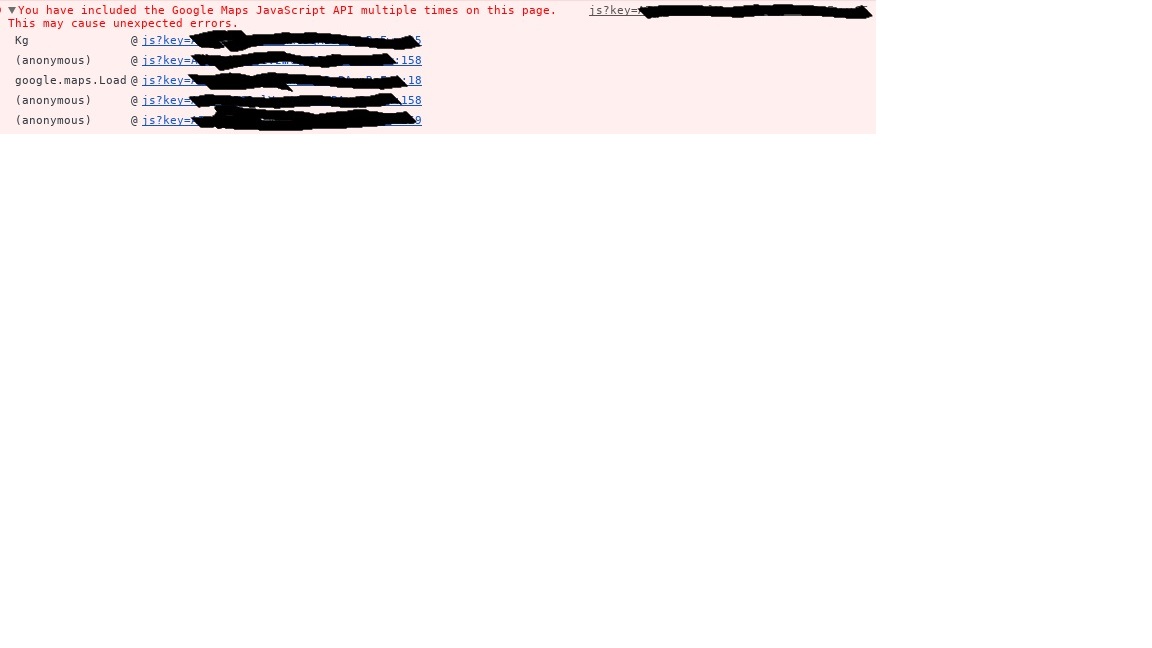
thanks
OK guys i think i find my problems:
You have included the Google Maps JavaScript API multiple times on this page.This may cause unexpected errors
The google trafic module is the cause
An idea to fix it ?
thanks
@sean yes in my config for clock module i have gmt +1
@mykle1 When i start with npm start dev: 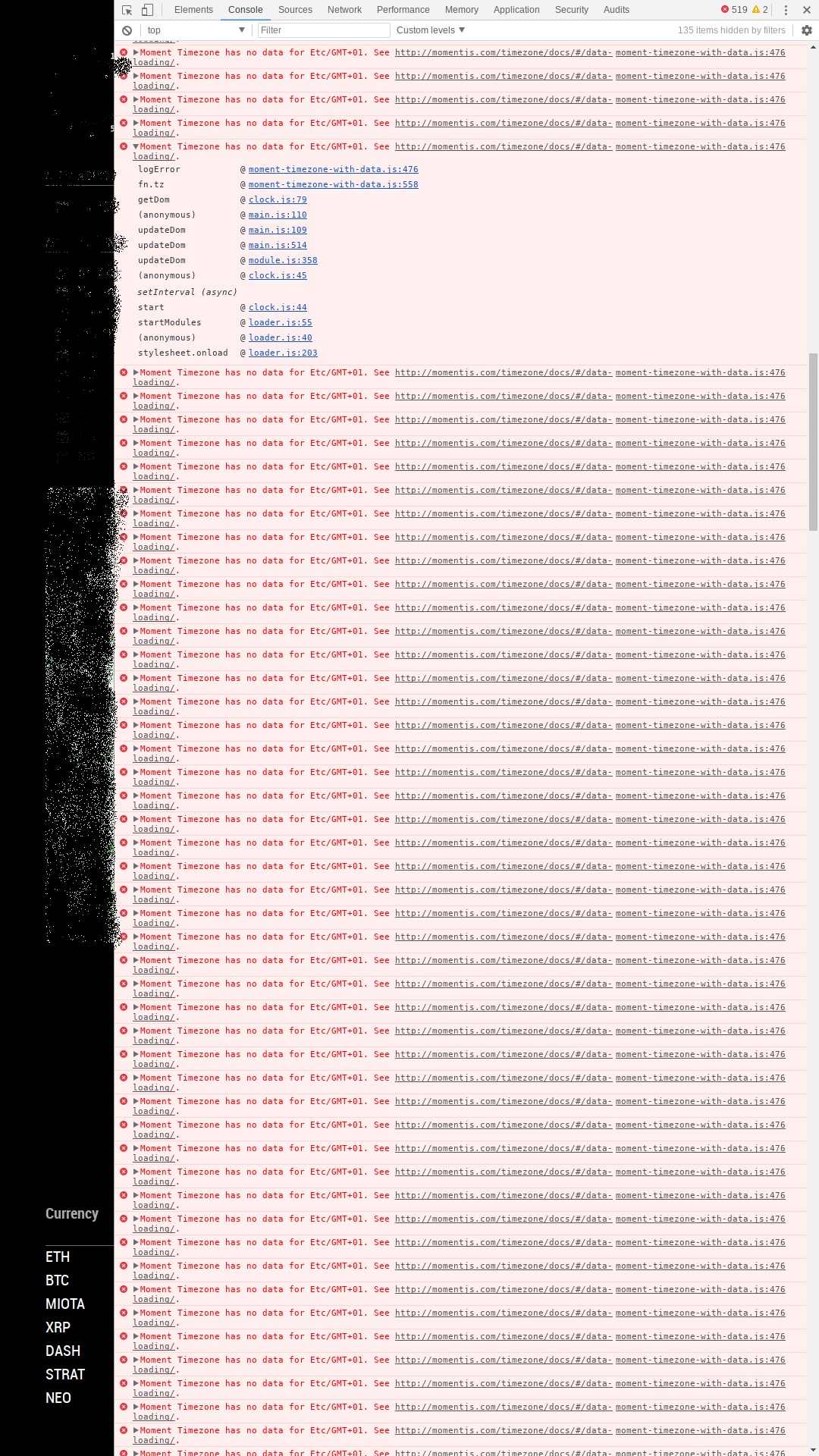
This is after only 15 min of MM running
@justjim1220
info it worked if it ends with ok
1 verbose cli [ ‘/usr/bin/node’, ‘/usr/bin/npm’, ‘start’ ]
2 info using npm@3.10.10
3 info using node@v6.13.1
4 verbose stack Error: ENOENT: no such file or directory, open ‘/home/pi/MagicMirror/modules/package.json’
4 verbose stack at Error (native)
5 verbose cwd /home/pi/MagicMirror/modules
6 error Linux 4.9.59-v7+
7 error argv “/usr/bin/node” “/usr/bin/npm” “start”
8 error node v6.13.1
9 error npm v3.10.10
10 error path /home/pi/MagicMirror/modules/package.json
11 error code ENOENT
12 error errno -2
13 error syscall open
14 error enoent ENOENT: no such file or directory, open ‘/home/pi/MagicMirror/modules/package.json’
15 error enoent ENOENT: no such file or directory, open ‘/home/pi/MagicMirror/modules/package.json’
15 error enoent This is most likely not a problem with npm itself
15 error enoent and is related to npm not being able to find a file.
16 verbose exit [ -2, true ]
this is my npm-debug.log
i dont understand it i think its a problem with package .js
i try to start with npm start -dev for a error log
where is the error log in wich folder?
thanks for your help
@mykle1 Thanks mykle1 but no !
for desactivate a module i cut/paste the folder on the desktop then i restart the MM is it the good method ?
because when i have no module its ok no error
only with pir module its good
but after with wunderground or google maps traffic module i have a lot of error or other…
i don’t understand !!
this after the update in 2.4.1.
@justjim1220 thanks i use jshint.com no error
Hi Mykle1,
Indeed by elimination I think I can find the module that generates this error
i try this thanks .
and after if is it a module ?
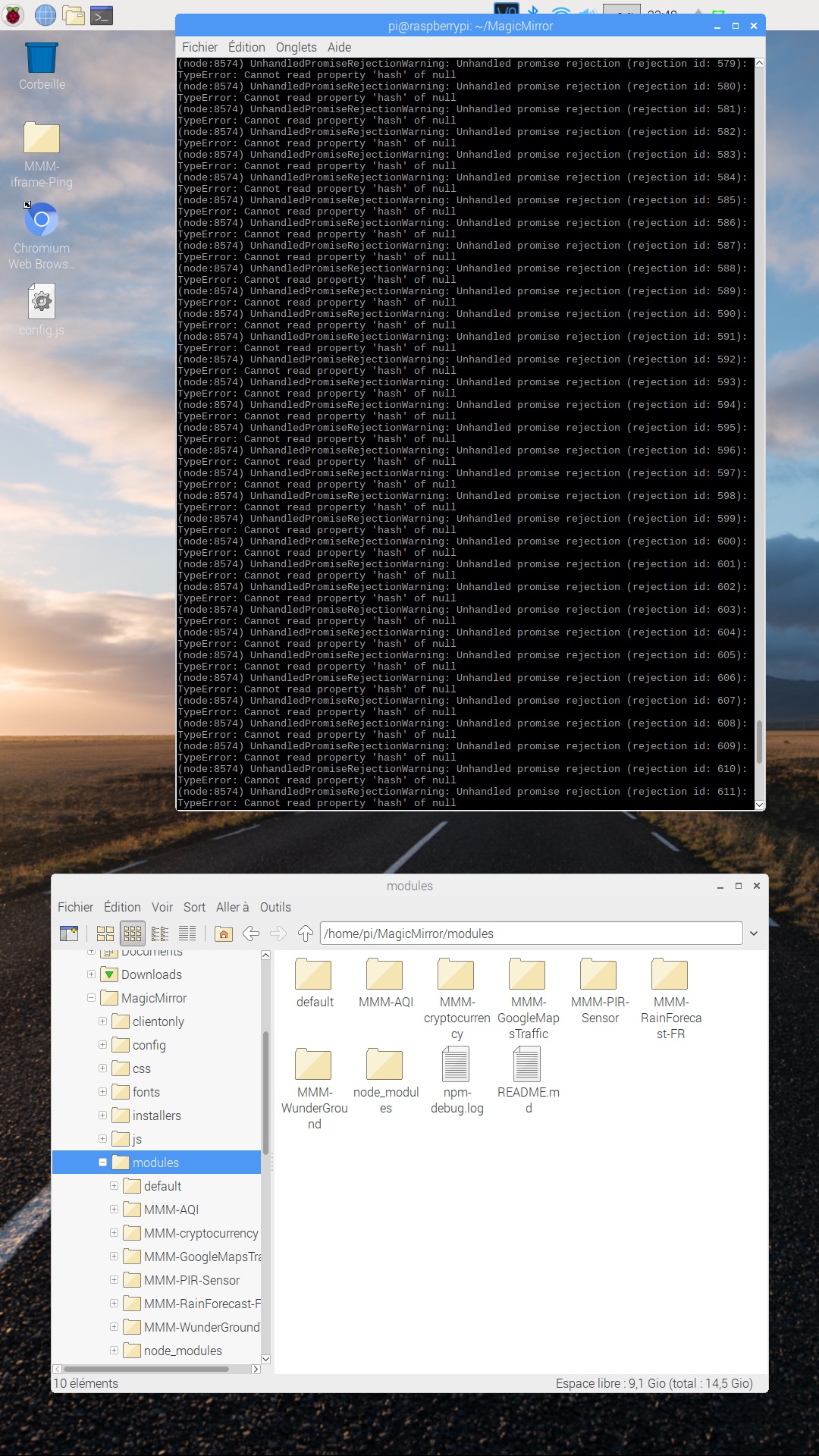
I don’t know why ?
is it a module ?
witch one ?
thanks
ok i’m not a developer so can’t create my own modules for me so i have another solution take a picture of this and show it on the screen so ,
how can do it with a jpeg document ?
thanks