-
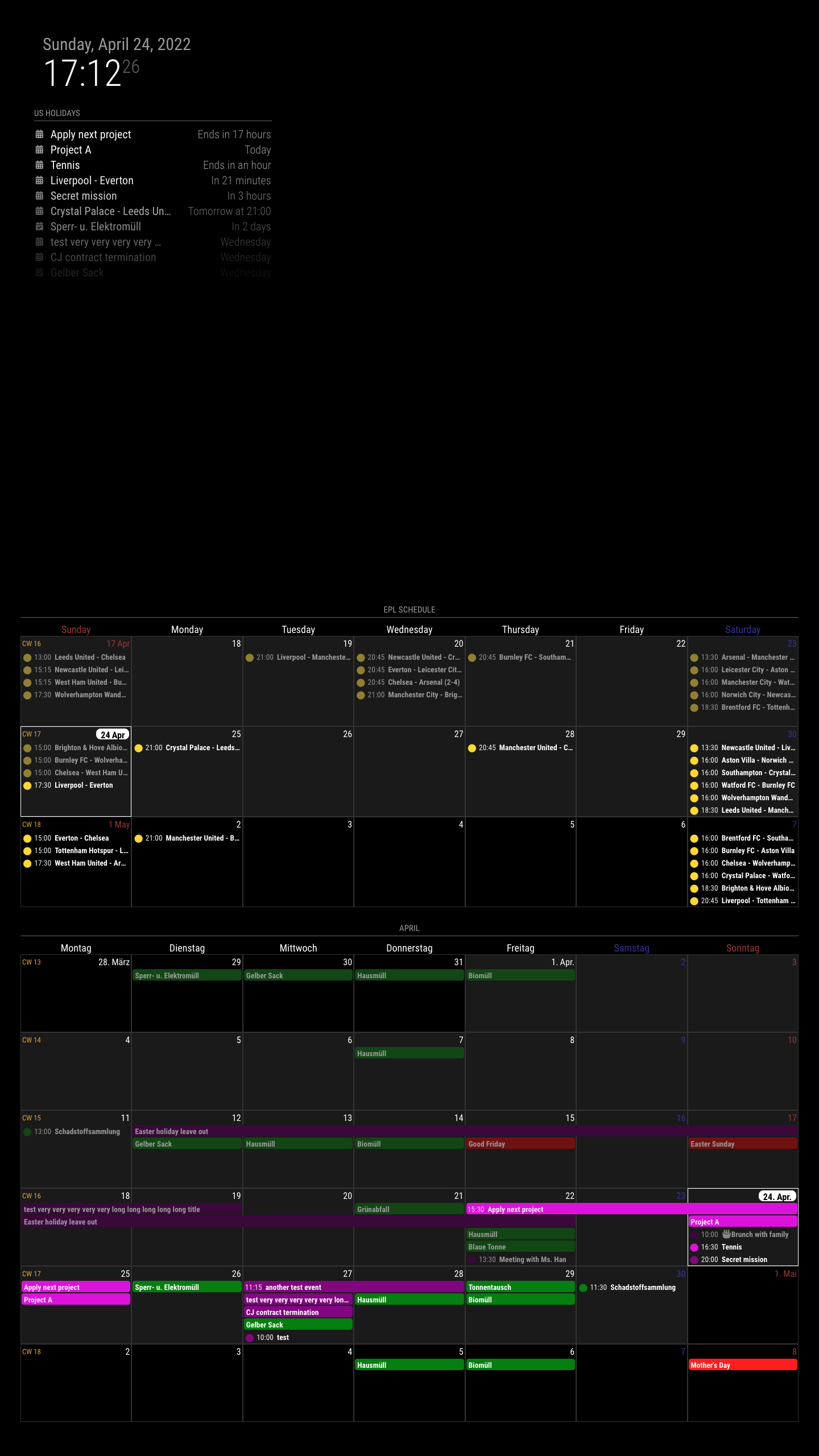
XXX_centeris not a good place to use CX3 module.centerposition too narrow and doesn’t have a fixed width because it is decided byleftandrightwidth by calculation. Especially in the vertical screen? Terrible. You may have only around 1000px(considering the gap of margin) width of the vertical screen, and that number should be shared with another region,leftandright. Usually, a pretty side region would have over 300px, so yourcenterregion will have only 300~400px. It is not enough for 7 days cells of the calendar.
I recommendbottom_bar. -
The CX3 module doesn’t handle ICS data directly. You may need the default calendar module as a calendar events provider. You also need to set the `broadcastEvents’- related properties properly.
-
It seems you already did CSS modification; it’s your taste. I’ll not mention about it. Anyway, I cannot agree that the default CSS would be awful at all.
Read the statement by Michael Teeuw here.
Posts
-
RE: Apple Calendar integration
-
RE: Apple Calendar integration
@brentmatthews
Ah sorry. It was not about you. I had confusing @srobison62 and you.
-
RE: Apple Calendar integration
@brentmatthews
So… what you expected and what you got really that looked hideous? -
RE: MMM-CalDAV
@caw
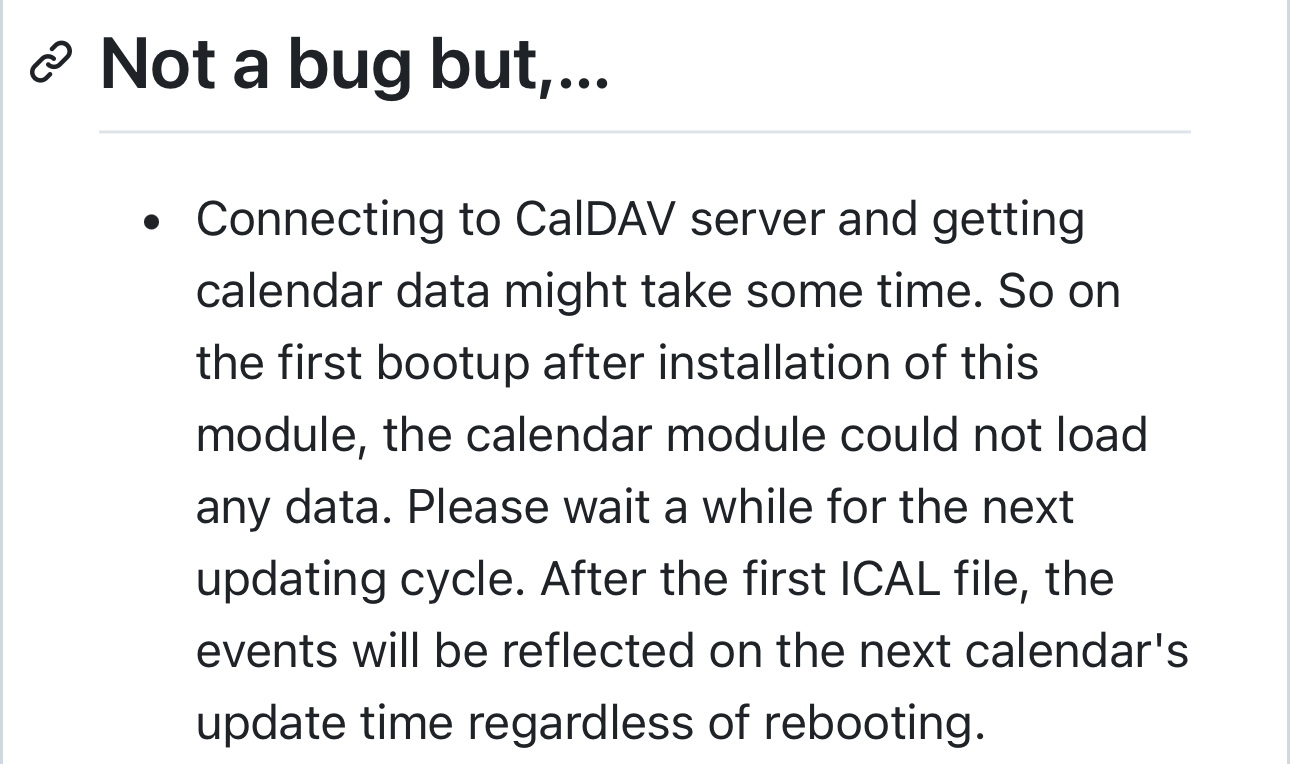
I cannot say anything without the full log. But at the first execution, ics would not be written yet, (calendar module is so fast than CalDAV’s connection and parsing) so just wait for the next cycle to finish serving, or just stop and rerun MM. From the second execution, ics will be served.
-
RE: MMM-CalDAV
[ERROR] Error: EACCES: permission denied, open ‘/opt/magic_mirror/modules/MMM-CalDAV/service/.SYNOLOGY_Simon.ics’
I’m not familiar with the Docker setting. Anyway, it seems to be a permission issue. The docker container creation and execution might be performed by different accounts. Or you may need proper permission for those files or directories. However, I have no idea of Docker environment, so that’s all I can say.
-
RE: MMM-CalDAV
@caw said in MMM-CalDAV:
{
module :“MMM-CalDAV”,
config: {
servers: [
{
envPrefix: “SYNOLOGY_”,
serverUrl: “https://myownsynologyadress.de/caldav/”,
],
},
},And you’ve missed a closing brace in your code.
{ module :"MMM-CalDAV", config: { servers: [ { envPrefix: "SYNOLOGY_", serverUrl: "https://myownsynologyadress.de/caldav/", }, // <-- HERE ], }, }, -
RE: MMM-CalDAV
@caw said in MMM-CalDAV:
following error occurs

???
I cannot understand the context. What did you do? The image seems like that something on the browser.Does your MagicMirror is executed on the Synology NAS with Docker?
-
RE: MMM-CalDAV
@caw could you show me the capture of error message to know what happened?
-
RE: MMM-CalendarExt3
@moosespectacles
I think what you want is MMM-CalendarExtJournal, not this module. -
RE: MMM-CalDAV
https://github.com/MMRIZE/MMM-CalDAV/wiki
- Install
cd <Your MagicMirror directory>/modules git clone https://github.com/MMRIZE/MMM-CalDAV cd MMM-CalDAV npm install- There would be
.env(It would be hidden, so you should check it withls -alor equivalent for your environment/OS)
If not there, copy it from
env.examplecp env.example .env- Open your Synology Calendar. You can open it from your Synology Package Center Or installed app lists. Usually it will have
http(s)://<IP_OR_URL>:<PORT(5000 or 5001)>/?launchApp=SYNO.Cal.Applicationas URL so you can open it on the browser.
You will see something like this.
- Get the CadDAV account. Copy or memo the URL. Usually URL will have
http(s)://<IP_OR_URL>:<PORT_5000_OR_5001>/caldav/format.
-
Back to the terminal. Open the
.envfile with your favourite editor. Then, fulfil these lines.
-
Then configure the
MMM-CalDAVmodule and thecalendarmodule like this.
Carefully See the configuration of the
calendarmodule.- Then run the MagicMirror.
At the very first execution, some time would be needed for CalDAV calendars to be reflected on the screen. So, just stop the MagicMirror.
If CalDAV calendars would be success to be derived, the log will say something like this.
[2024-09-03 22:52:01.461] [LOG] [CALDAV] File: SYNOLOGY_test.ics is refreshed.And there be files to be hosted in the
servicedirectory like these;
I have two calendars,
My Calendarandtest, so there would be 2 hidden ics files generated,service/.SYNOLOGY_My_20Calendar.icsandservice/.SYNOLOGY_test.ics.But the real URL consumed by the
calendarmodule would behttp://localhost:8080/CALDAV/SYNOLOGY_test.ics, don’t be confused.- Rerun the MM again. Now on the screen, your hosting calendar will be served.
-
RE: Camera Access on PC (windows 10) based Magic Mirror Issue
This module will work with USB cam.
-
RE: Google Keep setup
As far as I know, Google Keep API works only under enterprise environments, so personal/private user cannot use it.
-
RE: Calendar Ext2 - Colour Coded Events
-
CX2 works as standalone, so you don’t need to rely on the default
calendarmodule. You have to include the ics URL in your config of CX2 (incalendarssection. Read the Manual.) -
I moved to CX3, but leave CX2 as it is. If you are satisfied with CX2, just keep to use it.
-
-
RE: Large Numbers
@NotMyCircus said in Large Numbers:
would it make more sense to modify the EXT3 module rather than making so many changes in the css?
It is up to you. But when you modify the source code, you may have the problem on the next update of the module.
-
RE: Large Numbers
You can get a hint from this thread.
https://forum.magicmirror.builders/topic/18069/multiple-modules-in-a-region?page=1 -
RE: Calendar Ext2 - Colour Coded Events
Yes, I can tell you and it will not be so difficult but I’m not with my PC and I have only iPhone now. I can’t type precise answer at this moment, until the day after tomorrow, return from my business trip.
-
RE: MMM-CalDAV
@Tiller
CalDAVis different to generalicshosting.Usually, the URL of Synology CalDAV accessing would be;
https://IP_OR_URL:5001/caldav/
http://IP_OR_URL:5000/caldav/
Anyway, there would be some log to diagnosis. Can you show the frontend and backend logs?
-
RE: MMM-CalDAV
@Tiller said in MMM-CalDAV:
CALDAV_SERVICE_USERNAME=
CALDAV_SERVICE_USERNAME=For SYNOLOGY
SYNOLOGY_username=username1
SYNOLOGY_password=password1I think you may have confusing the username and password for the server and the module.
SYNOLOGY_username=username1 SYNOLOGY_password=password1This is for your Synology Caldav Server, usually it is your account id/password to login Synology Server (Or Synology calendar account)
CALDAV_SERVICE_USERNAME=username2
CALDAV_SERVICE_PASSWORD=password2
This is a different thing. It is used for your MM calendar module. This module provide a secure calendar ics host by itself with this auth information. You should need to set your calendar config like this;
// default calendar module.
{
  module: "calendar",
  position: "top_left",
  config: {
    calendars: [
      {
        symbol: "calendar-check",
        url: "http://localhost:8080/CALDAV/SYNOLOGY_Family.ics",
        auth: { // REQUIRED
          user: 'username2', // <= used here (CALDAV_SERVICE_USERNAME)
          pass: 'password2', // <= used here (CALDAV_SERVICE_PASSWORD)
          method: 'basic'
        }
      },
...