@sil3ntstorm need all of the command everything that it outputs, you didn’t copy about 30 characters
then
pm2 start ~/MagicMirror/installers/pm2_MagicMirror.json
pm2 save
@sil3ntstorm need all of the command everything that it outputs, you didn’t copy about 30 characters
then
pm2 start ~/MagicMirror/installers/pm2_MagicMirror.json
pm2 save
@MZ-BER for MMM-NewsApi, the upgrade should have fixed that for you. (it’s node-fetch)
but, in addition, he has a module upgrade that fixes it natively without the extra npm install…
@jimb open a terminal window, ctrl-alt-t,on the desktop
type
ip addr
press enter
you should get both the ipv4 and ipv6 addresses of the pi
then type
hostname
enter
should give you the pi hostname on the network, you should be able to use this in the ssh command
ssh {username}@{hostname}
{x} means substitute the value of the thing x for the whole string
@jimb ok the address was probably raspberrypi.local
you need to disable ipv6 on the pi, in the network settings of the pi config under the desktop menu
no reason to have ipv6 in a home environment
@Kelemvor in the same place in config.js as address:
add this line
electronOptions:{ x:nnn, width:mmm},
where nnn is the width of the laptop display in pixels and mmm is the width of the other display
there are other options too top and left
the system doesn’t see them as separate displays just all one big space.
@eightbit yes… why it didn’t install, I have no clue…
but it also showed the chromium problem which I hadn’t seen before…
to restore the original package.json (with the correct start line) do
cd ~/MagicMirror
git checkout package.json
glad we could fix it !
@eightbit i couldn’t approve the message, system though it was spam
those are noise we can’t hide…
try npm start again
@eightbit can u show me the “start”: from package.json
delete one of them and replace the other with
"start": "DISPLAY=\"${DISPLAY:=:0}\" ./node_modules/.bin/electron js/electron.js",
also do uname -a
@eightbit you didn’t need to delete all the rest of the scripts
@danningson you should see messages where you start MM
I STRONGLY suggest NOT using pm2 during modules dev and testing
pm2 stop all
cd ~/MagicMirror
npm start >somefile.txt 2>&1
then all the messages will be in somefile.txt
ctrl-c in terminal window or ctrl-q on MM web page to stop
here is a message in the node_helper that should be triggered
console.log(‘[’ + self.name + '] ’ + ‘Users ’ + message.login.names.join(’ - ‘) + ’ logged in.’);
there is also a camera frame event but no logging, you could add a message there
all the CV work is done in python in the background, and its outputs messages to the handlers in node_helper
@MajorC download the update to MMM-DWD-WarnWeather
cd ~/MagicMirror/modules/MMM-DWD-WarnWeather
git pull
npm install
then restart magic mirror
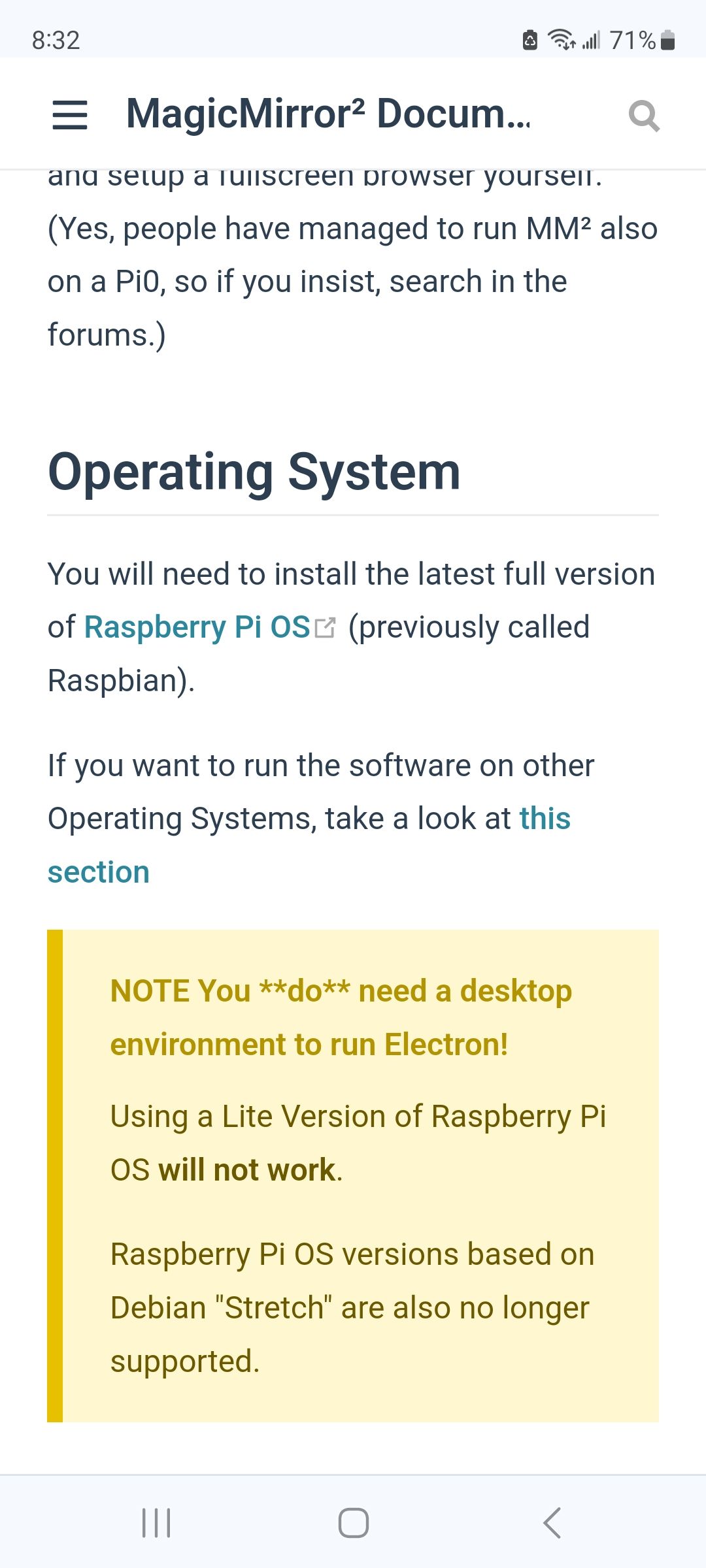
@neastman You must start with a full version of the OS that has the graphical desktop.
MagicMirror uses a browser to display and all browsers display only in graphics mode
if you had used my automated script it would have aborted warning you of text mode
@rama3124 from the desktop, menu, upper left,
preferences, raspi configuration, screen, rotate
@Kelemvor no they are system config caused errors
you can turn off use of the GPU so you won’t get them anymore
in the script that you use to start mm, add
export ELECTRON_DISABLE_GPU=1
if you use my install script and use pm2 to autostart, that script is
~/MagicMirror/installers/mm.sh
in the next release, next week, we will disable GPU by default, and add a new env variable to enable it
export ELECTRON_ENABLE_GPU=1
cd ~/MagicMirror
sudo rm -rf node_modules
npm run install-mm
@geekhouri yep, 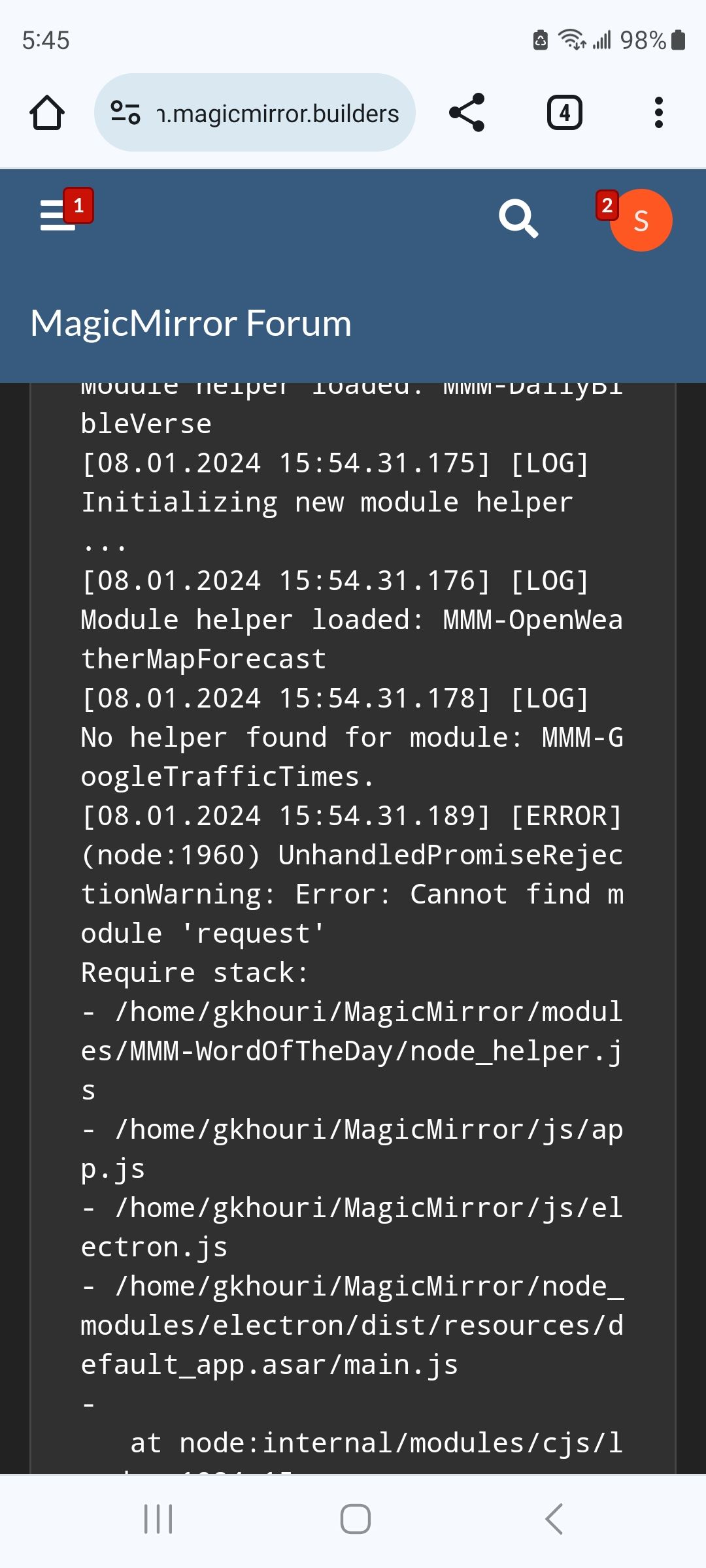
we’ve been cleaning up the mm core tubing for 2 years now. this module was using one of the libraries we supplied, but didn’t declare it.
if you had used my upgrade script I would have handled this problem for you
see
https://forum.magicmirror.builders/topic/15778/fix-for-black-screen-in-2-16-and-later
in the module folder do
npm install request
@geekhouri nothing we/you can do. a library uses a library which uses a library which was upgraded. but we can’t make anyone upgrade, and mm is a special env. it’s not a public website doing banking. it’s just showing some info pulled into. your house .
so, all you can go is ignore it. oh, and don’t do audit fix. it forces a bunch of changes, some of which break existing code, with no fix available.