If the Module doesn’t load the informations change ```
“https://api.openweathermap.org/data/3.0/onecall”
to
“https://api.openweathermap.org/data/3.0/onecall?”
an it should work!
If the Module doesn’t load the informations change ```
“https://api.openweathermap.org/data/3.0/onecall”
to
“https://api.openweathermap.org/data/3.0/onecall?”
an it should work!
@FlatPepsi Hi, can you please send me your changes or upload them here? Thanks in advance
@zoltan Thanks thank you for your answer, you are right the module works perfectly.
Just one more question, how can I set it up, that the information (just next full moon date) is unter the moon picture not on the left side inside the moon?
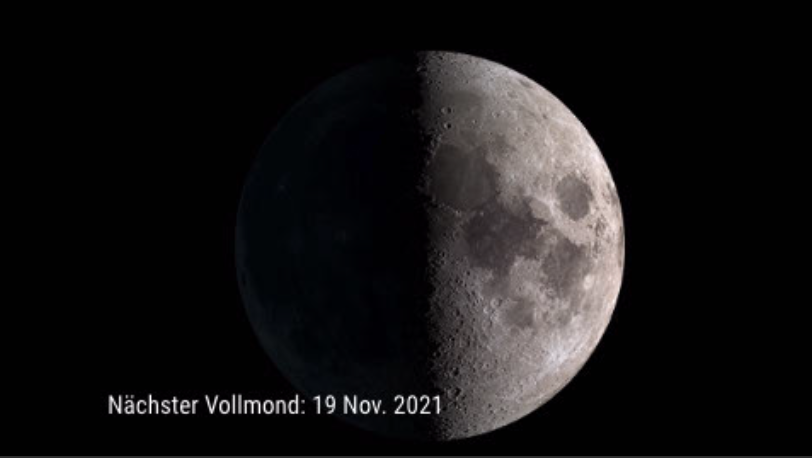
Thank you
No one who can help me?
Hi everyone, hi @mirko3000
My module was working fine until my old gateway became defective. I bought a Xiaomi Mijia Gateway 3 and set it up. I readed out the Tokan of the new Gateway and also of all the sonsors. This is the only thing that I have changed in the config file.
But now I get this error:
TypeError: Cannot read property 'length' of undefined at Class.getDevices (/Users/MagicMirror/modules/MMM-xiaomi/node_helper.js:70:41)
at /Users/MagicMirror/modules/MMM-xiaomi/node_helper.js:45:20
Could this be because of the old MIIO library Github
If so, would it be difficult to switch to this new and current library?
new Library
Can someone help me to solve my problem?
Thanks a lot
@PhilReis I wrote you a direct message.
@Stoffbeuteluwe Do you have some pics? do you use also with the default weather module animated icons?
@JohnBachini it’s definitely the animated icons, because when i deactivate them the mac runs on max. 10 % cpu.
Hey @j-e-f-f maybe you can help me as the creator of the module ;o) is there a way to use the animated icons without killing my cpu? Thanks a lot!
@j-e-f-f it is possible to use animated icons (4c) for the main icon?
@JohnBachini this was also my thought that an i5 should handle that, but the cpu goes up to over 90% and the Mac mini gets really really hot… Hmm it looks like i have to find an other weather module, but this module just looks awesome ;o(
@JohnBachini good point, MMM-DarkSkyForecast causing the problem. So I guess there’s no way to solve this problem…
Hello together
I need your help, my MM runs on my Mac Mini 2012 catalina. When I minimize MM (still running in the background) everything is ok, as soon as I bring MM to the front my CPU increases drastically and the Mac gets really hot… what can be the reason?
first picture MM is minimized and on the second picture it runs in the foreground and there you can see the cpu increase extremely.
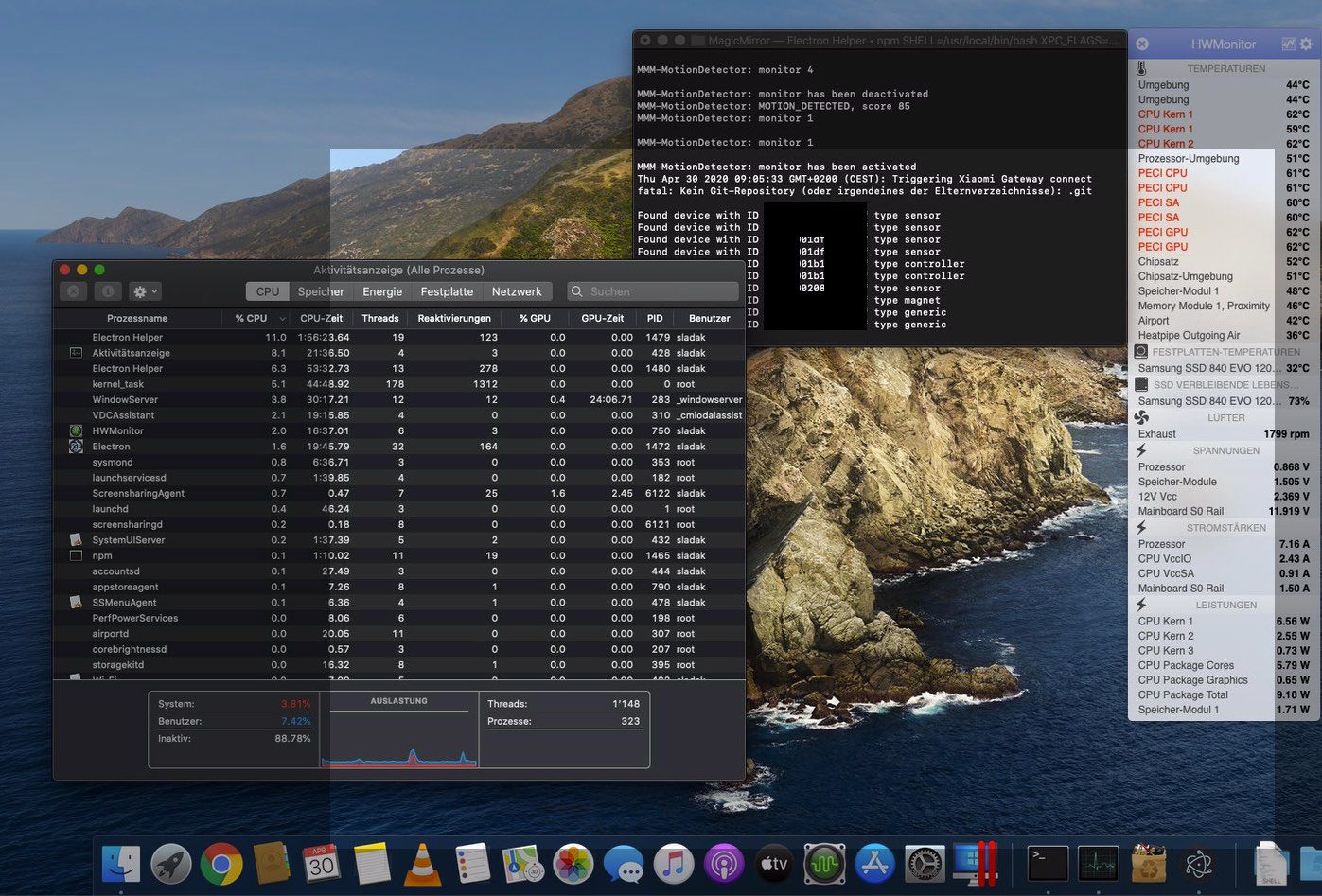
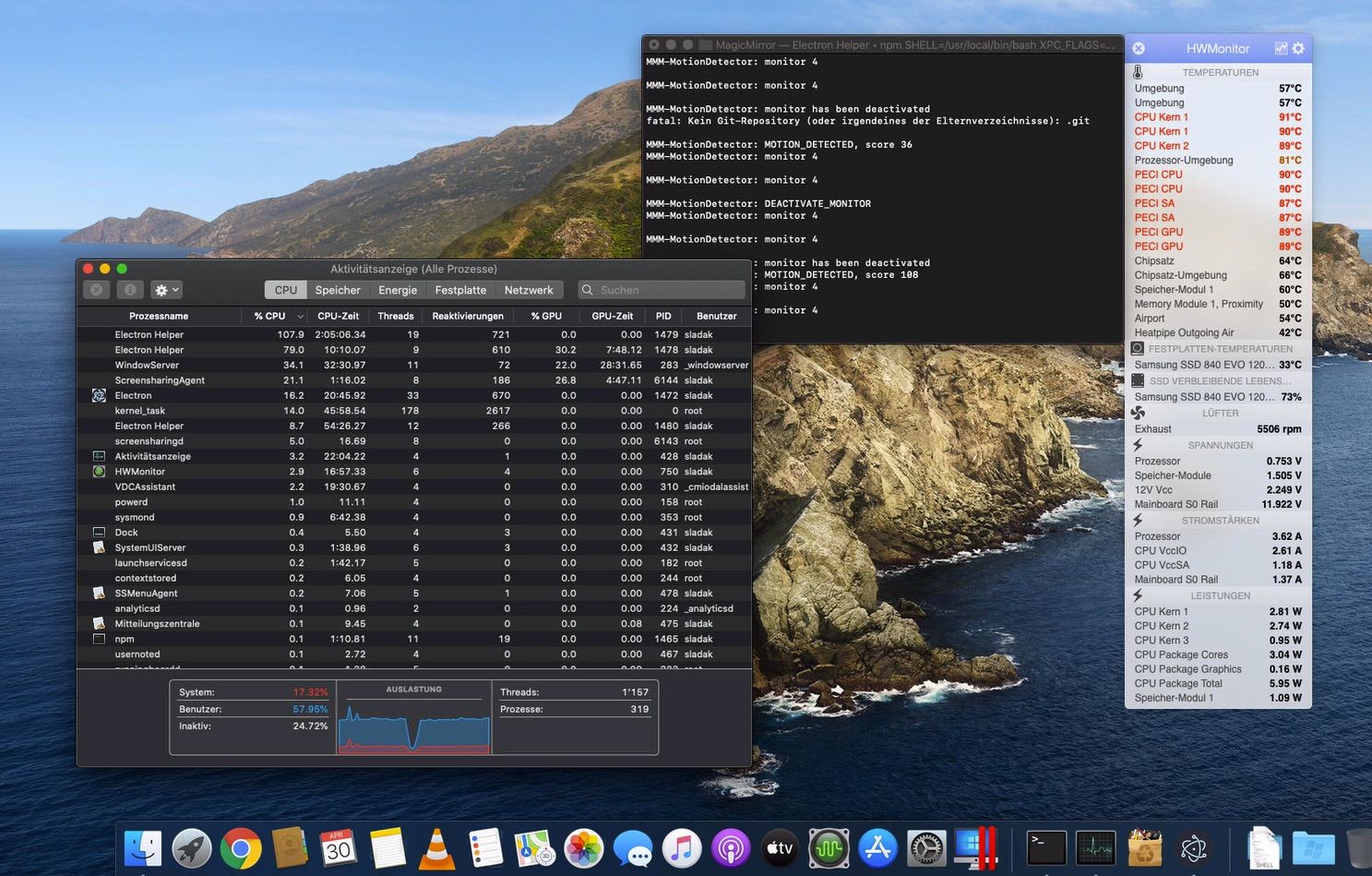
wooow amazing!
Will you share once your code / work for public? … Would love to have it also ;o)
@lavolp3 Thanks sooooo much!! I will try your suggestion and let you know if it worked. The current weather icons are animated, but not as cool as this one in .mov ;o) But first I will try to have only the icon in the middle of the screen. Thanks!!!
@Stoffbeuteluwe thats an old picture, so I don‘t use the globe anymore. I would like to have a big actually animated weather icon. But can‘t figure it out how to do that ;0(
Hmmmm no one can help?
In general is that possible just to move this icons or a part from a module to an other section with css?
THX
Hi all and @j-e-f-f ;o)
It is possible to move just the actual wether icon to to middle section of my Mirror and make it larger?
 Bild Link)
and my second question is, It’s possible to add animated “.mov” format icons to this module? I have found some amazing icons, but just bevor I buy it i will be shure that it will be working…metgraphics Could someone help me with this? THX