A New Chapter for MagicMirror: The Community Takes the Lead
Read the statement by Michael Teeuw here.
  • Installing MMM-PIR-Sensor

    Unsolved
    2
    0 Votes
    2 Posts
    580 Views
    S
    @N6NG really old code, archived. maybe this will help https://forum.magicmirror.builders/topic/16681/mmm-moduletogglebutton-install-error/2?_=1654646189462
  • OctoMirror - Not getting any updates on Info (shows only N/A)

    Solved
    2
    0 Votes
    2 Posts
    513 Views
    B
    @bigzolly said in OctoMirror - Not getting any updates on Info (shows only N/A): Hi hello everybody! As for the start: I am trying to solve this for about a week now without any luck. I also searched in different forums (here as well) and all I can see is that a lot of ppl having still this same problem. Right now I have tried to contact @shbatm. Hope he will be answering soon :) However here is what I have got so far: Everything updated to it’s latest version. Tried to modify the original module, and I was able to use the passive login via POST with an api key. I also recived back a connected payload, sending me some data. The problem is that I was not getting the “current” or “history” payload at all. Tried to simulate the payloads, and if I do that then it is recieved and translated correctly. TLDR: Does any1 of you guys have any idea, where to look for the issue? Why OctoPrint is not sending any of these payloads anymore? UPDATE: I did figured it out finally. It works completely fine. Sorry @shbatm. Somehow the MMM-Alexacontrol module broke it. When I delete the AlexaControl, everything works as intended. Maybe some port related stuff? BTW Thanks for reading. Hope might help someone.
  • issues after installing MMM-Face-Reco-DNN?

    Solved
    3
    0 Votes
    3 Posts
    651 Views
    B
    That is good. Thanks for Replay :)
  • [MMM-pages] what to say for changing page?

    Unsolved
    2
    0 Votes
    2 Posts
    334 Views
    S
    @Gmel297 I don’t think there is a page number option see here https://forum.bugsounet.fr/topic/333/ga-recipe-mmm-pages/5
  • I NEED HELP

    Solved
    4
    0 Votes
    4 Posts
    598 Views
    A
    @sdetweil It worked thank you so much
  • How to update MMM-Jast

    Unsolved
    2
    0 Votes
    2 Posts
    580 Views
    S
    @RIKKO14 updating ALL addon modules is the same stop MagicMirror cd ~/MagicMirror/modules/modulename git pull if the module has a package.json file, then npm install restart MagicMirror
  • set 'X-Frame-Options' to 'sameorigin'.

    6
    0 Votes
    6 Posts
    2k Views
    karsten13K
    @hedmondjohn see https://github.com/MichMich/MagicMirror/pull/2850
  • Incompatible modules using chart.js

    Unsolved
    4
    2
    0 Votes
    4 Posts
    692 Views
    S
    @jhillairet the modules will have to agree on the chartjs version used. pick one and change the others version number in package.json then npm install that one again after the change
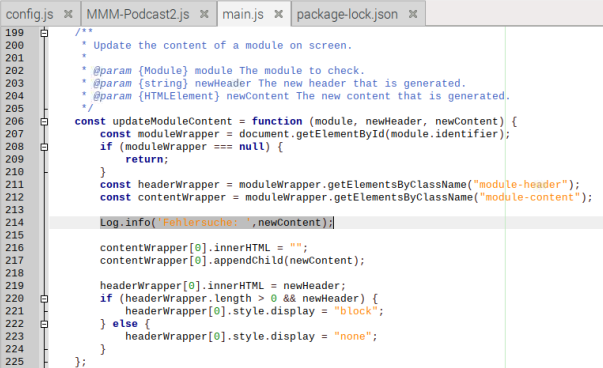
  • MMM-Podcast2 just shows undefined

    Unsolved
    8
    2
    0 Votes
    8 Posts
    2k Views
    O
    @sdetweil Thank you very much for your effort! The commands of the youtube video didn’t help in my case.
  • Solution for Nextcloud Calender Integration

    Solved
    1
    1 Votes
    1 Posts
    402 Views
    N
    Re: Default calendar and Nextcloud CalDav Hello together, I have tried different ways and now found one that is not quite perfect but works. Unfortunately, the NC user and password must be used in plain text, so I have generated for this purpose a special user on the NC that has no permissions but gets my calendar shared by me. This is certainly not the most elegant solution but it works and is relatively “safe”. Here is the copy of my working ``` code_text { module: "calendar", header: "Calender", position: "top_left", config: { calendars: [ { symbol: "calendar", url: "https://<USERNAME>:<PASSWORD>@<EXAMPLEnextcloud.org>/remote.php/dav/calendars/<USERNAME>/<NAMEofCALENDER>/?export", auth: { user: "USERNAME", pass: "PASSWORD", method: "basic", } }, ], } },

  • MMM GooglePhoto not Loading

    Unsolved
    8
    0 Votes
    8 Posts
    2k Views
    S
    @millis I just did it again without issues… the error shown seems to indicate that you picked the wrong app type the credentials.json (that you downloaded from google) should look like this { "installed": { "client_id": "cccccc", "project_id": "ccccc", "auth_uri": "https://accounts.google.com/o/oauth2/auth", "token_uri": "https://oauth2.googleapis.com/token", "auth_provider_x509_cert_url": "https://www.googleapis.com/oauth2/v1/certs", "client_secret": "ccccc", "redirect_uris": [ "http://localhost" ] } } the code is looking for the “installed” item
  • MMM-MyDutchWeather

    Unsolved
    4
    1
    0 Votes
    4 Posts
    1k Views
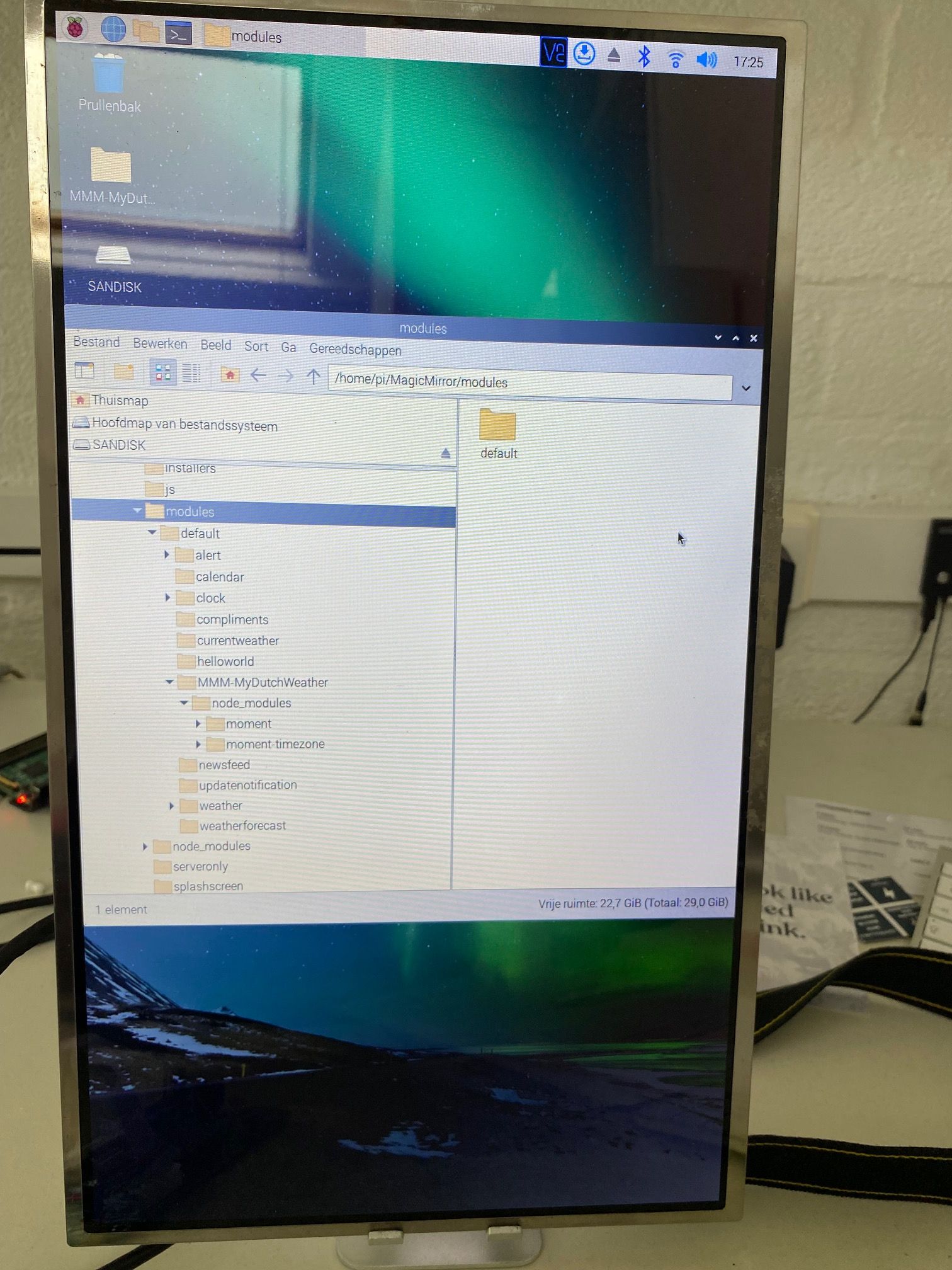
    S
    @lodevries black screen see https://forum.magicmirror.builders/topic/15778/fix-for-black-screen-in-2-16-and-later
  • NPM Vulnerabilities Alert.

    Unsolved
    9
    0 Votes
    9 Posts
    2k Views
    S
    @ankonaskiff17 yes just delete the node modules folder in the module folder and redo the npm install no guarantee it will change the results best just to ignore the messages
  • Update script not updating

    Solved
    13
    0 Votes
    13 Posts
    4k Views
    S
    @strawberry-3-141 but thats not true on intel I get one version on arm (32bit) I get a diffferent version on arm (64bit) I get a different version on aarch64 i get a different version especially if there is a binary… and who knows what is buried under there
  • MM Restarts on Pi4

    Unsolved
    7
    0 Votes
    7 Posts
    1k Views
    T
    @sdetweil pi@raspberrypi:~ $ node -v v16.13.2
  • Issue Calendar CustomEvents color

    Solved
    6
    1
    0 Votes
    6 Posts
    2k Views
    S
    @mboss each module does its own thing…
  • mmm-amazon-photos - slideshow not working

    Unsolved
    5
    0 Votes
    5 Posts
    1k Views
    K
    I cannot see any errors relating to the module in the console… I have raised it as issue on the GitHub repo. Many thanks for your help. Regards KD
  • Module not found error

    Unsolved
    2
    0 Votes
    2 Posts
    2k Views
    mumblebajM
    @Johanba said in Module not found error: Error: Cannot find module ‘request’ This is your error. See below post to resolve. https://forum.magicmirror.builders/topic/15778/fix-for-black-screen-in-2-16-and-later?page=1
  • Compliments.json absolute or relative and proper path

    Solved
    6
    0 Votes
    6 Posts
    1k Views
    AssassinsA
    @kayakbabe you Can put you file in to default/compliments And insert this to config.js { module: ‘compliments’, position: ‘bottom_bar’, config: { remoteFile: ‘youfiles.compliments.json’ } },
  • Calendar events showing on wrong day.

    Unsolved
    66
    0 Votes
    66 Posts
    27k Views
    S
    @flyedge great info, thank you… I see the issue, but don’t yet know why it is behaving this way (compared to previous releases) and don’t know how to fix it yet. luxon (which returns the dates matching a repeating rule RRULE) might have fixed their bad behavior… where they jammed the non UTC date onto the UTC time in this old case it would have been 2022-02-5-10T01:00:00Z where I was correcting the mangled event date