Read the statement by Michael Teeuw here.
Help to modify existing modules
-
Hello,
I would like to modify the following modules: weather, news, holidays to put those of my country.
How can I do ?
Thank you for your help. -
Weather usually requires that you enter a location ID of some sort, so that the module knows what information to display.
Newsfeed? Do a google search for an .rss newsfeed that interests you, local to you and/or in your native language. You’ll need the url to that newsfeed to add to the module.
MMM-Holiday2? Change the country code in the config.
The README file included with each module has directions for use
-
Holiday module that should work for your country…
-
Thanks you so much everybody
-
Hello,
I am a beginner in this field. I’m stuck for the following things:
1- Modify the rss stream while I modify it in the configuration file newsfeed.js with a new url: http://www.lemonde.fr/rss/une.xml
2- I will also activate the color weather on the MagicMirror by setting my country of origin.
For the moment, I managed to edit compliments
Thank you very much for your help. -
Sorry,
I found or had to modify the parameters for the rss feed (MagicMirror/config/config.js).
Now I try to display the color weather of my country.
-
@greda said in Help to modify existing modules:
Now I try to display the color weather of my country.
What weather module are you using?
-
Hi,
I use module currentweather and weatherforecast.
Here’s my configuration :module: "currentweather", position: "top_right", config: { location: "Saint Nicolas d'Aliermont", locationID: "https://openweathermap.org/city/2977892", //ID from http://www.openweathermap.org/help/city_list.txt appid: "MyAPI" } }, { module: "weatherforecast", position: "top_right", header: "Weather Forecast", config: { location: "Saint Nicolas d'Aliermont", locationID: "https://openweathermap.org/city/2977892", //ID from http://www.openweathermap.org/help/city_list.txt appid: "MyAPI"No information is displayed on screen.
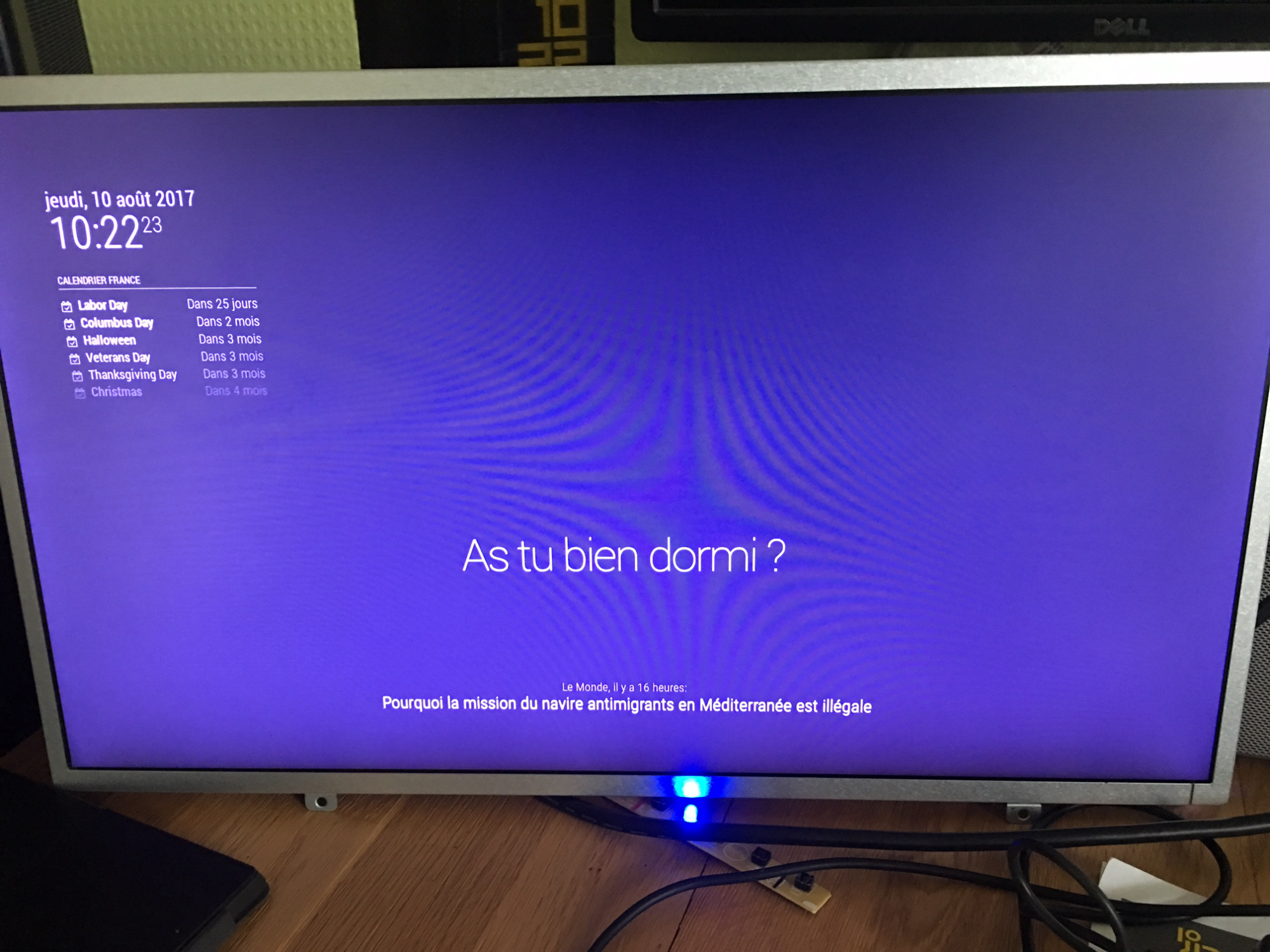
Thank you for you help -
@greda said in Help to modify existing modules:
locationID: “https://openweathermap.org/city/2977892”,
Change your locationID in both modules to this:
locationID: "2977892",And, of course, enter your apiKey in both
-
Super thank you so much.
I ve got weather on my magic mirror :-) -
Excellent! :^)


Hello! It looks like you're interested in this conversation, but you don't have an account yet.
Getting fed up of having to scroll through the same posts each visit? When you register for an account, you'll always come back to exactly where you were before, and choose to be notified of new replies (either via email, or push notification). You'll also be able to save bookmarks and upvote posts to show your appreciation to other community members.
With your input, this post could be even better 💗
Register Login