Read the statement by Michael Teeuw here.
ipWhitelist HowTo
-
This post is deleted! -
I have tried all of the suggestions to get MMM-Remote-Control to work and I cannot figure anything out. Any help would be appreciated. I keep getting
Cannot GET /remote.htmland I’m not sure what to do from here. -
That doesn’t sound like an ipWhitelist problem. Did you install MMM-Remote-Control per the instructions? If so, what exactly are you getting your error message on and what are the IPs of your magicmirror and device?
-
This post is deleted! -
Please help me out, i do all the things whatever consulted in forum to access the remote control, but it is not working from my phone, or any other devices.
It just working on the pc from where raspberry pi is operated through vnc.
Please, help me. My project submission date is too close, please help. -
Re: [[Remote-Control] Shutdown](Configure and Update your MagicMirror)
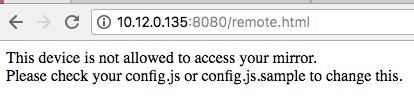
Has anyone found a fix for the issue below? I tried hardcoding my raspberry pi IP address and creating a range of acceptable IP addresses but still not able to access the MagicMirror from my desktop or phone. Any advice?
-
@gjones444
hi
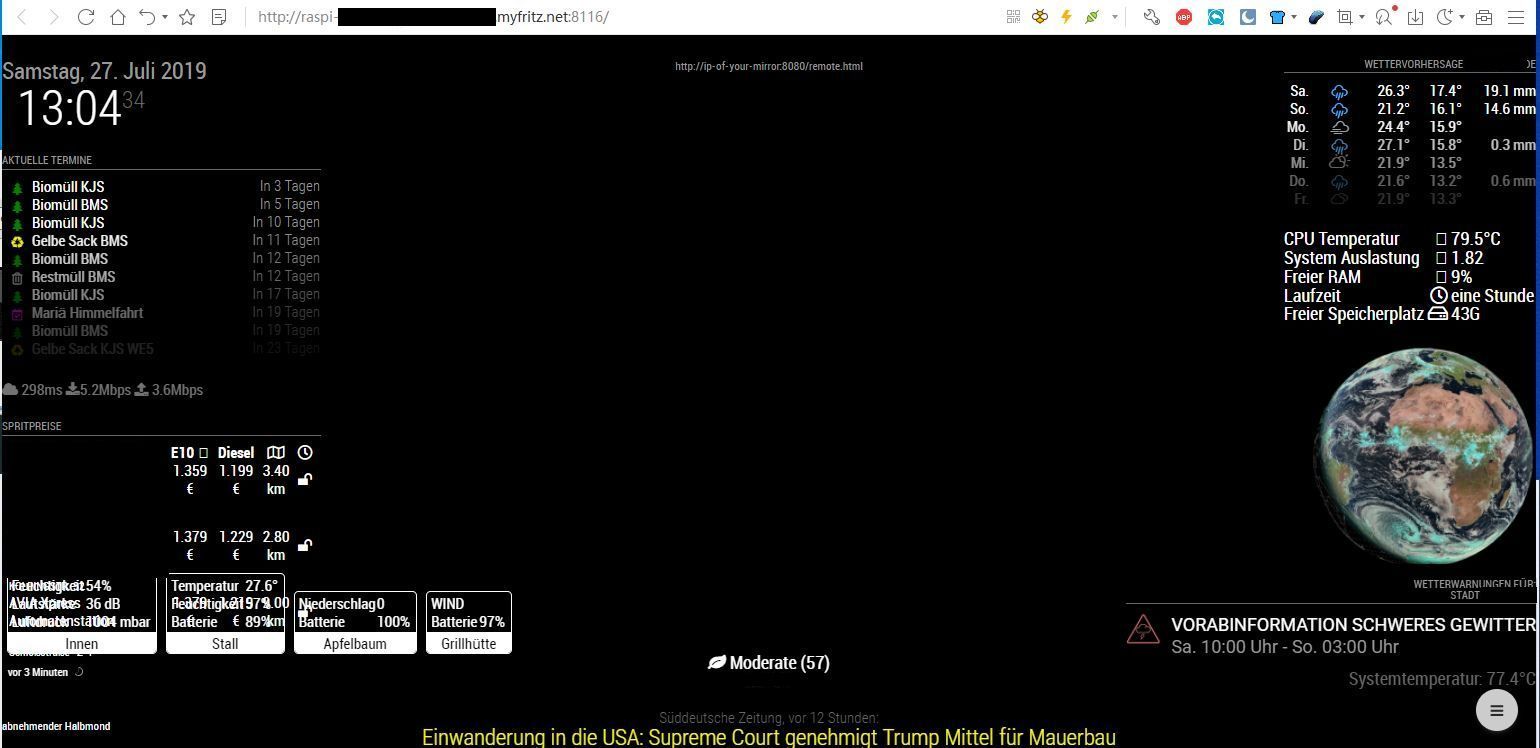
you must configure your config.js and maybe your interent router.This is my adress for global access to the mm2 via internet browser
http://raspi-mm2.xxxxxxxxxxxxxx.myfritz.net:8116/
an this is a part of my configuration in my config .js
var config = {
        address: "0.0.0.0",
        port: 8116,
        ipWhitelist: [],
Port forward configuration for my router for global access
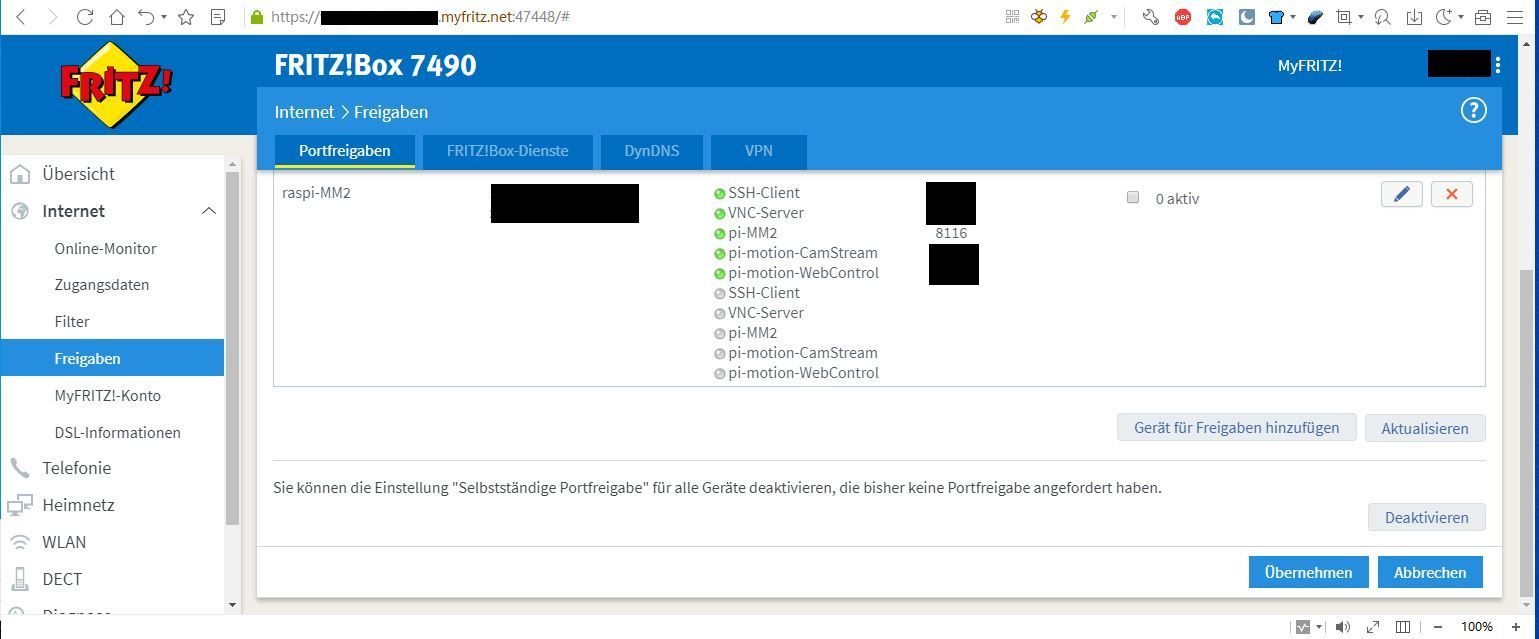
screenshot browser:
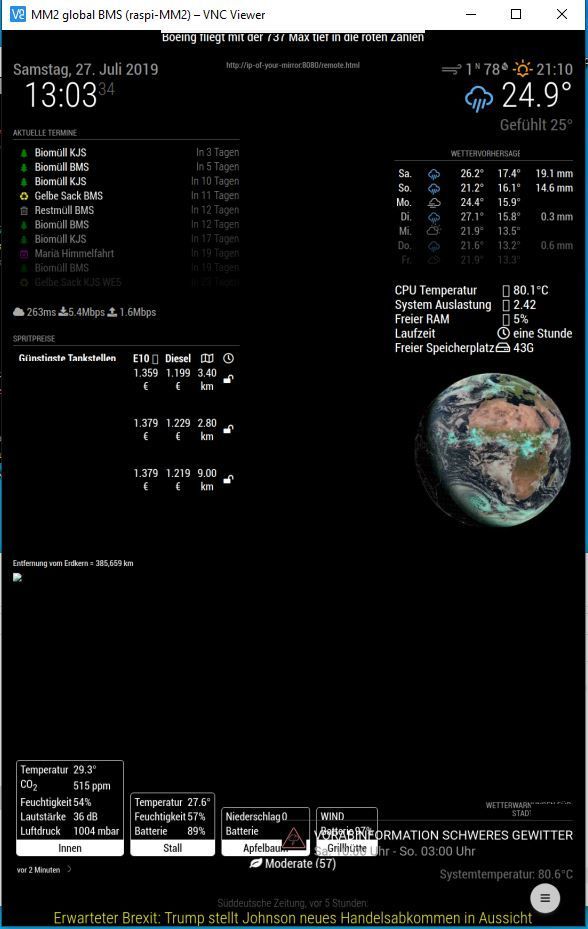
screenshot VNC Viewer:
-
Anyone can help me please?
I tried everything but still cant get an access granted to my IP 192.168.254.107
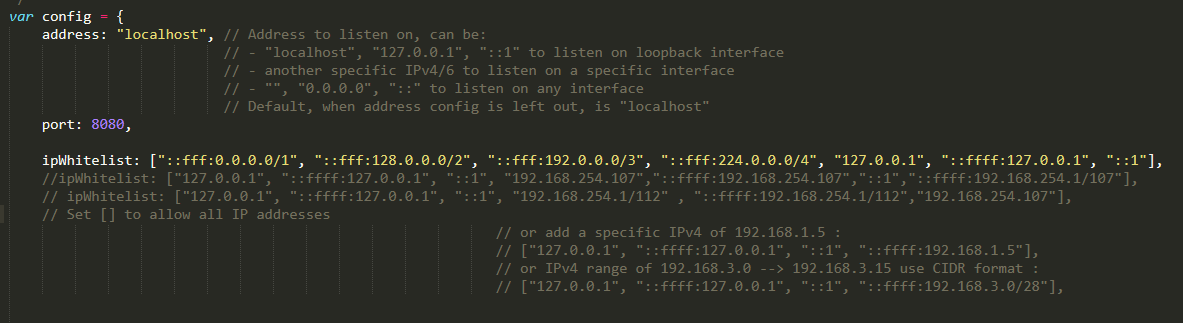
-
@veejae addess: “localhost”, means listen ONLY inside (from myself)…
change to address: “0.0.0.0” (listen from anywhere)
-
This post is deleted! -
Hi
I recently installed MM and am viewing on screen rather than on a mirror. I’m unable to view MM in a web browser from another machine in the network. I get
This site can’t be reached
192.168.0.113 refused to connect.I’ve gone through this topic and tried the various suggestions including turning off IPv6. No joy.
No errors or connection refused messages in the pm2 logs. I’ve run config:check and it runs clean.netstat -lnpt Proto Recv-Q Send-Q Local Address Foreign Address State PID/Program name tcp 0 0 0.0.0.0:5900 0.0.0.0:* LISTEN - tcp 0 0 127.0.0.1:8080 0.0.0.0:* LISTEN 1861/electron.js tcp 0 0 0.0.0.0:22 0.0.0.0:* LISTEN -I’m trying to access with http://192.168.0.113. Ssh to the pi is fine.
Any ideas? -
Setting address: “0.0.0.0” has solved this.
-
really? this topic has 63k views, so it is litterally really annoying and problematic to a lot of people.
It is a website for a mirror, how hard do you want to make it to be set up? the website should be served to anybody who can access it. IT pros who need to secure it will be able to, without this trickery. this is bs. -
@openPhiL
Well, suggest a better solution then. Maybe in a more constructive way.
Or just go ahead find something else. -
Hi everybody,
I want to connect from the outside on my maggic. I configured the config.js file like this: ipWhitelist: [“127.0.0.1”, “:: ffff: 127.0.0.1”, “:: 1”, “0.0.0.0”], // Set [] to allow all IP addresses but I don’t have remote access.
Thank you for your help. -
@greda said in ipWhitelist HowTo:
ipWhitelist: [“127.0.0.1”, “:: ffff: 127.0.0.1”, “:: 1”, “0.0.0.0”]
u mean inside your home?
address: "0.0.0.0".
ipWhitelist:[],
127.0.0.1 means ONLY from the same box as MM on it.
-
-
Ok thanks it 's good now.
-
Hi,
sorry, this is a very long thread I stumbled upon because I had the problem that my browser told me that I cannot connect to a server only instance of mm2. The terminal output gave me an “Access denied to IP address” and printed the ip address I configured in the ipWhitelist section of the config file according to the getting started section in the documentation and the comment in the config itself.
What I was doing was following this advice:
// or add a specific IPv4 of 192.168.1.5 :
                                                                                                                        // ["127.0.0.1", "::ffff:127.0.0.1", "::1", "::ffff:192.168.1.5"],
the ip rejected was 192.168.178.42, therefore I used first
"127.0.0.1", "::ffff:127.0.0.1", "::1", "::ffff:192.168.178.42"BUT I think I have to use (at least this is what makes it working)
"127.0.0.1", "::ffff:127.0.0.1", "::1", "192.168.178.42"Does this make any sense to you?
Kind regards
Marco
-
@esamecar what is your address: setting?
to allow systems from OUTSIDE the MagicMirror hardware, you must use something OTHER than “localhost”
you can either use “0.0.0.0” , which means use any ip address on this machine to listen to requests
or the actual ip address (which can change )
useip addrto get the address of the wifi or ethernet connected interface
THEN
you can fiddle with the whitelist …using the whitelist (IMHO) is really only useful in a commercial setting where someone in the office MIGHT scan for open IP addresses and try to connect to a range of ports…
in my house, noone is getting on my network unless I let them …

Hello! It looks like you're interested in this conversation, but you don't have an account yet.
Getting fed up of having to scroll through the same posts each visit? When you register for an account, you'll always come back to exactly where you were before, and choose to be notified of new replies (either via email, or push notification). You'll also be able to save bookmarks and upvote posts to show your appreciation to other community members.
With your input, this post could be even better 💗
Register Login