Read the statement by Michael Teeuw here.
Border
-
Hello,
Old user new to post. I just updated my mirror from a while back and the border outlining is now far too big. Maybe I missed something, but the OS still has the correct resolution, but the difference is about 5-%10% around the whole screen. I am not talking about over/underscan I am speaking about the Magic Mirror software specifically. I searched around the form looking for a way to remove the border but have not been successful. So I figured it was an update and there might be no way to remove it. I appreciate any help in advance.
-
Perhaps this in the custom.css file:
body {
  margin: 20px;
  height: calc(100% - 40px);
  width: calc(100% - 40px);
}
It doesn’t remove the border. It gives you a 20px border. You can play with the values to your liking
-
@Mykle1 Ah thank you, I appreciate the help and the suggestion.
-
This post is deleted! -
I have a strange problem and cannot find the solution.
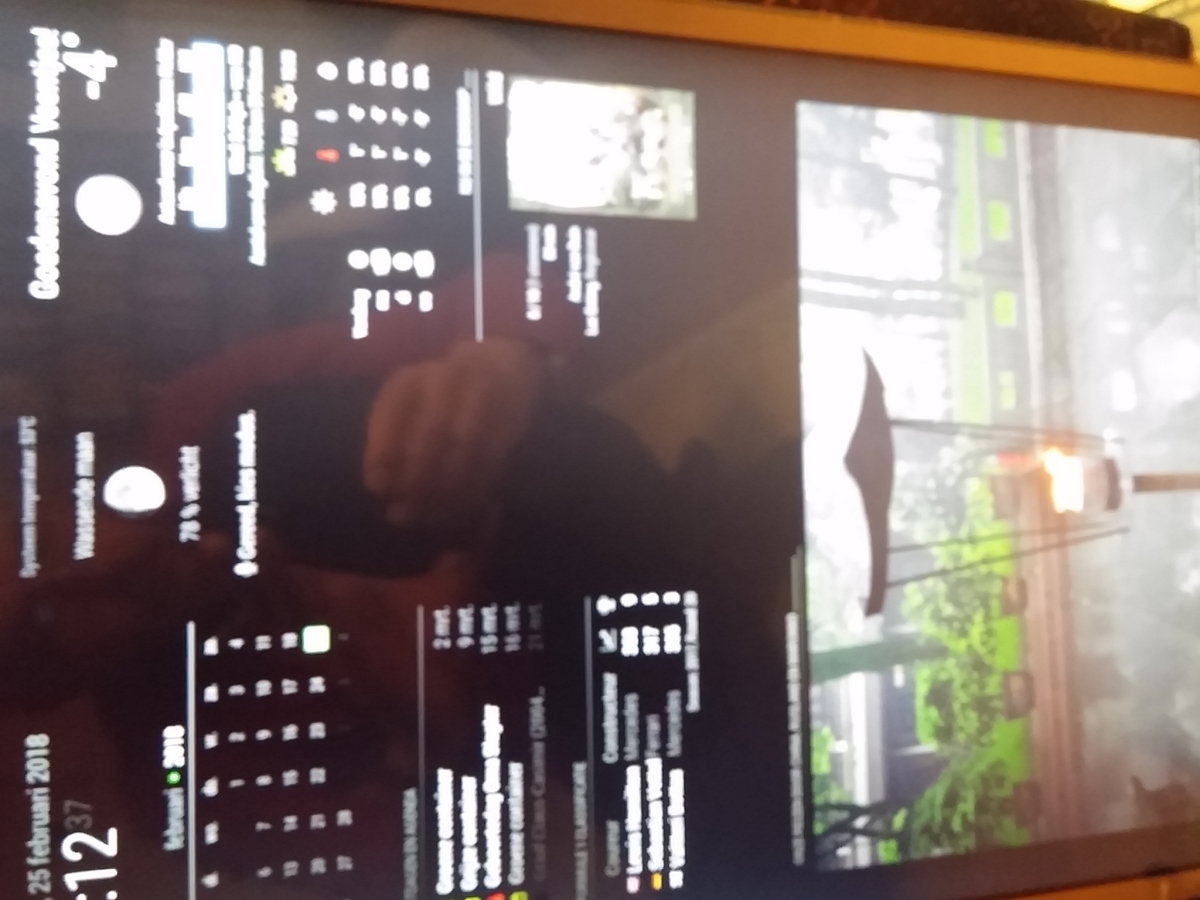
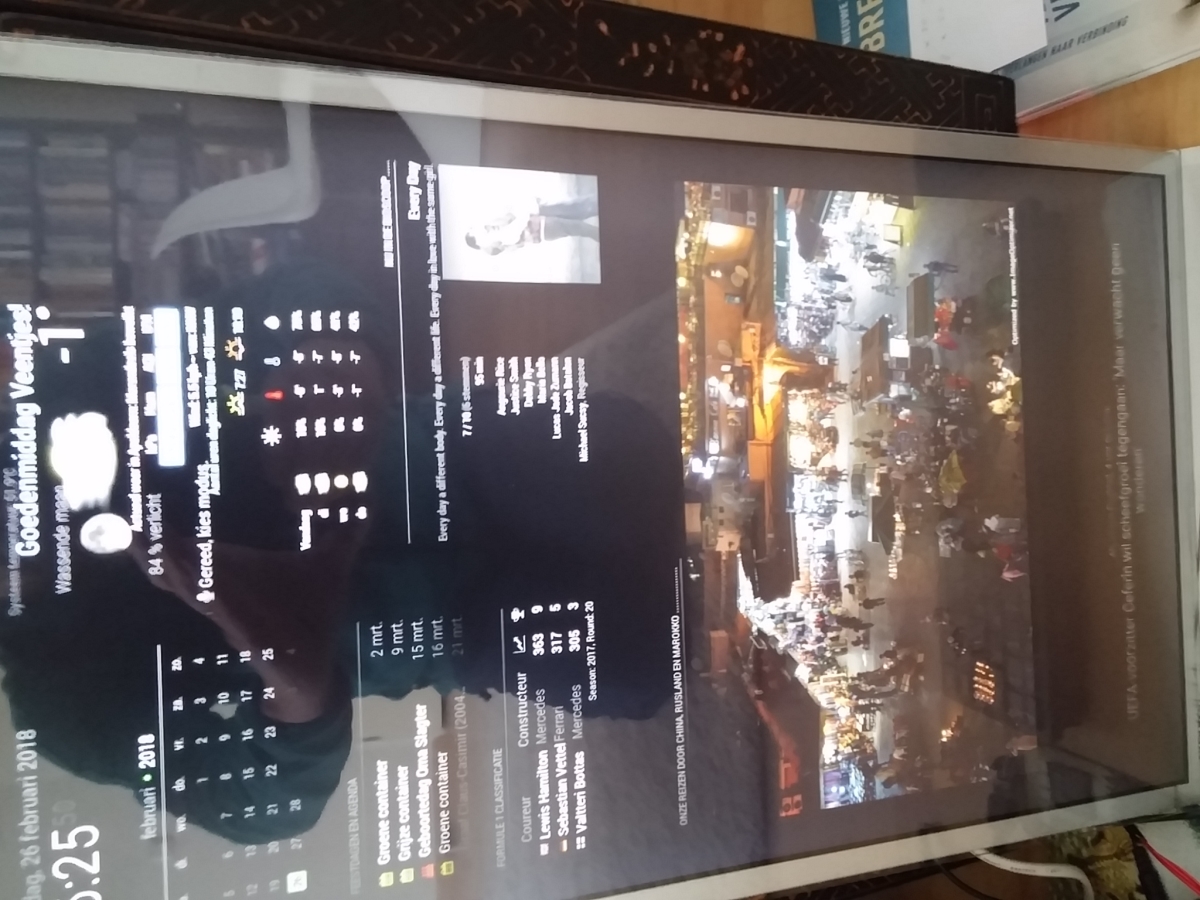
In the first picture you see the right borders are good.
In the module MovieListings there is one movie with a longer text and when it occurs on the MM, the border of NOAA also changes (second picture).
Can any body help me wit this?
Peter
-
Looks like it’s divided in two parts with 50% 50% each but a set max-height for the image. So when the container is widened by the headline, the two areas get wider aswell.
You can check the width in the developer tools and set it as max-width or width in custom.css -
I have no idea how to change the settings.
All the modules on the right side are in the right_top region.
All modules are positioned well untill the movie with the long title apears.
If somebody has a solution; please explain me how to fix it.
Peter -
@Peter Suggest you try this to limit the width of the
MMM-MovieListingsmodule:.module.MMM-MovieListings { max-width: 400px; /* adjust as needed */ }You said it’s a long title, but isn’t the title “Every Day”? Is it the movie tagline stretching the
module? I think you could target it with something like this:.module.MMM-MovieListings div div:nth-child(2) { white-space: normal; /* why is it not wrapping? strange */ word-wrap: normal; /* break the text to a new line */ }There are no classes, so I’m just eyeballing something based on the markup generated here.
-
Thank you for your help!
Unfortunately it did not work.
Peter -
@Peter can you share your
MMM-MovieListingsconfig? I’ll try to replicate the issue.If you start MM with
npm start dev, you can use the DOM inspector to see Inspect theMMM-MovieListingsmodule (or just press Ctrl+Alt+I). What classes does the module have? Can you see your CSS being applied? -
@ninjabreadman I feel really stupid, but starting MM with npm start dev fails.
And I have no idea what the DOM inspector is.
Very sorry for that.
This is the MMM-MovieListings config:{ module: "MMM-MovieListings", position: "top_right", // Default module config. defaults: { apiKey: '04b3f48b71a2ac28797f94d0201a68f6', region: 'NL', language: 'en-EN', interface: 'poster', //'list', 'poster', 'detailed' includeMoviePlot: false, maxPlotLength: 198, header: 'Nu in de bioscoop', moviesPerPage: 0, refreshInterval: 1000 * 60 * 60 * 24, //Once a day baseUrl: 'https://api.themoviedb.org/3/movie/now_playing', animationSpeed: 2.5 * 1000, pageChangeInterval: 30 * 1000 } },Peter
-
Every movie is displayed well except “Every day”.
This movie has a very long line in the (sub)title:
“Every day a different body, every day a different life, every day in love with the same girl”
That long line is causing the problem.
I hope you can help!
Peter -
Hi @Peter,
I installed the module with your config (although
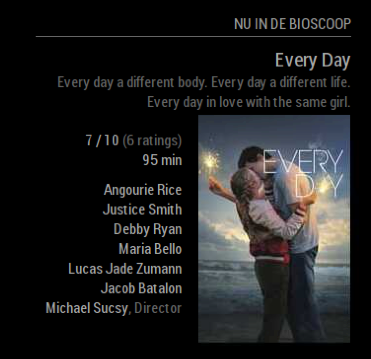
configwas calleddefaults, which took a while to debug).This works for me:
.module.MMM-MovieListings {
  max-width: 320px; /* adjust as needed */
}
As seen here:
-
@ninjabreadman thanks a lot!
This works!
I am very happy with your help.
Peter

Hello! It looks like you're interested in this conversation, but you don't have an account yet.
Getting fed up of having to scroll through the same posts each visit? When you register for an account, you'll always come back to exactly where you were before, and choose to be notified of new replies (either via email, or push notification). You'll also be able to save bookmarks and upvote posts to show your appreciation to other community members.
With your input, this post could be even better 💗
Register Login