MagicMirror Forum
    • Recent
    • Tags
    • Unsolved
    • Solved
    • MagicMirror² Repository
    • Documentation
    • 3rd-Party-Modules
    • Donate
    • Discord
    • Register
    • Login
    A New Chapter for MagicMirror: The Community Takes the Lead
    Read the statement by Michael Teeuw here.

    How to add modules. For absolute beginners.

    Scheduled Pinned Locked Moved Troubleshooting
    91 Posts 16 Posters 147.0k Views 24 Watching
    Loading More Posts
    • Oldest to Newest
    • Newest to Oldest
    • Most Votes
    Reply
    • Reply as topic
    Log in to reply
    This topic has been deleted. Only users with topic management privileges can see it.
    • T Offline
      TheSij @Mykle1
      last edited by

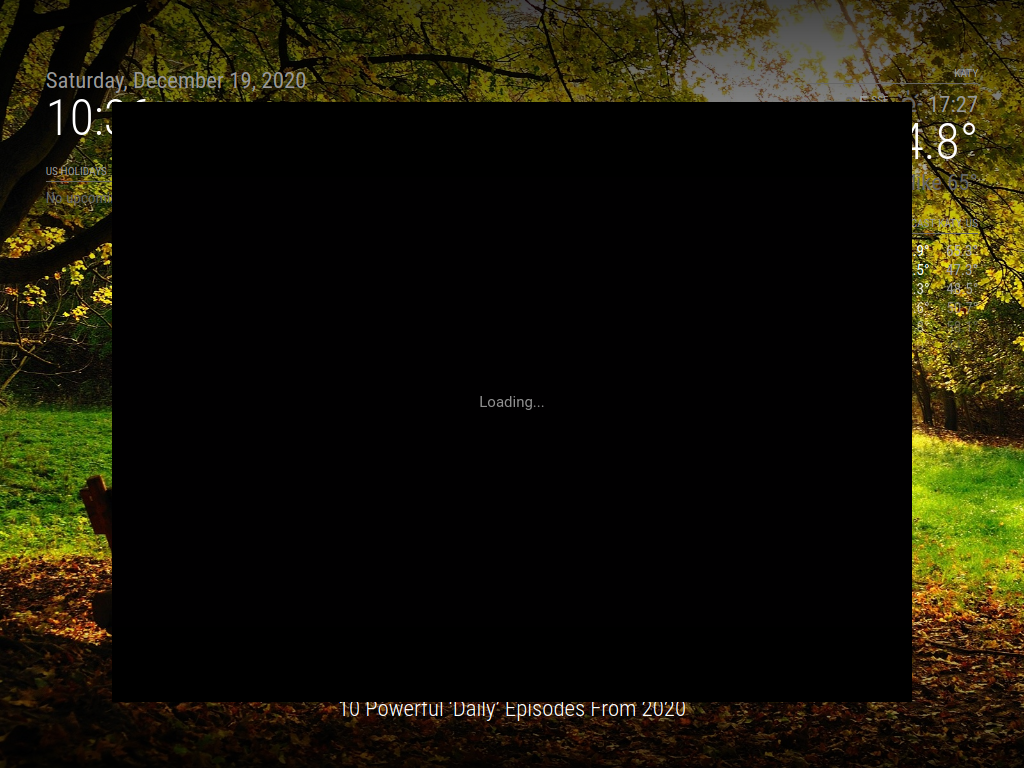
      @Mykle1 thanks to you and @sdetweil for helping me with this. It’s much appreciated. Deep down I’m reluctant to give up, because I don’t like quitting. I’ve literally just copied your config entry, and simply adding my own lat/lon figures. But now the MagicMirror shows up as a blank black screen and the window is named ‘Electron’, rather than ‘MagicMirror2’.

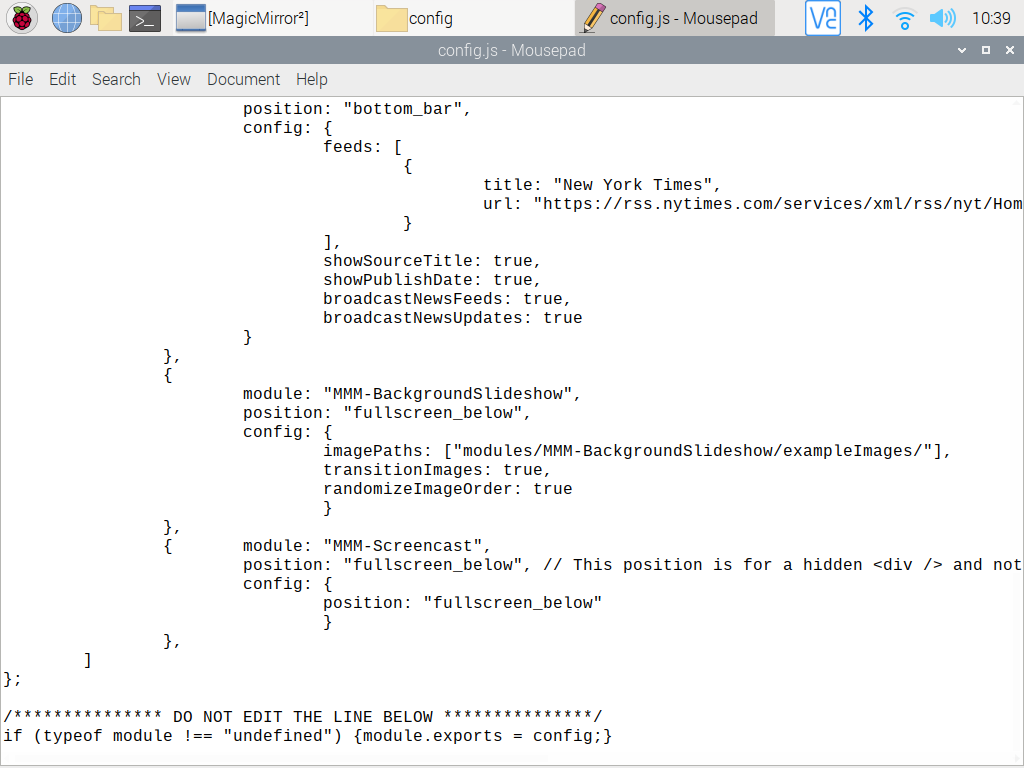
      I’m checking, double-checking and triple-checking and I can’t see where the discrepancy is compared to your entry. Could having too many modules be an issue? Can I also check - both of you have commented that the ‘timezone’ is causing an error, but your config entry doesn’t show that it’s commented out…?

      S 1 Reply Last reply Reply Quote 0
      • S Do not disturb
        sdetweil @TheSij
        last edited by

        @TheSij how do you start MM? npm start, or pm2 start ?

        if npm start, look at the messages shown in the terminal window after the npm start, or better yet, redirect the messages to a file, so you can look at them later
        npm start >somefile 2>&1
        (same as on windows)

        if pm2, then pm2 logs --lines=100 should display the messages…

        black screen,m typically means some library required by a module is not loaded, usually because of a missed install step for the module…
        the area u read on github, is the same as the file README.md after the git clone, so you can look at the instructions

        git clone
        cd modulename
        npm install

        Sam

        How to add modules

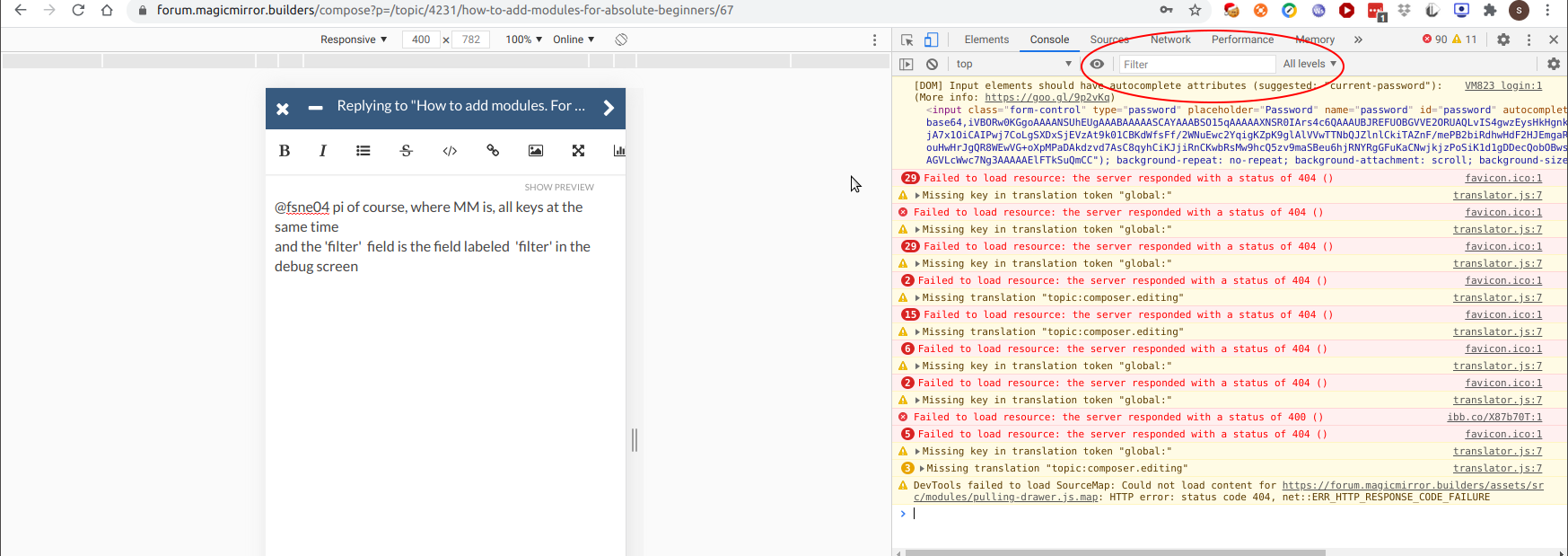
        learning how to use browser developers window for css changes

        T 1 Reply Last reply Reply Quote 0
        • T Offline
          TheSij @sdetweil
          last edited by

          @sdetweil - this is the log when I started MM just now…

          0 info it worked if it ends with ok
          1 verbose cli [ '/usr/bin/node', '/usr/local/bin/npm', 'start' ]
          2 info using npm@6.14.7
          3 info using node@v10.19.0
          4 verbose stack Error: missing script: start
          4 verbose stack     at run (/usr/local/lib/node_modules/npm/lib/run-script.js:155:19)
          4 verbose stack     at /usr/local/lib/node_modules/npm/lib/run-script.js:63:5
          4 verbose stack     at /usr/local/lib/node_modules/npm/node_modules/read-package-json/read-json.js:116:5
          4 verbose stack     at /usr/local/lib/node_modules/npm/node_modules/read-package-json/read-json.js:436:5
          4 verbose stack     at checkBinReferences_ (/usr/local/lib/node_modules/npm/node_modules/read-package-json/read-json.js:391:45)
          4 verbose stack     at final (/usr/local/lib/node_modules/npm/node_modules/read-package-json/read-json.js:434:3)
          4 verbose stack     at then (/usr/local/lib/node_modules/npm/node_modules/read-package-json/read-json.js:161:5)
          4 verbose stack     at /usr/local/lib/node_modules/npm/node_modules/read-package-json/read-json.js:382:12
          4 verbose stack     at /usr/local/lib/node_modules/npm/node_modules/graceful-fs/graceful-fs.js:123:16
          4 verbose stack     at FSReqWrap.readFileAfterClose [as oncomplete] (internal/fs/read_file_context.js:53:3)
          5 verbose cwd /home/pi/MagicMirror/modules/MMM-soccer
          6 verbose Linux 4.19.118-v7l+
          7 verbose argv "/usr/bin/node" "/usr/local/bin/npm" "start"
          8 verbose node v10.19.0
          9 verbose npm  v6.14.7
          10 error missing script: start
          11 verbose exit [ 1, true ]
          
          S 1 Reply Last reply Reply Quote 0
          • S Do not disturb
            sdetweil @TheSij
            last edited by sdetweil

            @TheSij said in How to add modules. For absolute beginners.:

            tack Error: missing script: start
            5 verbose cwd /home/pi/MagicMirror/modules/MMM-soccer

            what did you type?

            the command is

            cd ~/MagicMirror
            npm start
            

            to run MM, you must start from the MagicMirror folder… not a module folder, not the users home folder…

            if you use pm2, it will issue the right commands from the right place

            Sam

            How to add modules

            learning how to use browser developers window for css changes

            T 1 Reply Last reply Reply Quote 0
            • T Offline
              TheSij @sdetweil
              last edited by

              @sdetweil - apologies, I was in the wrong directory. This is the terminal response…

              > magicmirror@2.12.0 start /home/pi/MagicMirror
              > DISPLAY="${DISPLAY:=:0}" ./node_modules/.bin/electron js/electron.js
              
              [2020-07-27 22:56:11.226] [LOG]    Starting MagicMirror: v2.12.0
              [2020-07-27 22:56:11.233] [LOG]    Loading config ...
              [2020-07-27 22:56:11.238] [LOG]    Loading module helpers ...
              [2020-07-27 22:56:11.240] [LOG]    No helper found for module: alert.
              [2020-07-27 22:56:11.290] [LOG]    Initializing new module helper ...
              [2020-07-27 22:56:11.291] [LOG]    Module helper loaded: updatenotification
              [2020-07-27 22:56:11.291] [LOG]    No helper found for module: clock.
              [2020-07-27 22:56:11.643] [LOG]    Initializing new module helper ...
              [2020-07-27 22:56:11.644] [LOG]    Module helper loaded: calendar
              [2020-07-27 22:56:11.645] [LOG]    No helper found for module: currentweather.
              [2020-07-27 22:56:11.646] [LOG]    No helper found for module: weatherforecast.
              [2020-07-27 22:56:11.678] [LOG]    Initializing new module helper ...
              [2020-07-27 22:56:11.678] [LOG]    Module helper loaded: newsfeed
              [2020-07-27 22:56:11.679] [LOG]    No helper found for module: MMM-TFL.
              [2020-07-27 22:56:11.681] [ERROR]  WARNING! Could not load config file. Starting with default configuration. Error found: Error: Cannot find module 'async'
              Require stack:
              - /home/pi/MagicMirror/modules/MMM-PrayerTime/node_helper.js
              - /home/pi/MagicMirror/js/app.js
              - /home/pi/MagicMirror/js/electron.js
              - /home/pi/MagicMirror/node_modules/electron/dist/resources/default_app.asar/main.js
              - 
              [2020-07-27 22:56:11.682] [LOG]    Loading module helpers ...
              [2020-07-27 22:56:11.683] [LOG]    No helper found for module: alert.
              [2020-07-27 22:56:11.683] [LOG]    Initializing new module helper ...
              [2020-07-27 22:56:11.684] [LOG]    Module helper loaded: updatenotification
              [2020-07-27 22:56:11.684] [LOG]    No helper found for module: clock.
              [2020-07-27 22:56:11.685] [LOG]    Initializing new module helper ...
              [2020-07-27 22:56:11.685] [LOG]    Module helper loaded: calendar
              [2020-07-27 22:56:11.685] [LOG]    No helper found for module: currentweather.
              [2020-07-27 22:56:11.686] [LOG]    No helper found for module: weatherforecast.
              [2020-07-27 22:56:11.686] [LOG]    Initializing new module helper ...
              [2020-07-27 22:56:11.686] [LOG]    Module helper loaded: newsfeed
              [2020-07-27 22:56:11.687] [LOG]    No helper found for module: MMM-TFL.
              [2020-07-27 22:56:11.688] [ERROR]  App threw an error during load
              [2020-07-27 22:56:11.689] [ERROR]  Error: Cannot find module 'async'
              Require stack:
              - /home/pi/MagicMirror/modules/MMM-PrayerTime/node_helper.js
              - /home/pi/MagicMirror/js/app.js
              - /home/pi/MagicMirror/js/electron.js
              - /home/pi/MagicMirror/node_modules/electron/dist/resources/default_app.asar/main.js
              - 
                  at Module._resolveFilename (internal/modules/cjs/loader.js:627:15)
                  at Function.Module._resolveFilename (/home/pi/MagicMirror/node_modules/electron/dist/resources/electron.asar/common/reset-search-paths.js:41:16)
                  at Function.Module._resolveFilename (/home/pi/MagicMirror/node_modules/module-alias/index.js:49:29)
                  at Function.Module._load (internal/modules/cjs/loader.js:531:27)
                  at Module.require (internal/modules/cjs/loader.js:685:19)
                  at require (internal/modules/cjs/helpers.js:16:16)
                  at Object.<anonymous> (/home/pi/MagicMirror/modules/MMM-PrayerTime/node_helper.js:9:13)
                  at Module._compile (internal/modules/cjs/loader.js:786:30)
                  at Object.Module._extensions..js (internal/modules/cjs/loader.js:798:10)
                  at Module.load (internal/modules/cjs/loader.js:645:32)
              [2020-07-27 22:56:11.690] [ERROR]  Whoops! There was an uncaught exception...
              [2020-07-27 22:56:11.690] [ERROR]  Error: Cannot find module 'async'
              Require stack:
              - /home/pi/MagicMirror/modules/MMM-PrayerTime/node_helper.js
              - /home/pi/MagicMirror/js/app.js
              - /home/pi/MagicMirror/js/electron.js
              - /home/pi/MagicMirror/node_modules/electron/dist/resources/default_app.asar/main.js
              - 
                  at Module._resolveFilename (internal/modules/cjs/loader.js:627:15)
                  at Function.Module._resolveFilename (/home/pi/MagicMirror/node_modules/electron/dist/resources/electron.asar/common/reset-search-paths.js:41:16)
                  at Function.Module._resolveFilename (/home/pi/MagicMirror/node_modules/module-alias/index.js:49:29)
                  at Function.Module._load (internal/modules/cjs/loader.js:531:27)
                  at Module.require (internal/modules/cjs/loader.js:685:19)
                  at require (internal/modules/cjs/helpers.js:16:16)
                  at Object.<anonymous> (/home/pi/MagicMirror/modules/MMM-PrayerTime/node_helper.js:9:13)
                  at Module._compile (internal/modules/cjs/loader.js:786:30)
                  at Object.Module._extensions..js (internal/modules/cjs/loader.js:798:10)
                  at Module.load (internal/modules/cjs/loader.js:645:32) {
                code: 'MODULE_NOT_FOUND',
                requireStack: [
                  '/home/pi/MagicMirror/modules/MMM-PrayerTime/node_helper.js',
                  '/home/pi/MagicMirror/js/app.js',
                  '/home/pi/MagicMirror/js/electron.js',
                  '/home/pi/MagicMirror/node_modules/electron/dist/resources/default_app.asar/main.js',
                  undefined
                ]
              }
              [2020-07-27 22:56:11.696] [ERROR]  MagicMirror will not quit, but it might be a good idea to check why this happened. Maybe no internet connection?
              [2020-07-27 22:56:11.697] [ERROR]  If you think this really is an issue, please open an issue on GitHub: https://github.com/MichMich/MagicMirror/issues
              [2020-07-27 22:56:11.814] [LOG]    Launching application.
              
              
              S 1 Reply Last reply Reply Quote 0
              • S Do not disturb
                sdetweil @TheSij
                last edited by sdetweil

                @TheSij said in How to add modules. For absolute beginners.:

                [2020-07-27 22:56:11.690] [ERROR] Error: Cannot find module ‘async’

                i suspect you did not do the required install in the
                MagicMirror/modules/MMM-PrayerTime folder

                per the instructions

                Installation
                Navigate into your MagicMirror's modules folder
                execute git clone https://github.com/slametps/MMM-PrayerTime.git
                
                **if this module does not run correctly,** try npm install async


                Sam

                How to add modules

                learning how to use browser developers window for css changes

                T S Mykle1M 3 Replies Last reply Reply Quote 0
                • T Offline
                  TheSij @sdetweil
                  last edited by

                  @sdetweil said in How to add modules. For absolute beginners.:

                  I am 110% sure I installed the module in the right directory. I always check before I execute it. I’ve just checked the directory, and the module repository is in the right place. I’m executing the ‘npm install async’ command now. Fingers crossed!

                  S 1 Reply Last reply Reply Quote 0
                  • S Do not disturb
                    sdetweil @TheSij
                    last edited by

                    @TheSij said in How to add modules. For absolute beginners.:

                    I’ve just checked the directory, and the module repository is in the right place.

                    what does that mean?

                    Sam

                    How to add modules

                    learning how to use browser developers window for css changes

                    T 1 Reply Last reply Reply Quote 0
                    • S Do not disturb
                      sdetweil @sdetweil
                      last edited by sdetweil

                      I opened an issue on the MMM-PrayerTime module github, for him to create a package.json file for this async dependency and let the system handle it
                      https://github.com/slametps/MMM-PrayerTime/issues/43

                      Sam

                      How to add modules

                      learning how to use browser developers window for css changes

                      T 1 Reply Last reply Reply Quote 1
                      • T Offline
                        TheSij @sdetweil
                        last edited by

                        @sdetweil - as in, the files for that module is in the MM modules folder. Sorry if I’m using the wrong terminology.

                        So, after running the ‘npm install async’, it found three low vulnerabilities, which I’ve asked for them to be fixed.

                        S 1 Reply Last reply Reply Quote 0
                        • T Offline
                          TheSij @sdetweil
                          last edited by

                          @sdetweil - thanks. I think I’ve got it working. The module is finally showing in the MM dashboard. Thanks very much for the guidance, and @Mykle1.

                          Mykle1M 1 Reply Last reply Reply Quote 0
                          • S Do not disturb
                            sdetweil @TheSij
                            last edited by

                            @TheSij ignore the vulnerabilities, more trouble than its worth

                            Sam

                            How to add modules

                            learning how to use browser developers window for css changes

                            T 1 Reply Last reply Reply Quote 0
                            • T Offline
                              TheSij @sdetweil
                              last edited by

                              @sdetweil - too late. Sorry, I went ahead before getting this advice. I’ll remember for next time.

                              S 1 Reply Last reply Reply Quote 0
                              • S Do not disturb
                                sdetweil @TheSij
                                last edited by

                                @TheSij many times the ‘fixes’ force new code, which breaks old code, so you fix one problem, but the system is dead.

                                more times than not fixing adds new issues to the list, different than u started with. almost NEVER does the list go away.
                                and some of the vulnerabilities matter IF you have your pi connected to the internet where others are interacting with it (logon, save money, messages, …) MM is just pulling update notices. not allowing unsolicited inbound connections…

                                Sam

                                How to add modules

                                learning how to use browser developers window for css changes

                                T 1 Reply Last reply Reply Quote 1
                                • T Offline
                                  TheSij @sdetweil
                                  last edited by

                                  @sdetweil - understood. Thanks!

                                  1 Reply Last reply Reply Quote 0
                                  • Mykle1M Offline
                                    Mykle1 Project Sponsor Module Developer @TheSij
                                    last edited by

                                    @TheSij said in How to add modules. For absolute beginners.:

                                    The module is finally showing in the MM dashboard.

                                    Ahh, see? Well done. Don’t sweat it. We’ve all experienced these problems. I promise, it gets easier. The more you learn the easier it becomes. Have fun!

                                    Create a working config
                                    How to add modules

                                    1 Reply Last reply Reply Quote 1
                                    • Mykle1M Offline
                                      Mykle1 Project Sponsor Module Developer @sdetweil
                                      last edited by

                                      @sdetweil said in How to add modules. For absolute beginners.:

                                      i suspect you did not do the required install

                                      For the record, I did not have to install dependencies.

                                      Create a working config
                                      How to add modules

                                      S 1 Reply Last reply Reply Quote 0
                                      • S Do not disturb
                                        sdetweil @Mykle1
                                        last edited by sdetweil

                                        @Mykle1 because some other module already had. npm install would have resolved that, if he had provided the package. json

                                        Sam

                                        How to add modules

                                        learning how to use browser developers window for css changes

                                        Mykle1M 1 Reply Last reply Reply Quote 0
                                        • Mykle1M Offline
                                          Mykle1 Project Sponsor Module Developer @sdetweil
                                          last edited by Mykle1

                                          @sdetweil said in How to add modules. For absolute beginners.:

                                          npm install would have resolved that, if he had provided the package. json

                                          :thumbsup:

                                          Create a working config
                                          How to add modules

                                          1 Reply Last reply Reply Quote 0
                                          • ebolisaE Offline
                                            ebolisa
                                            last edited by

                                            What if no errors are generated and yet the widget is not shown on the screen? Where do we start troubleshooting?

                                            TIA

                                            Mykle1M S 2 Replies Last reply Reply Quote 0

                                            Hello! It looks like you're interested in this conversation, but you don't have an account yet.

                                            Getting fed up of having to scroll through the same posts each visit? When you register for an account, you'll always come back to exactly where you were before, and choose to be notified of new replies (either via email, or push notification). You'll also be able to save bookmarks and upvote posts to show your appreciation to other community members.

                                            With your input, this post could be even better 💗

                                            Register Login

                                            • 1
                                            • 2
                                            • 3
                                            • 4
                                            • 5
                                            • 3 / 5
                                            • First post
                                              Last post
                                            Enjoying MagicMirror? Please consider a donation!
                                            MagicMirror created by Michael Teeuw.
                                            Forum managed by Sam, technical setup by Karsten.
                                            This forum is using NodeBB as its core | Contributors
                                            Contact | Privacy Policy