Read the statement by Michael Teeuw here.
MMM-NOAA - Another Weather Module
-
@nobita said in MMM-NOAA - Another Weather Module:
@cowboysdude
from your module
Get your free API key fr https://www.weatherbit.io/api , Select the free planbut
in config : {
apiKey: “YOUR API KEY”, // https://www.wunderground.com/weather/api select the middle plani confuse API Key fr weatherbit.io or wunderground
Yes pretty sure the readme may still have some incorrect info… I’m just too busy to have time to fix everything at the moment. That was a change I had to make to basically just to keep NOAA and NOAA2 working…so the info can be wrong. Glad you’re asking questions!!! :)
-
This post is deleted! -
-
Need to see your config.js file…
-
This looks great I’m going to try and install now.
-
@solelo said in MMM-NOAA - Another Weather Module:
This looks great I’m going to try and install now.
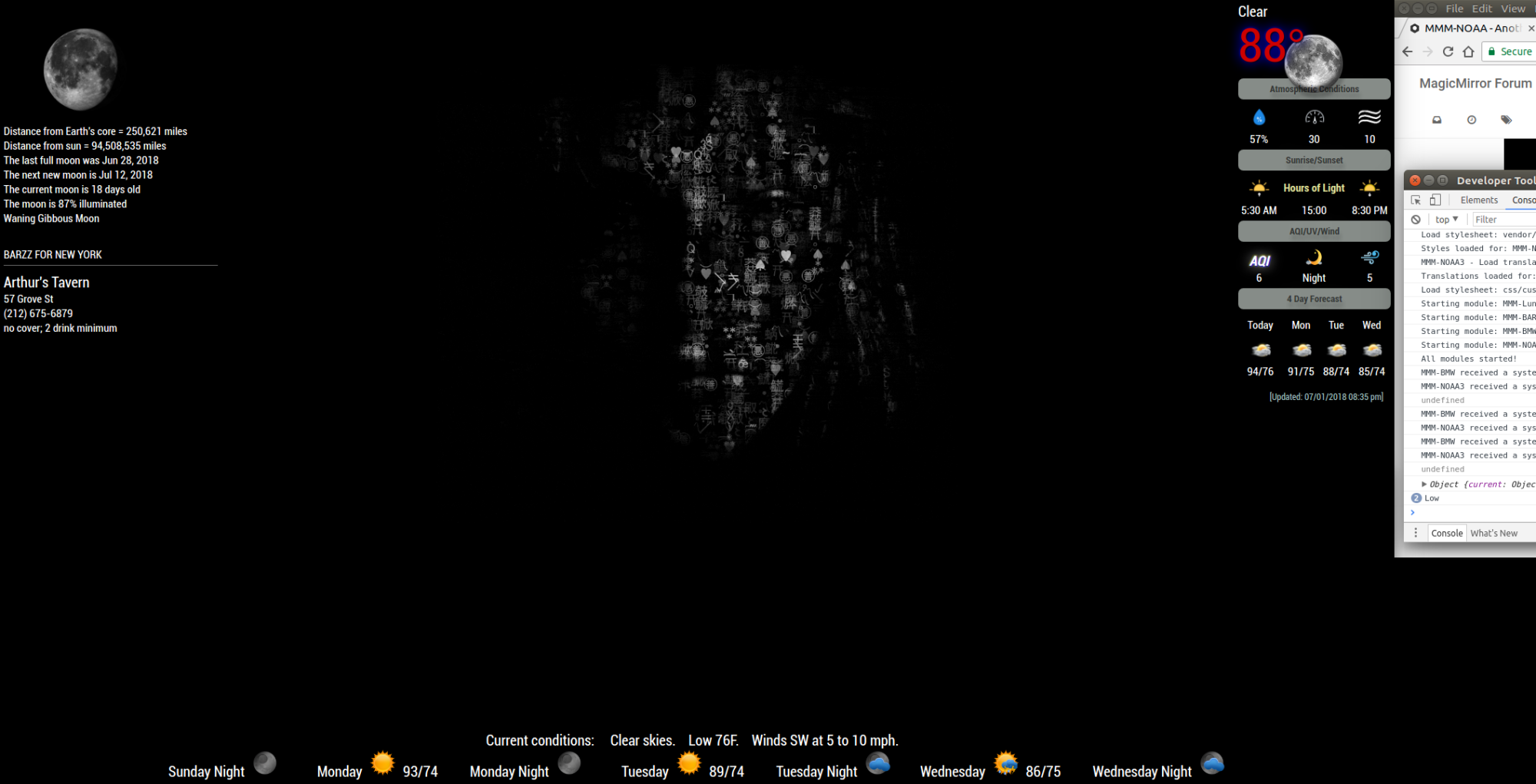
Yeah, it does. And the maniac author isn’t done with it yet. ;-)
-
LMAO!!! maniac author??? having the need to improve on things does not merit the title of maniac!!!
Oh, wait, I am a Psych Nurse, AND, I have OCD!!! No freaking wonder everyone calls me a maniac!!!
UGH!!! Thanks for opening that can of worms on me, dude. Now how am I gonna keep going with this weighing on my already effed-up brain???
-
I call him a maniac only in the most respectful way. He’s a good dude and a good friend.
-
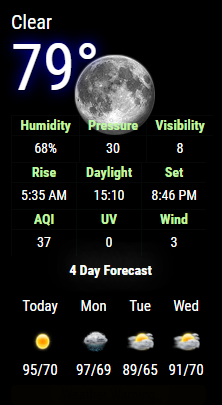
Here’s a screen shot…it’s been a labor of love :) This is NOAA3… with a few new features…stay tuned.
-
Yes, I know he is. I just couldn’t resist
-
@cowboysdude AWESOME!!!
-
@cowboysdude said in MMM-NOAA - Another Weather Module:
Here’s a screen shot…it’s been a labor of love This is NOAA3… with a few new features…stay tuned.
I think I’m gonna be sick. ;-)
-
@mykle1 :nauseated_face: :nauseated_face: :nauseated_face:
-
-
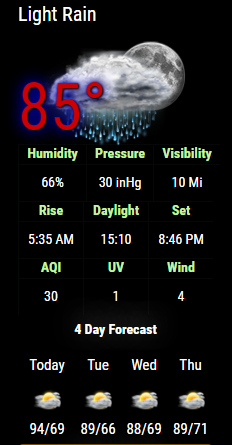
There are no bounds to my jealousy right now.
-
@mykle1 I can tell there is a lot of love in that “maniac”, he is just trying to tease us.
-
Yes, I am privy to some of his diabolical, maniacal work, but I am sworn to secrecy. Mostly, I am just in awe. :-)
-
@Mykle1 We respect it. I’m waiting to switch over since I can’t get the MyWeather modules to load… :disappointed_face:
-
@solelo said in MMM-NOAA - Another Weather Module:
I’m waiting to switch over
Well, I think the first 2 versions of NOAA are still available
-
@mykle1 I have one commented out, I’m going to turn it on or just wait…



Hello! It looks like you're interested in this conversation, but you don't have an account yet.
Getting fed up of having to scroll through the same posts each visit? When you register for an account, you'll always come back to exactly where you were before, and choose to be notified of new replies (either via email, or push notification). You'll also be able to save bookmarks and upvote posts to show your appreciation to other community members.
With your input, this post could be even better 💗
Register Login