Read the statement by Michael Teeuw here.
mmm-moon-phases don't work for me
-
Hi, I’ve been using the mmm-moon-phases module for a couple of months without a problem, until yesterday. Suddenly, it stopped working. I tried to re-install it, but it does not load the image of the moon. Which may be due?
I think the problem is that in the module git page https://github.com/spectroman/mmm-moon-phases, on the cache directory there isn’t any image of the moon, bu ti’m not sure…
My installation of Magic Mirror is in a raspberry pi Zero W. It is a shame, because it is a module that I consider quite interesting.
Thanks.
-
Same here as well.
-
Until you get help with mmm=moon-phases you could try another moon module.
-
@Mykle1 : Yeah, I saw that (in another topic too). However, from what I see in your code, there is no identification of the current location. Which would allow to have information maybe more precise.
In addition, the various texts displayed do not interest me on my installation. And there is no possibility to disable line by line (CSS or javascript) these texts. :-) -
@ybbet said in mmm-moon-phases don’t work for me:
However, from what I see in your code, there is no identification of the current location. Which would allow to have information maybe more precise.
Uhh, as far as I know, the phases of the moon are the same no matter where you live, or I am drastically mistaken. :-/
In addition, the various texts displayed do not interest me on my installation. And there is no possibility to disable line by line (CSS or javascript) these texts.
You certainly can disable each and every line by css. I updated the css file to make it as easy as possible.
-
there’s like 3 different moon or lunar modules.
I’ve tried all of them and none are working for me.
i get the header and the loading message. that’s it.
at first I had one working.
but after the reload it didn’t work anymore.I had thought that maybe it only shows when the moon is visible to my area when I can physically see it.
but none of them worked last bight when the moon was showing.“Life’s Too Short To Dance With Ugly People”
Jim Hallock - 1995 -
@Mykle1 Ah! I found what was bothering me. The image of the moon does not change … Indeed, the image seems more decorative than informative. As a result, this does not show the current moon phase at all.
It was rather in this sense that I had to understand my previous comment.
The moon-phases module did its job very well. Until the cache problem appears. -
@ybbet said in mmm-moon-phases don’t work for me:
ndeed, the image seems more decorative than informative. As a result, this does not show the current moon phase at all.
Have you read the README file? Or looked at the example config entry? You might have seen this:
image: "animation", // animation, current, DayNight or staticIf you choose
currentinstead of animation you will absolutely see the current moon phase, delivered by the US Navy. Like so.http://api.usno.navy.mil/imagery/moon.png?date=today&time=now
-
Assuming one of those three was mine . . .
It should show the current moon phase (If that is the option you chose in the config). If you want me to help you with that, I will.
Let’s start with your config entry. May I see it. Copy and paste it here in a code block please.
-
It is working now. I just haven’t been back on here to let it be known.
Last night none of them would work, wouldn’t show anything but the header and the loading message.
Like on yours, it just stayed in the lower corner of the region I have it set to, Showing the header and that message… “When the moon hits your eyes…”.Thanks though, not sure when it started working, left it like that when I went to bed, and it was working this morning. :smiling_face_with_sunglasses:
-
You likely lost internet OR the api was down
-
kind of what I was thinking…
I haven’t tried the other 2 I tried last night, but that is just fine, yours is the the one I wanted,
It’s a great module!!!
“Life’s Too Short To Dance With Ugly People”
Jim Hallock - 1995 -
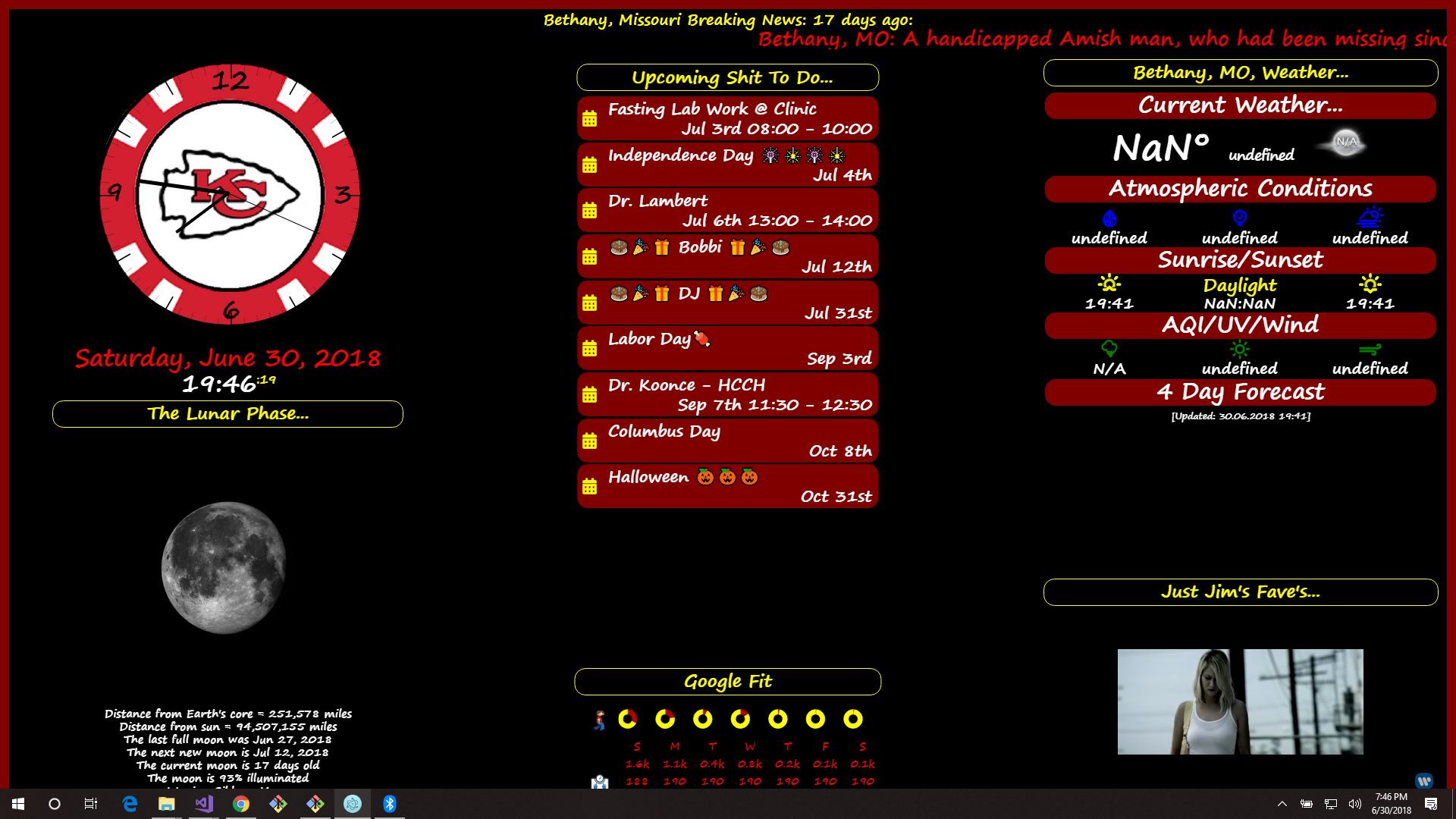
“Life’s Too Short To Dance With Ugly People”
Jim Hallock - 1995 -
Thanks bud. I updated the css file to make it easier to hide or show each line of the module, if you so desire.
-
Looks great. You can move the moon using the css file too, if you want it closer to the text
-
Yeah, I saw that. Very cool. I like when they can be modified like that.
-
That I didn’t see. I’ll have to take a look… :smiling_face_with_sunglasses:
-
.MMM-Lunartic .photo { /* display: none; uncomment if you don't want an image */ width: 75%; /* adjust size of moon picture */ margin-left: 0px; /* Precisely align moon picture with these */ margin-right: 0px; margin-top: -21px; /* -41px for current. -21px for animation or static. */ margin-bottom: -21px; /* -51px for current. -21px for animation or static. */ } -
Looks like i’m gonna have to play with the numbers, I set it for current and it doesn’t look like anything changed…
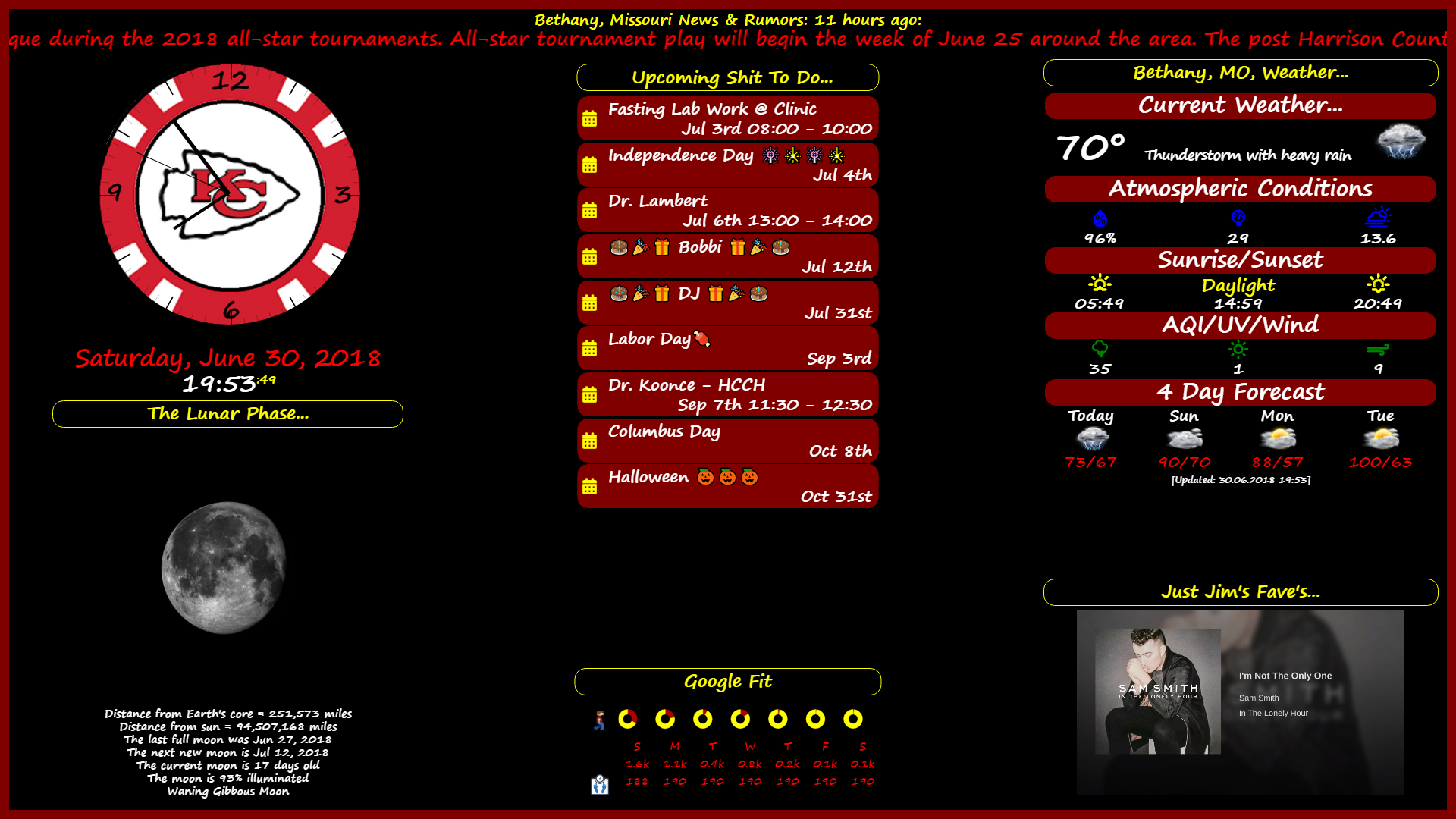
-
gotta figure out why NOAA is off on the temp… says 70, but it’s really 88… :slightly_frowning_face: :confused_face: :worried_face:



Hello! It looks like you're interested in this conversation, but you don't have an account yet.
Getting fed up of having to scroll through the same posts each visit? When you register for an account, you'll always come back to exactly where you were before, and choose to be notified of new replies (either via email, or push notification). You'll also be able to save bookmarks and upvote posts to show your appreciation to other community members.
With your input, this post could be even better 💗
Register Login