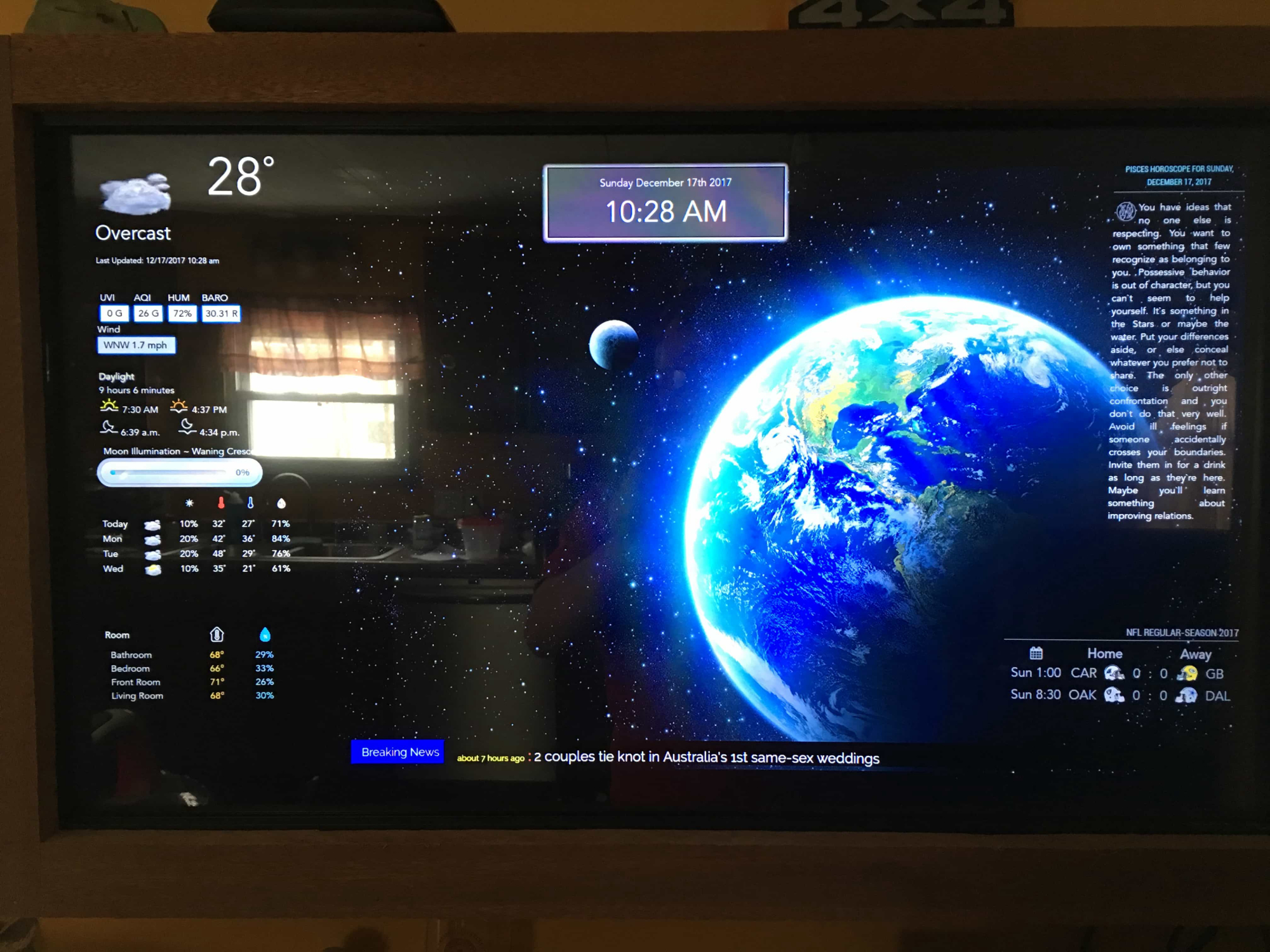
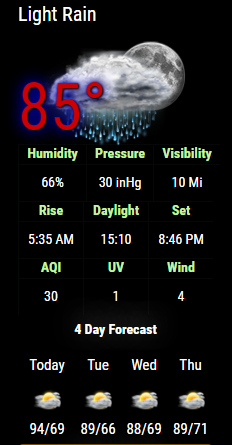
OpenHab is a great idea…I have read a little about it but don’t fully understand it as of yet :)
Here’s a picture of what this is starting to shape up to be…There are MANY things missing but you’ll get the idea :)
 C
Offline
C
Offline
OpenHab is a great idea…I have read a little about it but don’t fully understand it as of yet :)
Here’s a picture of what this is starting to shape up to be…There are MANY things missing but you’ll get the idea :)
@mac0178 Let me take a look perhaps a css tag is similar :) Ahhhhhh yes perhaps this is it…
In the NOAA css file there is this:
.red{
	background:#f00;
}
.green{
	background:#0f0;
}
.blue{
	background:#00f;
}
and in the MMM-Traffic module there is this:
.green {
  color: #83FFB3;
}

.yellow {
  color: yellow;
}

.red {
  color: #FF4C4C;
}
So I’m going to update the css file and you can try it again :)
Just go to the MagicMirror/modules/MMM-NOAA dir and type
git pull
that should update the css file :)
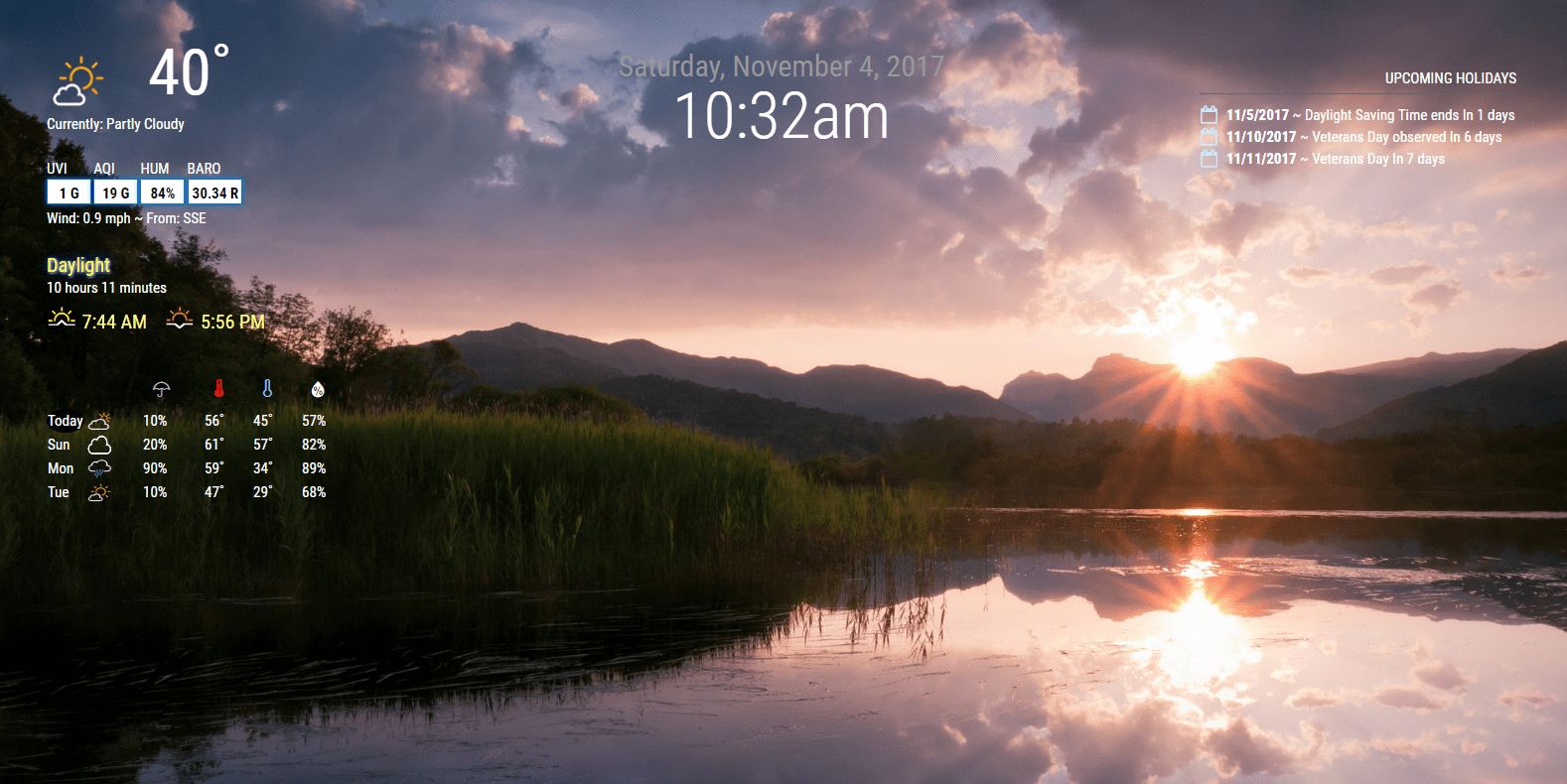
Here it is running on the wall…FINALLY it only took a year :) I have to adjust the TV it’s a bit off to the right in the frame but I will.
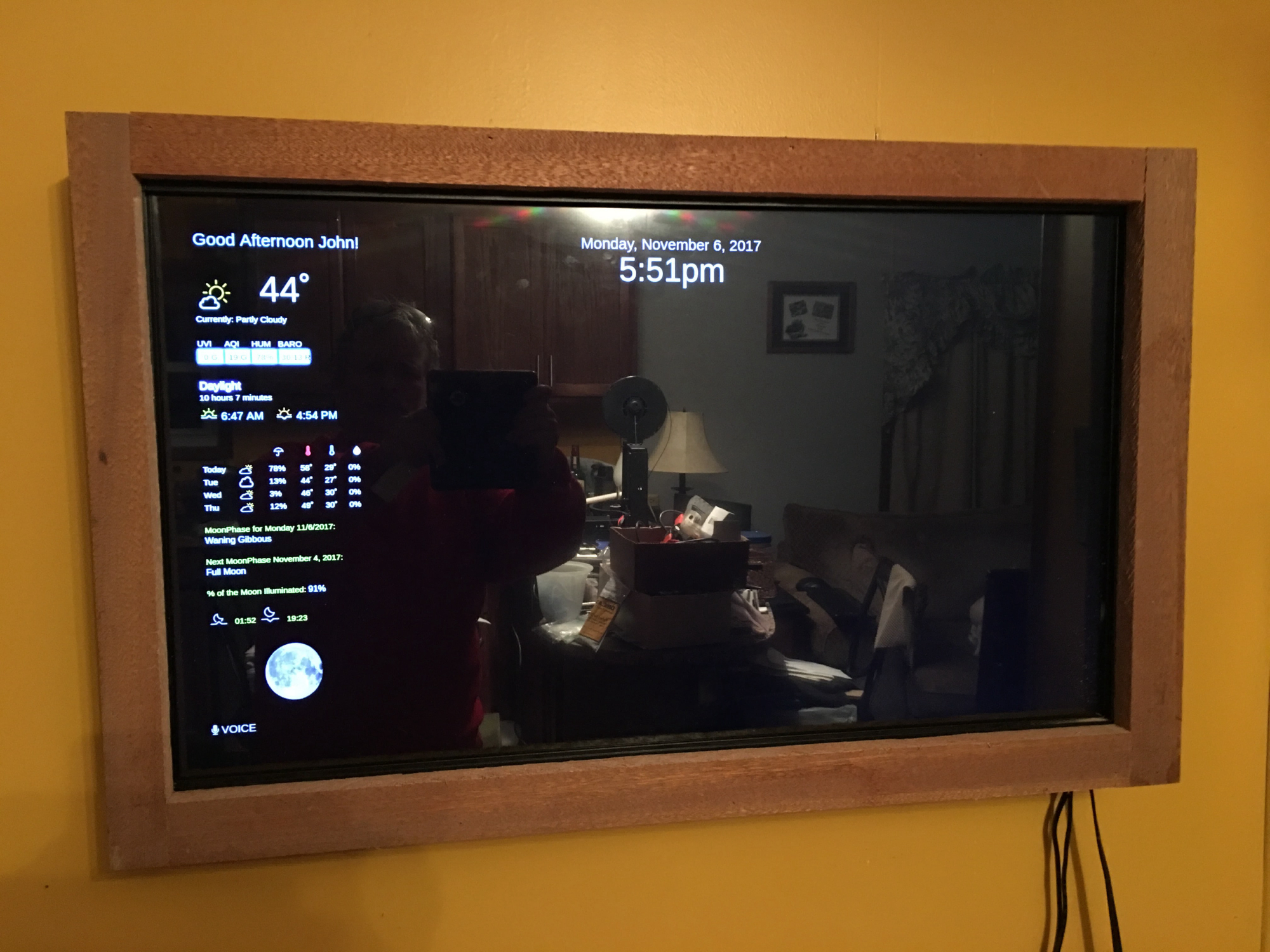
German translation is done :) [The current weather at top is also in German, just didn’t take a new picture ;)]
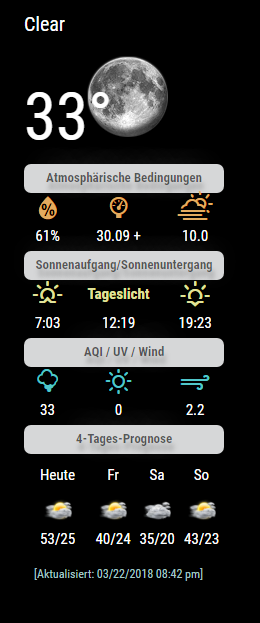
Progress…waiting on Thermostat and other sensors to arrive :)
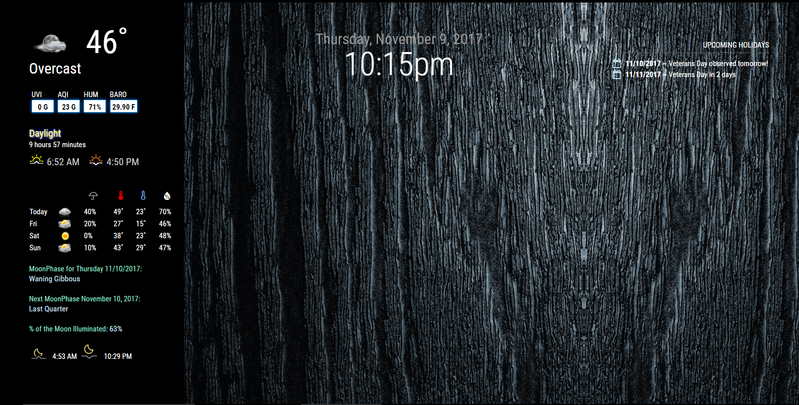
Plans for NOAA3
Include other service providers so users aren’t bound to just wunderground
a. Other services will include dark skies, etc.
Would be really nice to see it…but I don’t see it happening… I think this was just a setup.
@JoeFranz said in MMM-NOAA - Another Weather Module:
Good job and great module!
I managed with the custom.css, but I think the temperature can be seen very bad. Is it possible to reduce the size of the symbol or change the color of the font?
Yes I updated the js and css file. Do a git pull to update and then you can change the color via the custom.css like this:
.MMM-NOAA .tempf {
color: whatever color you’d like
}
Enjoy :)
PS changed mine to #FF8300 …looks pretty cool :)
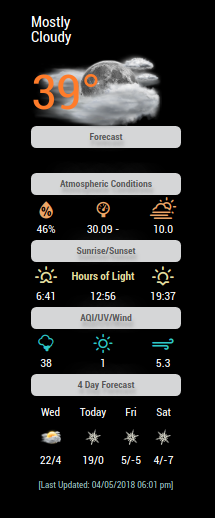
Another example of how to change the current temp
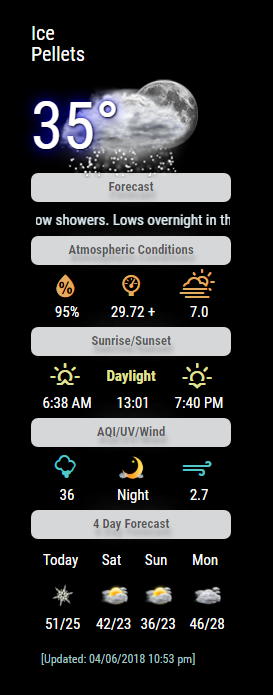
Here’s the css for your custom css if you like it:
.MMM-NOAA .tempf {
color: white;
text-shadow: 1px 1px 2px black, 0 0 25px blue, 0 0 5px darkblue;
}
Here’s something I made for my mirror… it’s really handy!!! Don’t need any outside like todoist or wunderlist… it stores the to-do’s right on the mirror :)
Update on House Panel -> https://github.com/kewashi/hpanel-server
I now have
4 room temp/humid sensors working
Thermostat is 100% controlled
Door sensors on both of my doors
Door lock - shows unlocked or locked and I can control either
Kitchen lights on or off
Both living room lights on or off
What's next?
                          New back door lock -
                          one more temp/humid sensor
                          water leak sensors [3 of them at some point]
                          more rooms with controllable lights :)
                          at least 2 LED light strips
Took a short cut as Alexa will control all those things as well and I have 2 one in the front of the house and one in the back :)
I LOVE being able to unlock my door from anywhere :) So my neighbor can walk my dog without me having to give anyone a code.
All this running nicely on a MagicMirror :) [Thank you @tbbear for help with Open Hab!]
https://www.youtube.com/watch?v=Ez8axz9bwUg&feature=youtu.be
@Zooooooom put this in your custom.css file:
.MMM-NOAA .forehead {
display: none;
}
.MMM-NOAA .fmar {
display: none;
}
after you do a git pull to update your NOAA css file :)
@dazza120 No because I didn’t write MMM-voice I just modified it to work with MMM-Pages.
I would create a new topic under the troubleshooting section and see if anyone can help, because for this I really have no idea.
New Service Provider…since wunderground is NO longer offering free api keys…
SEE README …on Github.
[card:cowboysdude/MMM-NOAA]
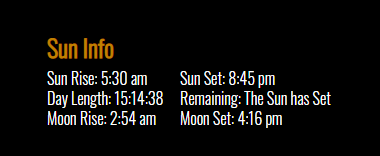
Here’s some changes to the Sun info module
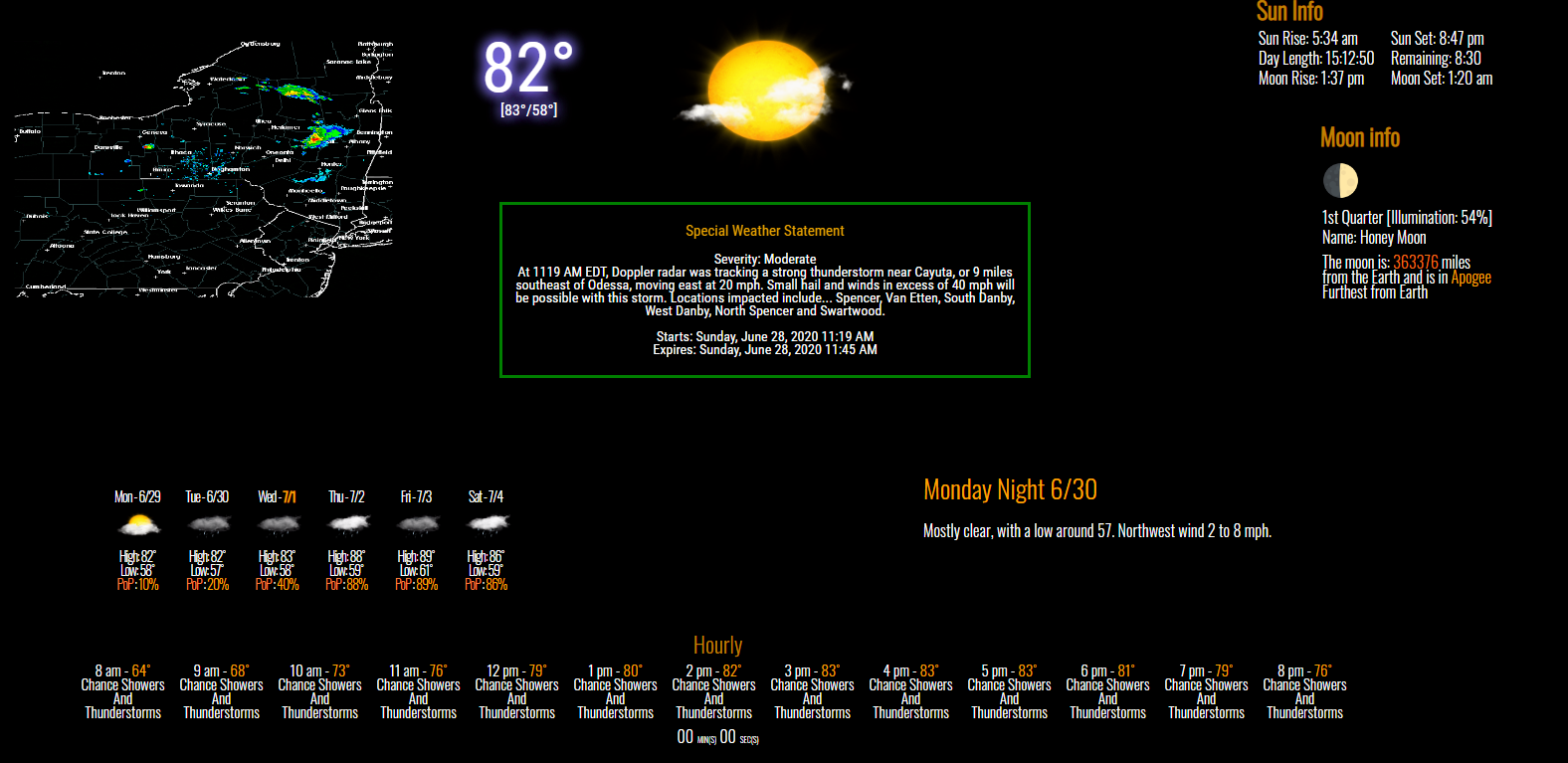
Updated Picture with Weather Warning… when there’s a warning it just replaces the current weather info… until it expires then the normal weather returns.
John Isabella: I’m truly sorry about your brother. It’s too bad.
Truman Gates: Oh no sir. You ain’t seen bad yet, but its coming.
:face_with_tears_of_joy: