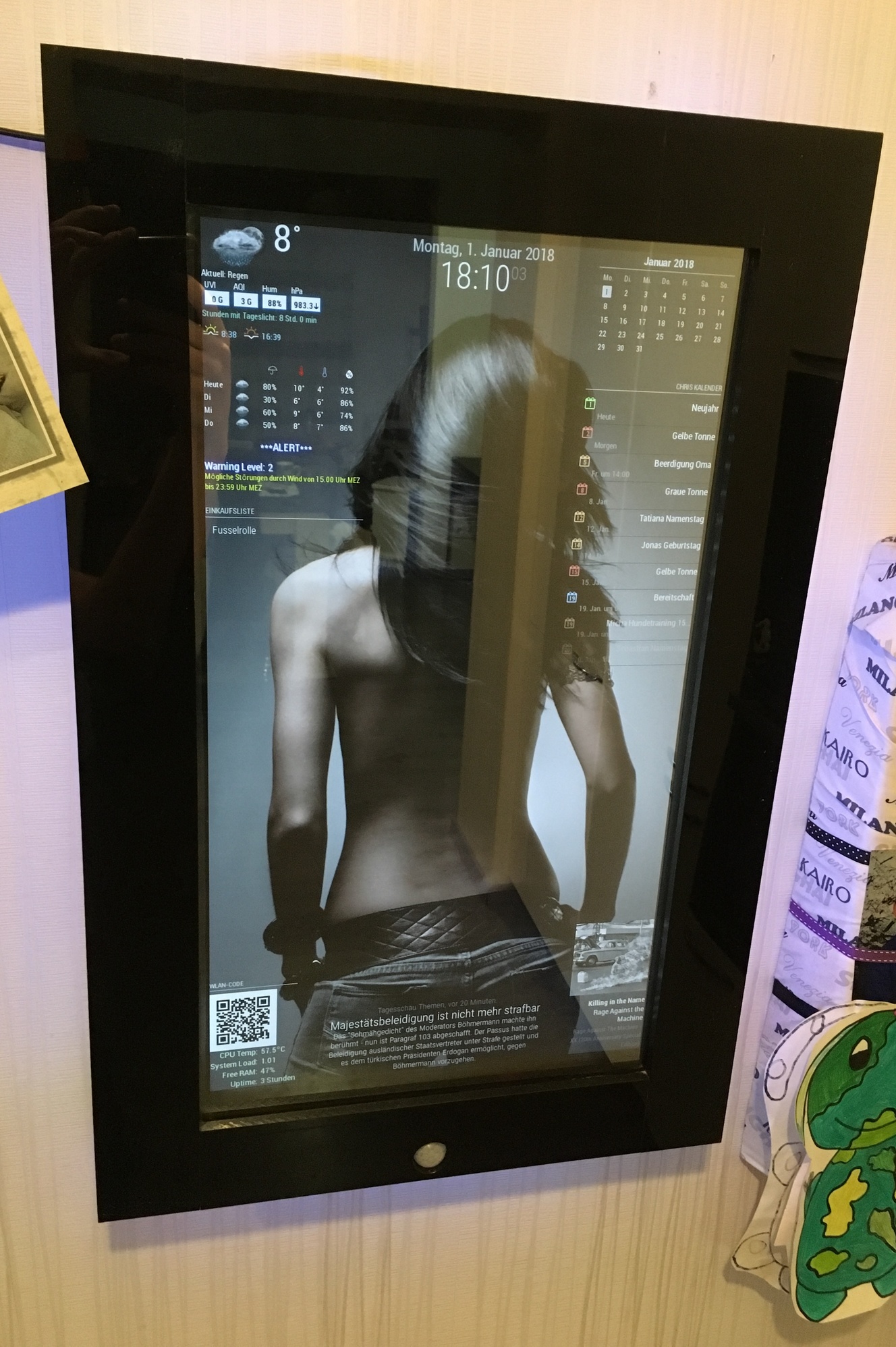
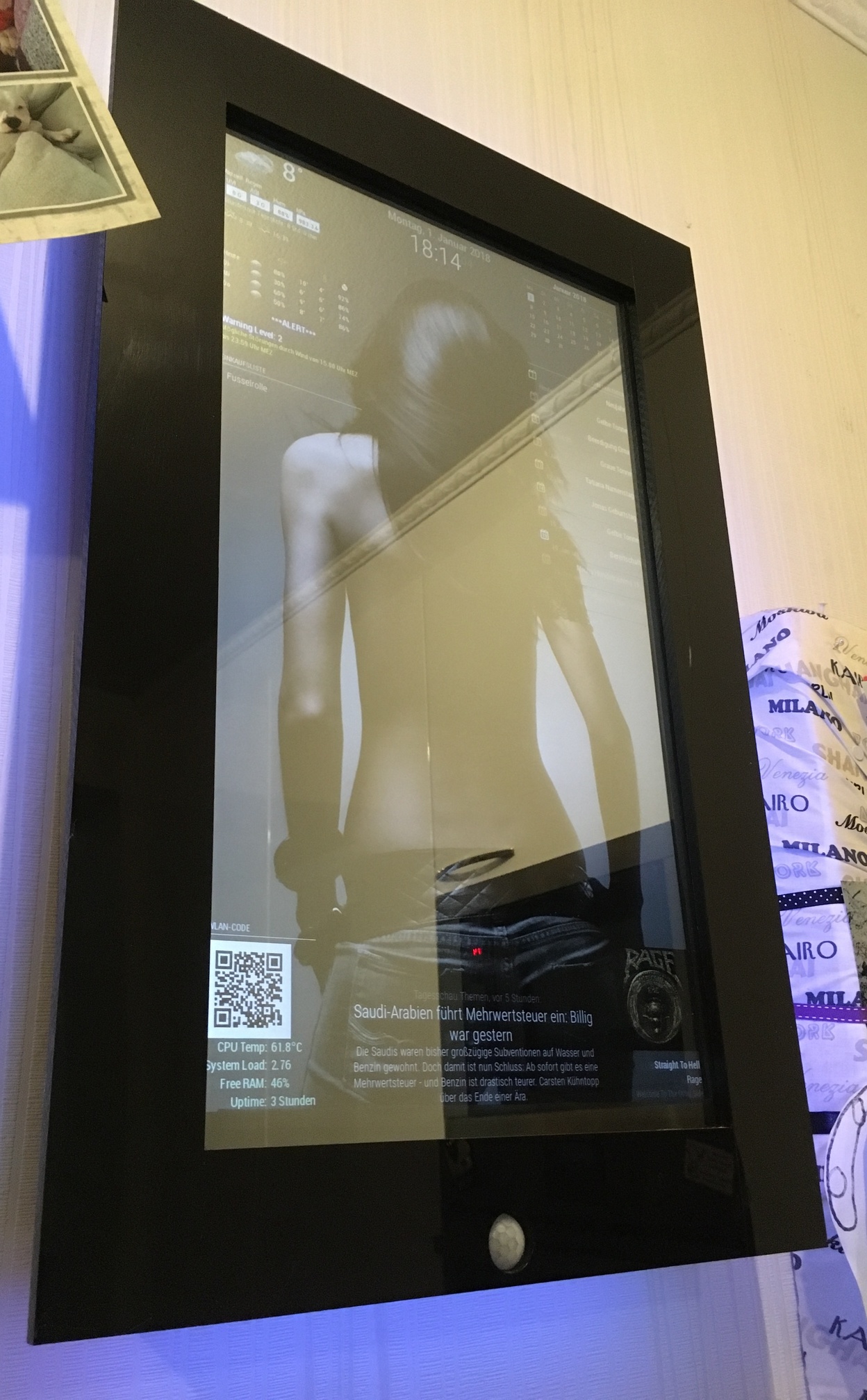
Thanks for the compliments.
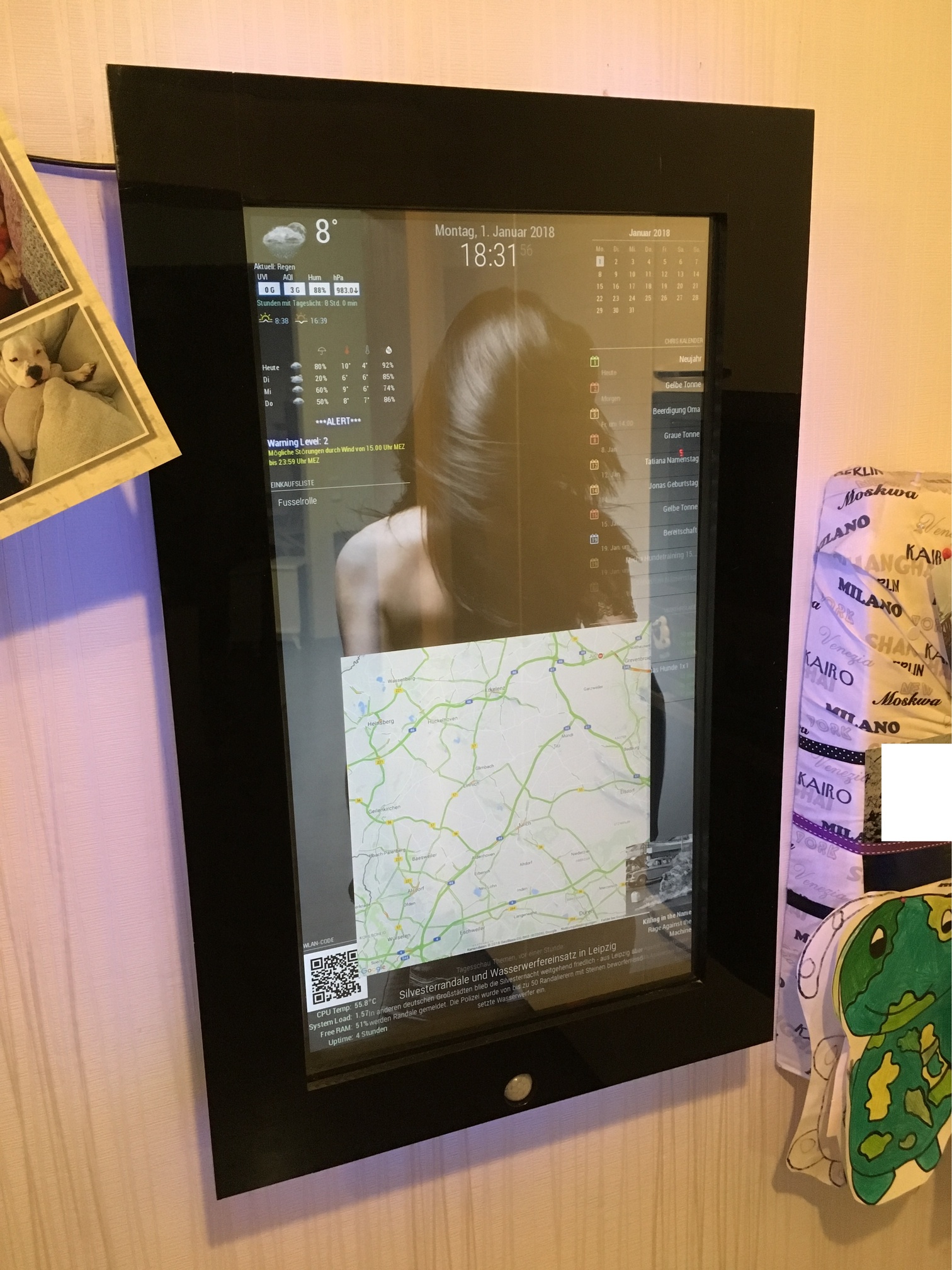
You can add a background with your custom.css like the link u posted, yawns.
My custom.css looks like this:
/*****************************************************
 * Magic Mirror                                      *
 * Custom CSS                                        *
 *                                                   *
 * By Michael Teeuw http://michaelteeuw.nl           *
 * MIT Licensed.                                     *
 *                                                   *
 * Add any custom CSS below.                         *
 * Changes to this files will be ignored by GIT. *
 *****************************************************/

 body {
	background-image: url("background9.jpg");
	background-size: cover;
	margin-left: 0px;
	margin-right: 30px;
	margin-top: 15px;
	margin-bottom: 15px;
  	position: absolute;
  	height: calc(100% - 28px);
  	width: calc(100% - 22px);
}
.MMM-SystemStats  {
        color: #CEF6CE;
        }
.MMM-MyCalendar {
  max-width: 300px;
}
The image is called “background9.jpg” and has been placed in the “home/pi/MagicMirror/css” folder.
I needed to play a little bit with the margin’s, until it fits perfect. Keep in mind that your picture should fit the screen resolution. It shouldn’t be smaller. if it is, you should take a look at the MMM-ProfilePicture module.
@nikobelohlav
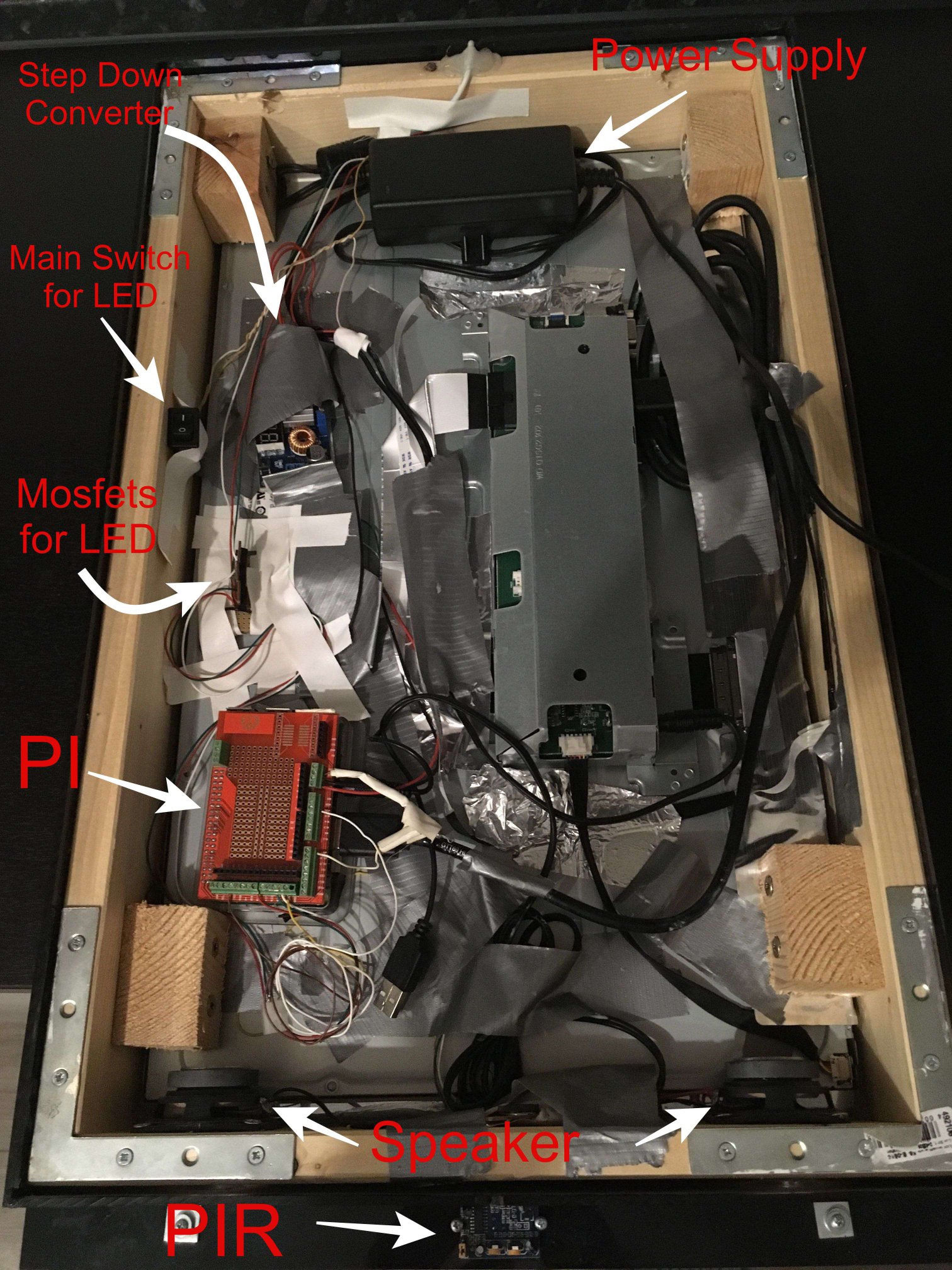
I just used the MMM-PIR module for it. It turns the HDMI signal off, and my monitor recognized that via HDMI-CEC/ARC and turns off. When the signal comes back the motor turns on within 2 seconds. thats quick enough i think.
I don’t know if it is possible to change the MMM-Pir-Sensor.js so that not the command “tvservice …” is executed, but a notification will be sent to other modules like the profile-switcher. Maybe you should open a new thread, even if I don’t quite understand why you don’t want to turn off your monitor.
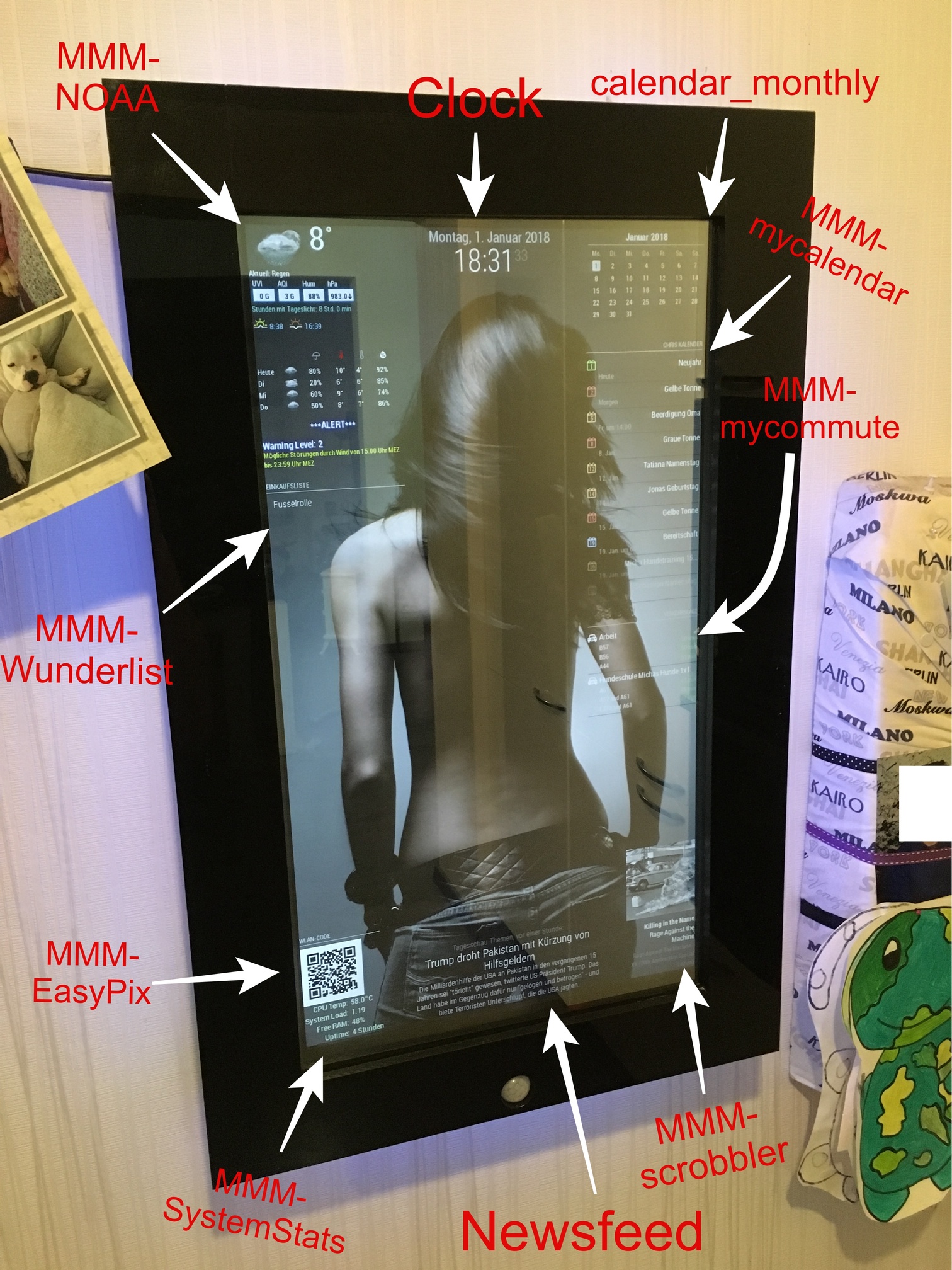
The scrobbler module was a little bit tricky. First you need to register your apps, to share the current playing music with last.fm.
I actually just use Spotify, so in the Spotify-settings of my phone, tablet and macbook i needed to login to last.fm via the Spotify app.
Sometimes i got the same problem as you, but its not a failure of the module. I played music and checked on last.fm if there is actually scribbling something, but there wasn’t. Then i turn back to my Spotify app and just log out and log in again (to last.fm in the Spotify settings) and that brings the scrobbling back.
So its more a bug, that happens sometimes, cause Spotify didn’t correctly streams to last.fm i think.
When u don’t pause the music it should scrobble continuous.
Also keep in mind:
When is a scrobble a scrobble?
A track should only be scrobbled when the following conditions have been met:
The track must be longer than 30 seconds.
And the track has been played for at least half its duration, or for 4 minutes (whichever occurs earlier.)
As soon as these conditions have been met, the scrobble request may be sent at any time. It is often most convenient to send a scrobble request when a track has finished playing.
@barnosch
Ja im Winter ist es manchmal schlimm mit den Hundis ^^