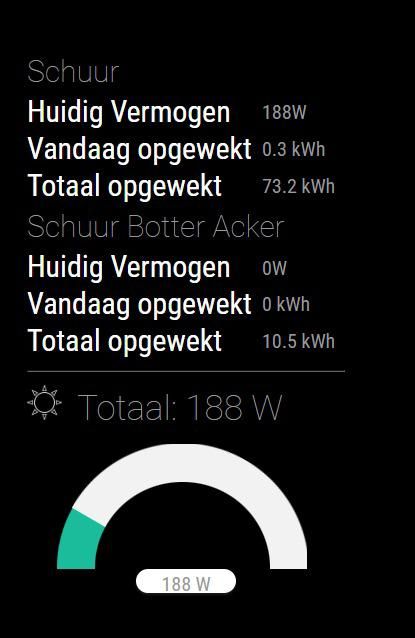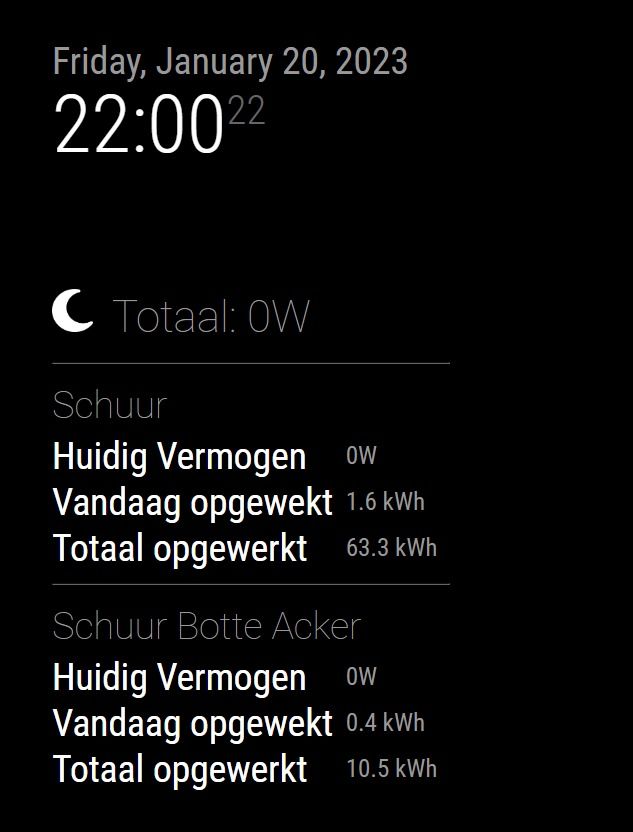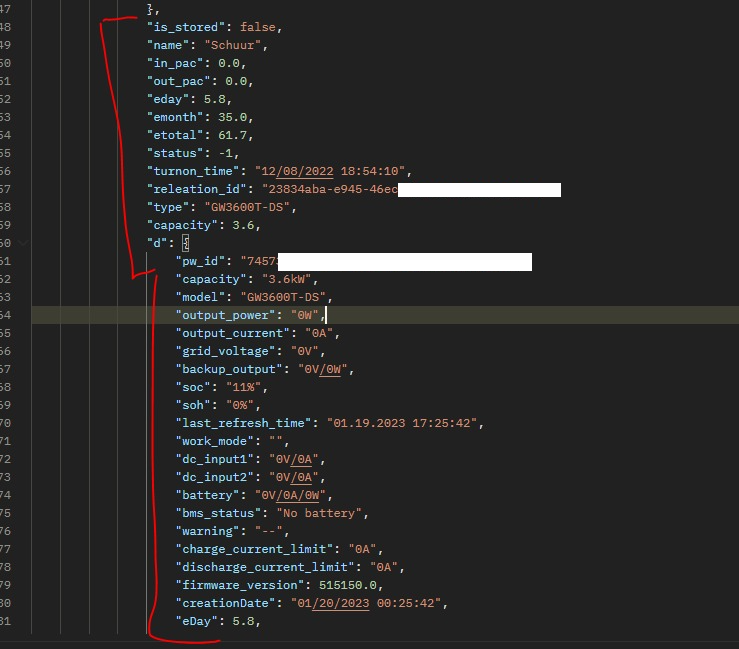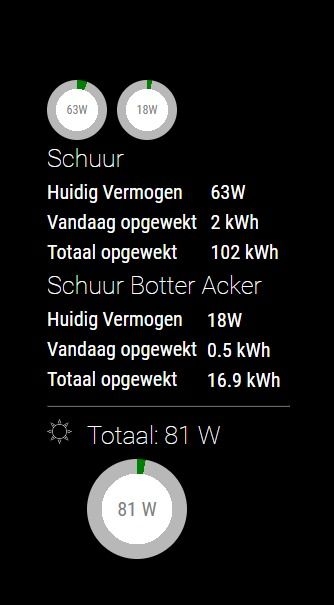
A small step for men…
 J
Offline
J
Offline
Vandaag het zonnetje een klein beetje op de panelen.
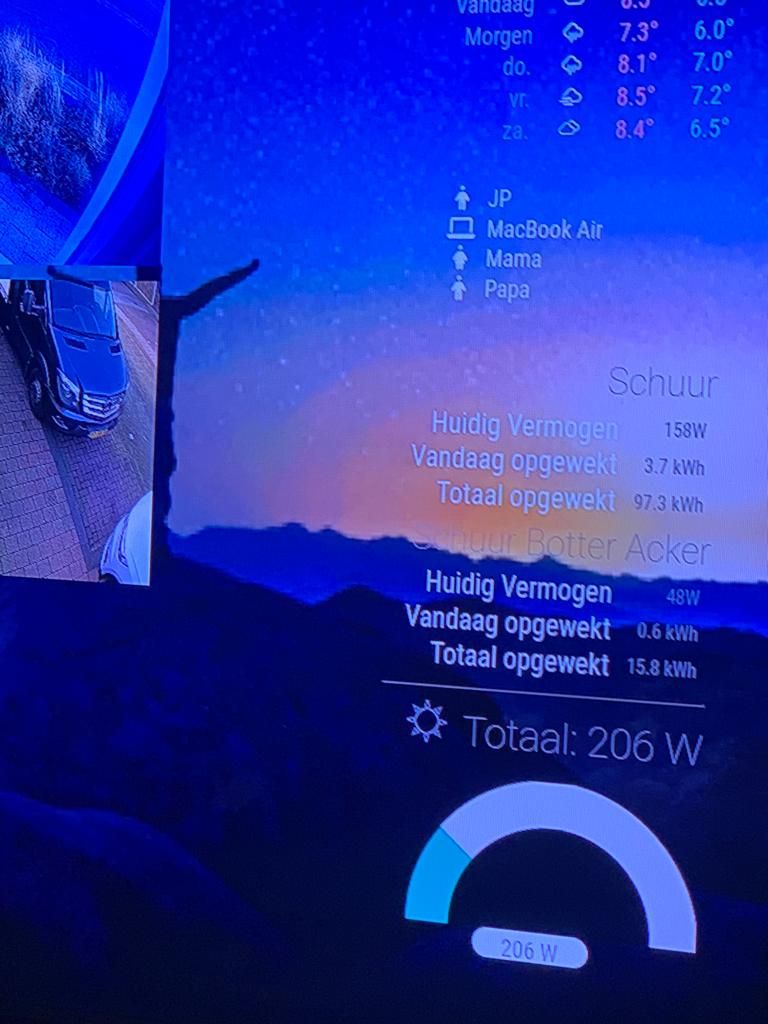
Today I was a littelbit sunny. and the module is in test fase.
And now there is data on the mirror. full in test fase
After update i’ts running fine her.
I only whit git pull and not nom install.
I make a backup of the old MMM-rspt map
so I can sent you a copy
@sdetweil yes but why Youtube and VLC player can find the sound card correct.
Oke but when I’m Try to reinstall the player the miss al lot of Lib…
Yes the player is playing.
I can Connet from my phone, car or pc. Everywhere I’m use Spotify the mirror is showing the playing song and the device.
mmm-spotify
But when I’m trying to use the Pi as a sound player the song is starting but no sound is on de speakers.
help…
My mirror play Spotify oke… but no sound.
YouTube is playing nice. en the sound is oke.
Linux raspberrypi 5.10.103-v7l+ #1529 SMP Tue Mar 8 12:24:00 GMT 2022 armv7l GNU/Linux
The Spotify player install
sudo apt-get -y install curl && curl -sL https://dtcooper.github.io/raspotify/install.sh | sh
Pakketlijsten worden ingelezen… Klaar
Boom van vereisten wordt opgebouwd
De statusinformatie wordt gelezen… Klaar
curl is reeds de nieuwste versie (7.64.0-4+deb10u2).
0 opgewaardeerd, 0 nieuw geïnstalleerd, 0 te verwijderen en 1 niet opgewaardeerd.
Unmet minimum required package version(s):
libc6 >= 2.31 is required but 2.28-10+rpt2+rpi1+deb10u1 is installed.
systemd >= 247.3 is required but 241-7~deb10u8+rpi1 is installed.
libasound2 >= 1.2.4 is required but 1.1.8-1+rpt2 is installed.
alsa-utils >= 1.2.4 is required but 1.1.8-2+rpt1 is installed.
libpulse0 >= 14.2 is required but 12.2-4+deb10u1+rpt3 is installed.
Please make sure you are running a compatible armhf (ARMv7), arm64, or amd64 Debian based OS.
help…
@sdetweil said in Update fail:
@JerryP I just copy the config.js.sample
but language/locale codes are public
yes “nl-nl” that’s a check
@sdetweil said in Update fail:
in your script (new mirror setup)
makes the scrip a new config.js.
In that files stands
locale: "en-US",
Where can I find the info for Netherland???
@sdetweil said in Update fail:
@JerryP I don’t know for sure, did u have a custom.css that moved the position?
MMM-RTSPStream .innerWrapper {
    border-style: none;
}
.MMM-SystemStats table {
        width: 350px;
        color: #666;
        font-size: 20px;
 }
.MMM-SystemStats td {
    line-height: 20px;
}
.MMM-clock table {
        width: 450px;
        color: #666;
        font-size: 20px;
}
.MMM-MercedesMe #mercedesMain {
        zoom: 0.4;
}
.MMM-Formula1 .module-header {
display:none !important;
}
.MMM-MercedesMe .module-header {
display:none !important;
}
.MMM-NetworkScanner .module-header {
display:none !important;
}
.MMM-VolvoOnCall .module-header {
display:none !important;
}
.MMM-Spotify .SPOTIFY_BACKGROUND {
display:none !important;
border-style: none;
 zoom: 80%;
}
.MMM-MyVolvo .VOC .graphic {
        width: 50%;
        margin-right: 1px;
        margin-left: 10px;
        margin-top:  -4px;
        float: right;
}
Yes but not for the RTSP-stream
@sdetweil said in
That’s oke now. Ctrl- on keyboard to zoom out
But look the camera postion.
Normal it was lower

{
		module: "MMM-RTSPStream",
		disabled: false, //false, true
		position: "upper_third",  // "middle_center" "upper_third"
		config: {
			autoStart: true,
			rotateStreams: false,
			rotateStreamTimeout: 20,
			moduleWidth: 720,
			moduleHeight: 420,
			localPlayer: "omxplayer", // "omxplayer" or "ffmpeg", or "vlc"
			remotePlayer: 'none',
			showSnapWhenPaused: false,
			remoteSnaps: false,
			  stream1: {***************
I put in the upper_third… But when I put in the middel_center i’ts at the bottom.
So how can I lower the 4 camera feeds???
Than the mirror is 100% back again.
Thanks for the help so fare
@sdetweil said in Update fail:
@JerryP add the word
force
to the end of the
curl…
statementjust like the example using apply
Yes Yes Yes that is the trick…
Now al modules are working.
Butttttt now the mirror is stil look like it’s zoomed. All module ar looking resized 110% bigger. And drop over each other.
@sdetweil
checking for modules with removed libraries
 require for request in module MMM-SystemStats not found in package.json package.json for module MMM-SystemStats

	  bypass installing request for module MMM-SystemStats , doing test run

 require for request in module MMM-MercedesMe not found in package.json package.json for module MMM-MercedesMe

	  bypass installing request for module MMM-MercedesMe , doing test run
processing dependency changes for active modules with package.json files
bash -c "$(curl -sL https://raw.githubusercontent.com/sdetweil/MagicMirror_scripts/master/upgrade-script.sh)"
So this one is working. But the problem is still the same…