Hello,
Is there a module which allows to use an infrared receiver + remote to for example send predefined notifications?
Hello,
Is there a module which allows to use an infrared receiver + remote to for example send predefined notifications?
Hello,
Im trying Raspbian Desktop in VirtualBox to do some debugging faster.
Everything works so far except for the keyboar shortcuts.
When MM is in fullscreen no CTRL+q / CTRL+m / CTRL+SHIFT+i is working. Only ALT+space does work.
Tested it with hardware keyboard and VirtualBox’s screen keyboard.
Is there a setting or is it something with virtualbox?
@sdetweil said in pm2 doesnt work with crontab:
@keineahnung123 looks like u need to reinstall nvm
nvm or npm?
45 16 * * * pi pm2 stop mm
doesnt work. I have to set the paths.
I think there went something wrong when i upgraded to buster.
I had a shellscript with
cd ~/MagicMirror && npm start
which worked fine and after the upgrade to buster i have to use
cd ~/MagicMirror && /home/pi/.config/nvm/versions/node/v10.23.0/bin/npm start
otherwise it says “npm: not found”
Same seems to be with crontab…
@sdetweil Thanks.
With
sudo nano /etc/crontab
and
30 16 * * * pi /home/pi/.config/nvm/versions/node/v10.23.0/bin/node /home/pi/.config/nvm/versions/node/v10.23.0/bin/pm2 stop mm
it seems to work :)
Hello,
Im trying to restart my MM every day in the night so i want to use a crontab.
Might be easy:
sudo crontab -e
and add
59 23 * * * pm2 restart mm
But that doesnt work.
The crontab seems to work:
Feb 27 13:37:01 raspberrypi CRON[3581]: (root) CMD (pm2 restart mm)
And i did a pm2 flush before and after the crontab did its job there is nothing in the log:
pi@raspberrypi:~ $ pm2 logs --lines=100
[TAILING] Tailing last 100 lines for [all] processes (change the value with --lines option)
/home/pi/.pm2/pm2.log last 100 lines:
/home/pi/.pm2/logs/mm-error.log last 100 lines:
/home/pi/.pm2/logs/mm-out.log last 100 lines:
0|mm       | [27.02.2021 13:38.28.339] [INFO]  Newsfeed-Fetcher: Broadcasting 39 items.
so it seems that pm2 didnt do anything.
Next try after some online research:
pi@raspberrypi:~ $ which node
/home/pi/.config/nvm/versions/node/v10.23.0/bin/node
pi@raspberrypi:~ $ which pm2
/home/pi/.config/nvm/versions/node/v10.23.0/bin/pm2
i changed the crontab to
1 14 * * * /home/pi/.config/nvm/versions/node/v10.23.0/bin/node /home/pi/.config/nvm/versions/node/v10.23.0/bin/pm2 restart mm
(1 14 is for testing)
It still doesnt work: no output in pm2 log.
Does anyone have an idea?
Thanks :)
Hello,
My first experience with Linux and Magic Mirrors.
Thanks to the forum for all the help and to all developers.
Hardware:
Modules
Pictures
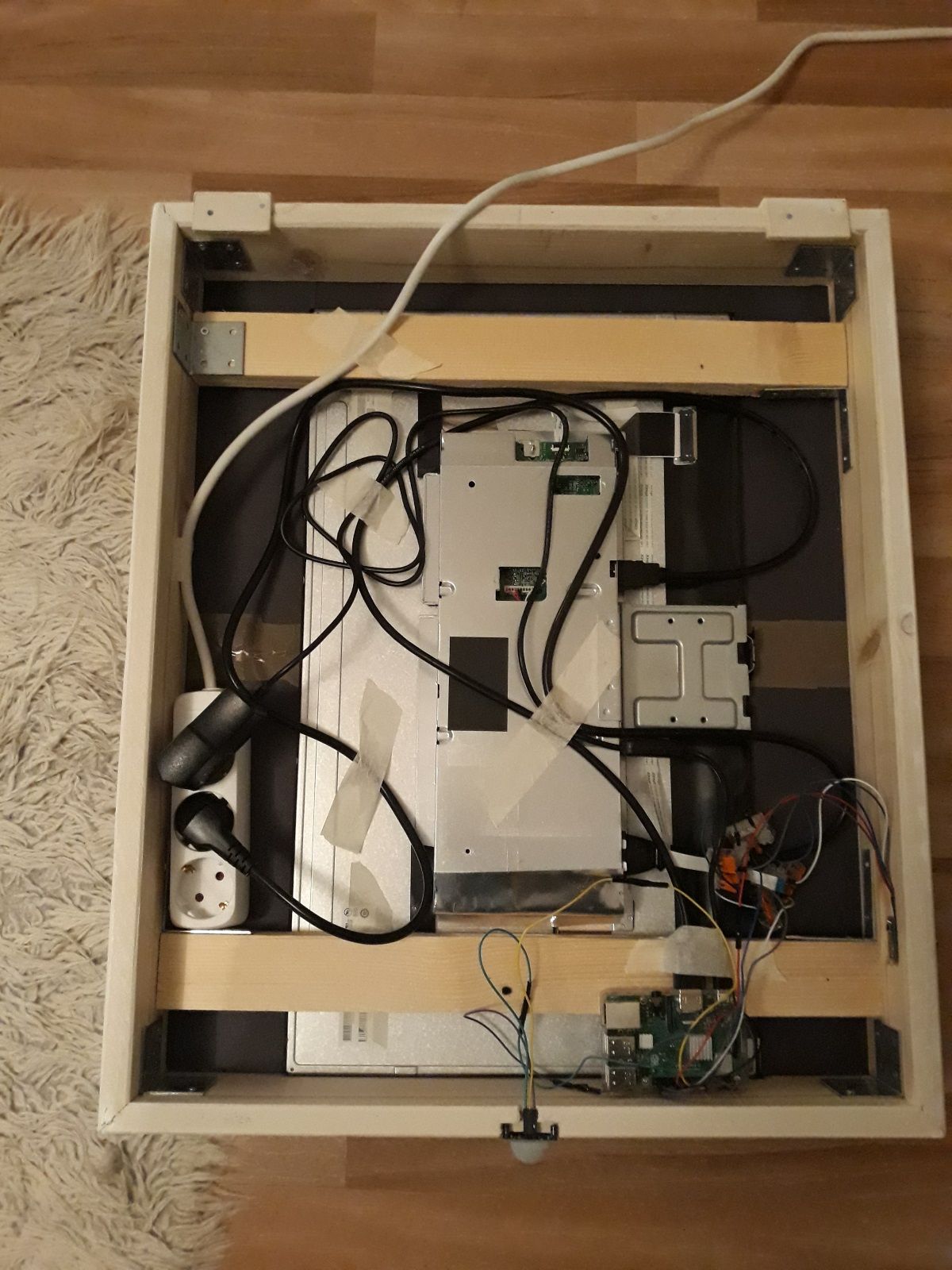
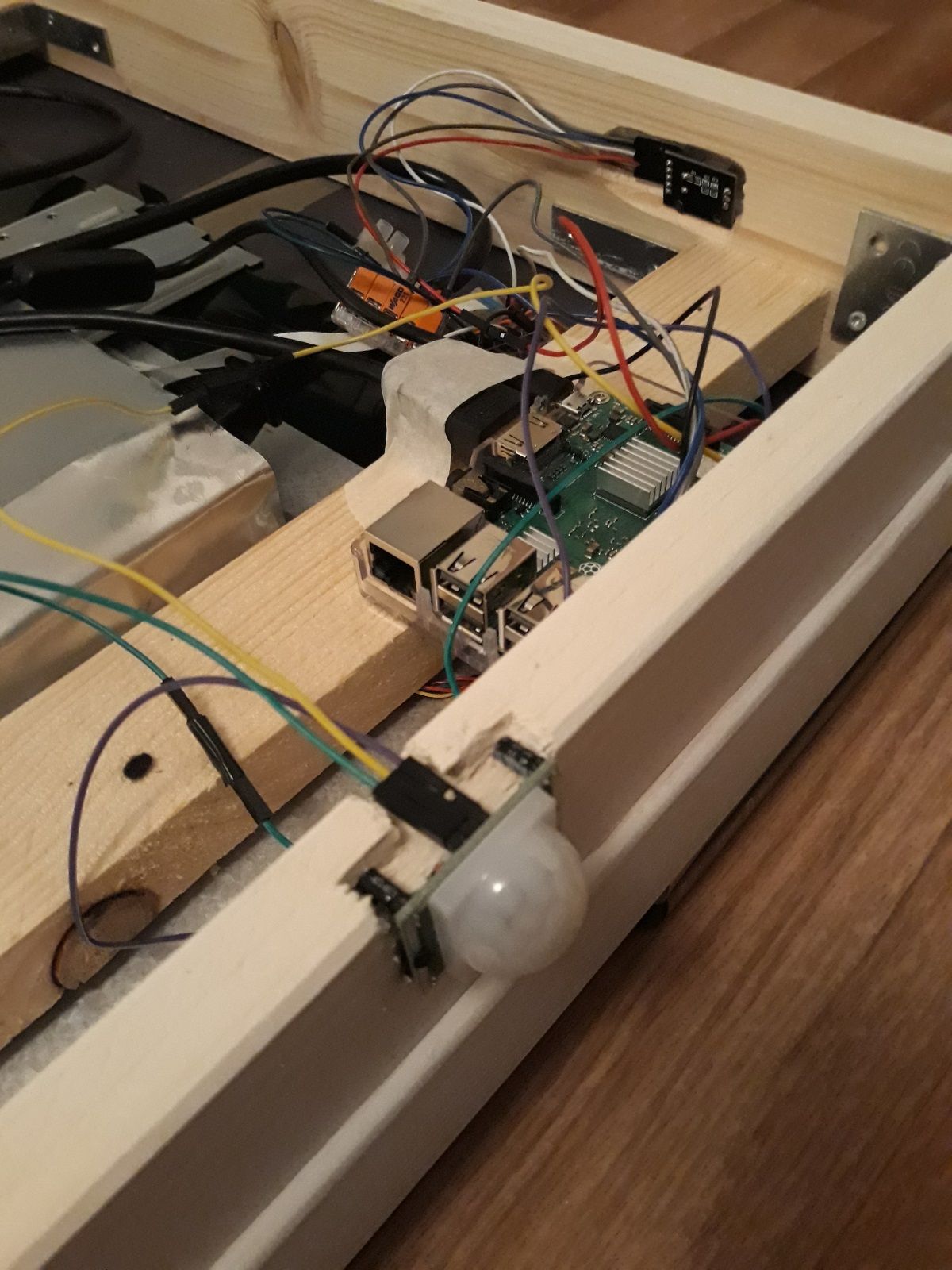
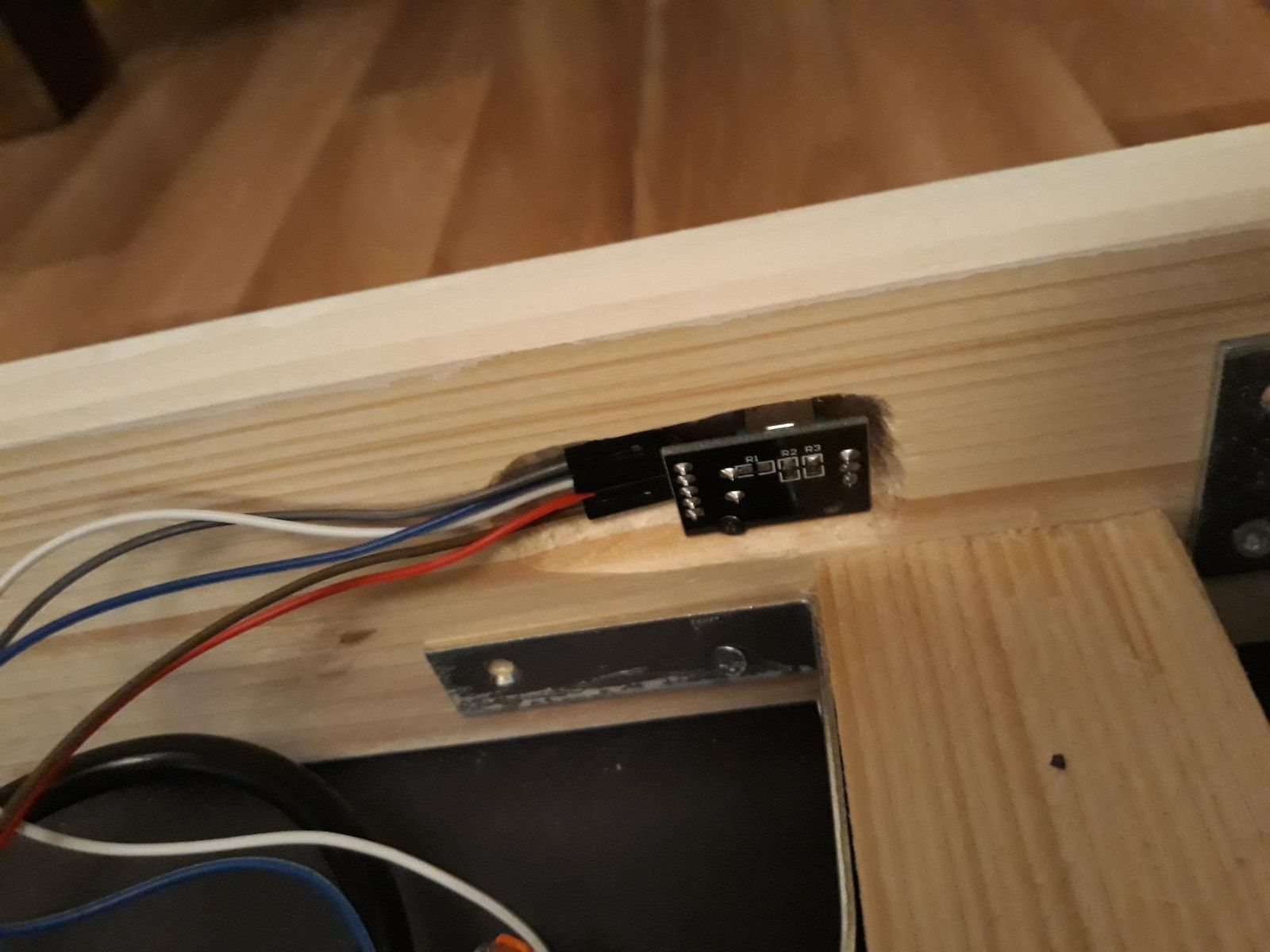
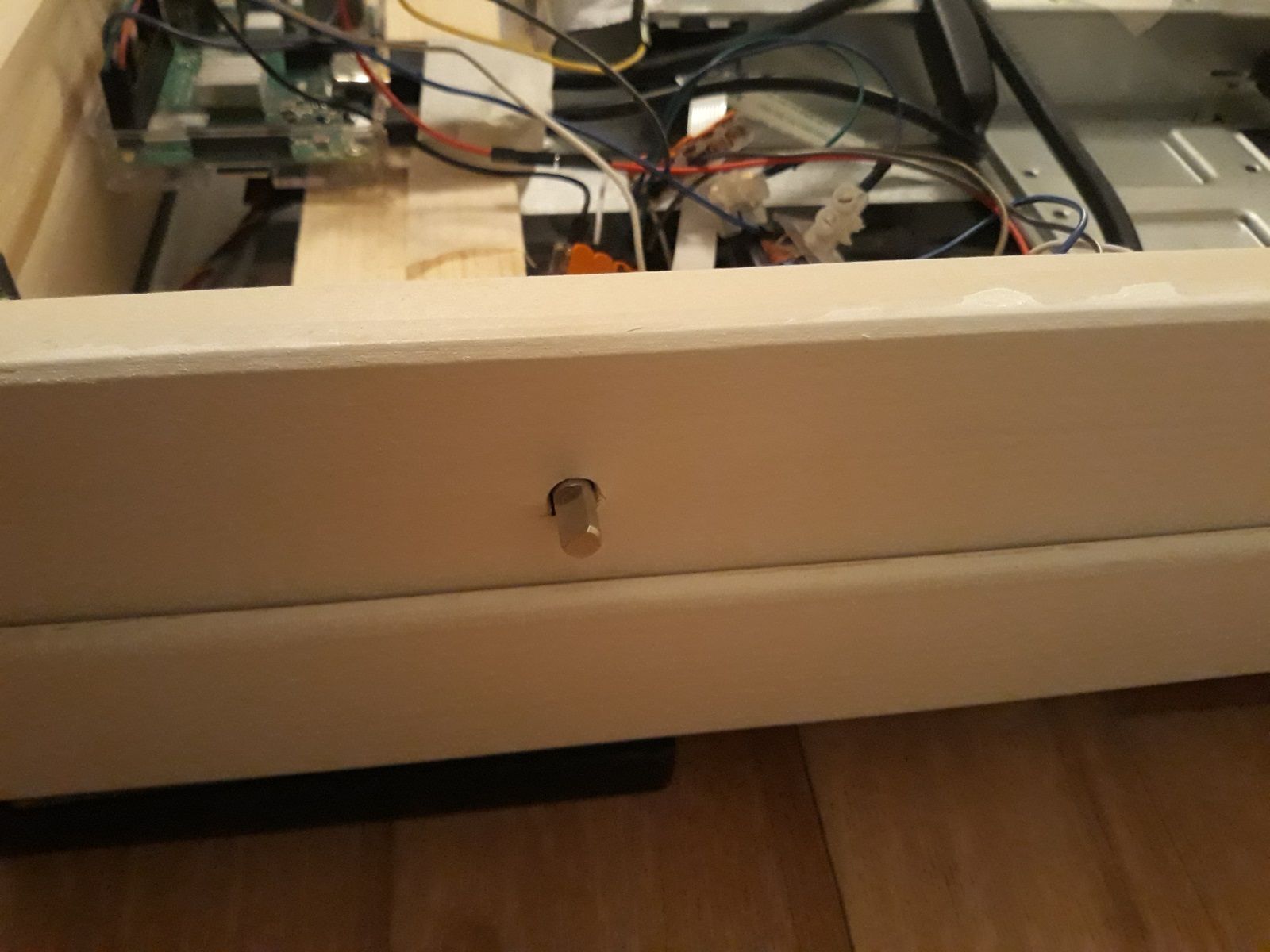
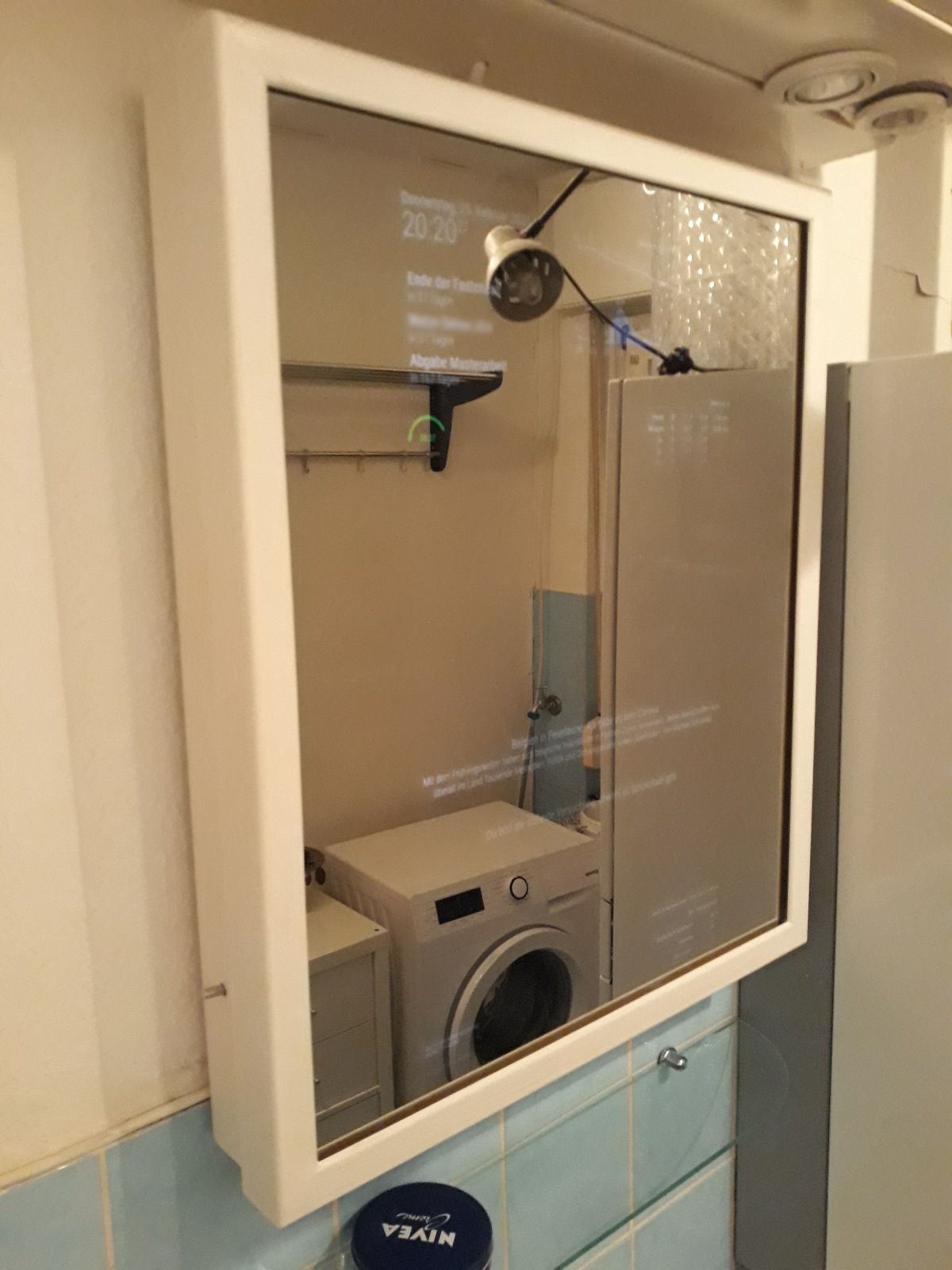
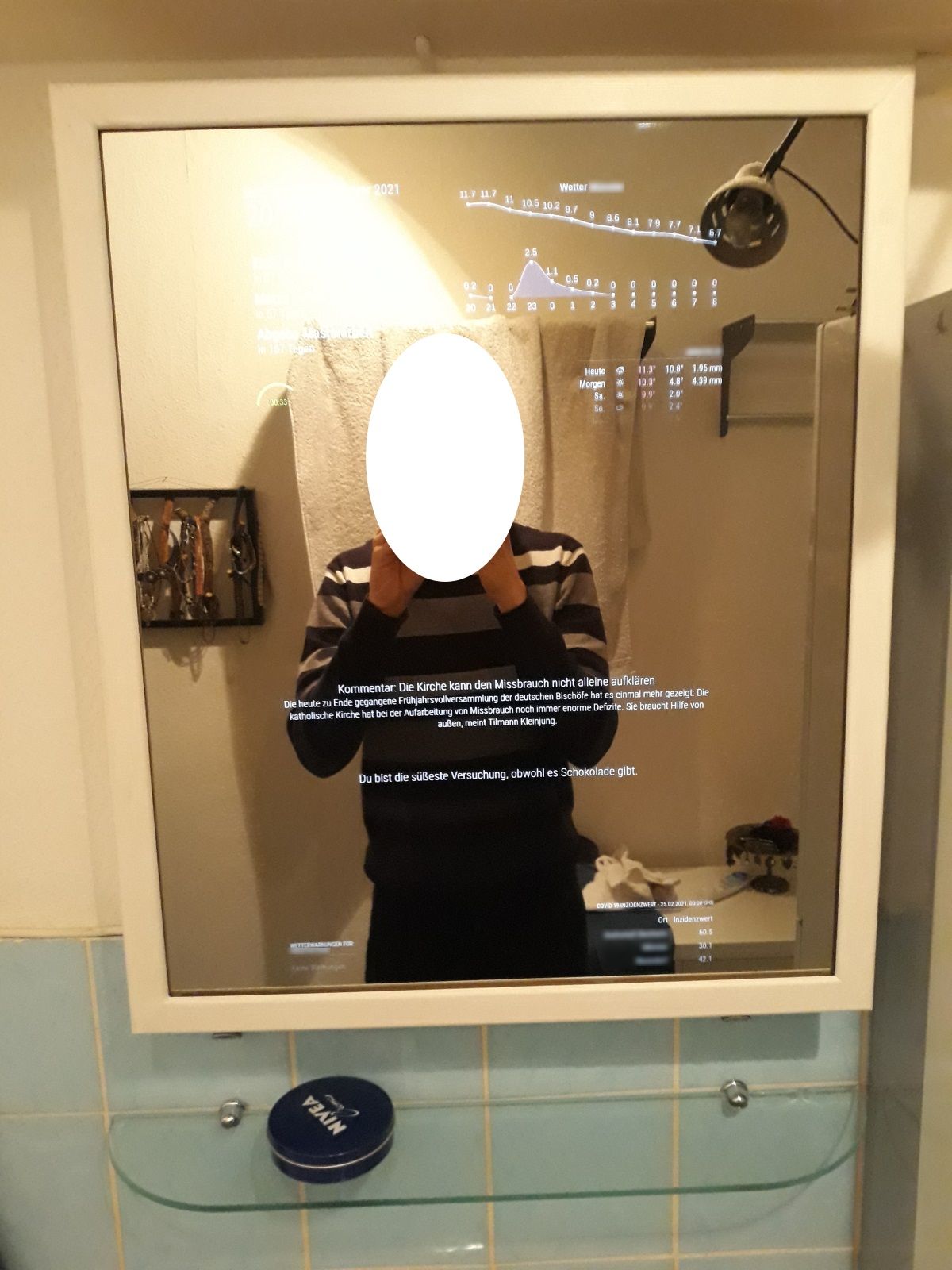
Im really excited but theres is only one thing thats disappointing somehow.
The Mirropane Chrome Spy is a little bit dark in comparison to a normal mirror so its not recommended for makeup (my girlfriend says).
Hi,
Does it make sense to create a cronjob which
Will this reduce the power consumption effectively?
Thx
Hello,
My MM is hanging in my bathroom since 3 days and im trying to optimize it right now.
I had CPU problems but found out that MMM-DarkSkyForecast causes them so i disabled it.
My Modules are updating rarely (API calls > 30 min) and dont have any big animations (only things like newsfeed article fading…) so CPU is no problem anymore.
My stats are:
with:
Raspberry Pi 3b+
MM 2.14.0
pi@raspberrypi:~/MagicMirror $ npm ls | grep electron
├─┬ electron@8.5.3
│ ├─┬ @electron/get@1.12.2
│ ├─┬ electron-chromedriver@8.0.0
│ │ ├─┬ electron-download@4.1.1
│ │ │ ├── electron-to-chromium@1.3.606
and MMM-NewPIR with ecoMode enabled (hides modules when no activity)
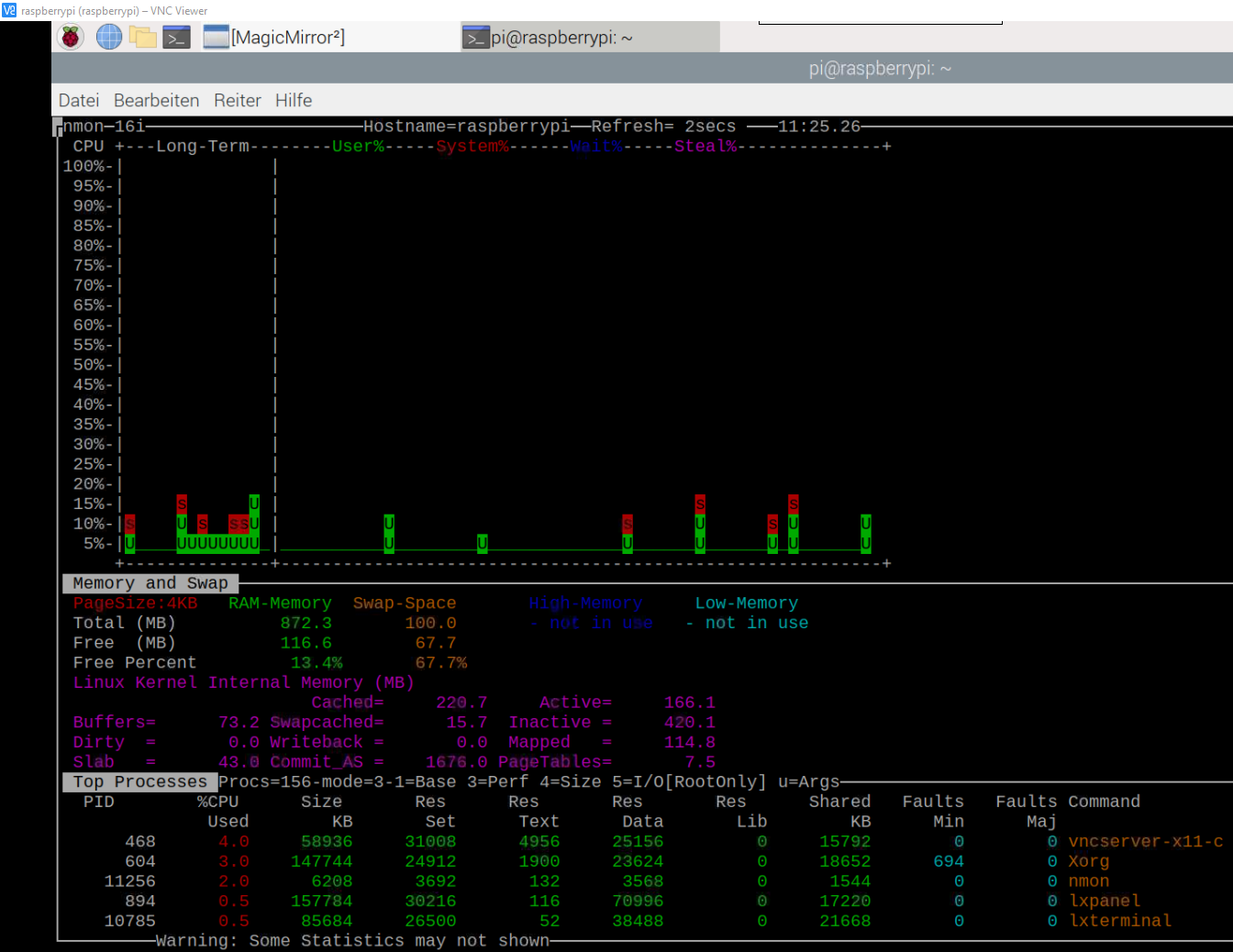
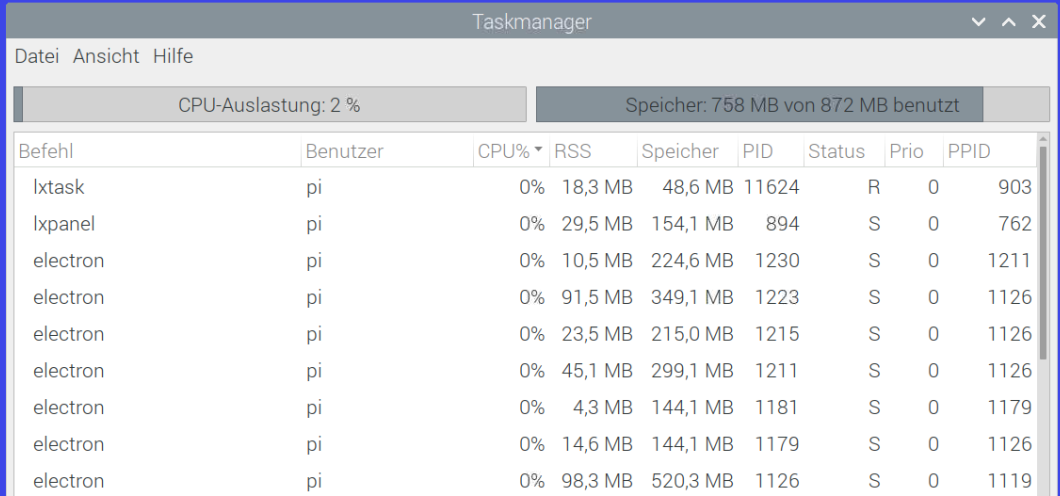
I read the well known thread electron cpu usage and my question is:
Are my stats normal? CPU an temperature are fine but the free RAM is a little bit concerning, isnt it? Are the 7 electron processes normal? Which electron version do you use (the electron cpu usage- thread is 3 years old)?
Thank you :)
Hello,
It would be cool to freeze modules to stop them from updating etc.
This would reduce CPU and so on.
For example a PIR sensor turns off the screen and freezes all modules.
And if the screen gets reactivated the modules will unfreeze.
What would you think?
Hello @sdetweil
I have a similar question: I want the compliments module to have the same appearance as the title of the newsfeed module.
found in newsfeed-code:
			if (!this.config.showFullArticle) {
				const title = document.createElement("div");
				title.className = "newsfeed-title bright medium light" + (!this.config.wrapTitle ? " no-wrap" : "");
				title.innerHTML = this.newsItems[this.activeItem].title;
				wrapper.appendChild(title);
			}
so i want the compliments style to be “bright medium light”
the compliments code shows
	getDom: function () {
		var wrapper = document.createElement("div");
		wrapper.className = this.config.classes ? this.config.classes : "thin xlarge bright pre-line";
Im not sure how to modify the custom.css.
Something like:
.compliments .class {
bright medium light;
}
Can you help me? :)
Hello,
Im trying to get a custom menu ready to send customized notifications via input fields.
Sadly im not into JS.
Can someone tell me how to get the value of an input field i added?
my custom_menu.json:
{
   "id": "custom",
   "type": "menu",
   "icon": "id-card-o",
   "text": "%%TRANSLATE:CUSTOM_MENU%%",
   "items": [{
         "id": "custom-item-1",
         "type": "item",
         "icon": "dot-circle-o",
         "text": "Next page",
         "action": "NOTIFICATION",
         "content": {
            "notification": "INCREMENT_PAGE",
            "payload": null
         }
      },
      {
         "id": "custom-item-2",
         "type": "item",
         "icon": "dot-circle-o",
         "text": "Last page",
         "action": "NOTIFICATION",
         "content": {
            "notification": "DECREMENT_PAGE",
            "payload": null
         }
      },
      {
         "id": "level2",
         "type": "menu",
         "menu": "custom",
         "icon": "bars",
         "text": "Send notifications",
         "items": [
         {
             "id": "custom-item-3",
             "type": "input",
             "icon": "dot-circle-o",
             "text": "Notification",
             "action": null,
             "content": null
         },
         {
             "id": "custom-item-4",
             "type": "input",
             "icon": "dot-circle-o",
             "text": "Payload",
             "action": null,
             "content": null
         },
         {
             "id": "custom-item-5",
             "type": "button",
             "icon": "dot-circle-o",
             "text": "Send",
             "action": "NOTIFICATION",
             "content": {
                  "notification": null,
                  "payload": null
             }
         }
         ]
      }
   ]
}
The button (last entry) should now send an notification with the values from the input fields above.
something like this:
         {
             "id": "custom-item-5",
             "type": "button",
             "icon": "dot-circle-o",
             "text": "Send",
             "action": "NOTIFICATION",
             "content": {
                  "notification": "custom-item-3".value,
                  "payload": "custom-item-4".value
             }
         }
So how can i get the value from my input items?
Thanks :)
And another question. Is there a security problem when im neither using an ApiKey nor the secureEndpoints? Im using it in my private secured wifi with only me inside.
@AxLed Now it works with gpio=16=ip,pu
Do the changes in boot.txt affect the Raspberry Pi in any way i have to know?
Thanks a lot so far :)
Hello @AxLed
first
I will use this python script to get the click working:
import RPi.GPIO as GPIO
GPIO.setmode(GPIO.BCM)
BUTTON_PIN = 16
GPIO.setup(BUTTON_PIN, GPIO.IN, pull_up_down = GPIO.PUD_UP)
and start it within node_helper.js:
var child_process = require('child_process');

module.exports = NodeHelper.create({
	// Subclass start method.
  start: function() {
		var self = this;
		this.loaded = false;
		this.createRoutes();
		child_process.execFile('python', ['/home/pi/MagicMirror/modules/MMM-Navigate/ky-040-initialisieren.py']);
	},
Now it works.
Btw: In intializeRotary-function (node_helper.js) there ist a CLK and DT.read and also a CLK and DT.watch instruction. For the SW there is only a SW.watch but not a read instruction. Is that right? Just wanted to mention. Im not an expert in programming.
third
Yes, the error is gone :)
@AxLed
I will try that later. Thanks
And yes, i want to start MMM-Navigate hidden. Is that possible?
Hello @AxLed , thanks for your reply
first
I tried MMM-Buttons too. Same problem there. I first have to run a sample script with python and after that the button works in MM too. It uses the onoff library too.
I found a strange behaviour:
I start MM -> button click doesnt work
I start python test script and after that MM -> button click works
When i restart the Raspberry PI and start MM (without the python test script) -> button click works
When i shutdown the Raspberry PI and cut off the connection to an electricity source and restart the PI after that -> button click doesnt work
Thats strange isnt it?
second
I changed the hiding time from 10000 to 2000 cause i prefer a shorter time.
Is there a way to start the module hidden?
I tried following:
    // Define start sequence.

    start: function() {

        Log.info("Starting module: " + this.name);

        this.sendConfig();//pass config to node_helper.js

        this.hide();

    },
and this
    //Helper, to use module without Rotary Encoder and without GPIO Pins, like developing in Pixel VM

    notificationReceived: function(notification, payload) {

        if(notification === "CW" || notification === "CCW" || notification === "PRESSED"){

            this.naviaction({inputtype: ""+ notification +""});

        }

        if(notification === "SHELLCOMMAND"){

             this.sendSocketNotification(notification, payload);

        }

        if(notification === "MODULE_DOM_CREATED"){

             this.hide();

        }

    },
but both didnt take effect :(
third
I found an reproducable error:
When i start MM and first rotate counterclockwise there is an error in the MM console:
[09.01.2021 09:11.07.337] [LOG]   MMM-Navigate, listen on GPIO PINs (BCM): 26,20,19

[09.01.2021 09:11.18.306] [ERROR] Whoops! There was an uncaught exception...
[09.01.2021 09:11.18.321] [ERROR] ReferenceError: lastdir is not defined
    at tick (/home/pi/MagicMirror/modules/MMM-Navigate/node_helper.js:92:39)
    at /home/pi/MagicMirror/modules/MMM-Navigate/node_helper.js:66:4
    at /home/pi/MagicMirror/modules/MMM-Navigate/node_modules/onoff/onoff.js:135:9
    at Array.forEach (<anonymous>)
    at pollerEventHandler (/home/pi/MagicMirror/modules/MMM-Navigate/node_modules/onoff/onoff.js:134:32)
It doesnt effect the functionality but just wanted to mention it… ;)
Hello @AxLed ,
Two things:
First
I have the same issue like @Eisblume :
The click doesnt work.
When i then start a sample code to test the rotary encoder (from like here), the click works in the sample code.
If i start the Magic Mirror after that again, then the click works there too.
Maybe there is a missing initialization of the rotary encoder in your code?
Second
Is there a possibility to get more config possibilities?
Like starting the module hidden or shortening the time of the hiding process?
Thanks in advance :)
@sdetweil
Thank you, that worked.
Is there a reason why 10.23 and not the newest 14.15.3 or 15.0?
pi@raspberrypi:~ $ node -v
v9.11.2
pi@raspberrypi:~ $ npm -v
6.14.10
node seems to be outdated?
I will try to update it