MagicMirror Forum
    • Recent
    • Tags
    • Unsolved
    • Solved
    • MagicMirror² Repository
    • Documentation
    • 3rd-Party-Modules
    • Donate
    • Discord
    • Register
    • Login
    1. Home
    2. Manu85
    3. Posts
    A New Chapter for MagicMirror: The Community Takes the Lead
    Read the statement by Michael Teeuw here.
    M Offline
    • Profile
    • Following 2
    • Followers 2
    • Topics 10
    • Posts 287
    • Groups 0

    Posts

    Recent Best Controversial
    • RE: Changing icons of the modules Current Weather and Weather Forecast

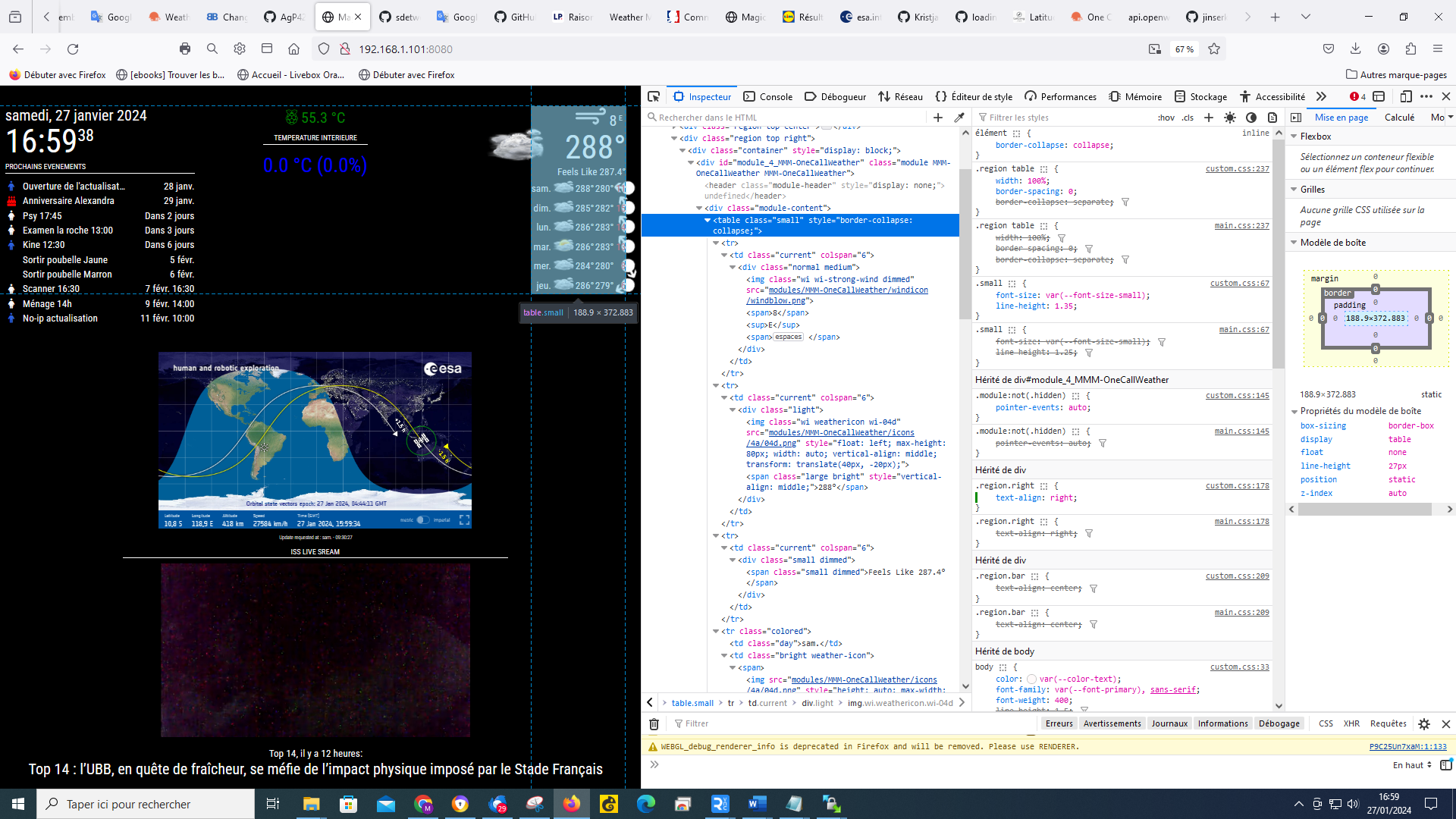
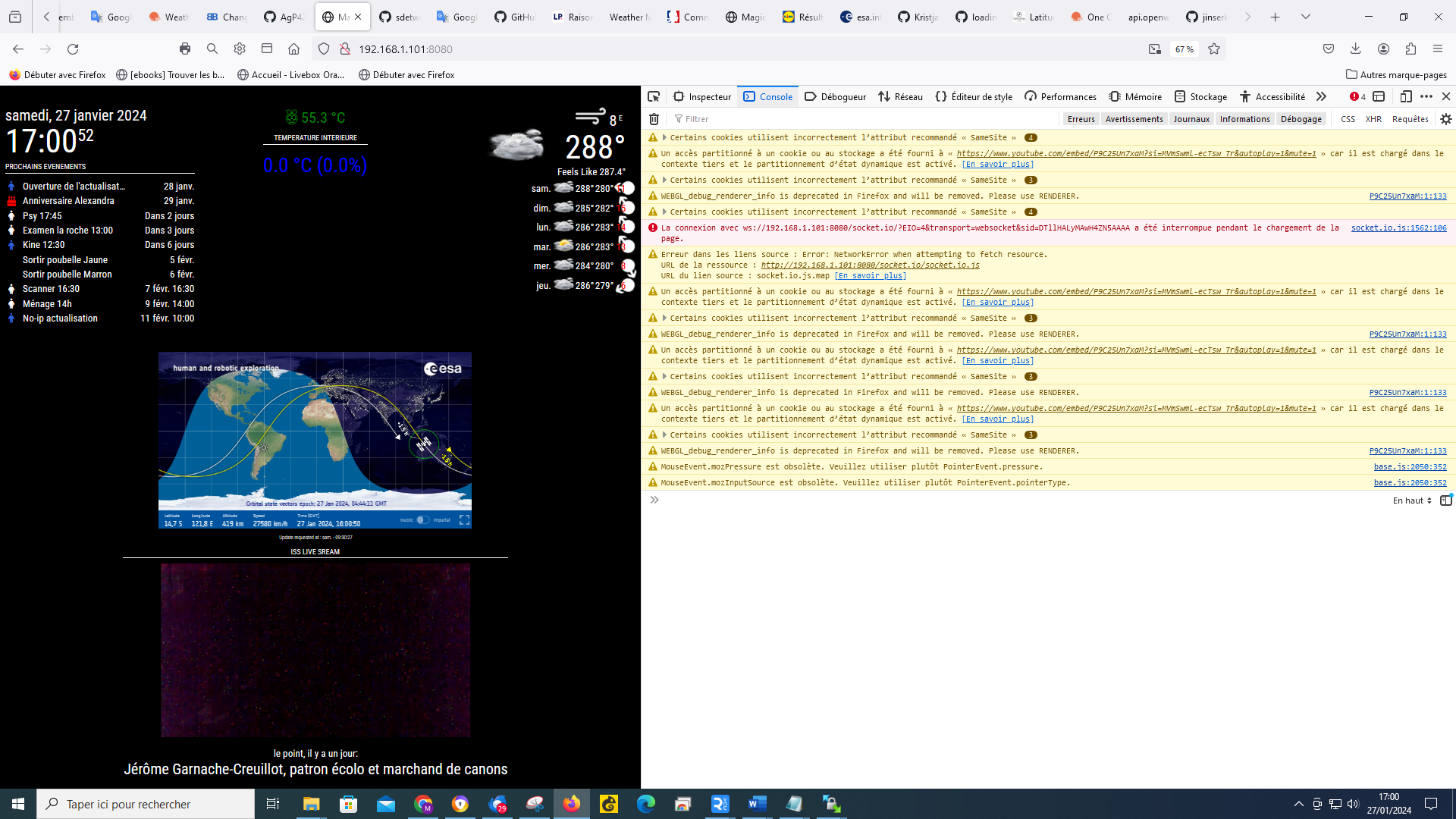
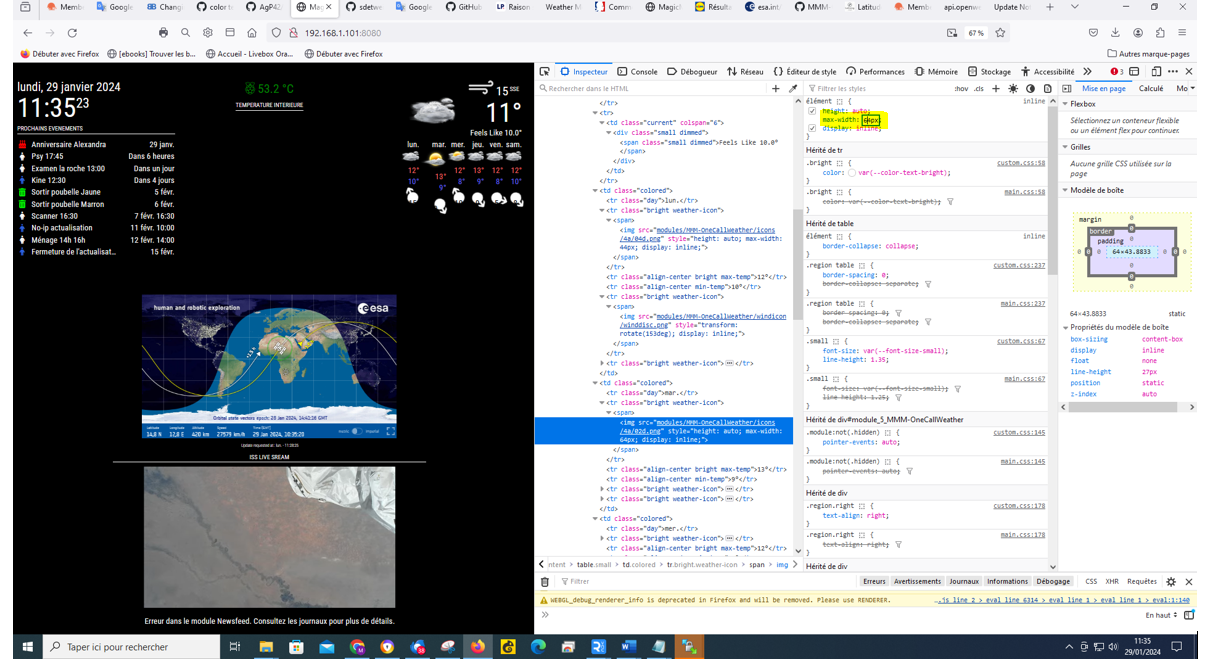
      @sdetweil I have AGAIN one question I would like to change the size of the weather forecat icons, by opening the console (crtl+shift+i) I see that if I change the number (highlighted in yellow) it changes the size of the icon, for example against I don’t know how to put this in the custom css
      07e91502-39cc-4a04-9636-4d580638a42b-image.png

      posted in Development
      M
      Manu85
    • RE: Changing icons of the modules Current Weather and Weather Forecast

      @sdetweil it’s ok, I did as you told me and everything is in order, when you have a moment can you answer my previous question about updates if you can like it?

      posted in Development
      M
      Manu85
    • RE: Changing icons of the modules Current Weather and Weather Forecast

      @sdetweil
      724ce607-3dbe-4fed-b4e0-58e3fc812b3e-image.png

      posted in Development
      M
      Manu85
    • RE: Changing icons of the modules Current Weather and Weather Forecast

      @sdetweil If I understood correctly it is that I changed something in ```
      MMM-OneCallWeather.js

      I understand that you are saying that I changed the value from ```
      tempUnits: "metric"
      ``` to ```
      tempUnits: "c" 
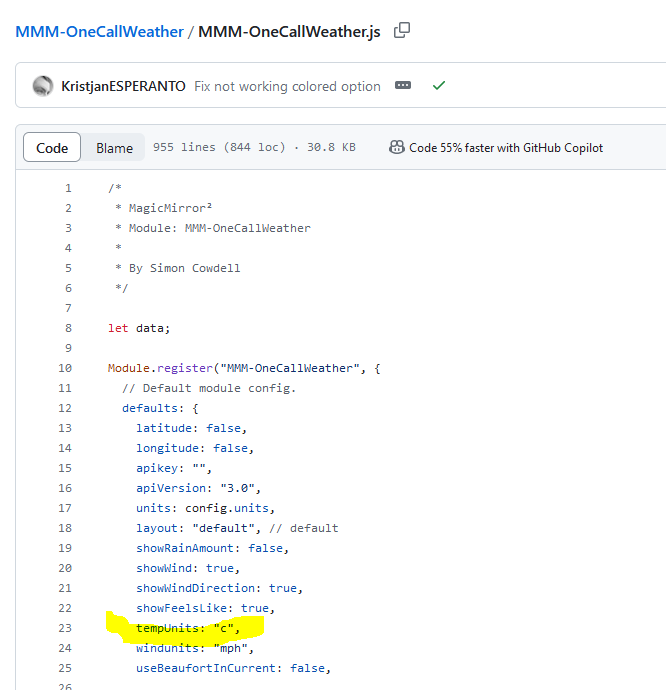
      ```? I didn't touch it, it's like that in the file (I gave you a screenshot from github) and I promise you that I understand that nothing should be changed in these folders.
      so now I have to pass the line: ```
      git checkout MMM-OneCallWeather.js 
      ```?
      and then I delete: package-lock.json and then I do git pull, should I put: ```
      tempUnits: "metric"
      ``` so different from what is in the ```
      MMM-OneCallWeather.js
      ```?
      posted in Development
      M
      Manu85
    • RE: Changing icons of the modules Current Weather and Weather Forecast

      @sdetweil I got a weather module update alert, I tried to update, but I got this error message, did I do something wrong?

      pi@MagicMirror:~/MagicMirror/modules/MMM-OneCallWeather $ git pull
      Depuis https://github.com/KristjanESPERANTO/MMM-OneCallWeather
         f7f964d..0069540  main       -> origin/main
      Mise ▒ jour f7f964d..0069540
      error: Vos modifications locales aux fichiers suivants seraient ▒cras▒es par la fusion▒:
              MMM-OneCallWeather.js
              package-lock.json
      Veuillez valider ou remiser vos modifications avant la fusion.
      Abandon
      pi@MagicMirror:~/MagicMirror/modules/MMM-OneCallWeather $
      
      posted in Development
      M
      Manu85
    • RE: Changing icons of the modules Current Weather and Weather Forecast

      @sdetweil Hello, I didn’t succeed in feeling like, but it doesn’t matter, I’ll leave it like that…
      if I understood correctly I need to keep my MM up to date, do I need to run your script every 3 months or is there a solution to do it automatically and is it also possible for the mirror modules?

      posted in Development
      M
      Manu85
    • RE: Changing icons of the modules Current Weather and Weather Forecast

      @sdetweil yes indeed, we do not have the same night area…

      56763866-eb8c-433c-81dd-9f5238770d7a-image.png

      posted in Development
      M
      Manu85
    • RE: Changing icons of the modules Current Weather and Weather Forecast

      @sdetweil good luck and thank you for your help

      posted in Development
      M
      Manu85
    • RE: Changing icons of the modules Current Weather and Weather Forecast

      @sdetweil I still have some advice to ask you but I’m going to bed, because in France it’s already Sunday and it’s 00:03 AM ;-)
      thank you again for your help

      posted in Development
      M
      Manu85
    • RE: Changing icons of the modules Current Weather and Weather Forecast

      @sdetweil
      you are right (as usual) I put units:

      "metric",
      

      in config.js of the module and it works, you are the best

      posted in Development
      M
      Manu85
    • RE: Changing icons of the modules Current Weather and Weather Forecast

      @sdetweil my config.js is already like this!

      language: "fr",
      	timeFormat: 24,
      	units: "metric",
      	units: "kmh",
      	tempUnit: "C",
      
      posted in Development
      M
      Manu85
    • RE: Changing icons of the modules Current Weather and Weather Forecast

      @sdetweil do you thank me? I dream it’s you who teaches me hundreds of things…
      on the other hand I can’t understand the temperature in config.js I added

      tempUnits: "C",
      

      but that doesn’t change anything it’s still 282°

      posted in Development
      M
      Manu85
    • RE: Changing icons of the modules Current Weather and Weather Forecast

      @sdetweil in config.js

      symbol: 'trash-can',


      in custom css

      .fas.fa-trash-can
      
      posted in Development
      M
      Manu85
    • RE: Changing icons of the modules Current Weather and Weather Forecast

      @sdetweil you are too strong!!! now I will try to understand the weather temperature

      9be6b4a4-d7ef-4616-8693-37807cf83279-image.png

      posted in Development
      M
      Manu85
    • RE: Changing icons of the modules Current Weather and Weather Forecast

      @Manu85 said in Changing icons of the modules Current Weather and Weather Forecast:

      @sdetweil ok, like this I selected the line where the icon should appear, is it ok? for the selection that you asked me I was surprised to select the weather, but you are the professional :-)

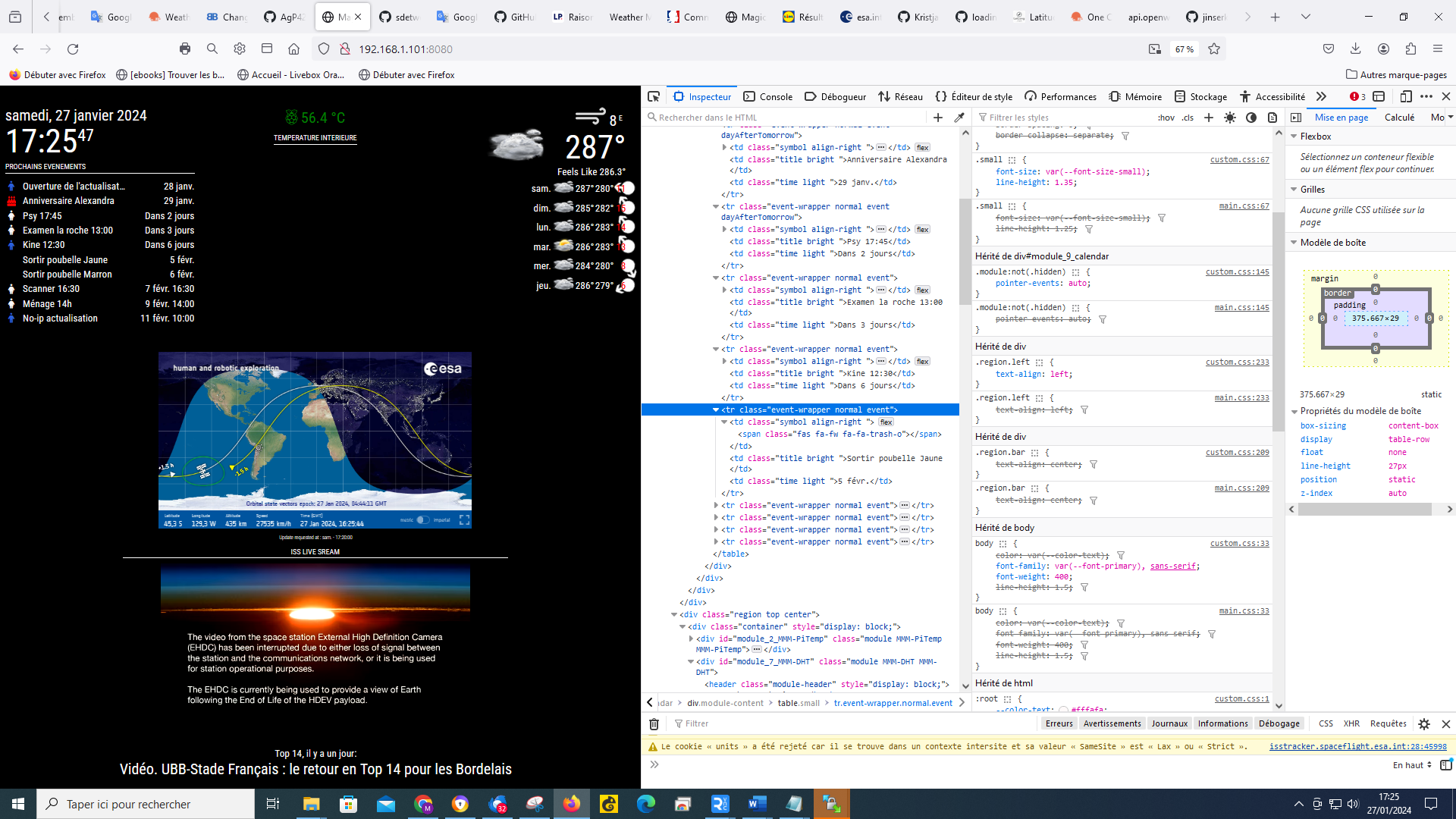
      e31f6056-e3a9-4195-8b94-4721d53882fe-image.png

      62445f00-3739-4e2c-98a3-75c34a33806f-image.png

      posted in Development
      M
      Manu85
    • RE: Changing icons of the modules Current Weather and Weather Forecast

      @sdetweil ok, like this I selected the line where the icon should appear, is it ok? for the selection that you asked me I was surprised to select the calendar, but you are the professional :-)

      e31f6056-e3a9-4195-8b94-4721d53882fe-image.png

      62445f00-3739-4e2c-98a3-75c34a33806f-image.png

      posted in Development
      M
      Manu85
    • RE: Changing icons of the modules Current Weather and Weather Forecast

      @sdetweil is this what is needed?

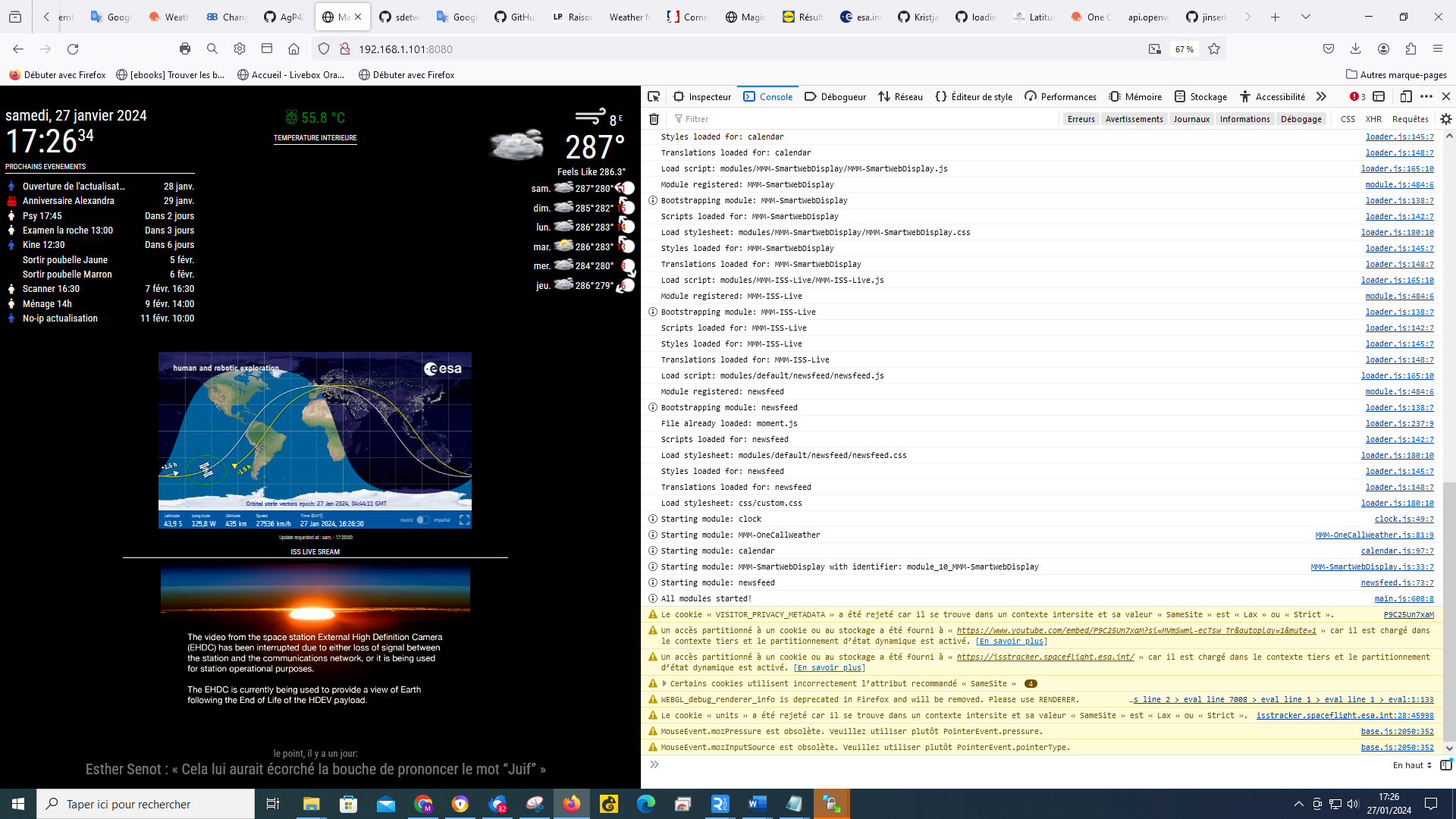
      dc591d8d-acef-4561-9d91-472f64d6960b-image.png

      df01a36b-94b1-44ed-9173-17afdbd4e625-image.png

      posted in Development
      M
      Manu85
    • RE: Changing icons of the modules Current Weather and Weather Forecast

      @sdetweil does not work

      posted in Development
      M
      Manu85
    • RE: Changing icons of the modules Current Weather and Weather Forecast

      @sdetweil I just did like that but still nothing I have the impression that the symbol in my js.config is not known

      {
      symbol: 'trash-o',
      url: 'webcal://p59-caldav.icloud.com/published/2/Mjc4MDY5NzE3Mjc4MDY5N_JWXRaX8nNLZE61rkC12xxxxxxxxxxxxxxxxxx'
      },
      

      and all other symbols are ok

      posted in Development
      M
      Manu85
    • RE: Changing icons of the modules Current Weather and Weather Forecast

      @sdetweil ok, thank you for this information, I will try to resolve one by one, to

      symbol: 'trash-o',
      

      I tried all your suggestions and I still have the same result, what is strange is that for the other icons ex:

      symbol: 'birthday-cake',
      

      I do have a birthday cake

      posted in Development
      M
      Manu85
    • 1
    • 2
    • 3
    • 4
    • 5
    • 6
    • 7
    • 14
    • 15
    • 5 / 15