@sdetweil
I just made it work, I am so happy
the commands to start it are
pm2 start 0
and to stop
pm2 stop 0
works that is how my MagicMirror starts in the mornings and stops at night…
pm2 is like magic…
Thanks for the help
I will give it a run overnight and see how crontab handles the commands.
You always have an answer that triggers my thought process to make it work.
Thank you Sam I appreciate your efforts to teach us that are not too bright…
 P
Offline
P
Offline
A New Chapter for MagicMirror: The Community Takes the Lead
Read the statement by Michael Teeuw here.
Read the statement by Michael Teeuw here.
Posts
-
RE: PM2 start web browser at start up of pi4
-
RE: PM2 start web browser at start up of pi4
I figured out I had to remove the && ctrl C and now it just opens the one tab.
DISPLAY=:0 chromium http://192.168.1.177:8083/live
is all that is inside the Camera.sh file now, it now works.
So I can now start it up with crontab -e
I can use killall chromium and it shuts it down.
But then pm2 restarts it for me automatically.
How do I get pm2 to stop watching for the shut down? -
RE: PM2 start web browser at start up of pi4
DISPLAY=:0 chromium https://www.google.com &opens the chromium web browser with google just fine, but then I get this error over and over again.
[4886:4886:1201/195513.105659:ERROR:gbm_wrapper.cc(79)] Failed to get fd for plane.: No such file or directory (2)
[4886:4886:1201/195513.105747:ERROR:gbm_wrapper.cc(262)] Failed to export buffer to dma_buf: No such file or directory (2)
any idea why that would be happening? It doesn’t start until the web browser actually starts up on my screen. I can ctr c and it stops and the web browser stays running like I want it to.
I made a Camera.sh and pasted.
DISPLAY=:0 chromium 192.168.1.177:8083/live & ^C
PM2 start Camera.sh
PM2 saveAND
it works kind of, the problem now is it just keeps running and loading tab after tab until I kill it.
What am I not doing correctly.? -
PM2 start web browser at start up of pi4
I am trying to get PM2 to start firefox when I boot raspi 4 running bookworm.
I have the browsers home page set to my tinycam pro web page display (local)
It works great if I start it manually but would like it to start from my crontab -e and shut down the same way I just do not understand the syntax I need to use to get Firefox to start using crontab.
Probably making it harder than it really is…
Thanks in advance.
Jeff -
RE: MMM-Gas
You can try MMM-Fuel you have to use gasbuddy instead of autoblog.
It works for me at least for now… -
RE: MMM-CoupleDays
@sdetweil
Wow, Thanks, I finally figured out what you have been trying to tell me.
Found the wording to make it big enough to read now…
\Thanks for you help Sam… -
MMM-CoupleDays
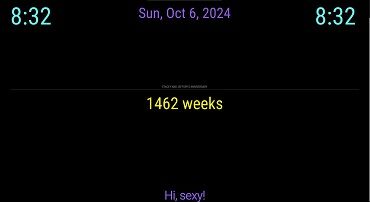
What am I missing to get the gray line above the line to the same size. Here is my css.
.MMM-CoupleDays .header {
        Font-size: 85px;
        Line-Height: 87px;
        Text-align: center;
}

.couple-days-content {
        font-weight: 400;
        Font-size: 85px;
}

.couple-days-wrapper {
        font-weight: 400;
        Font-size: 85px;
}

.couple-days-header {
        font-weight: 400;
        Font-size: 85px;
}
-
RE: MMM-Fuel
@Ray
You can try changing from autoblog to gasbuddy. Works for me… -
RE: Calendar
This is what I have for my css and my js . I think I need to somehow put the colors in the css, but I can not figure it out again. I probably have the config somewhere just have not had the “want to” to find it again. Having a bunch of issues since having Covid last month… Hopefully it will clear up soon…
CUSTOM CSS: .calendar .symbol { Margin-left: 10px; Text-align: left; Color: #15b1fd; Font-size: 34px; Line-Height: 35px; CONFIG JS { module: "calendar", header: "Birthdays/Dr.Appt", position: "top_left", config: { fade: false, maximumEntries: 16, timeFormat: "absolute", urgency: 3, getRelative: 24, calendars: [ { symbol: "birthday-cake", name: "Birthdays", url: "https://calendar.google.com/calendar/ical$ color: "#09a6f3" }, { symbol: "briefcase-medical", name: "DrAppt", url: "https://calendar.google.com/calendar/ical$ color: "#f30819" }, ] } }, -
RE: countdown to reapeating event
Have you looked at MMM-DateCounter? I think it can do what you are looking for.
-
MMM-DateCounter
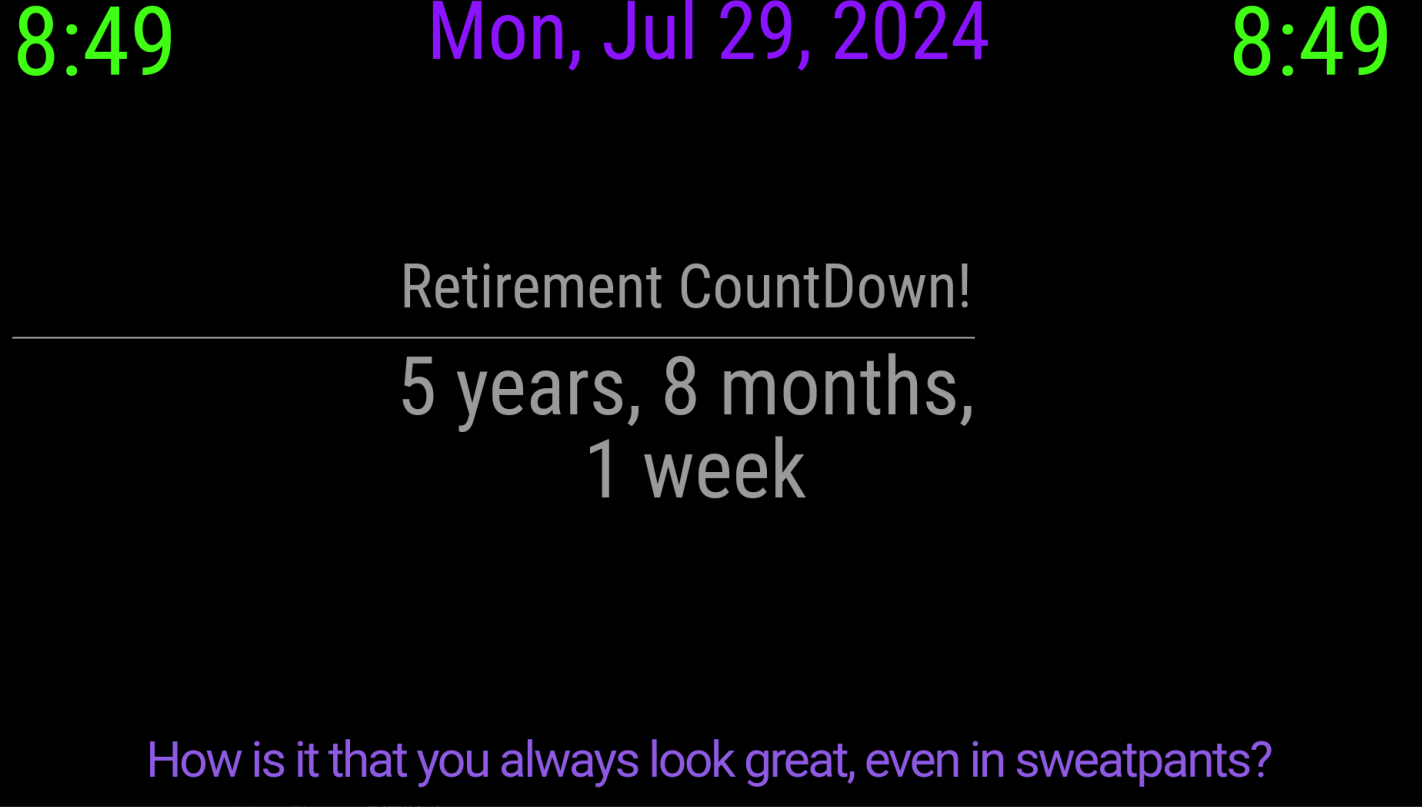
I want to get rid of or Center the line under the HEADER. Even all the way across would be fine.
-
Calendar
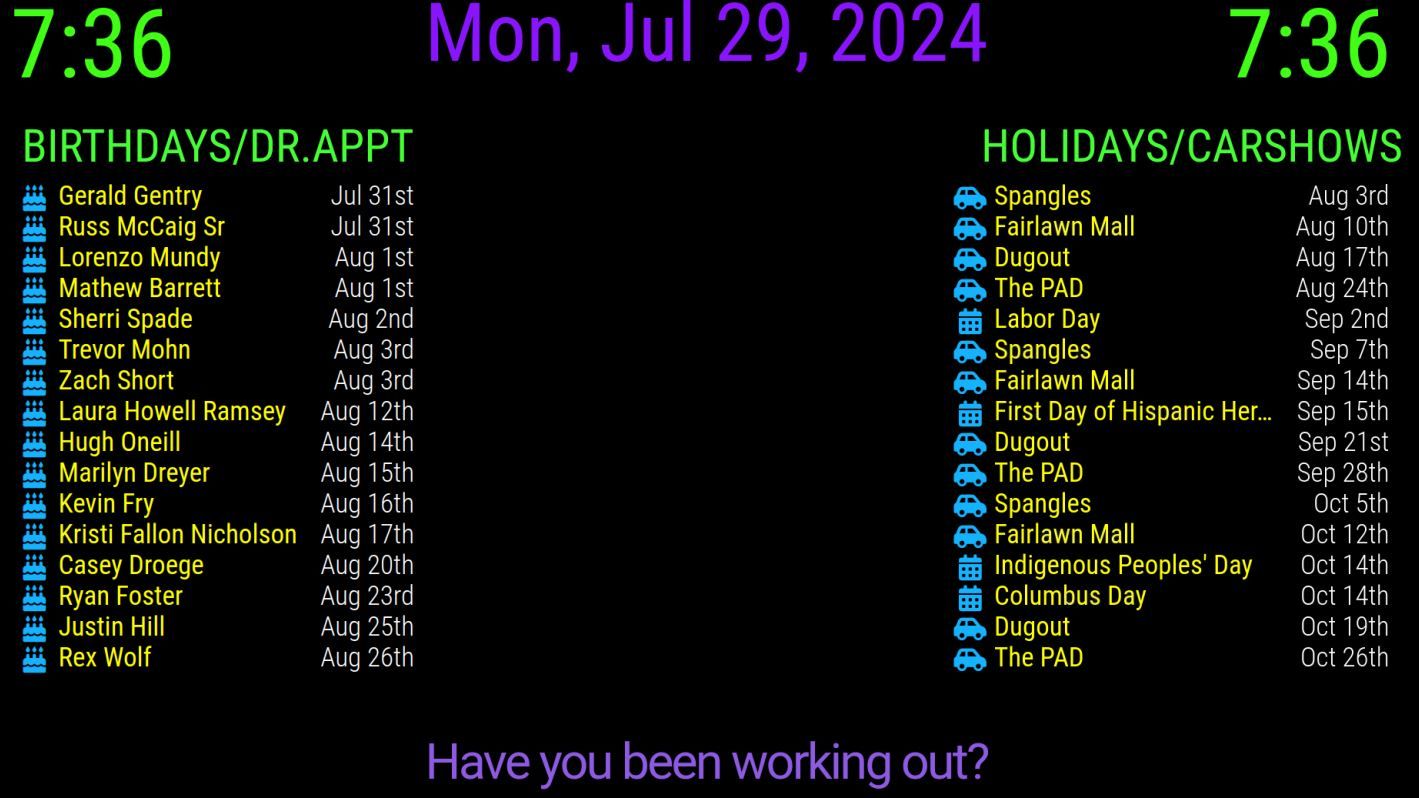
I have 4 calendars setup in the default calendar, the symbols where all different in color and symbol I have cake (blue), car(green), briefcase (red), and a calendar (yellow). BUT all of them are showing up blue instead of the individual colors assigned in the config.js
-
RE: Problem with MMM-PhoneDetect
MMM-PhoneDetect, I just want to use it to turn the screen off and on if one of is home. My dogs ignore MM anyways.
-
RE: Problem with MMM-PhoneDetect
@sdetweil
Can I hide this module ?
It would be great to use and I think instead of the shut down monitor, I can us pm2 stop all and pm2 start mm to shut off display, like I do in my crontab. I leave the monitor on all the time as a night light basically very little light come of it cause I use a black background and the toolbar is set to small with a black background. What do you think can this be made to work…? -
RE: MMM-ModulesGroupsRotation - simple alternative to MMM-pages
@lazerclone
@sdetweil
Thank you both for your help it actually works like you say…
As long as I can keep our power on.
We are getting a string of storms here in Kansas and we are evidently dead center of their paths.
So far I have lost a HDD in my Mirror
The Hdd in my main computer windows.
and now the damn A/C pooped out.
Storm season should be over and oven on high season should be the norm.
Welcome to Kansas. -
RE: MMM-ModulesGroupsRotation - simple alternative to MMM-pages
@sdetweil
Well it could have only the one. I could put clock and compliments in the ignore part. if that would make a difference? -
RE: Exhange ical not always working - But work around
@TDMPro2K
Way to think outside the box. Great work around.