@atwist can you run this from the command line , and show the results
ps -ef | grep -v grep | grep -i -e xway -e labwc
@atwist can you run this from the command line , and show the results
ps -ef | grep -v grep | grep -i -e xway -e labwc
@wishmaster270 I think the requirements are here
https://forum.magicmirror.builders/post/130079
Don’t know config
@DarthWerner but I think you may have messed up MagicMirror
Use my upgrade script with force instead of apply as the parm
@DarthWerner in the MMM-Todoist folder right?
@DarthWerner but you are supposed to be in the module folder
node --run install-mm
Is for MagicMirror itself, not a module
For a module it would be
git pull && npm install
@BKeyport I’d ask Tom via an issue on the module GitHub
@BKeyport css? z-index : xx
xx is a positive number: 0 is default
To position
Width/height
Left/top
@atwist script name error, I made a shortcut for mm and didn’t catch it expanding there
@Ray sorry, didn’t hit the config to scroll
Buttons top left
Images middle center
One thing you could do is set the background of the top-left to see where it is, middle-center is left edge to right edge.
I think it is on top of top left, closer to you as the user
You might have to force z-index on buttons to get it in front/on top of middle-center
.MMM-TouchButton {
    z-index:5;
}
Positive number closer to user,
negative number is further away.
0 is the normal baseline
That also means the buttons will show on top of the images
@Sampleswow can you send me the ~/MagicMirror/installers/upgrade.log
Via email.
The same userid as here at gmail
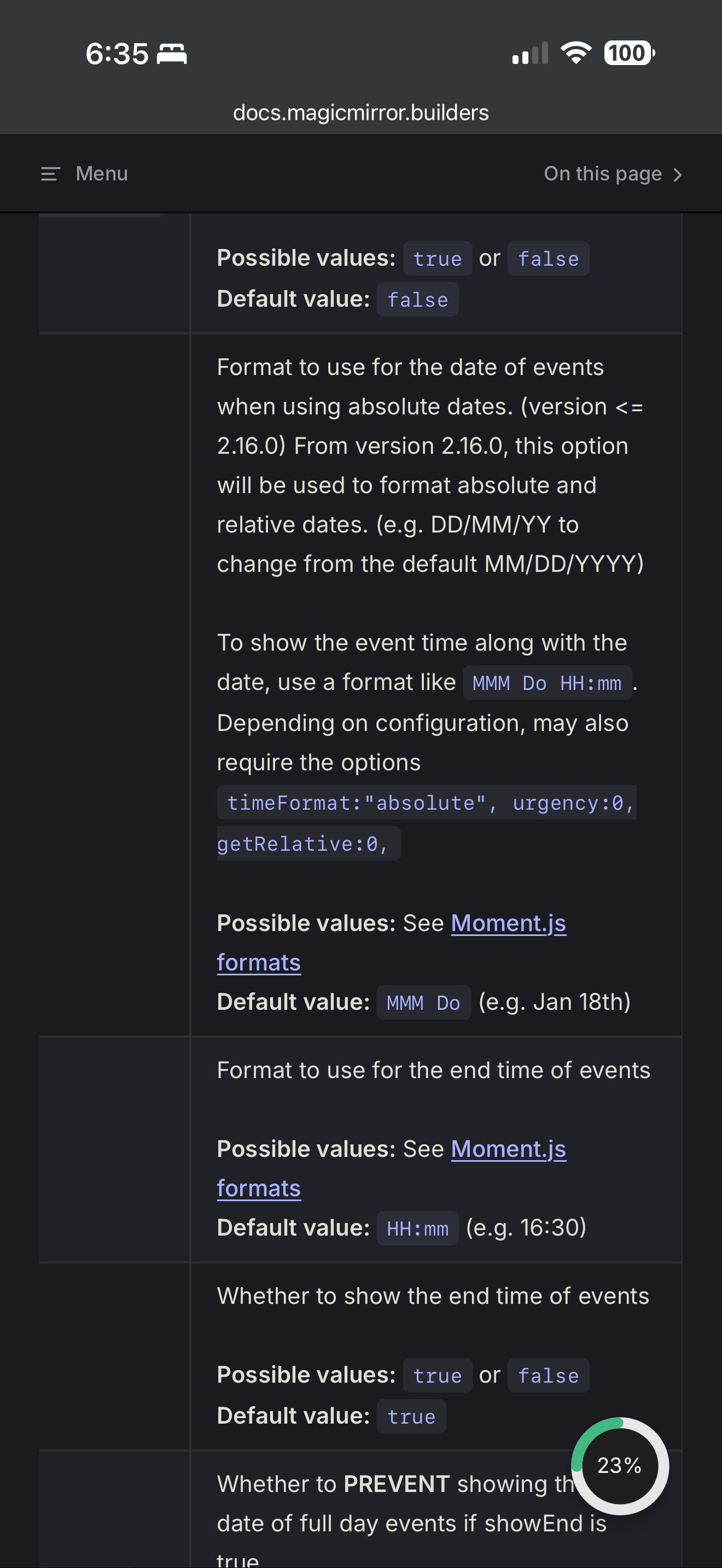
@Gherry the doc says you need two more config parm’s,
urgency and getRelative
@DarthWerner can you tell us WHEN you get that message?
during npm install?
If so, edit package.json
And add this before the “dependencies”: line
"scripts":{},
Also can you show the output of
node -v
@Sampleswow should not say electron.js
Do
cd ~/MagicMirror
ls node_modules/electron
If not found do
npm install electron@39.2.7
If successful
Do
npm start
Please advise
@MilkShake try
aplay -D plughw:2,0 xxx.wav
If you make an ~/.asoundrc
You should be able to set the default output device
Notice the . In front
@Ypsimm ok, please make sure NOT to use sudo with any MagicMirror commands
@atwist how are you starting MagicMirror?
pm2? How did you install MagicMirror
If my script, then look at
~/MagicMirror/installers/mm.sh
@renevandenbroek I am not aware of another working voice module