@sdetweil ok, thx
S
Offline
A New Chapter for MagicMirror: The Community Takes the Lead
Read the statement by Michael Teeuw here.
Read the statement by Michael Teeuw here.
Posts
-
After a power failure, the config.js file disappeared
After a power outage, the config.js file disappeared.
I have an older file, but I still need to reinsert some modules and modify them as needed. This would be time-consuming, and I’d like to avoid it. How can I find my current file again?It’s no longer in the MagicMirror/config folder; only the config.js.sample file is there.
-
RE: [MMM-JaST] Just another Stock Ticker (new: version 2.x)
@MZ-BER What exactly did you enter for ETFs so that they would be displayed? I don’t have any stocks, just five ETFs in my savings. Can I have those displayed as well?
How does this work, for example: WKN A1JMDF ?
-
RE: [FR] MMM-MeteoFrance
@clop Stupid question :-) can I enter locations worldwide or just from France?
-
RE: MMM-WetterOnline does not load
@lavolp3 I have a question about the module: until yesterday everything was working without any problems, but since this morning nothing is displayed to me (the screen area where the module is placed remains black) - I did an MM update to the latest version 5 minutes ago, too That didn’t bring any improvement. Has anything changed in the meantime?
16.06: now run the module - thx
-
RE: MMM-Netatmo does not load
Since yesterday it hasn’t been displayed on my mirror anymore, you can only see module name Netatmo loading…
I also did the module update, the problem still exists. Has anything been adjusted that I also have to change in the config so that it is displayed again? -
RE: MMM-GoogleCalendar Not Loading
You’re incredible, it worked straight away. Thank you very much for the quick help.
The calendar is working again, Netatmo is still causing problems, but first I’ll see if I can find what the problem is.
Thanks again -
RE: MMM-GoogleCalendar Not Loading
@nuggetron22
I have the same problem with my Google Calendar, how do I get version 2.23.0?
Do I have to set up the SD card from scratch or can I go from version 2.26.0 to 2.23.0 in a simple way?What’s the best way to go about downgrading the magic mirror software but keeping all modules intact?
-
RE: calendar (icloud) not loading after last MM Update
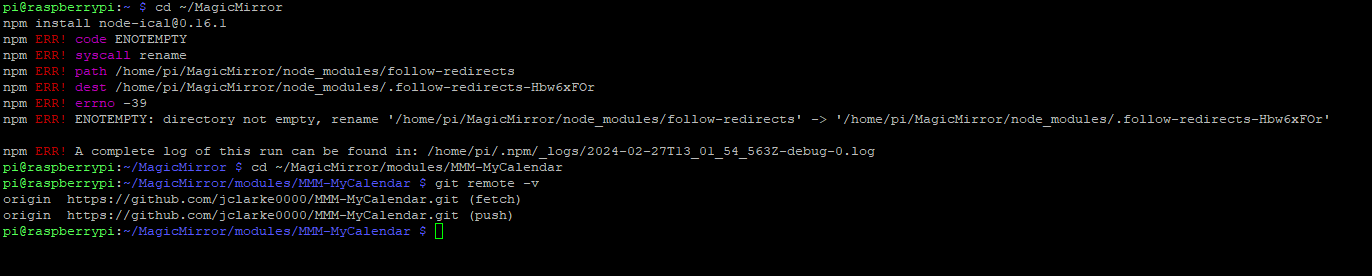
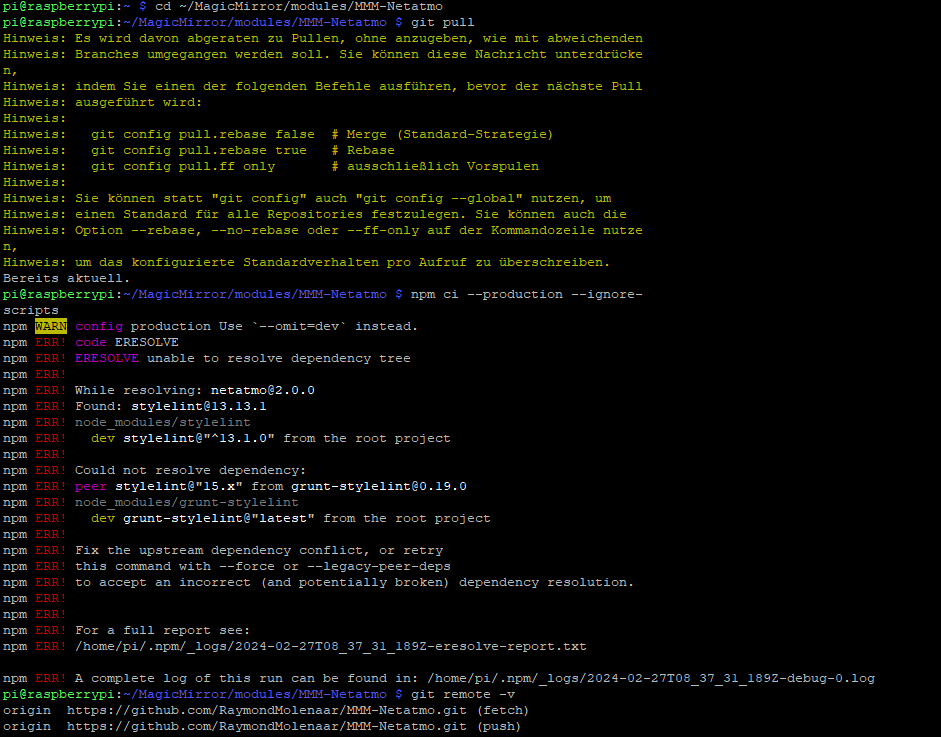
I tried it but these error messages appear. I even completely reinstalled MM, the message you see below comes after I enter the command
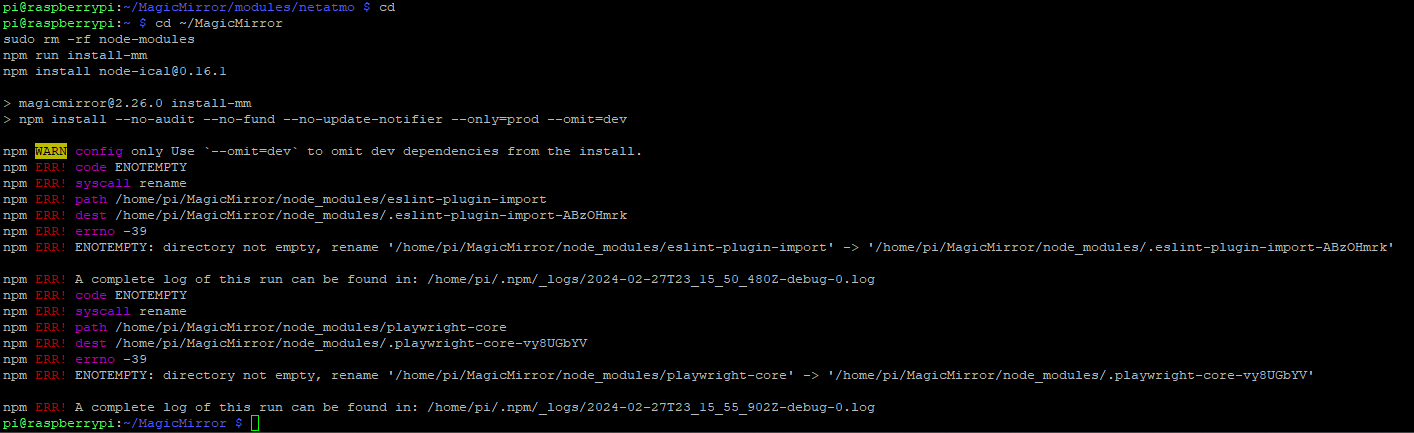
-
RE: calendar (icloud) not loading after last MM Update
Does it help if I delete the module with the command and then reinstall it?
cd~/MagicMirror rm-rf modules/MMM-MyCalendar -
RE: calendar (icloud) not loading after last MM Update
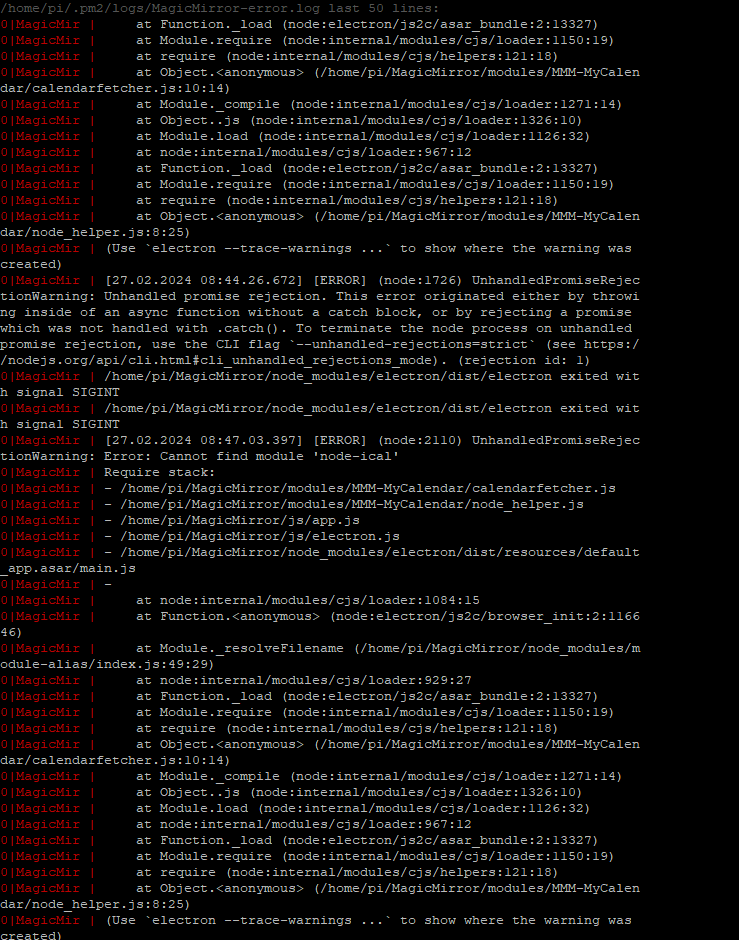
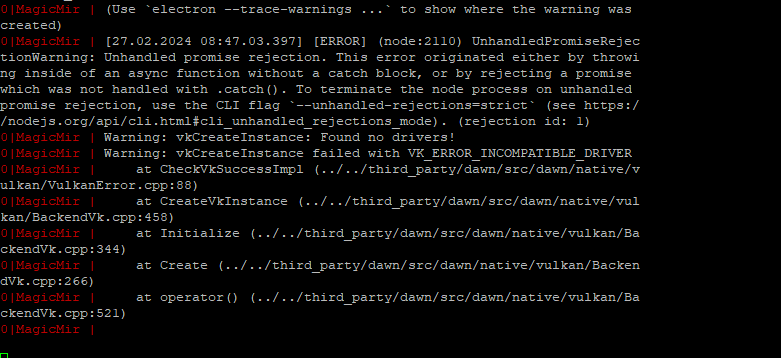
I have now restarted the PI and it boots up but only up to where MM2 is supposed to start, then this image with sunset or sunrise remains and the MM software does not start. This is in the log file (see below)
If I deactivate my calendar module everything starts normally.
The things I was supposed to do yesterday I also did this morning, and I get the same message as yesterday evening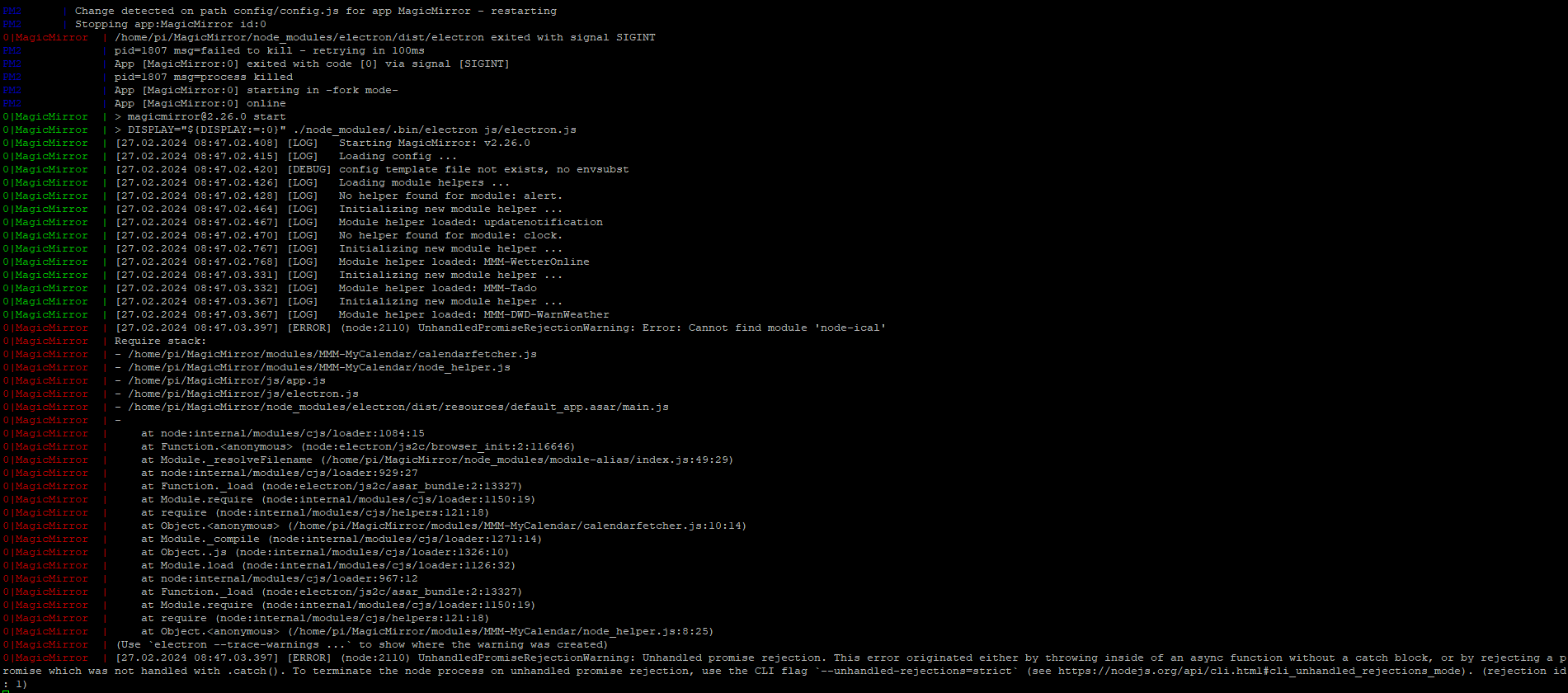
-
RE: calendar (icloud) not loading after last MM Update

Unfortunately when I enter that nothing happens -
RE: calendar (icloud) not loading after last MM Update
I had a power outage while executing the command, now I get this error message when I try to run it.

Does anyone know what to do?
-
RE: MMM-Netatmo does not load
Thanks, it seems to be working now, but I can’t find this setting so that the rooms are displayed one below the other. These are displayed one below the other, even if I enter false for horizontal:
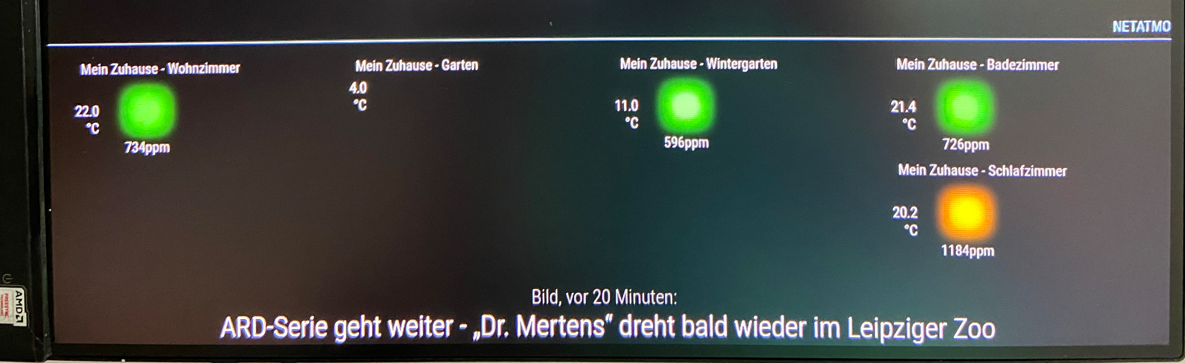
{

  module: 'netatmo',

  position: 'bottom_left', // the location where the module should be displayed

  header: 'Netatmo', // a header if you like one

  config: {

    clientId: 'secret123', // your app id

    clientSecret: 'secret123', // your app secret

    refresh_token: 'secret123', // your generated refresh token

    refreshInterval: '3',

    dataOrder: ["Noise","Pressure","CO2","Humidity","Temperature","Rain"],

    design: 'bubbles',

    horizontal: 'true',

    showBattery: 'true',

    showWiFi: 'true',

    showTrend: 'true',

    showMeasurementIcon: 'true',

    showStationName: 'true',

    showModuleNameOnTop: 'false',

    fontClassModuleName: 'xsmall',

    fontClassPrimary: 'xsmall',

    fontClassSecondary: 'xsmall',

    fontClassMeasurement: 'xsmall',

    thresholdCO2Average: '1200',

    thresholdCO2Bad: '1800',


  }

},