@monark said in small outburst - opencv:
Some people may find it fun to find solutions, but for many it is not, especially if years go by without finding solutions either on their own or with the help of the developer who claims to have installed it on other platforms. I would add that the people who find this type of activity fun are precisely those who created the module and know exactly how to untangle it.
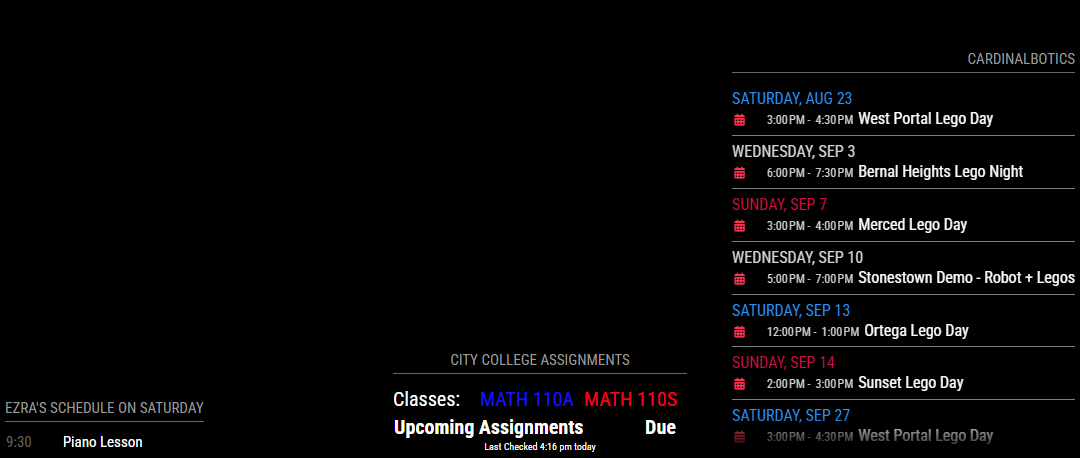
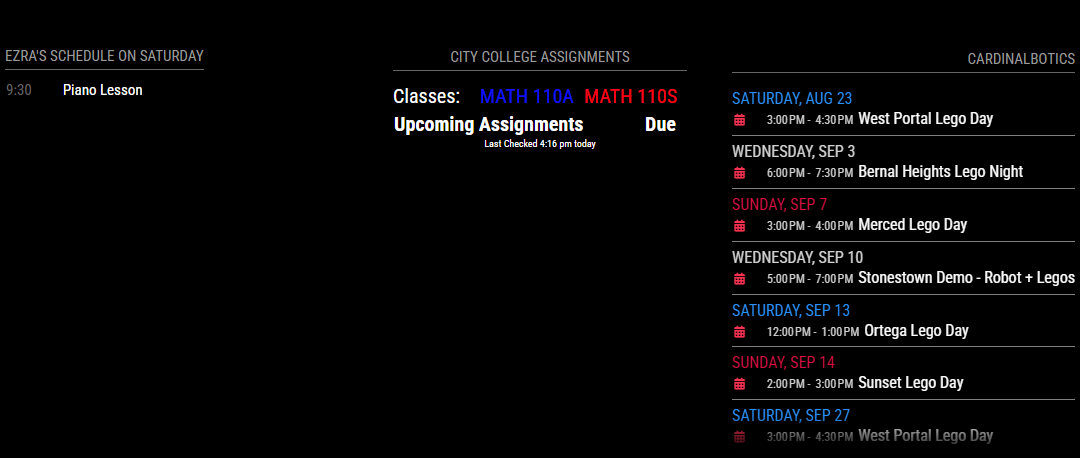
I understand your pain. I’ve been working on my MM for a couple of years now and only just recently got it where I feel I’m satisfied for now. But it’s not perfect.
There is a module which will show the arrival times of the next bus/streetcar that I never could get to work reliably, even with the module author’s help. The MMM-Bluelinky module (to display the status of Hyundai/Kia EVs) works occasionally on my test system but almost never on the actual instance. I could go on about things I’ve tried that don’t work. It can be incredibly frustrating.
I am one of those people who enjoys figuring things out but my time is severely limited (full-time job, mentoring a robotics team, serving on the board of a non-profit, going back to college) so I wouldn’t mind a bit more of a finished product.
Here’s the thing, though: I could get a totally finished, polished, ready-to-go with no futzing about product. I would just have to pay for it. (There is a product called DAKboard, I think that might be worth looking into.)
The MagicMirror core system and all of the modules are created and maintained by volunteers who get nothing out of it. I don’t think there’s even any corporate sponsors or anything. So what you get is what people want to put into it.
Most of the people who work on MM and its modules are techies who want to figure out how to get something working either for the fun of it or because they want some functionality. Once they get to that point – working for them – many aren’t interested in the “boring” bits of polishing it up and documenting and so on. And there’s no paycheck to incentivize them to do that.
Take Linux, for example. Linux started out as a personal project and then others started contributing but for a long time it was difficult to use and install and you really had to be pretty tech-savvy to use it. Then companies started getting interested in using it and were willing to pay for a finished product. So other companies – Red Hat, Suse, etc. – were born to do the boring bits of writing manuals and help screens and testing and bug fixes and so on to make it into a product that you can pretty much install off the shelf and use without knowing much. But for a long time, there was a huge difference between Linux and Windows/MacOS because the latter had big companies that invested in them because they weren’t free. Linux was (and is) free, so you got what you paid for.
MagicMirror is the same. You get what you pay for. Actually, that’s not true – you get a lot more because of all the module developers and folks like the amazing @sdetweil who really do put in a lot of time and effort to make MM as off-the-shelf usable as possible. But it’s not going to be as polished as a commercial product.
Now, here’s a thought: Perhaps you could find someone with the time and expertise who would be willing to get your mirror set up for you the way you want it if you pay them. It’s not unheard of – there are folks who will build Ikea furniture for you and folks who will run your garage sale for you. This isn’t any different.
So it comes down to either doing all the work yourself or paying someone else to do it for you (either a freelance MM person or DAKboard/etc.).
If you choose to do it yourself, there are a lot of folks here who can and will answer questions.