Read the statement by Michael Teeuw here.
PIR sensor problem after restart Raspi
-
@Egnos Doesn’t work either, the monitor doesn’t go into standby :-( The Raspbian screensaver function does not seem to work. Can this be reinstalled?
-
@JoeFranz have you tried to run the two modules following this guide written by @wishmaster270 ?
https://github.com/Tom-Hirschberger/MMM-GPIO-Notifications/blob/master/examples/HC-SR501/HC-SR501-GPIO4-README-EN.mdWhich PIR sensor do you have?
-
@Egnos I did it according to this guide (in German) have the same pir sensor as in the guide.
-
@JoeFranz said in PIR sensor problem after restart Raspi:
I did it according to this guide (in German) have the same pir sensor as in the guide.
Have you checked that the PIR is on the correct pins of the GPIO?
-
@Egnos The sensor is correctly connected
-
@JoeFranz and does it works correctly outside mm?
there are python scripts that will show it working
-
@sdetweil How can I test this?
-
@JoeFranz Google search is your friend
https://github.com/raspberrypilearning/physical-computing-guide/blob/master/test-pir-python.md
-
@sdetweil Ok, that tests the PIR sensor. But since the Raspi doesn’t even let the monitor go into standby, I suspect that it’s due to Raspian. Screen blanking is activated in Raspi-Config, so the monitor should switch off after 10 minutes, right? But that doesn’t work either. Or does that have nothing to do with the PIR function of MM?
-
@JoeFranz well, its shouldn’t go off by itself… as then u would have two things fighting for on or off…
do this, i assume you have pm2 controlling mm at boot
so, do
pm2 status
should only be one thing… defined
-
@sdetweil ┌─────┬────────────────┬─────────────┬─────────┬─────────┬──────────┬────────┬──────┬───────────┬──────────┬──────────┬──────────┬──────────┐
│ id │ name │ namespace │ version │ mode │ pid │ uptime │ ↺ │ status │ cpu │ mem │ user │ watching │
├─────┼────────────────┼─────────────┼─────────┼─────────┼──────────┼────────┼──────┼───────────┼──────────┼──────────┼──────────┼──────────┤
│ 0 │ MagicMirror │ default │ 2.20.0 │ fork │ 12738 │ 64s │ 0 │ online │ 0% │ 2.6mb │ pi │ disabled │
└─────┴────────────────┴─────────────┴─────────┴─────────┴──────────┴────────┴──────┴───────────┴──────────┴──────────┴──────────┴──────────┘
pi@raspberrypi:~ $ -
@JoeFranz ok, it’s not a second process getting in the way
next to test the sensor w the python script
stop mm
-
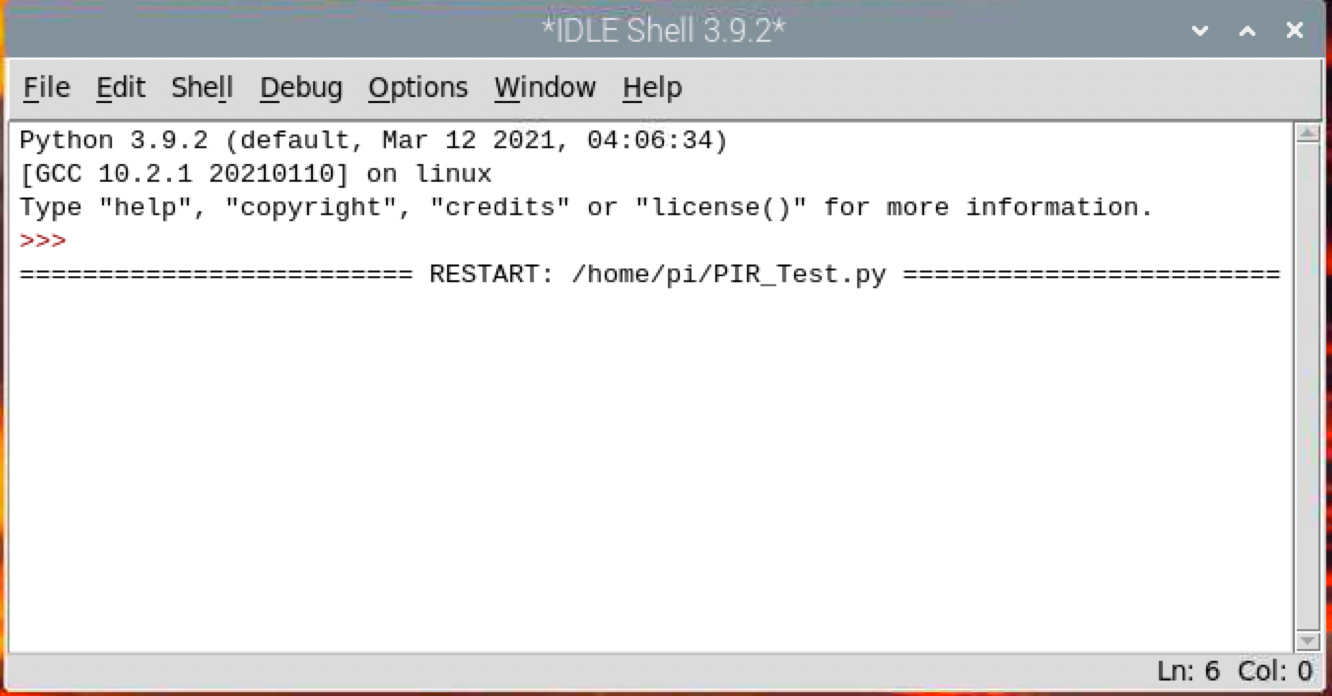
@sdetweil Nothing happens in the window. :-( PIR sensor broken?
-
J JoeFranz referenced this topic on
-
@JoeFranz It is probably because of the current firmware 5.15
Withrpi-update b976c54917e240630c05a9b383010f1492bc61b4I installed version 5.10. It now works again with the standby on the HDMI connection.
Greetings Joerg
edited due to wrong quotes outside code block -
S sdetweil referenced this topic on
-
S sdetweil referenced this topic on
-
S sdetweil referenced this topic on
Hello! It looks like you're interested in this conversation, but you don't have an account yet.
Getting fed up of having to scroll through the same posts each visit? When you register for an account, you'll always come back to exactly where you were before, and choose to be notified of new replies (either via email, or push notification). You'll also be able to save bookmarks and upvote posts to show your appreciation to other community members.
With your input, this post could be even better 💗
Register Login