Read the statement by Michael Teeuw here.
[Electron] display en screen after installing MMM-PIR-Sensor
-
If i find my IP adress, Can you give me the commands to delete the problem ?
-
@RIKKO14 if u didn’t turn on ssh, it isn’t on, so can’t use it anyhow. look in your router to see what addresses were given out…
I do that quite often, then fix/reserve the address so I don’t have to remember
-
ok, i find my IP adress (I’ve wrote it in excel file with some commandes i use) and I connected in SHH with putty,
thanks for your help to delete the commandh whose powered off my screen -
below my pm2 logs,
If that can help you…
https://www.cjoint.com/c/JHvqsqJ1QTT -
If it can help you this is my pm2 logs : https://www.cjoint.com/c/JHvqsqJ1QTT
-
@RIKKO14 looking at… hard to tell
dopm2 stop 0 pm2 flush pm2 start 0the will throw away the old logs…
-
I do this, the problem still here…
-
@RIKKO14 it just makes the log easier to read. please post it again
-
hre it is :
https://www.cjoint.com/c/JHvrPBCBgZT -
and this one (because i don’t if it it change something) : https://www.cjoint.com/c/JHvrUegIVzT after the command :
pm2 stop 0 pm2 flush pm2 start 0and after only
pm2 logs --lines=100without
pm2 statusandpm2 stop 0 -
@RIKKO14 i see this
0|mm | [2020-08-21 19:37:58.395] [LOG] [LPCM16] WARN: arecord: pcm_read
:2145: erreur en lecture: Appel système interrompu
and this
0|mm | [2020-08-21 19:43:41.435] [LOG] [Error: failed to read sensor]so we may have to look at t he browser dev window,
ctrl-shift-i on the mirror keyboard
select the tab labebled console,
and scroll up to see any errors, usually in red text -
ctrl+shift+i on the mirror keyboard : nothing displayed
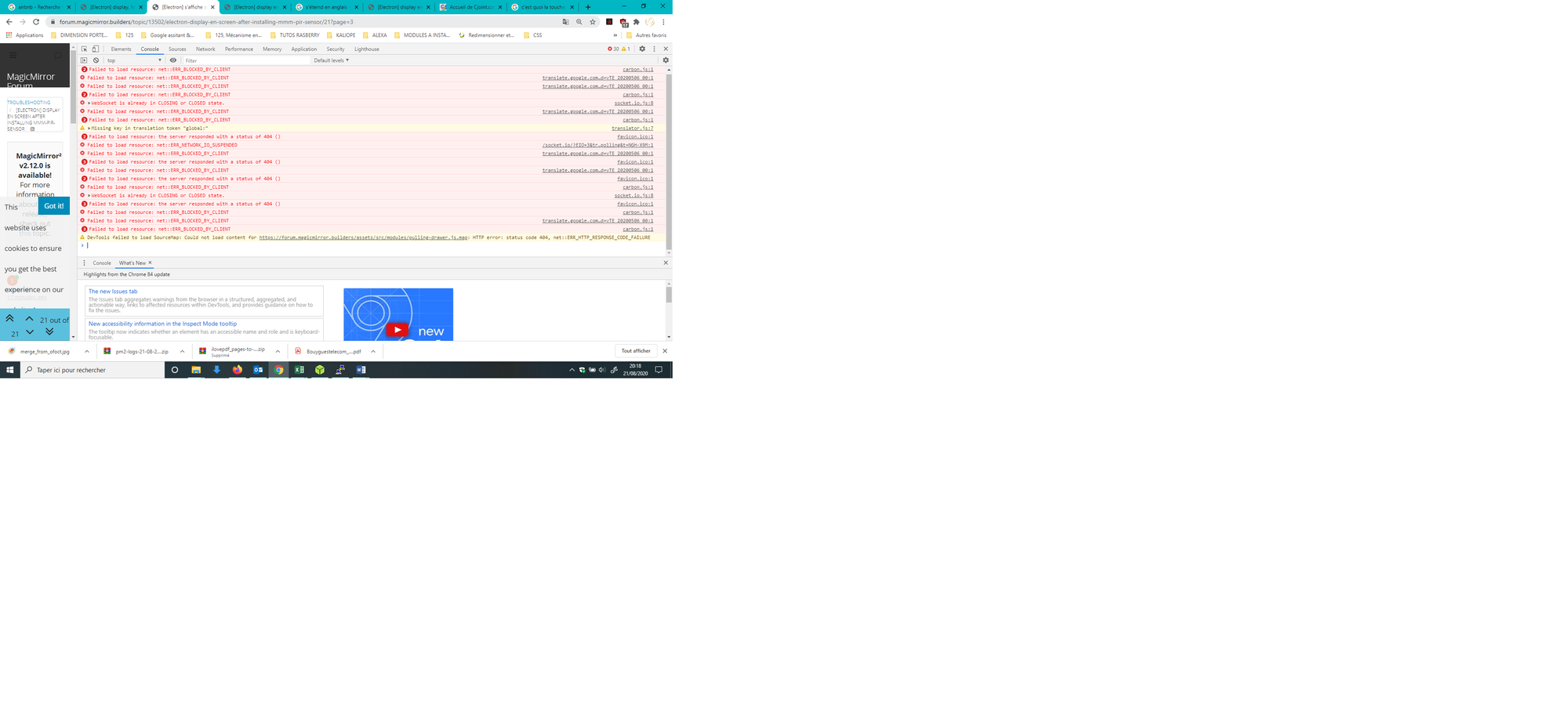
ctrl+shift+i on my pc keyboard : this is displayed :
-
ctrl+shift+i on the mirror keyboard : nothing displayed : because my screen is powered off : source of the issue…
-
@RIKKO14 too small to read
-
@RIKKO14 i think the ‘failed to read the sensor’ error lead to the power off command being issued…
but don’t know
-
-
@RIKKO14 that is dev window open on forum page, not MM page
-
that’s te problem…
you ask me to do ctrl+shift+i on the mirror keyboard :
but the screen is powered off so nothing displayed, i don’t know if it’s displayed something, I can’t see it…
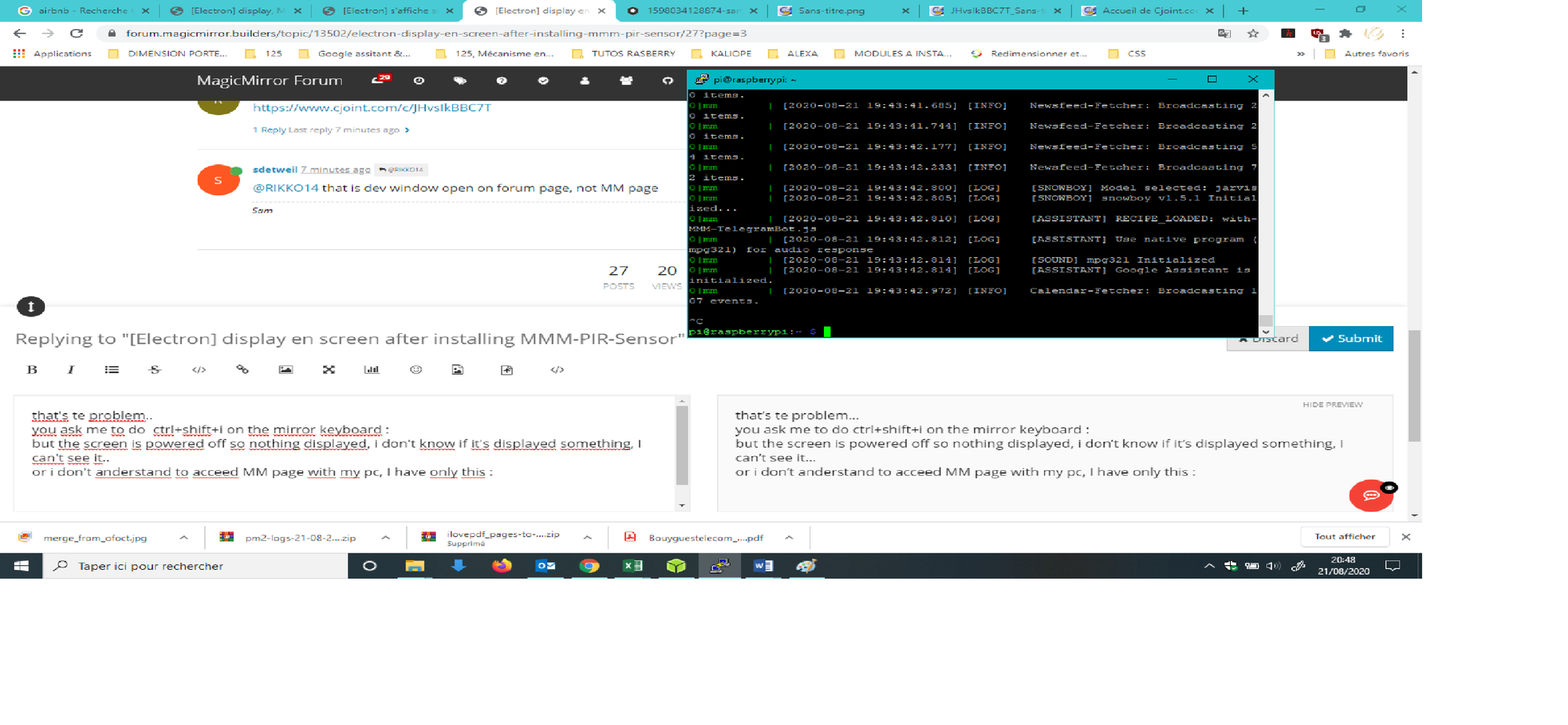
or i don’t anderstand to acceed MM page with my pc, I have only this :
-
@RIKKO14 edit the config.js on the mirror
change address and ipWhitelist like this
address:"0.0.0.0",
ipWhitelist:[],
restart mm…
now on your pc you can do
http://pi_ip:8080and then u can open the dev window on that page
i thought you said earlier you had removed the command to make your mirror screen turn off
so you know which code is issuing the command… tell where that was -
But I have only acces to my MM with SSH, so how to edit the config.js on the mirror with ssh ?
Hello! It looks like you're interested in this conversation, but you don't have an account yet.
Getting fed up of having to scroll through the same posts each visit? When you register for an account, you'll always come back to exactly where you were before, and choose to be notified of new replies (either via email, or push notification). You'll also be able to save bookmarks and upvote posts to show your appreciation to other community members.
With your input, this post could be even better 💗
Register Login