Read the statement by Michael Teeuw here.
Camera intigration in your Mirror
-
Yes pi noir works behind the glass.
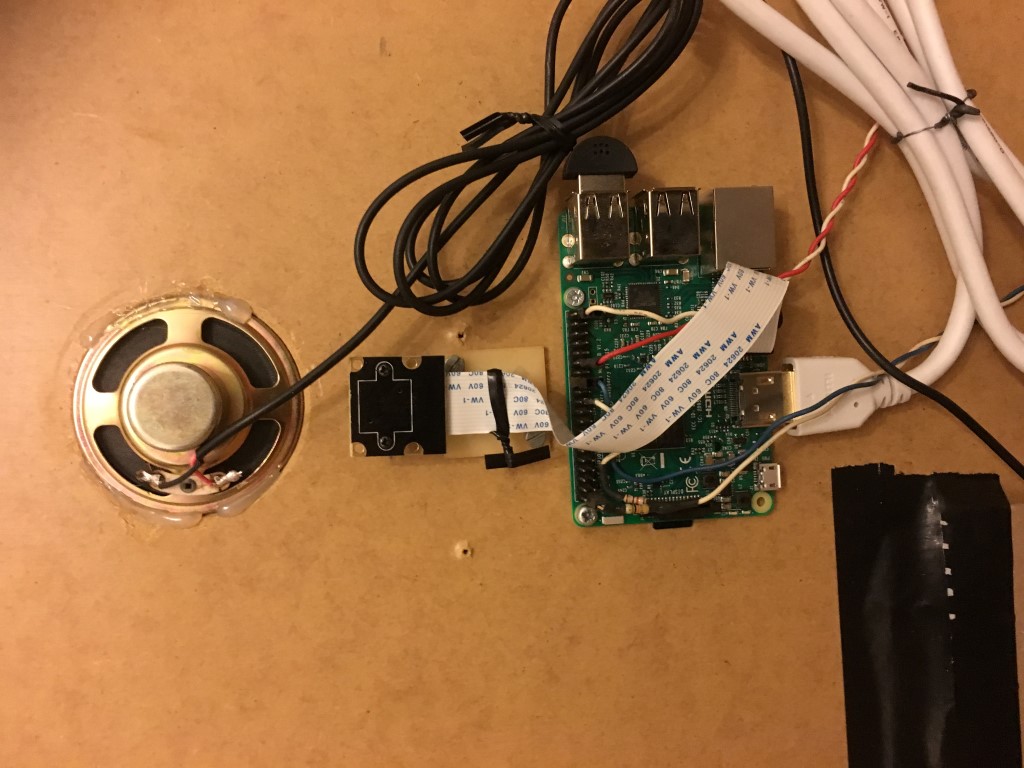
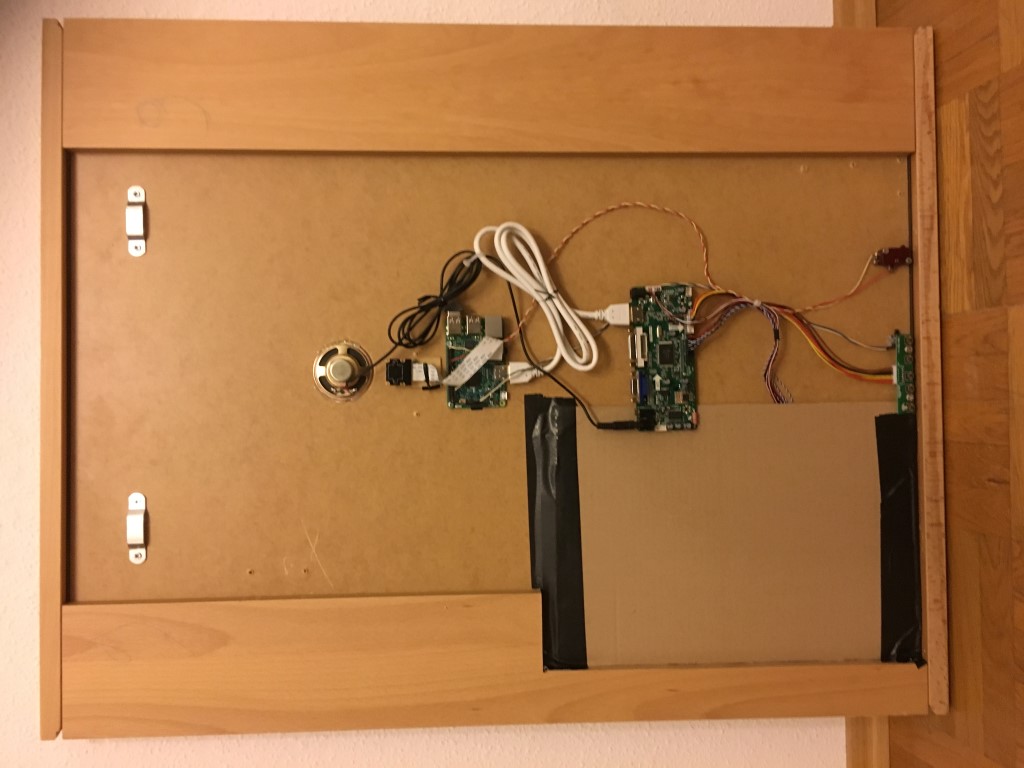
I’ts a bit darker but you can recognize the persons or other objects in the front of the mirror.My Mirror is on a wooden plate and i drilled a hole for the cam.
-
@lolobyte There are pictures of your frame (front and back)?
-
I must search for some pictures at my phone or i send you new pictures lather in the evening!
-
@lolobyte
So are you happy with your NoIR camera behind the mirror glass?
I am still unsure if I should buy one or if I skip this. On the other hand I am tempted to do so and integrate it into my mirror design right at the beginning. -
@yawns
Yes, sure. It solve many of my task build on my mirror.security cam with IR_LED’s for night-view possibilities, Motion detection, enabling/disabling mirror, facial recognition -> profile switcher.
Maybe other options lather with other ideas from the community.
-
@lolobyte I´m also interested to see the difference between the camera mounted in the frame or mounted behind the glass :) Is it possilbe to share some pics of the camera feed? :)
-
yes i do this how is said, lather when i’m back home.
-
@lolobyte what about the v2 camera? the one with IR. does that work behind the mirror? have you tested it so far?
-
@schlachtkreuzer6 , @yawns , @andrei20wks , @reaper81
hey Guys, here the desired pictures.
Sorry, i forgot to remove the ip.
Here are the pics again.With normal LED spots
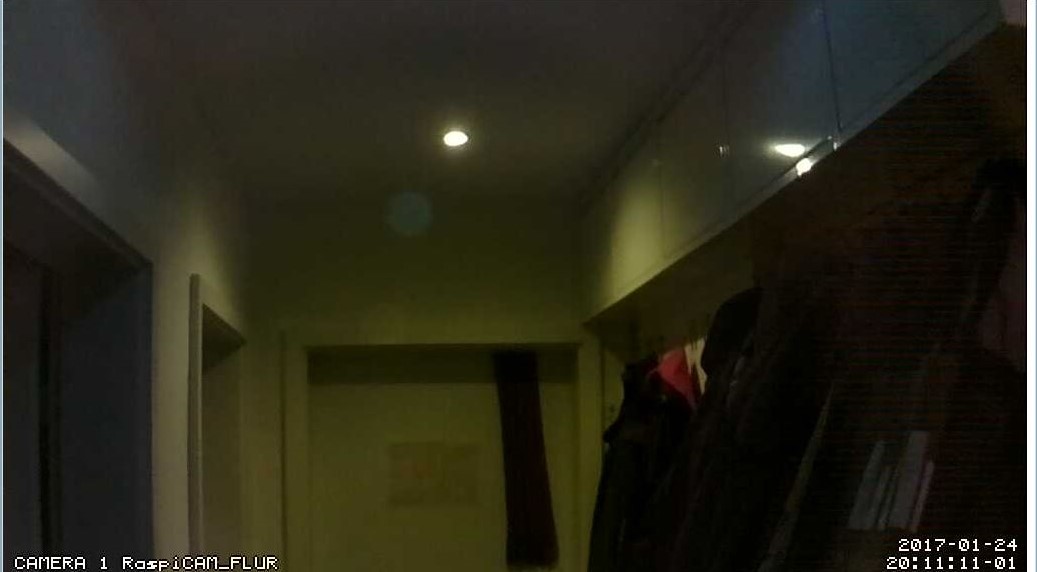
No Light and IR-Spot
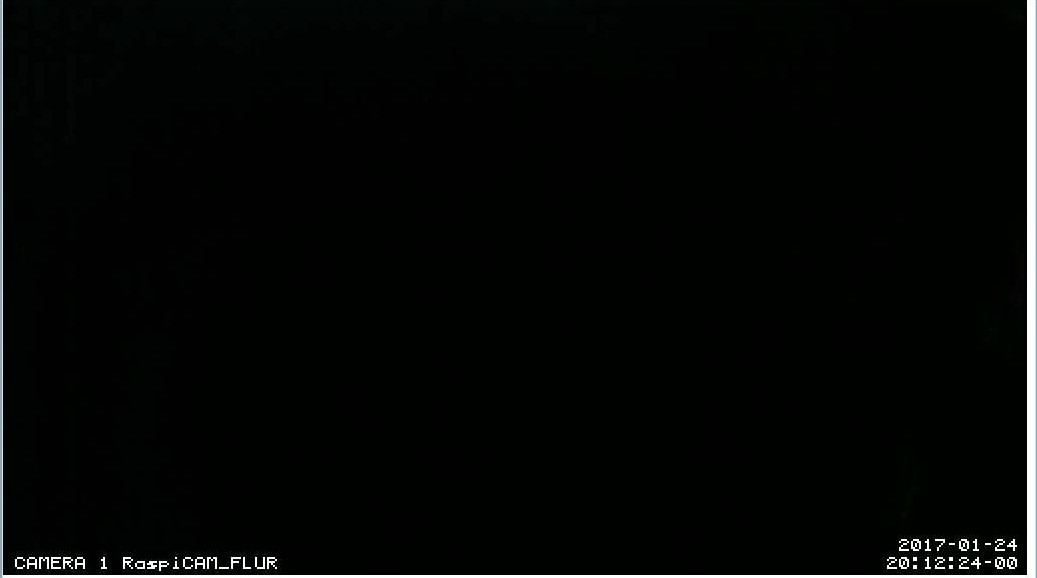
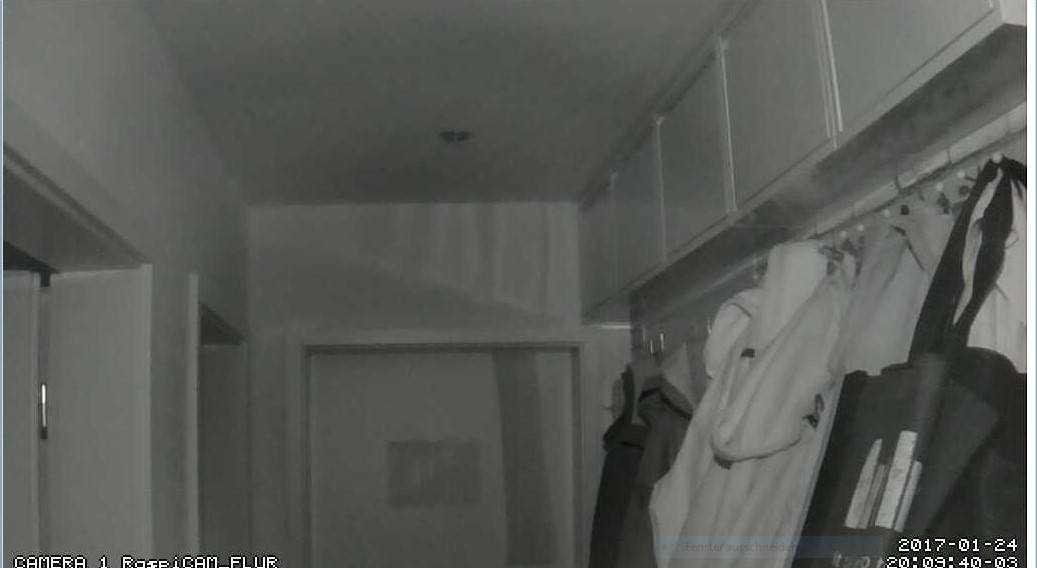
With IR-Light
-
Cool, thank you
-
@schlachtkreuzer6 , @yawns , @andrei20wks , @reaper81
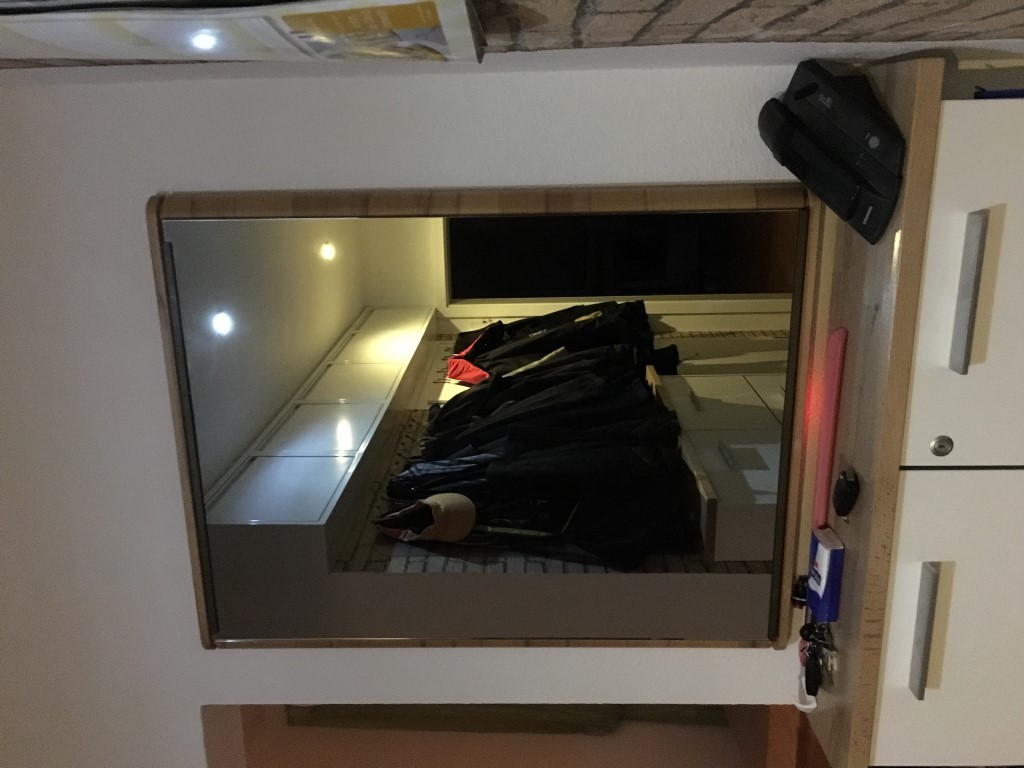
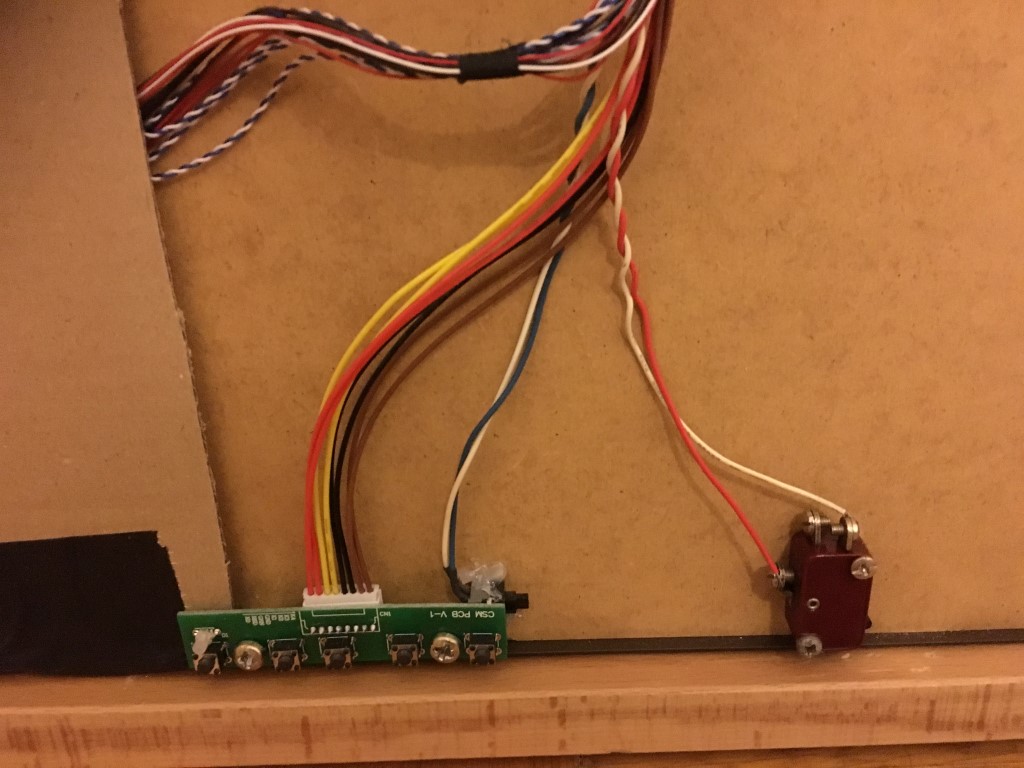
and here some pictures from the Mirror it self.
-
@lolobyte WOW! that is great thank you very much! That helps me immensely :D
which camera version are you using? the Pi Noir v2? and which transmision has the mirror?
-
@lolobyte
I’m amazed by the quality of your picture with IR-Light.
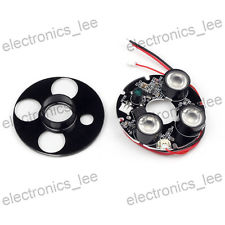
What kind of IR lamp are you using?I’m also using a raspi noir camera and integraded like 30 IR-Leds within the mirror to get a brighter picture.
But always have problems with the face recognition. I assume it’s because the pictures used for comparing a black and white and for contrast reasons much darker.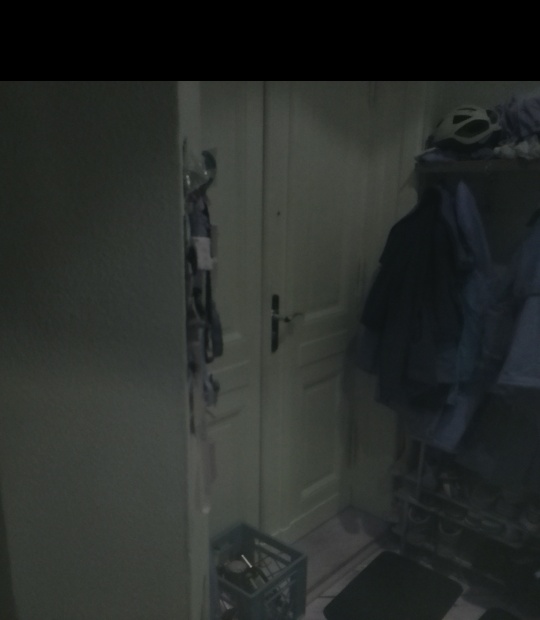
-
https://www.conrad.de/de/raspberry-pi-kamera-gehaeusemodul-raspberry-pi-622959.html
Full HD Video Auflösung mit 1080p
Omnivision 5647 CMOS Bildsensor
Maximale Framerate: 30 fps
Integrierter IR-Filter
5 Megapixel -
@lolobyte ah okay thats V1 so :) Thank you :)
-
-
@lolobyte Thanks also from my side. Is the IR-LED-board wired with the camera board? I see no wires for IR-powersupply to the Raspi in your picture. How do you enable/disable your mirror?
Are the camera and the IR-LEDs visible from the other side, through the mirros. And last but not least: What’s the function of the red-white and the blue-white cable? -
Hello.
My fist step was mounting the IR together with the cam behind the mirror.
Was a disaster. From that point as the IR is starting, no really good picture was available.After that i mounted the cam without IR and the IR extra outside from the Mirror.
The cam is not visible. The IR has his own power supply.
The mirror is enabled and disabled by the cam.The blue/white cable is soldered on a switch (Taster) to be capable to make soft reset to the raspi mirror or to shutdown the raspi mirror. You can set the option in a python script.
I planed to install one other switch for a hard reset. I have recognized this switch will also enable the mirror after a shutdown an i didn’t must pull the Raspberry power supply.
The red/white one is also a switch (Taster) to enable the "Tagesschau in 100 sek.) with the MMM-Button and the MMM-Podcast modules.
-
Where do you hide the IR-LEDs? In the Frame? Is there a special Module to use the Camera to disable the mirror or do you just disable all modules, if no face is recognized?
-
No, the IR-Spot is completely at another place. This spot is mounted under the room cover above the mirror.
I use the cam SW to recognize any motion in the front of the mirror named MOTION-MMAL
Take a look for example at
https://embeddedday.com/projects/raspberry-pi/a-step-further/install-motion-mmal/
In the config file you can define how the SW has to work and which commands are executed by the SW.
Se also here in this Forum
https://forum.magicmirror.builders/topic/988/motion-detection-with-raspicam-non-module-version/

Hello! It looks like you're interested in this conversation, but you don't have an account yet.
Getting fed up of having to scroll through the same posts each visit? When you register for an account, you'll always come back to exactly where you were before, and choose to be notified of new replies (either via email, or push notification). You'll also be able to save bookmarks and upvote posts to show your appreciation to other community members.
With your input, this post could be even better 💗
Register Login