MagicMirror Forum
    • Recent
    • Tags
    • Unsolved
    • Solved
    • MagicMirror² Repository
    • Documentation
    • 3rd-Party-Modules
    • Donate
    • Discord
    • Register
    • Login
    A New Chapter for MagicMirror: The Community Takes the Lead
    Read the statement by Michael Teeuw here.

    MMM-CalendarExt3

    Scheduled Pinned Locked Moved Utilities
    689 Posts 82 Posters 2.8m Views 86 Watching
    Loading More Posts
    • Oldest to Newest
    • Newest to Oldest
    • Most Votes
    Reply
    • Reply as topic
    Log in to reply
    This topic has been deleted. Only users with topic management privileges can see it.
    • S Offline
      sdetweil @fedale
      last edited by

      @fedale I think it works the same

      Sam

      How to add modules

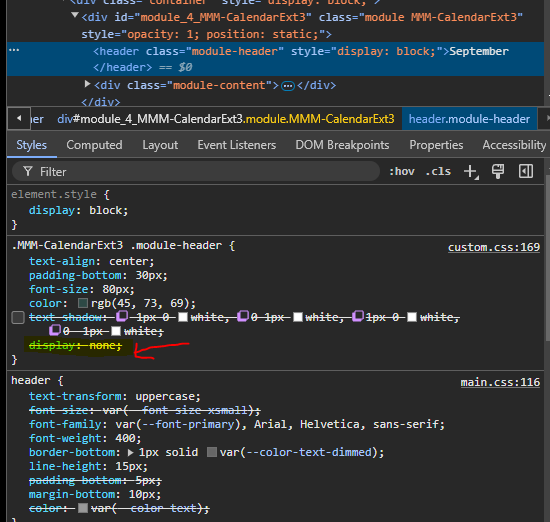
      learning how to use browser developers window for css changes

      1 Reply Last reply Reply Quote 0
      • M Offline
        MMRIZE @fedale
        last edited by

        @fedale
        CX3 has not support Iconify icons yet, only FontAwesome. It would be applied in near future updates.

        1 Reply Last reply Reply Quote 0
        • B Offline
          bicolorbore586
          last edited by bicolorbore586

          Is there a way of getting icons to sit in specific top bars (with the date number) of cells/days?

          I use MMM-CalendarExt3 to show my upcoming month, the default calendar to show the next couple of days events and MMM-Birthdays to show upcoming birthdays.

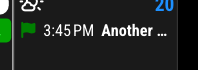
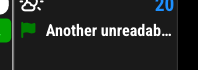
          What I would like to do is have a birthday cake icon sat in the date field, so I can see that that date is a birthday, without any written information in the cell, i.e. the white line wouldn’t be there in the image below.

          1af439a6-5ee7-4951-b584-06ffba318e30-image.png

          d16e0200-1d92-4fe7-bd9d-eca55bf8ef2e-image.png

          S M 3 Replies Last reply Reply Quote 0
          • S Offline
            sdetweil @bicolorbore586
            last edited by

            @bicolorbore586 no way without changing the module code. can’t move it w css

            Sam

            How to add modules

            learning how to use browser developers window for css changes

            1 Reply Last reply Reply Quote 1
            • M Offline
              MMRIZE @bicolorbore586
              last edited by

              @bicolorbore586
              Sorry, It can’t be done at this moment. In some day, I have a plan to update. I’ll consider your needs at that time.

              1 Reply Last reply Reply Quote 1
              • R Offline
                redink
                last edited by

                Can anyone help me make one last tweak? I would like to get rid of the icon next to the event name and display the event time in just a 24 hour format (23:30 instead of 11:30 PM). Here’s my current config

                {
                  module: "MMM-CalendarExt3",
                  position: "bottom_bar",
                  title: "",
                  config: {
                    mode: "week",
                    instanceId: "basicCalendar",
                    locale: 'en-EN',
                    weekIndex: 0,
                    weeksInView: 4,
                    maxEventLines: 5,
                    firstDayOfWeek: 0,
                    fontSize: "22px",
                    eventTimeOptions: {
                      hour: "2-digit",
                      minute : "2-digit"
                    }, 
                    useSymbol: false,
                    calendarSet: ['School', 'Family'],
                  }
                },
                
                M 1 Reply Last reply Reply Quote 0
                • M Offline
                  MMRIZE @redink
                  last edited by MMRIZE

                  @redink
                  e4be9a45-b742-4a80-8ddc-ac6835d160c3-image.png

                  1. Add this into your custom.css
                  .CX3 .event.singleday:not(.useSymbol)::before, 
                  .CX3 .event.singleday.useSymbol .symbol.noSymbol::before {
                    display:none; 
                  }
                  
                  1. Use this eventTimeOptions;
                  eventTimeOptions: {
                  	hour12: false,
                  	hour: "2-digit",
                  	minute : "2-digit"
                  }, 
                  
                  R 1 Reply Last reply Reply Quote 0
                  • R Offline
                    redink @MMRIZE
                    last edited by

                    @MMRIZE Perfect! Thank you so much.

                    1 Reply Last reply Reply Quote 0
                    • M Offline
                      MMRIZE
                      last edited by MMRIZE

                      1.3.0 (2023-04-17)

                      • CHANGED: Shared library to fix many issues.
                      • FIXED: some typo.
                      • FIXED: flickering for many reasons (logic error to treat notifications)
                      • ADDED: CX3_RESET_DATE notification (to reset instantly from glancing)
                      • ADDED: MMM-TelegramBot user implementation example
                      • ADDED: preProcessor for better handling of raw-data priorly
                      • ADDED: manipulateDateCell to manipulate date cell DOM after drawing
                      • CHANGED: Timing of eventFilter and eventTransformer is delayed for better-handling event data after regularized
                      1 Reply Last reply Reply Quote 0
                      • M Offline
                        MMRIZE @bicolorbore586
                        last edited by

                        @bicolorbore586
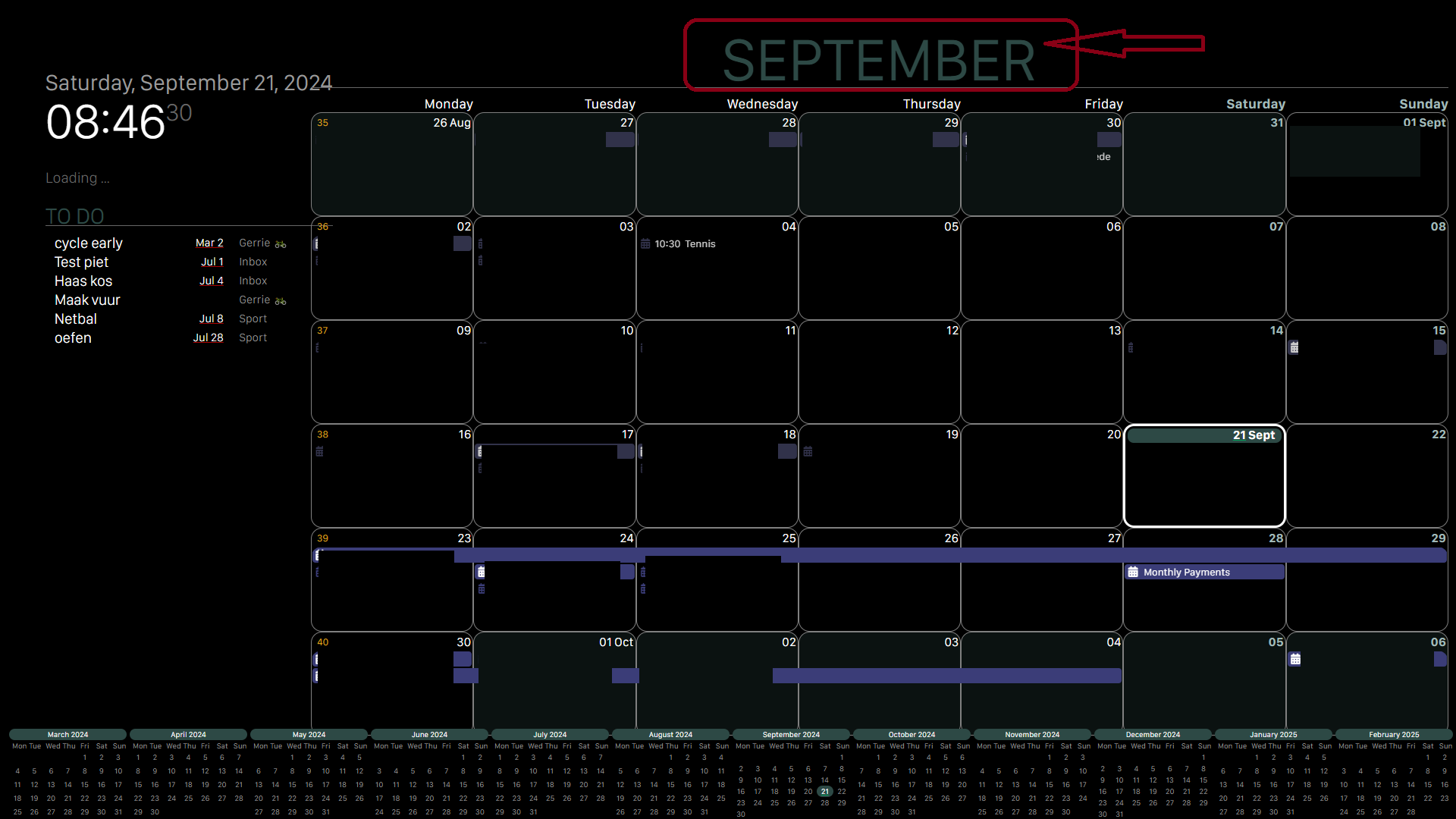
                        d37a4684-6469-4d59-926c-cfb13fbc924d-image.png
                        Since 1.3.0, with manipulateDateCell callback function in configuration, you can handle date cell itself. So you can achieve what you want.

                        Here is a simple example; (more tweek might be needed to match with your wants wholely)

                        manipulateDateCell: (cell, events) => {
                        	if (Array.isArray(events) && events.some(e => e.calendarName === 'Holidays')) {
                        		let dateIcon = document.createElement('span')
                        		dateIcon.classList.add('fa', 'fa-fas', 'fa-fw', 'fa-gift')
                        		dateIcon.style.color = 'red'
                        		dateIcon.style.fontSize = '0.9em'
                        		let header = cell.querySelector('.cellHeader')
                        		let celldate = header.querySelector('.cellDate')
                        		header.insertBefore(dateIcon, celldate)
                        	}
                        }
                        

                        Anyway, it could be possible.

                        B 2 Replies Last reply Reply Quote 1
                        • B Offline
                          bicolorbore586 @MMRIZE
                          last edited by

                          @MMRIZE
                          Hi MMRIZE, this looks amazing. I will be sure to update and give it a whirl!

                          1 Reply Last reply Reply Quote 0
                          • Z Offline
                            zelmo
                            last edited by

                            Is there anyway to make it show the end time in the montly calendar?

                            Like:
                            7:00 - 8:15 Morning Rutine
                            instead of
                            7:00 Morning Rutine

                            That would help out lots when looking at it to make sure you don’t double book yourself if you don’t remember how long the specific event you are going to will last.

                            M 3 Replies Last reply Reply Quote 0
                            • M Offline
                              MMRIZE @zelmo
                              last edited by

                              @zelmo
                              It is intentionally designed so. Not enough width to display endTime together. Use MMM-CalendarExt3Agenda together to see details.

                              1 Reply Last reply Reply Quote 0
                              • M Offline
                                MMRIZE @zelmo
                                last edited by MMRIZE

                                1.3.1 (2023-05-02)

                                • CHANGED: Refactoring some codes, the structure of the events, CSS.
                                • ADDED: displayEndTime: true => Show end time of the event. (hidden by default) (Requested from @zelmo)
                                • ADDED: displayWeatherTemp: true => Show max/min temperature of the forecasted days.
                                  CX3_1 3 1
                                1 Reply Last reply Reply Quote 0
                                • M Offline
                                  MMRIZE @zelmo
                                  last edited by

                                  @zelmo updated for you.

                                  Z 1 Reply Last reply Reply Quote 0
                                  • Z Offline
                                    zelmo @MMRIZE
                                    last edited by

                                    @MMRIZE Thanks a lot! Was about to suggest it just in case someone would run it horizontal. Then it might be useful and enough space. I’ll test out at least. Thanks again.

                                    1 Reply Last reply Reply Quote 0
                                    • S Offline
                                      Studio472
                                      last edited by

                                      I added an mlb team calendar. The little baseball symbol shows up on my google calendar on the web browser. In this module, the icon isn’t coming through. Is there a module or font-pack I need to install on my raspbizzle?

                                      M 1 Reply Last reply Reply Quote 0
                                      • M Offline
                                        MMRIZE @Studio472
                                        last edited by

                                        @Studio472
                                        Maybe emoji font should be installed to use/display emojis.

                                        https://raspberrypi.stackexchange.com/questions/104181/colored-emojis-in-chromium

                                        1 Reply Last reply Reply Quote 0
                                        • W Offline
                                          whimsicality
                                          last edited by

                                          Hi, thanks for the work on this module. I am struggling to get it to load. I finally ran the npm dev through terminal and it is coming up with a number of errors… “failed to retrieve device information”, “failed to open kms_swrast”, “failed to open swrast”, “gpu process exited unexpectedly” exit_code=11", “failed to send GpuControl.createcommandbuffer” and then it looks like electron exited with signal “SIGINT”.

                                          Is this something I need to troubleshoot with the module itself or does this mean I need to fix something elsewhere? thanks!

                                          S 1 Reply Last reply Reply Quote 0
                                          • S Offline
                                            sdetweil @whimsicality
                                            last edited by

                                            @whimsicality
                                            for the mesa errors this is an electron/graphics engine problem. but you can turn off gpu use.

                                            in the script that starts mm, ~/MagicMirror/installers/mm.sh if you used my install script, add

                                            export ELECTRON_DISABLE_GPU=1
                                            

                                            above the line that does npm start

                                            Sam

                                            How to add modules

                                            learning how to use browser developers window for css changes

                                            1 Reply Last reply Reply Quote 0

                                            Hello! It looks like you're interested in this conversation, but you don't have an account yet.

                                            Getting fed up of having to scroll through the same posts each visit? When you register for an account, you'll always come back to exactly where you were before, and choose to be notified of new replies (either via email, or push notification). You'll also be able to save bookmarks and upvote posts to show your appreciation to other community members.

                                            With your input, this post could be even better 💗

                                            Register Login

                                            • 1
                                            • 2
                                            • 25
                                            • 26
                                            • 27
                                            • 28
                                            • 29
                                            • 34
                                            • 35
                                            • 27 / 35
                                            • First post
                                              Last post
                                            Enjoying MagicMirror? Please consider a donation!
                                            MagicMirror created by Michael Teeuw.
                                            Forum managed by Sam, technical setup by Karsten.
                                            This forum is using NodeBB as its core | Contributors
                                            Contact | Privacy Policy