Read the statement by Michael Teeuw here.
MMM-WordClock - A word clock for your smart mirror
-
Description:
MMM-WorldClock is a module for MagicMirror² with which you can have a word clock displayed on your mirror.
As this is my first module for the MagicMirror there is probably quite some potential for improvement!
I have the actual wordclock hosted on my website due to the fact that i had no idea on how to host Javascript websites on the magic mirror without setting up another webserver on the Raspberry.
I will however provide the source files for the clock itself aswell so that those interested can fine tune it or modify it as they desire.
There are multiple supported languages:
German, Bärndütsch, Danish, English, Spanish, French, Italian and Portuguese.The default language is German, but it can be easily changed.
Feel free to throw me some suggestions on how to do it better, or what to change :PThe 4 dots indicate the minutes between the displayed time formats…
if it says “half past one” with two glowing dots it means its 1:32. if it has 4 glowing dots it means 1:34.
The clock can be “previewed” at my page:
http://laurenzbremicker.de/wordclock/index.html#l=en (the en and the and of the link indicated the language)
http://laurenzbremicker.de/wordclock/index.html#l=de
http://laurenzbremicker.de/wordclock/index.html#l=es
http://laurenzbremicker.de/wordclock/index.html#l=nlFor both, the Clock itself and the module i have copied and modified pre-existing code for it to work with my MagicMirror.
Credits to:
https://bärneruhr.ch/ -For the clock and the scripts that come with it.
https://github.com/desertblade/iFrame -For the MMM-iFrame module.Screenshots:
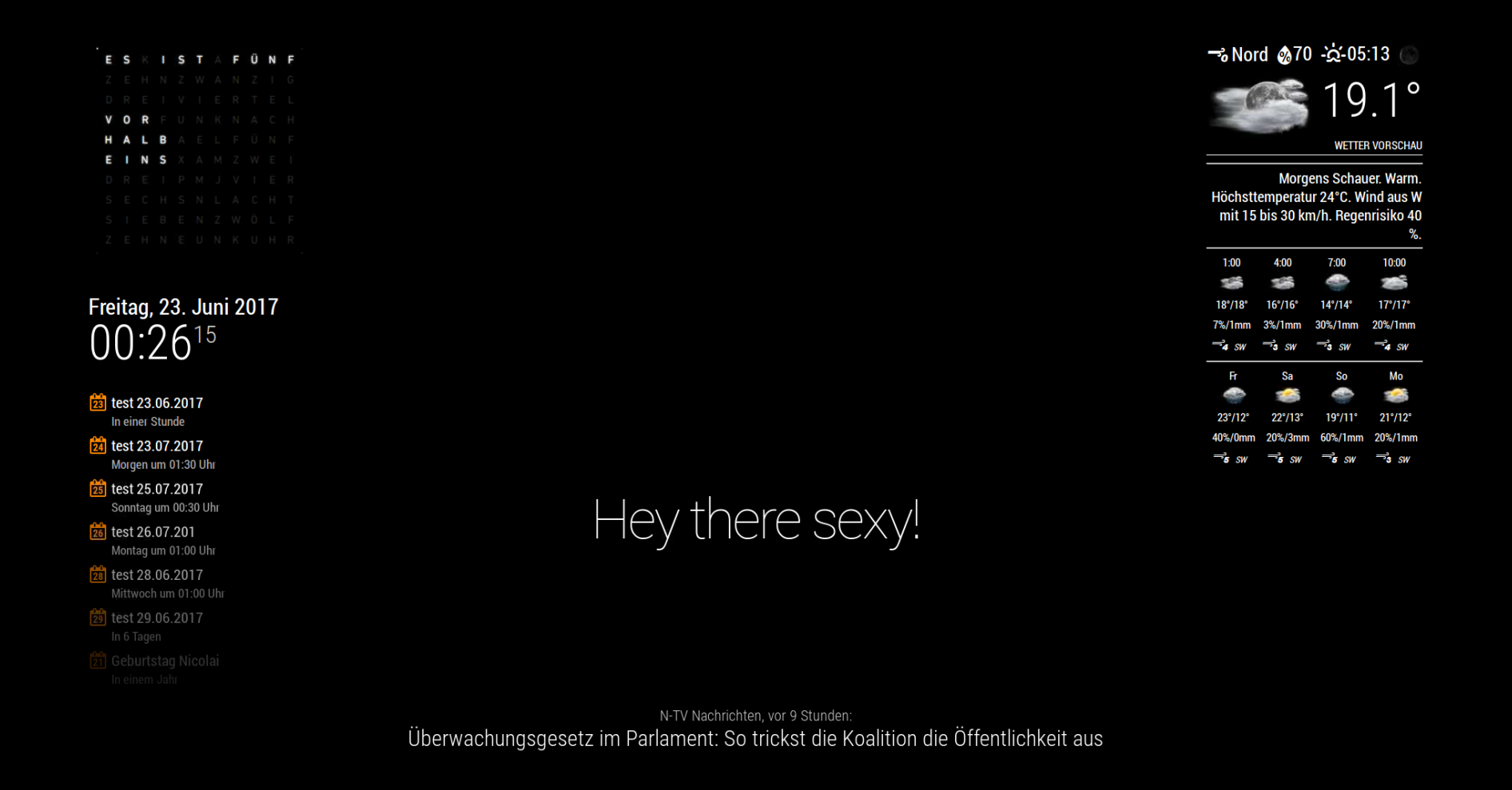
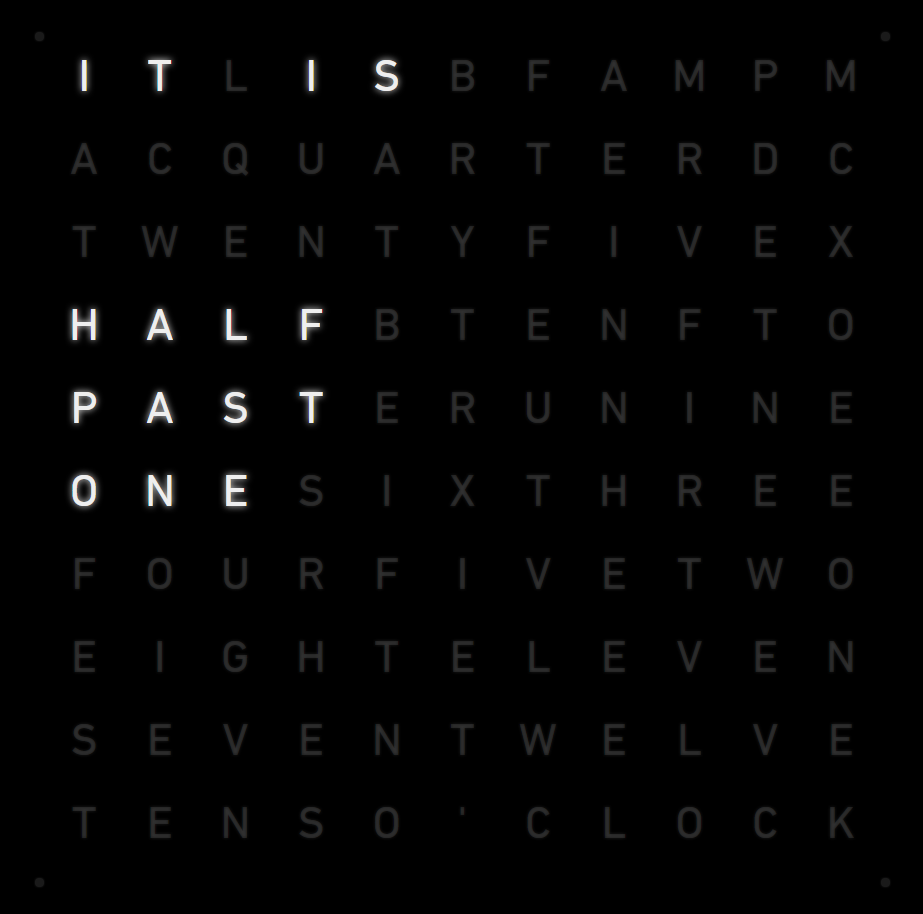
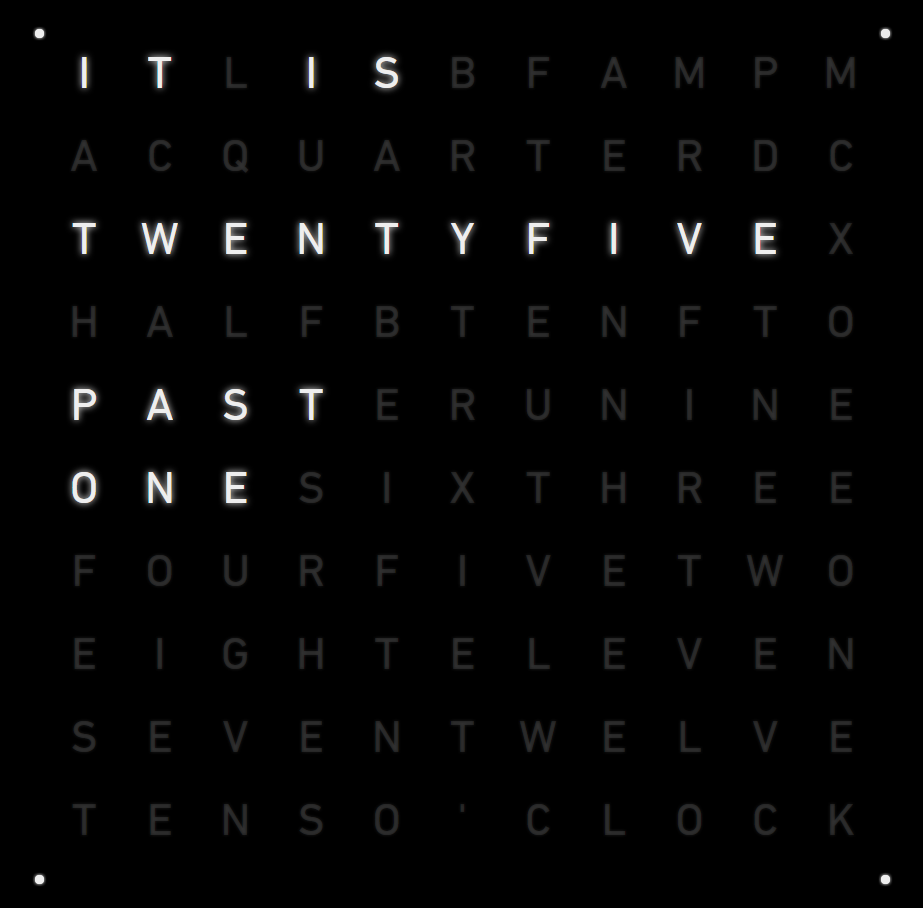

Download:
[card:Laubre/MMM-WordClock]
Version 1.0
- Initial release of the module with the clock
-
Hey, nice idea and good work!
-
Hey, that looks very nice.
I’m trying to insert it in my config with the spanish translation but I’m getting the german one. This is my config:
module: "MMM-WordClock",
position: "middle_center",
url:["http://laurenzbremicker.de/wordclock/index.html#l=es"]
The URL seems to be correct, since if I visit it I can see the image displayed in my computer. Do you know what the problem might be?

Hello! It looks like you're interested in this conversation, but you don't have an account yet.
Getting fed up of having to scroll through the same posts each visit? When you register for an account, you'll always come back to exactly where you were before, and choose to be notified of new replies (either via email, or push notification). You'll also be able to save bookmarks and upvote posts to show your appreciation to other community members.
With your input, this post could be even better 💗
Register Login